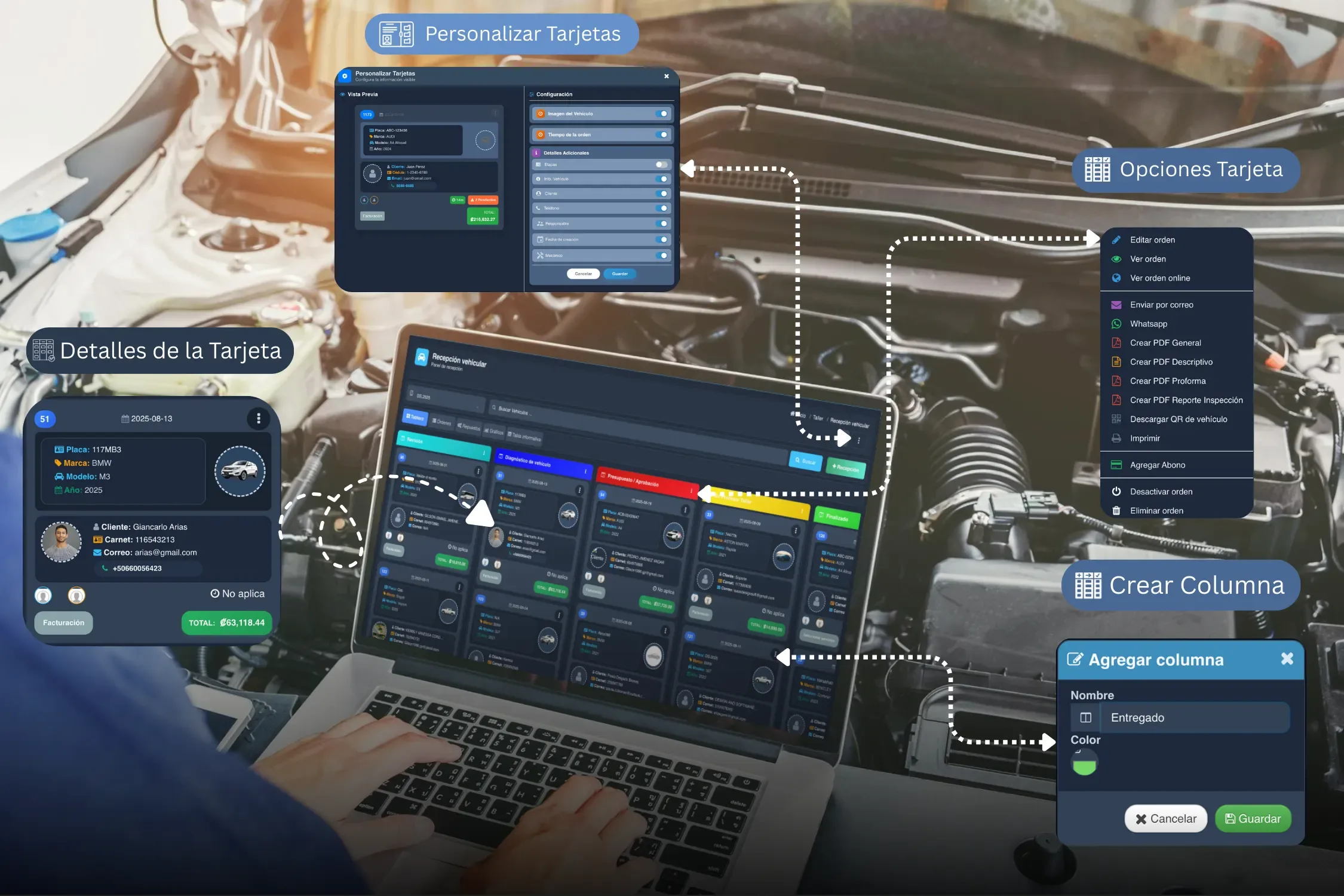
Short answer: a repair order is the record that follows a job from check-in through delivery. It should make clear which vehicle came in, what the customer reported, what the technician found, what was approved, which parts were used, and how the service was closed.
A well-built RO tells you what entered the shop, what was diagnosed, what the customer authorized, who performed the work, and how the vehicle went out. It is not just paperwork for billing — it is the thread connecting check-in, the technician, parts, customer communication and close-out.
This guide covers how to build a repair order step by step and how to move it into a digital workflow.
What a repair order is
It is the record of a repair from the moment the vehicle arrives until it is delivered. It brings together the technical, commercial and operational information the team needs to work clearly and the customer needs as a record of what was done.
A good RO heads off common problems: diagnoses jotted down somewhere else, parts that are not tied to a vehicle, price changes without authorization, photos lost in a text thread, or arguments about who approved a service.
What information a repair order should contain
Shops differ, but these fields are the backbone of a complete RO.
| Field | What it is for |
|---|---|
| Number and date | Identify the repair and pull up its history. |
| Customer and vehicle | Tie the work to the right person and the right unit. |
| Concern and diagnosis | Separate what the customer reported from what the technician found. |
| Services, labor and parts | Record what will be done, what was used, and what was approved. |
| Assigned technician and status | Know who needs to act and where the vehicle is in the process. |
| Evidence and authorizations | Back up the intake, the findings and any approved changes. |
| Delivery and close-out | Preserve what was done, what is pending, and the history for the next visit. |
1. RO number and date
Assign a unique number and record the check-in date and time. That makes it easy to search vehicle history, tie evidence to the job, and pull up previous repairs.
Example: RO-2026-00418 · August 4, 2026 · 9:35 AM
2. Customer and vehicle details
Include at minimum:
- customer name, phone and email;
- plate, VIN, make, model, year and color;
- odometer reading at check-in;
- fuel or charge level where it applies;
- accessories, documents or personal items left in the vehicle.
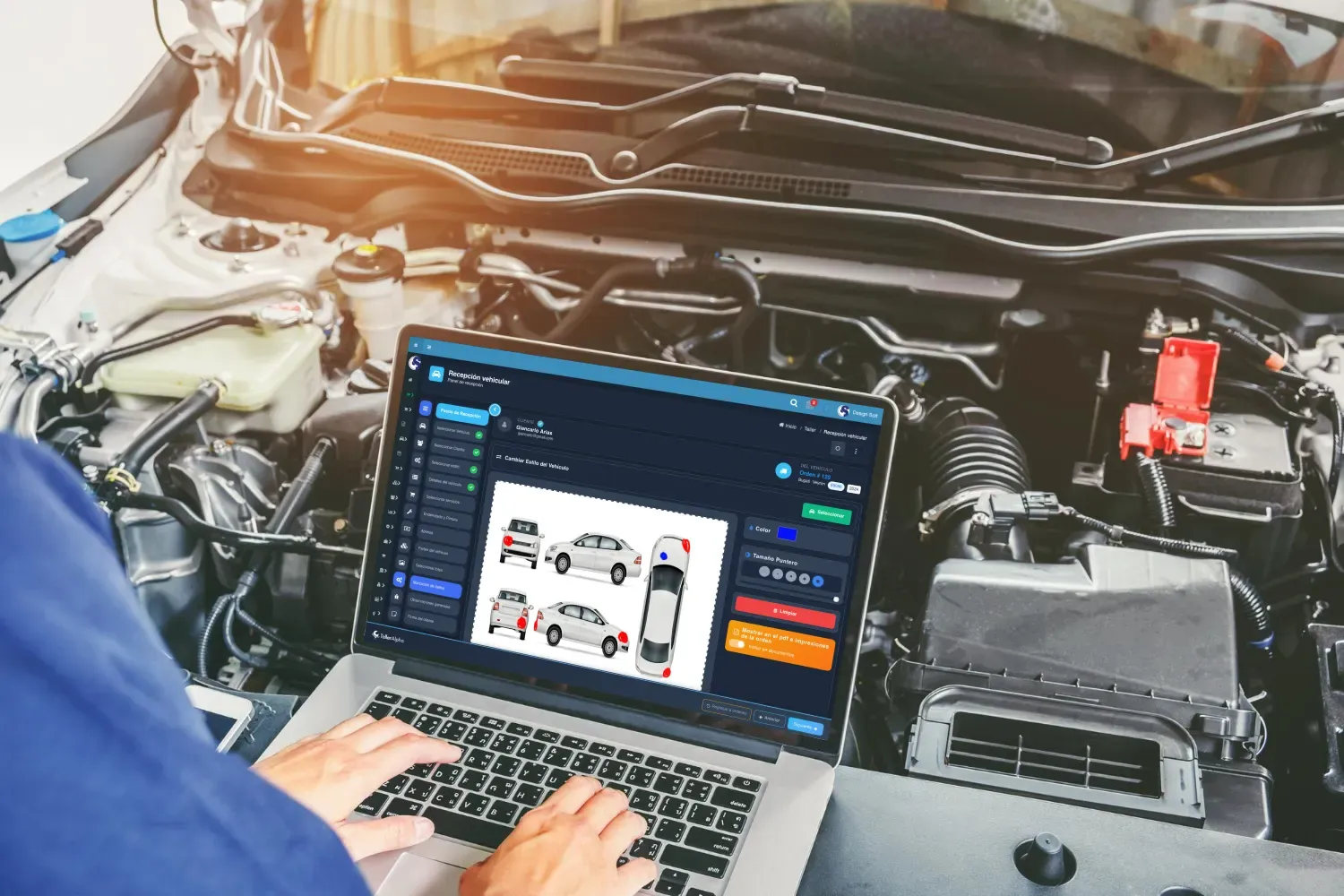
These details let anyone identify the unit without relying on a prior conversation. With a digital vehicle check-in, you can also document the arrival condition with a checklist and photos — the same inspection many US shops run as a DVI (digital vehicle inspection) and share with the customer.
3. Concern, diagnosis and notes
Keep what the customer reported separate from what the technician found:
- Customer concern: “engine loses power under acceleration.”
- Diagnosis: “intermittent fault on cylinder 2 ignition coil.”
- Notes: “check plug condition and connector; road test recommended.”
That separation improves communication and gives the estimate technical backing. Notes should be clear, time-stamped and tied to whoever recorded them.
Voice dictation and voice search
At check-in or during diagnosis, a technician can dictate notes instead of typing with dirty hands. Voice search also helps find information inside the workflow. It speeds up the record without losing the technical context of the RO.
AI to interpret the diagnosis and suggest service bundles
Once the technician has recorded a diagnosis, the Alpha AI Assistant can interpret the faults and notes to prepare recommendations. With that context, it proposes related services, parts and bundles so an estimate comes together faster and clearer.
The suggestion does not replace technical judgment: the technician reviews the proposal, adjusts what is needed, and decides what gets presented to the customer for approval.
4. Services, labor and parts
Every line should say what will be done, what it costs, and whether it was approved. Separate services, labor hours and parts:
| Type | Description | Qty | Status |
|---|---|---|---|
| Diagnostic | Scan and electrical test | 1 | Approved |
| Labor | Ignition coil replacement | 1.5 hours | Approved |
| Part | Cylinder 2 ignition coil | 1 | Awaiting delivery |
Linking these to inventory keeps a part from leaving the shelf without anyone knowing which RO it went to.
5. Assigned technician and promised time
Record who takes the job, who performs the diagnosis, and who executes each task. Also set a promised delivery time, making clear it can change if an additional finding needs approval.
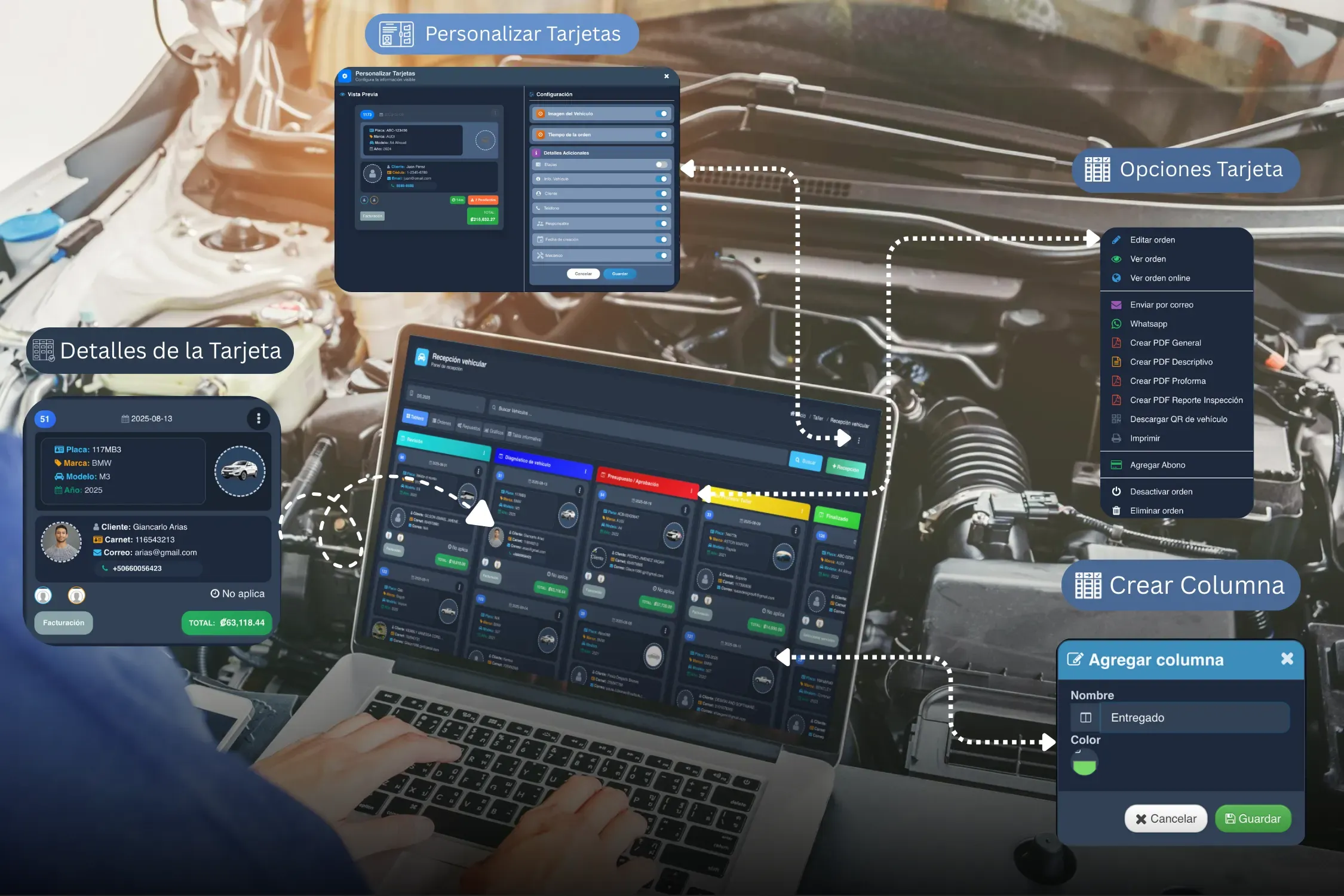
This lets you distribute workload and measure cycle time per repair. A workflow board makes it easy to see which ROs are in diagnosis, waiting on parts, in repair, in QC, or ready for delivery.
6. Photo evidence
Take photos at check-in and during the repair when they add context:
- pre-existing damage or scratches;
- odometer and fuel level;
- a leak, damaged component or visible fault code;
- the replaced component;
- the finished result.
Images do not replace the diagnosis, but they back it up. They should stay attached to the RO and to the moment in the process — not scattered across personal chats. This is also what protects you when a customer questions damage at pickup.
7. Customer authorization
Before starting additional work or using parts that raise the estimate, record the customer’s approval. It should capture what was authorized, the amount, the date, the channel, and who received it.
Authorization can be a signature at the counter, a digital acceptance, or a verifiable message. What matters is that it is easy to pull up alongside the estimate and the RO. In most US states, exceeding an authorized estimate without new approval is exactly the kind of thing that turns into a complaint — check the rules that apply where you operate.
8. Repair statuses
Define simple statuses everyone understands. For example:
- Received.
- In diagnosis.
- Awaiting approval.
- Waiting on parts.
- In repair.
- Quality control.
- Ready for delivery.
- Closed.
Do not use statuses as decoration. Every change should answer an operational question: what is missing, who needs to act, and whether the customer needs an update.
9. Delivery and close-out
At the end, record the services performed, parts installed, pending recommendations, delivery date and payment method. Attach the invoice or receipt where it applies.
Close-out should leave the history ready for the next visit: what was done, what is still pending, and what warranty or recommendation was communicated.
Common mistakes when writing a repair order
An RO loses its value when it is filled in only at the end, or when each area keeps its information separately. Avoid these:
- recording only the service and skipping the concern or the diagnosis;
- not tying parts and labor to the correct RO;
- leaving additional work without verifiable authorization;
- keeping important photos or notes outside the vehicle’s file;
- using vague statuses that do not say what is missing or who continues;
- closing the repair without recording recommendations or items for the next visit.
The goal is not to fill in more fields for their own sake. It is that any authorized person can understand what happened with the vehicle and what the next step is.
A complete repair order example
| Field | Example |
|---|---|
| Number | RO-2026-00418 |
| Customer | Laura Hernandez · (555) 888-1234 |
| Vehicle | 2018 Toyota Corolla · Plate ABC-1234 · 86,450 miles |
| Concern | Loss of power and check engine light on |
| Diagnosis | Intermittent fault on cylinder 2 ignition coil; plugs recommended due to wear |
| Approved services | Scan, coil replacement and four spark plugs |
| Parts | 1 coil and 4 spark plugs |
| Assigned technician | Carlos M. · Assigned tech |
| Evidence | Odometer photo, scanner reading and replaced components |
| Authorization | Customer approved via text on 8/4/2026 at 11:12 AM |
| Final status | Ready for delivery; road test completed |
| Recommendation | Inspect ignition wires at next service |
Share the repair order online
A digital RO also makes it easier to keep the customer informed. From Taller Alpha you can send it by text or email so they can check repair status, process photos, parts used and costs without a stream of phone calls to your service desk.
How to do it digitally with Taller Alpha
A digital repair order cuts duplicated work because it brings the whole flow into one place:
- customer and vehicle check-in;
- diagnosis, notes and photos;
- voice dictation and voice search during the record;
- AI recommendations and bundles based on the technician’s diagnosis;
- services, parts and labor;
- technician assignment;
- authorization and status changes;
- inventory control and billing;
- history available for the next visit.
Taller Alpha connects these steps so information does not have to be copied between a notepad, a spreadsheet, text messages and billing. The team can follow every vehicle and the customer gets clearer communication.
If your shop still runs paper or spreadsheet ROs and you want to plan the switch, read the guide on how to go paperless with repair orders. That guide covers the transition; this article stays focused on what an RO should contain and how to build one.
Before the RO exists, there is the estimate — see how to write a clear auto repair estimate and how authorization connects the two documents.
Frequently asked questions
What should a repair order include?
Customer and vehicle details, the customer concern, the diagnosis, services, parts, assigned technician, evidence, authorization, statuses and close-out of the repair.
Does a repair order need the customer’s signature?
You should have a verifiable acceptance before performing additional work or adding charges. That can be a signature, a digital approval, or a clear record of the channel and date of authorization.
What is the difference between a repair order and an invoice?
The RO documents the technical and operational process; the invoice supports the bill. An RO holds diagnosis, photos, authorizations and statuses that normally do not appear on an invoice.
Can a repair order be fully digital?
Yes. With Taller Alpha you can centralize vehicle data, photos, diagnosis, services, parts, assigned technicians, statuses and approvals inside a single repair order.