Reporting Software for Auto Repair Shops
Measure productivity, sales, repair orders and profitability with clear reports so decisions come faster.
Reporting Software Software
Use reporting software built for auto repair shops to measure productivity, understand real profitability and document every service properly.
- Team performance
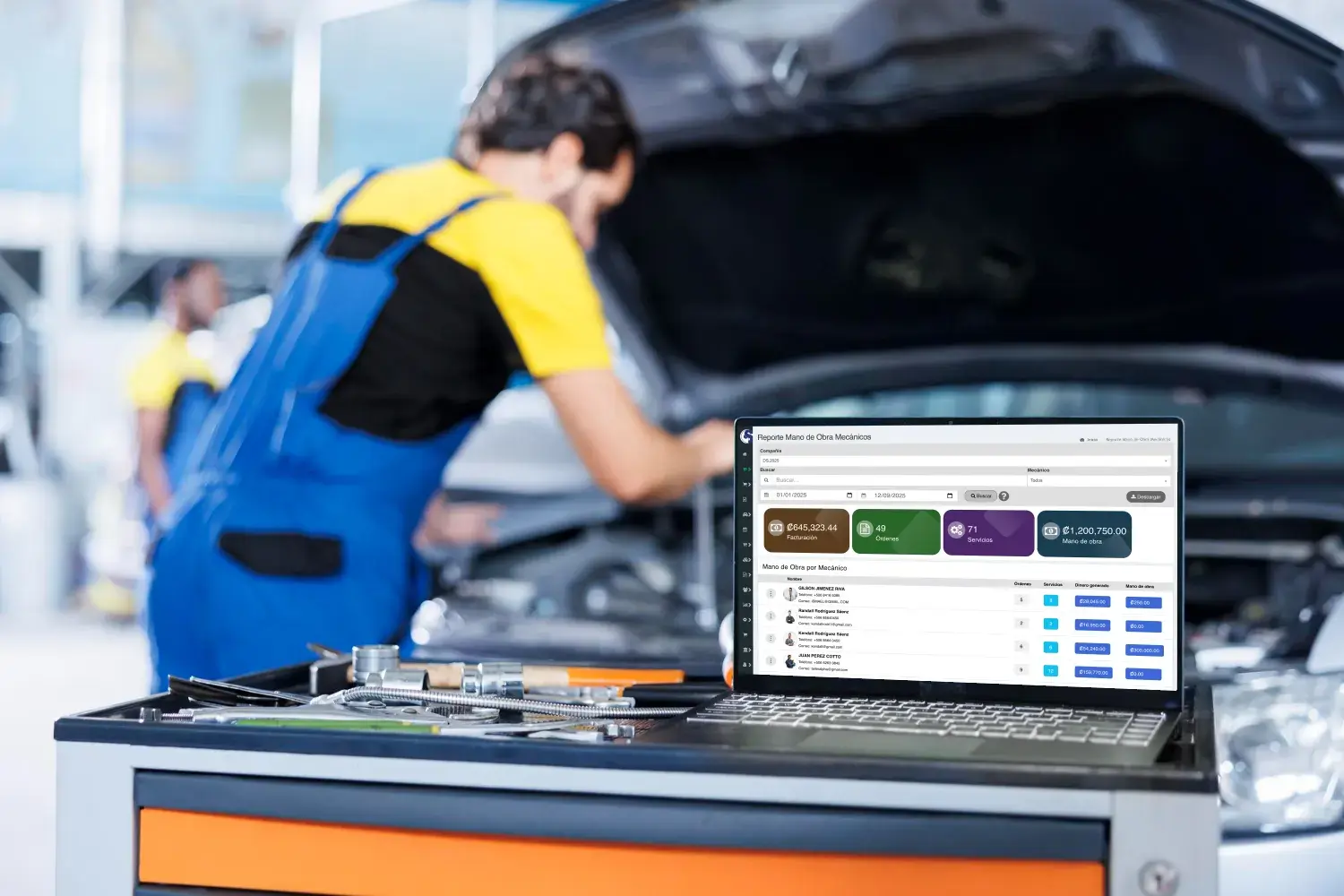
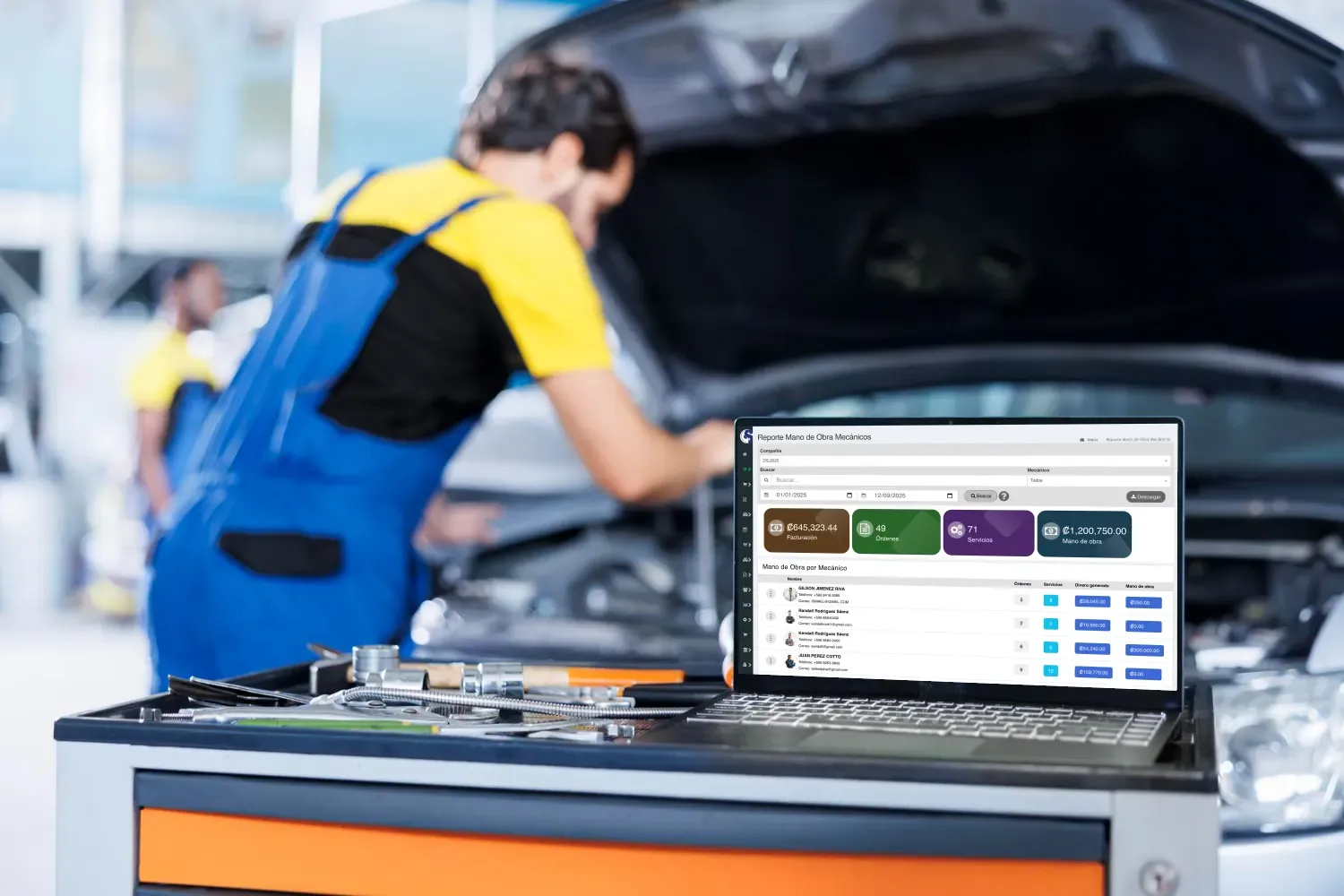
Reporting for auto repair shops
See which technicians actually carry the shop
Review productivity, car count and financial contribution by technician to see clearly where the shop performs and where it does not.
- Detailed analysis
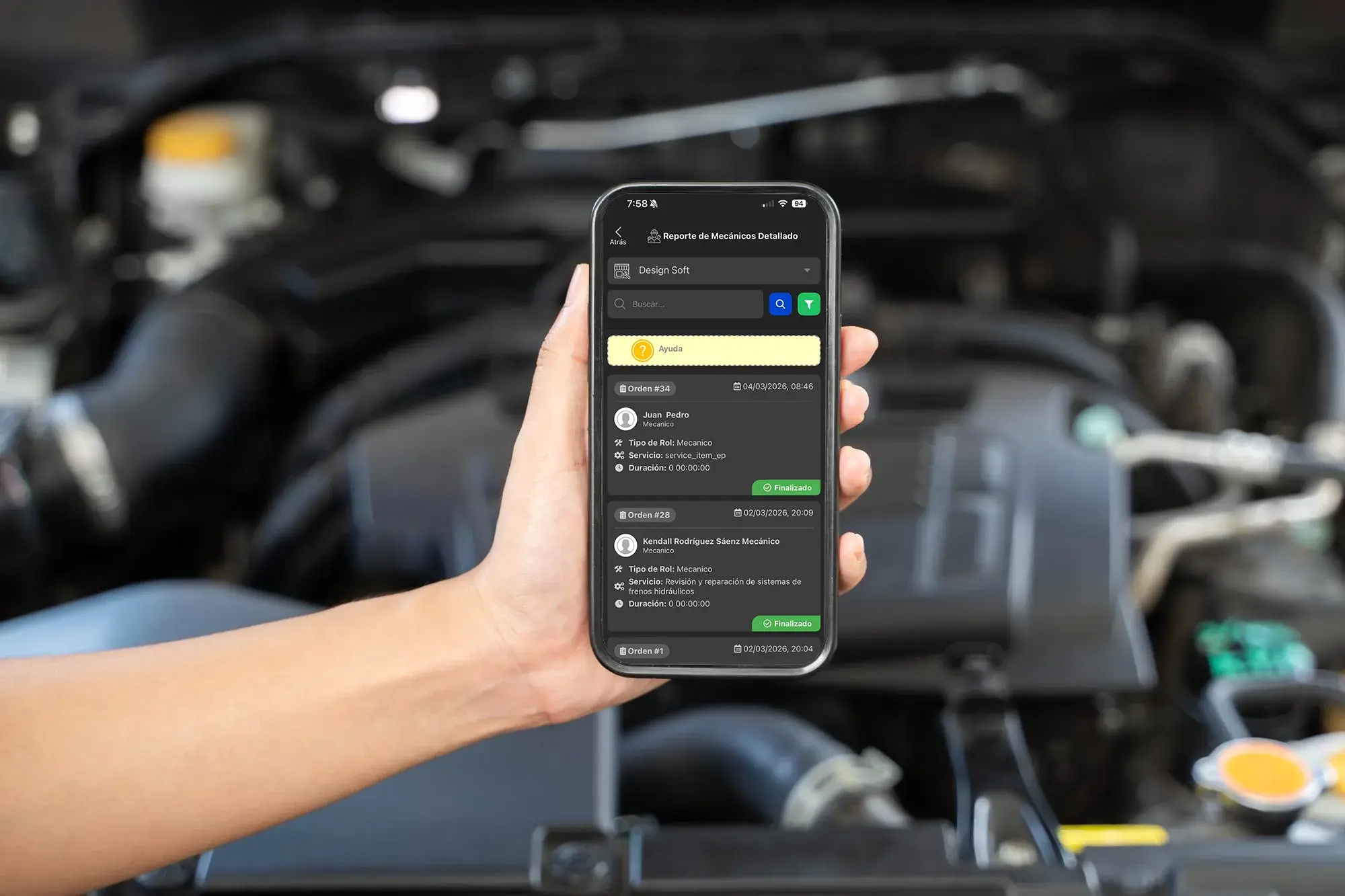
Productivity control
Analyze every repair order in more depth
Review time, tasks and who worked each repair order to make sharper calls on workload, efficiency and profit.
- PDF report
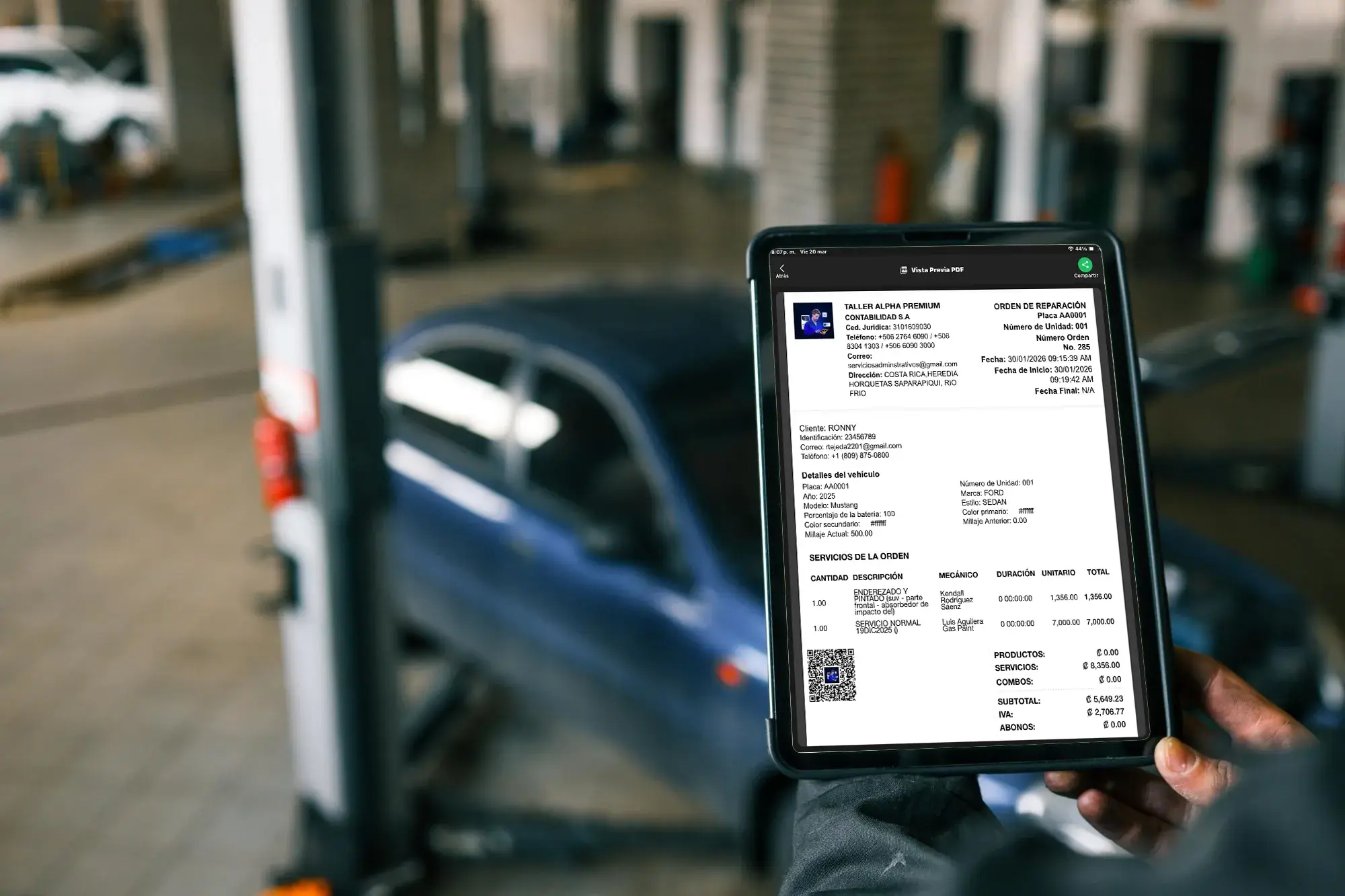
Backup for the customer
Hand over reports with real professional backup
Generate PDF reports with completed services and installed parts to back up the bill, document the work and build customer trust.
Automate Your Shop's Operational Workflow
Explore the Kanban board for auto repair shops- Structured diagnosis
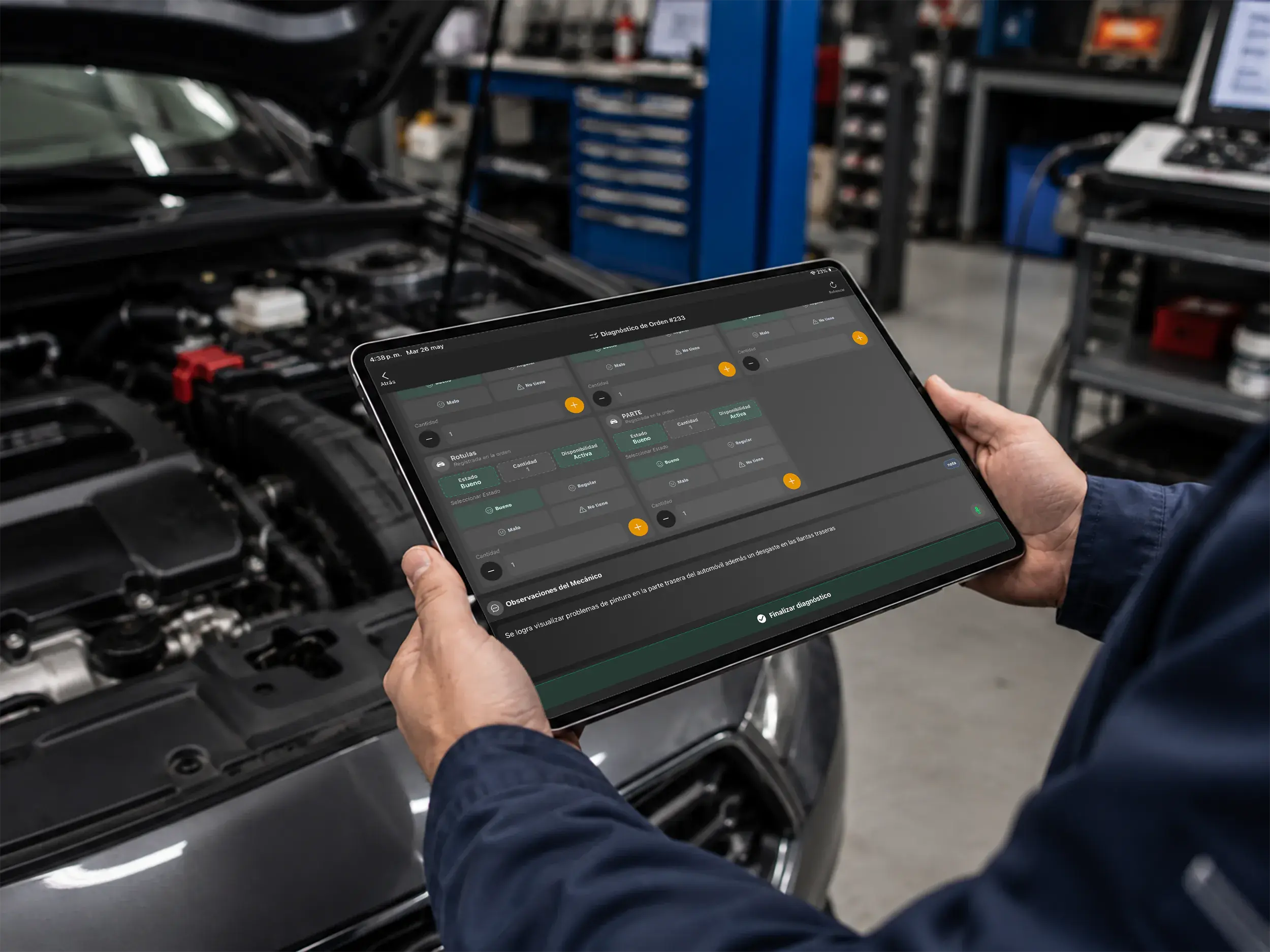
New capabilities
Create a professional repair order
Record reported issues in a structured format in seconds and improve technical communication between your team and the customer.
- Voice diagnosis
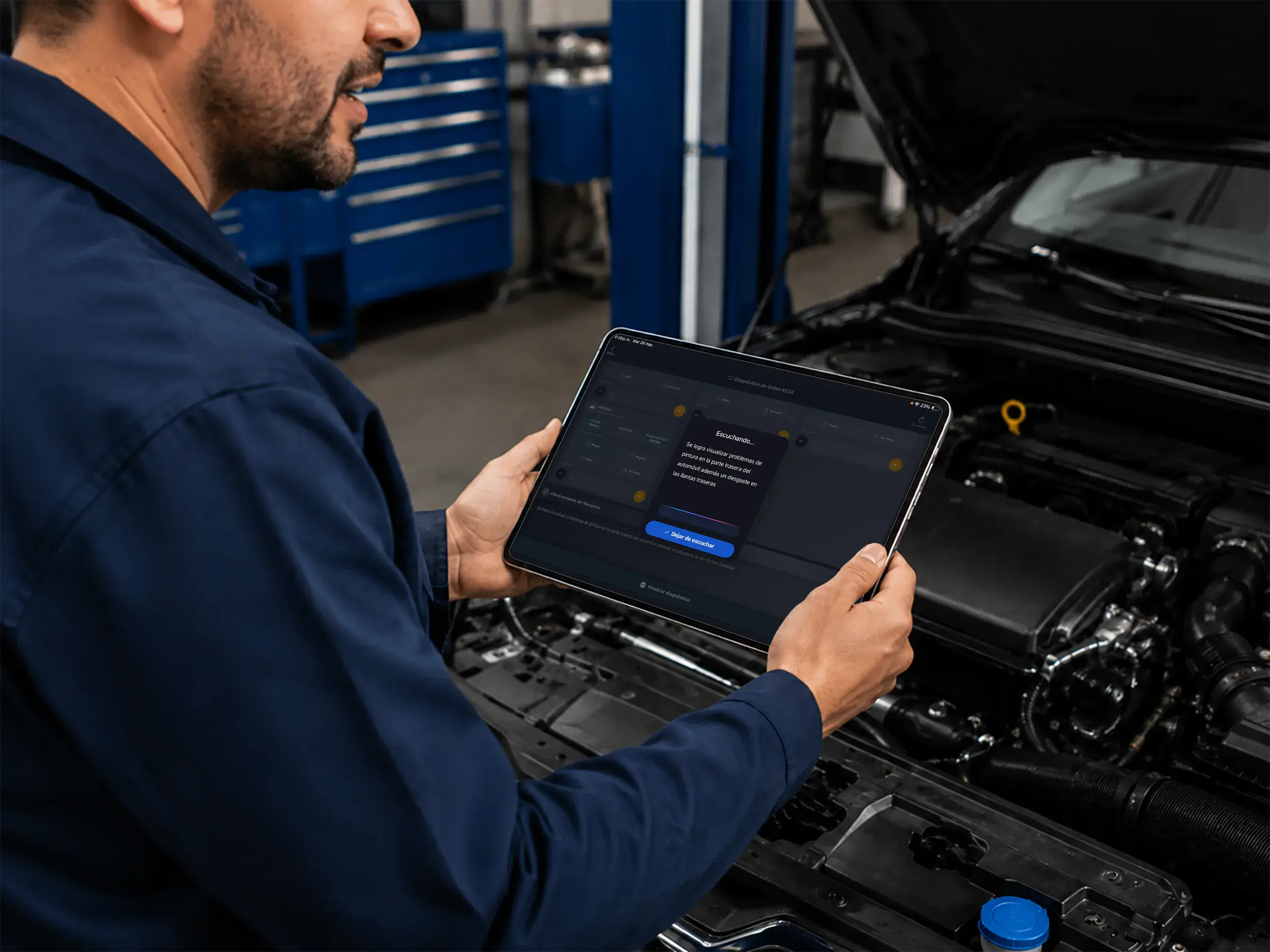
Shop efficiency
Speak your notes and the system writes them
Keep working without stopping to type. Speak naturally and the tool transcribes your technical diagnosis for you.
- Fast estimates
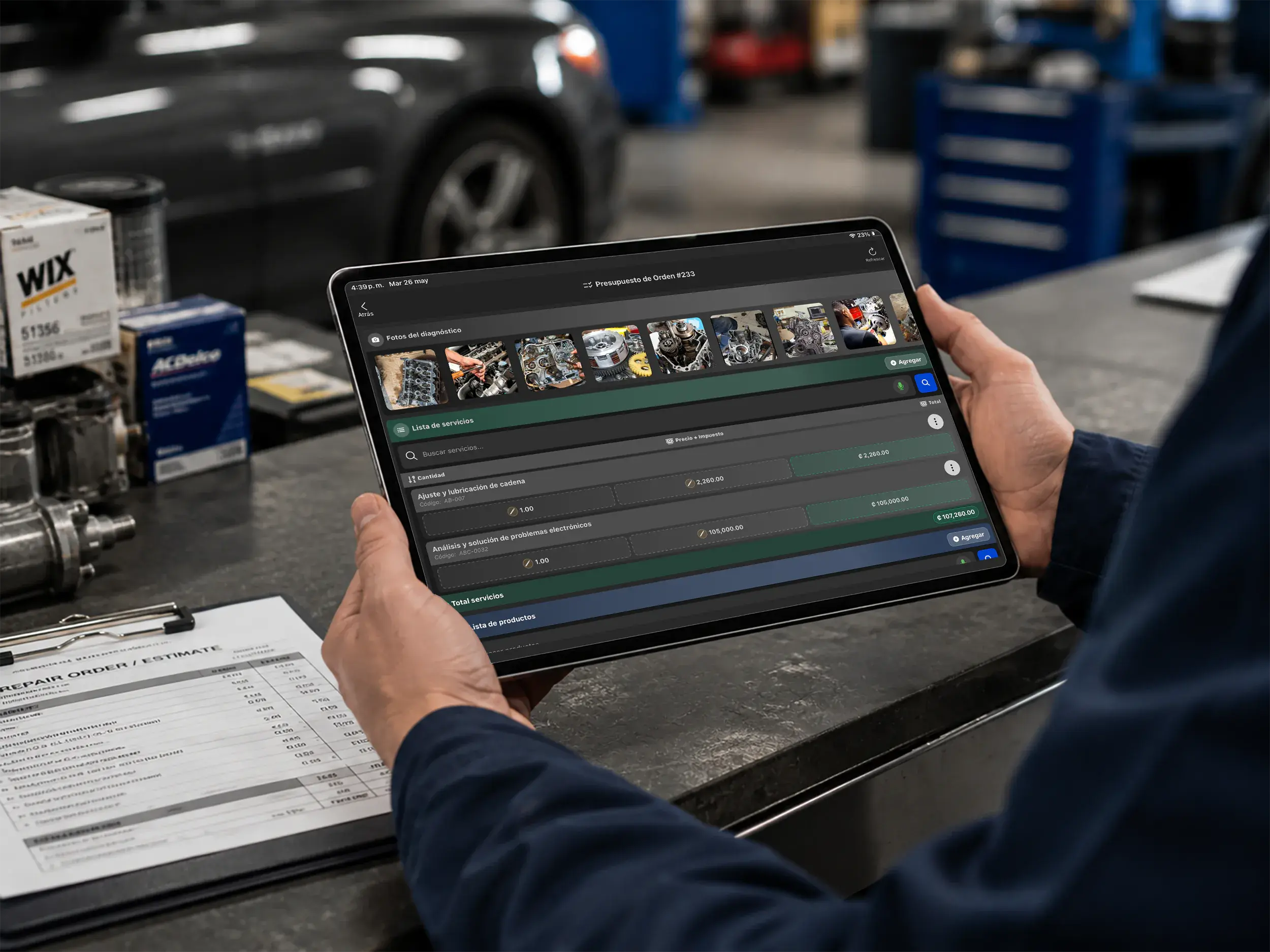
Smarter quoting
Build detailed estimates in less time
Turn the diagnosis into a clear estimate with parts and labor, ready for the customer's approval.
- Alpha AI Assistant
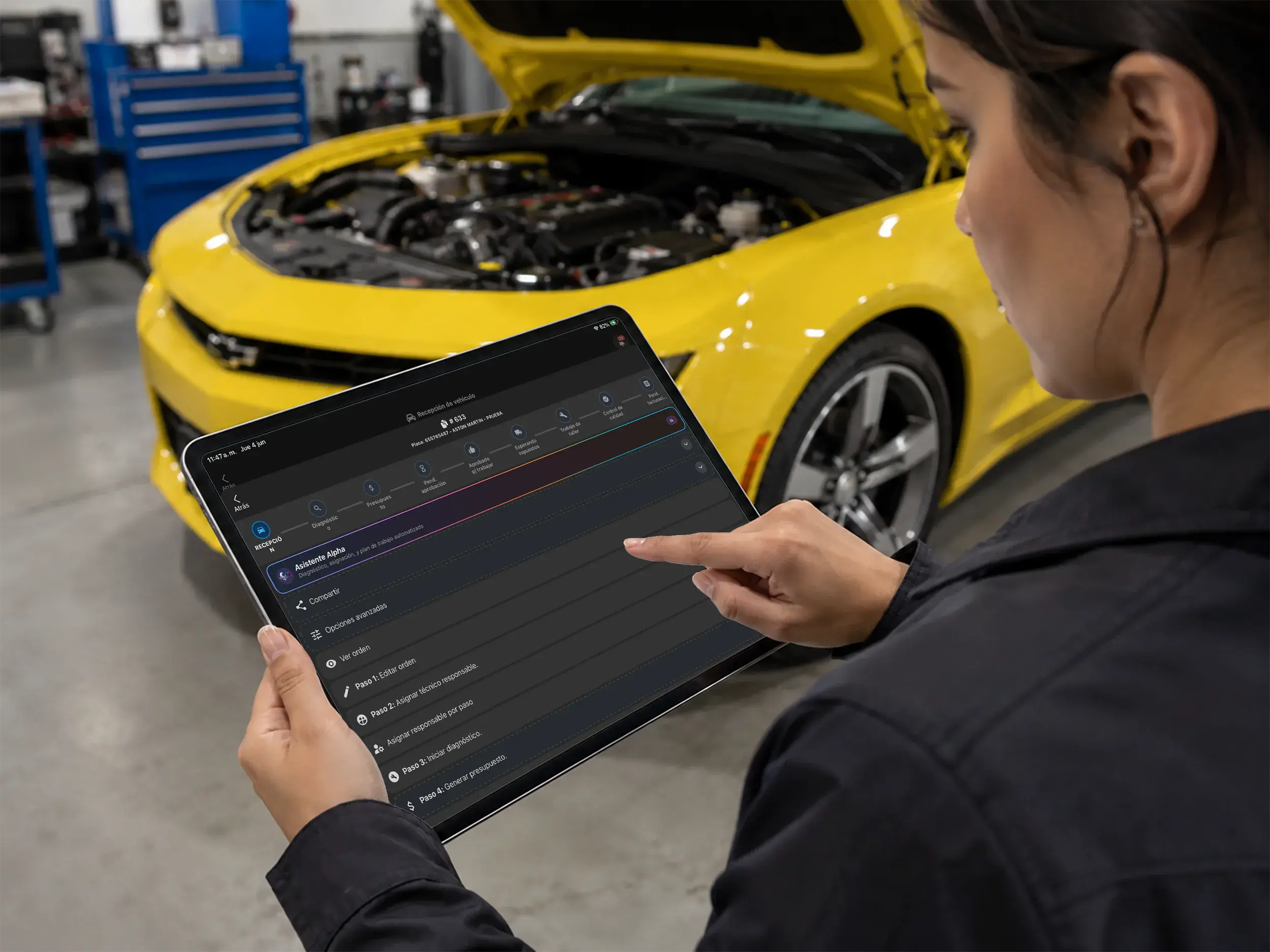
Assisted sales workflow
Meet the Alpha AI Assistant
Use AI to analyze the diagnosis, interpret the reported issues, and prepare relevant recommendations.
- Analysis in progress
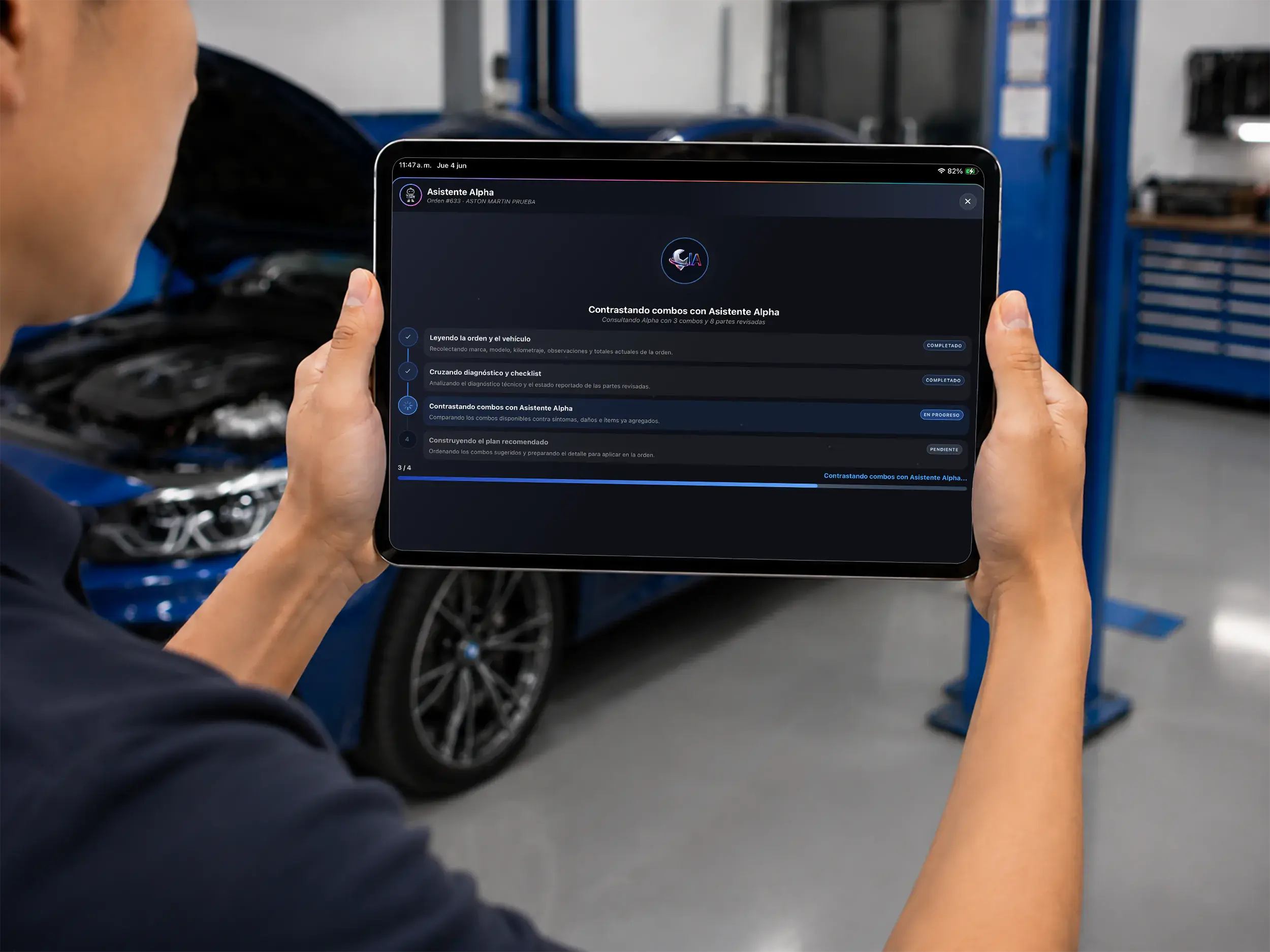
Artificial intelligence
Process information in real time
Alpha AI uses the technician's diagnosis and reviews available inventory to identify relevant solution combinations.
- Bundle suggestions
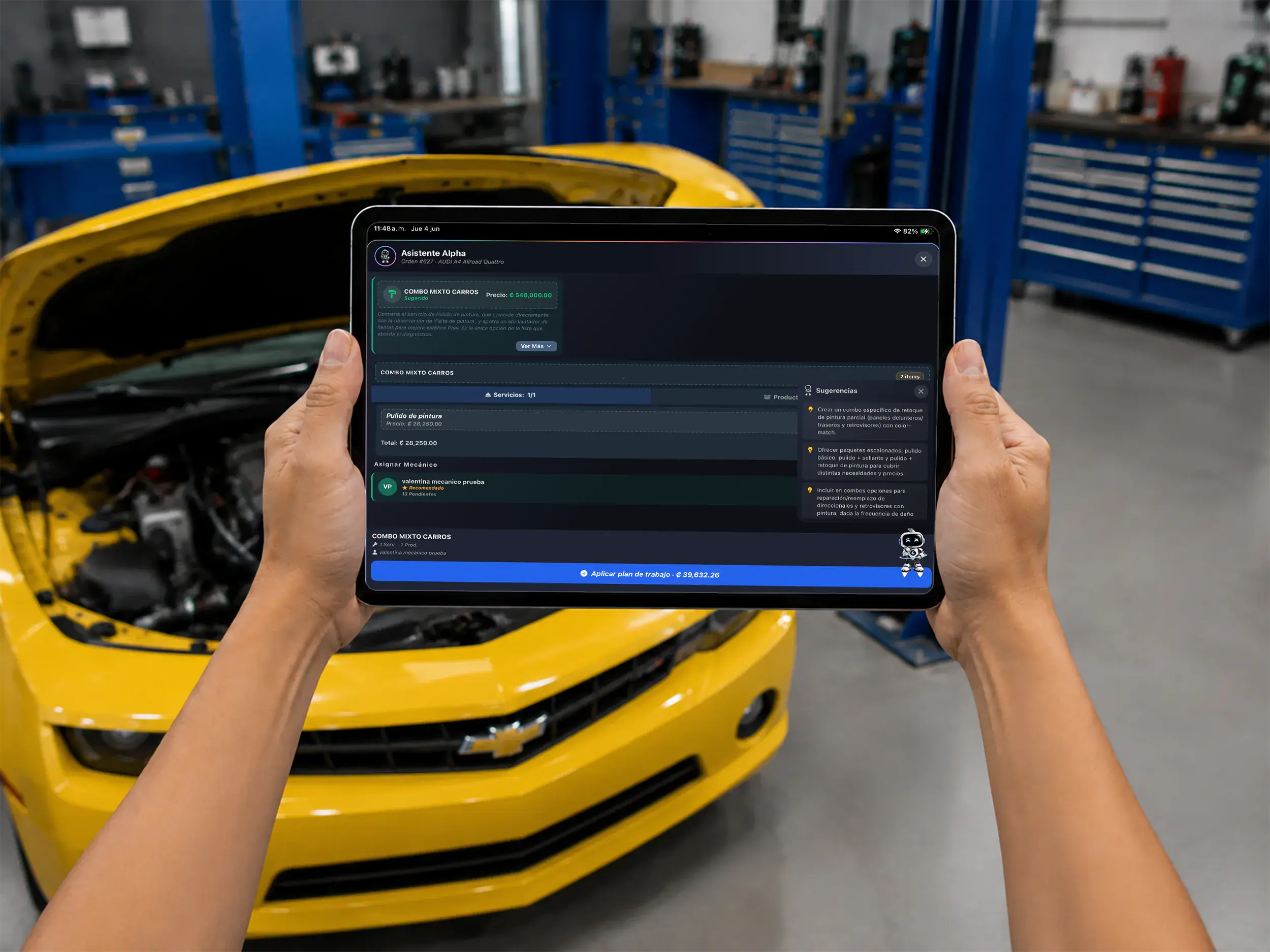
Smarter sales
Get relevant parts and service suggestions
Based on the diagnosis, AI presents a suggested combination of parts and labor that your team can review before quoting.
- Work completion
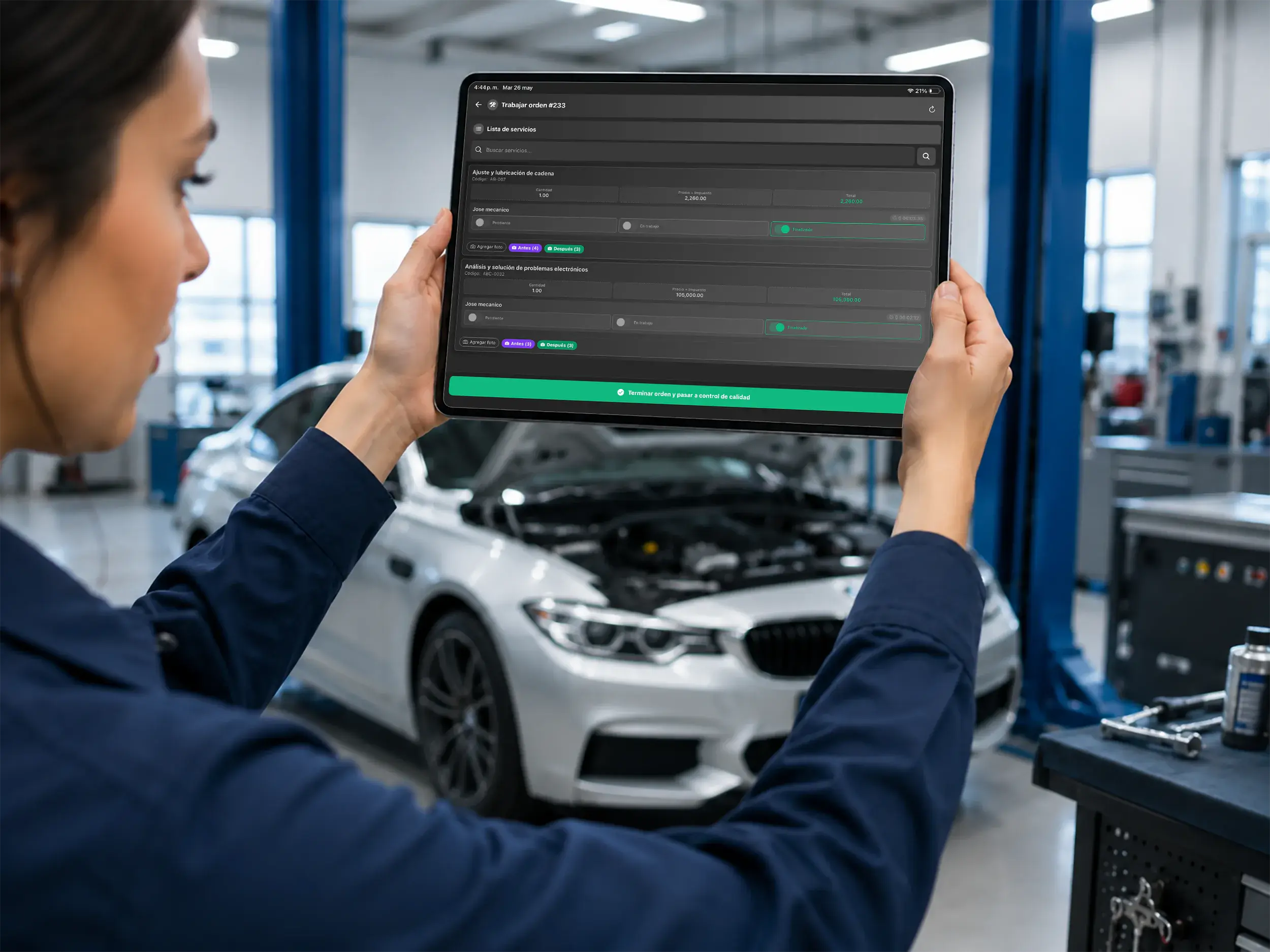
Ready for delivery
Complete the repair order and verify every detail
Confirm that the work is complete and properly documented before moving the vehicle to final testing.
- Quality control
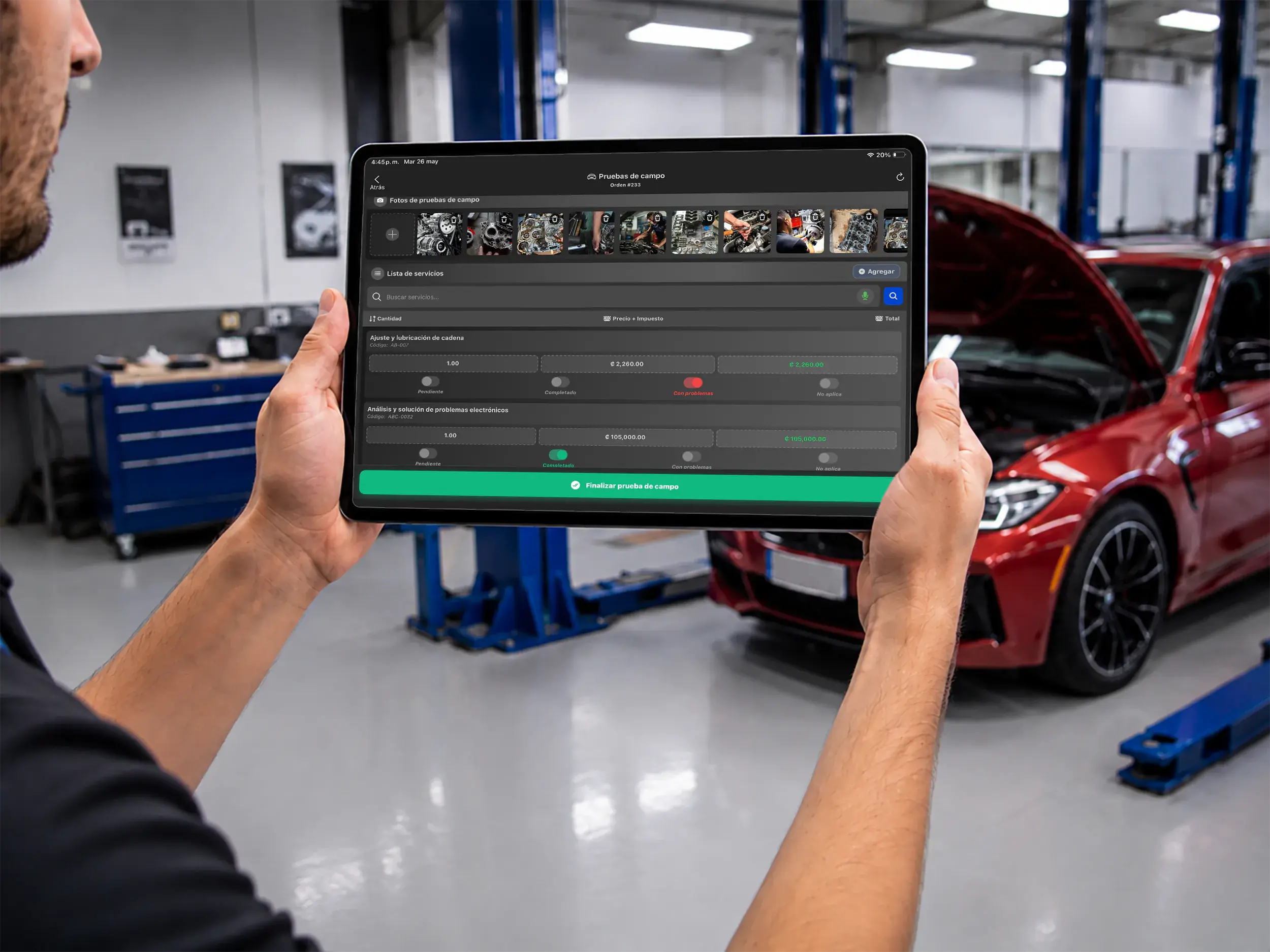
Final inspection
Run final tests and review the repair
Evaluate the completed work, approve the vehicle, or return it to the workflow when an item still needs attention.
- Advanced setup
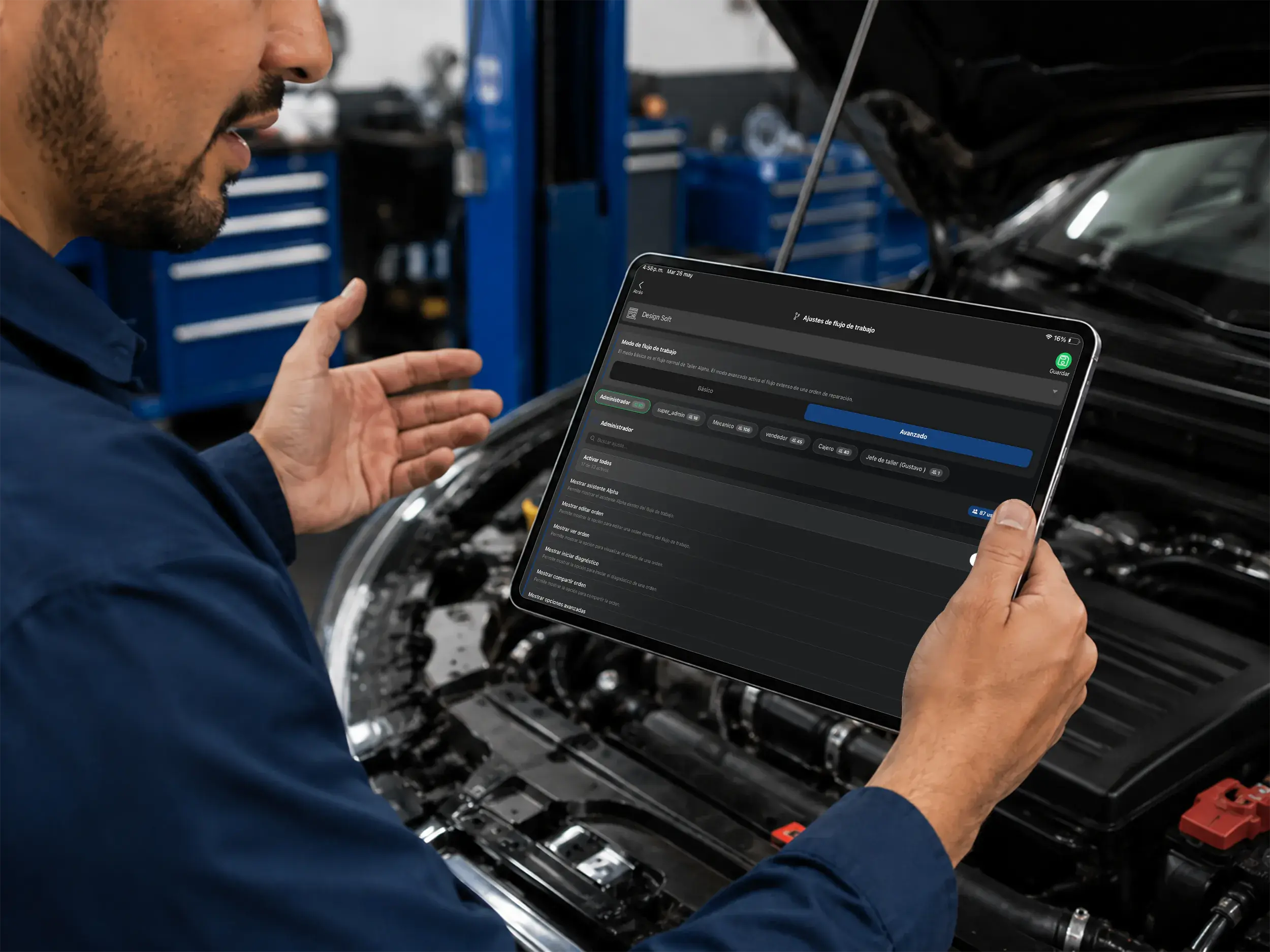
Full shop control
Choose the right workflow for your shop
Select a basic or advanced workflow and configure permissions so managers and technicians see only what they need.
- Assign owners
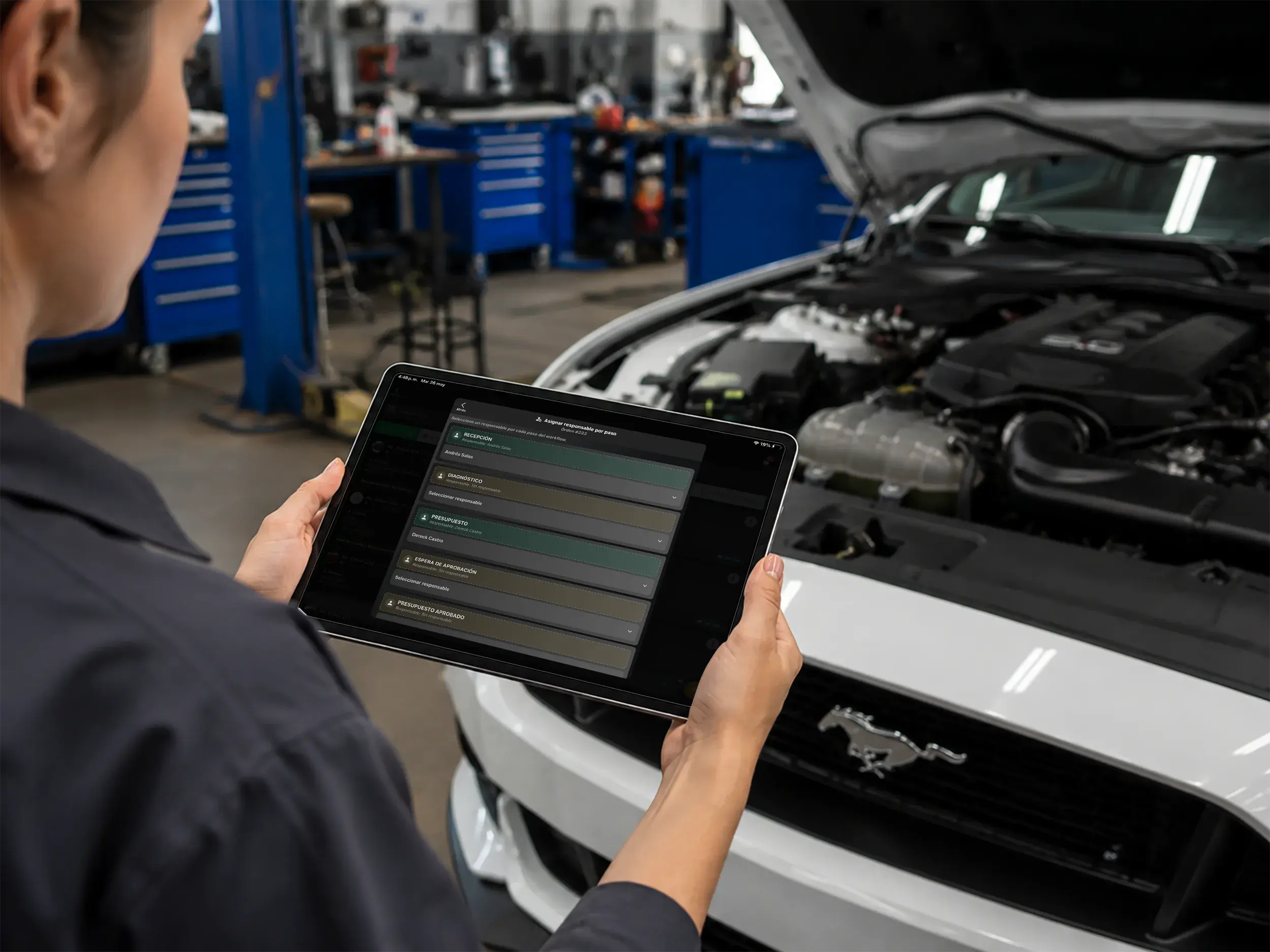
Task delegation
Assign an owner to every step
Make responsibilities clear by assigning each stage to the appropriate technician or team member.
- Stockroom request
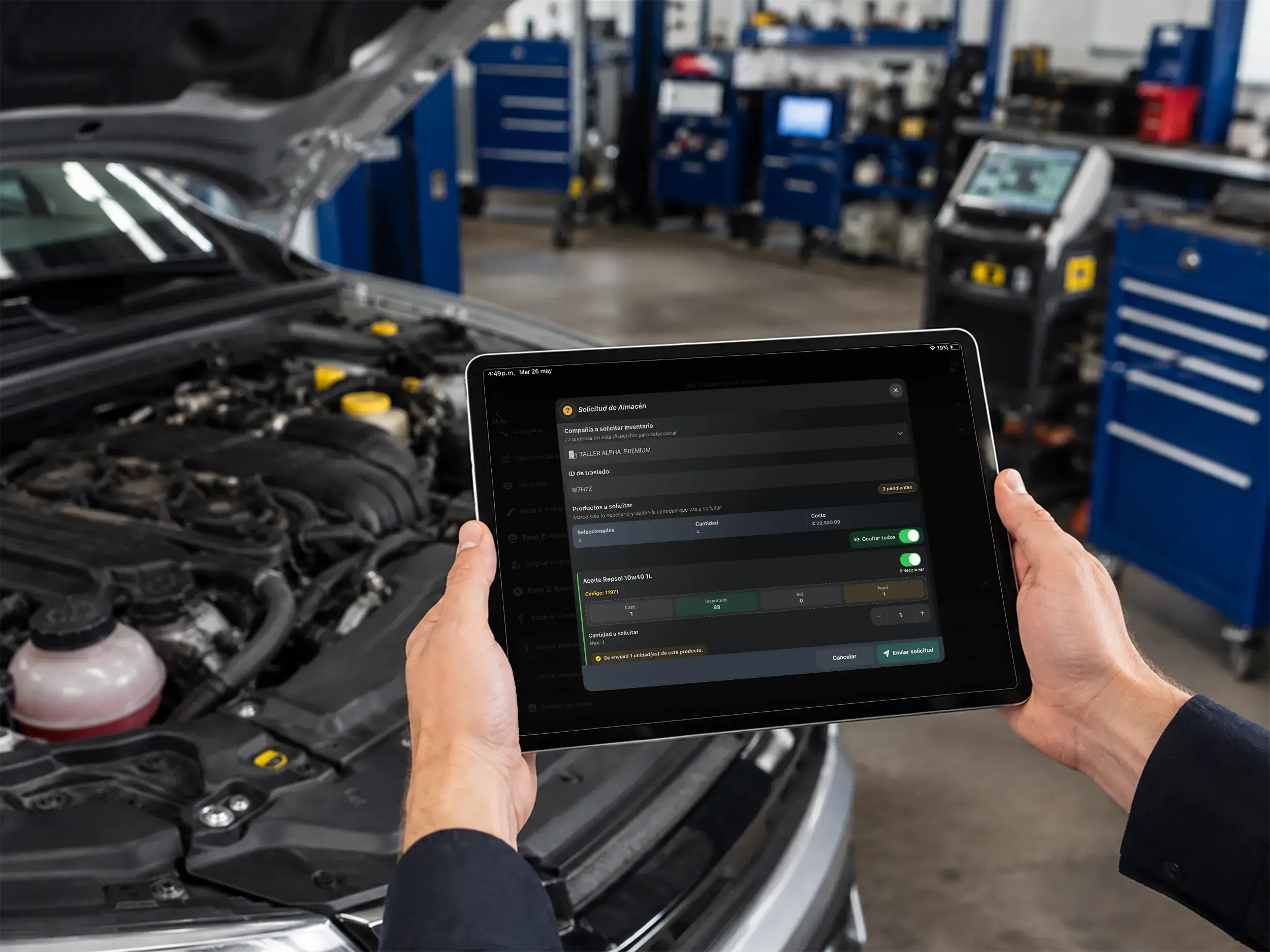
Inventory management
Request parts from the stockroom
Create internal parts requests directly from the repair order so the inventory team can prepare them.
- Purchase orders
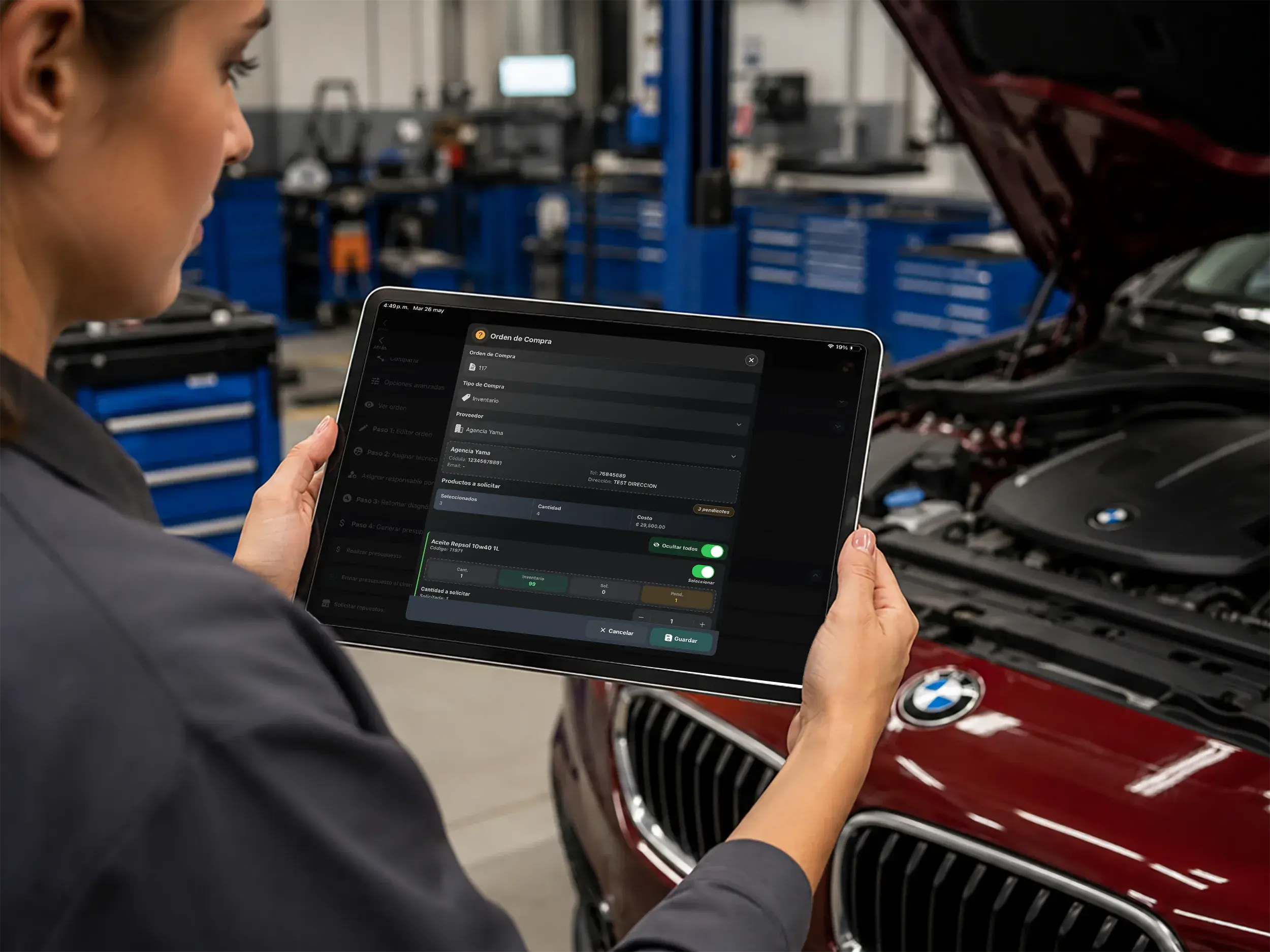
Procurement
Create accurate purchase orders
When stock is unavailable, create supplier purchase orders with quantities and costs without leaving the repair workflow.
- Custom notifications
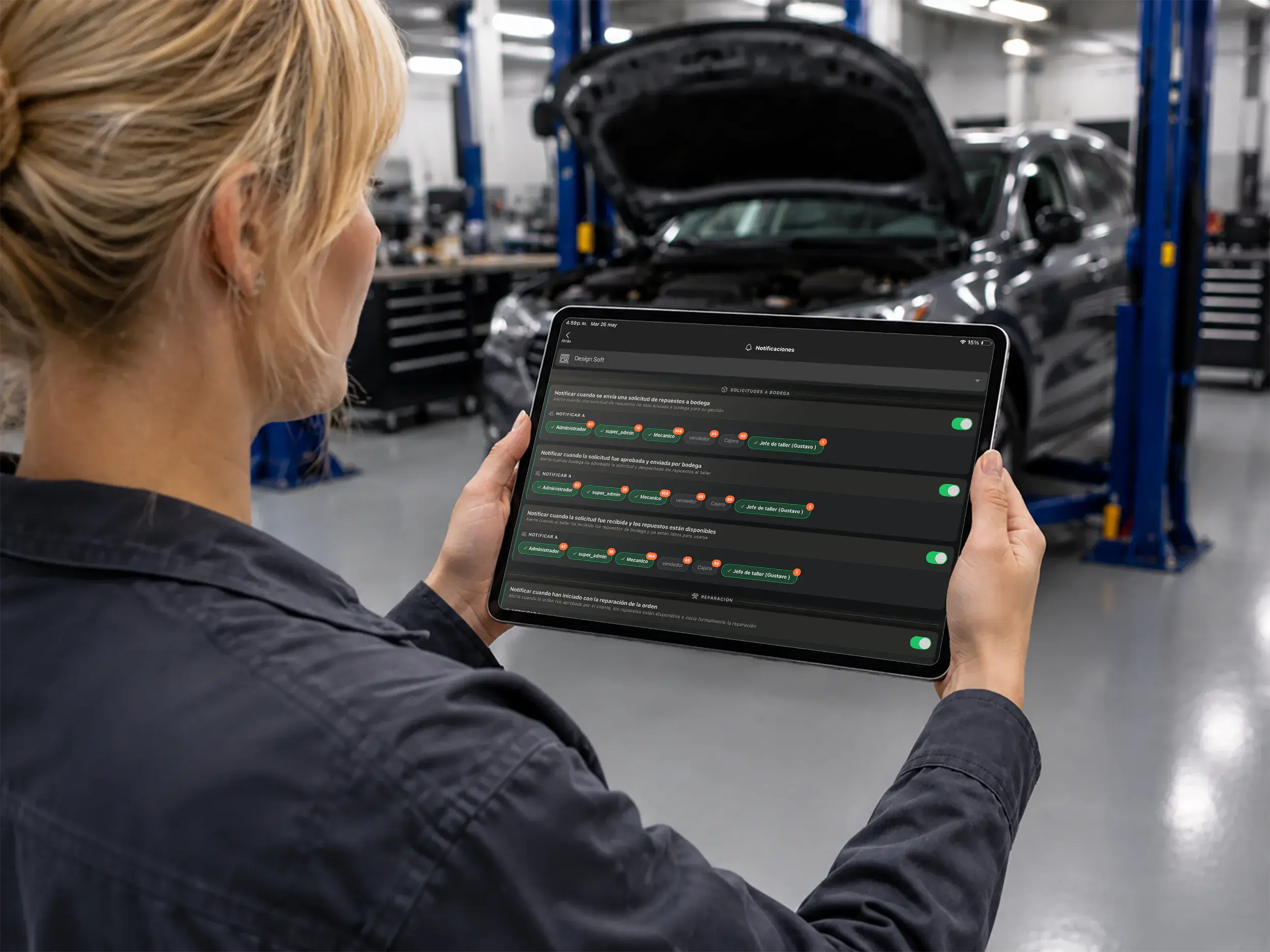
Notification center
Configure relevant alerts
Choose which alerts are active and who receives them so each team member gets the information that matters.
- In-app alerts
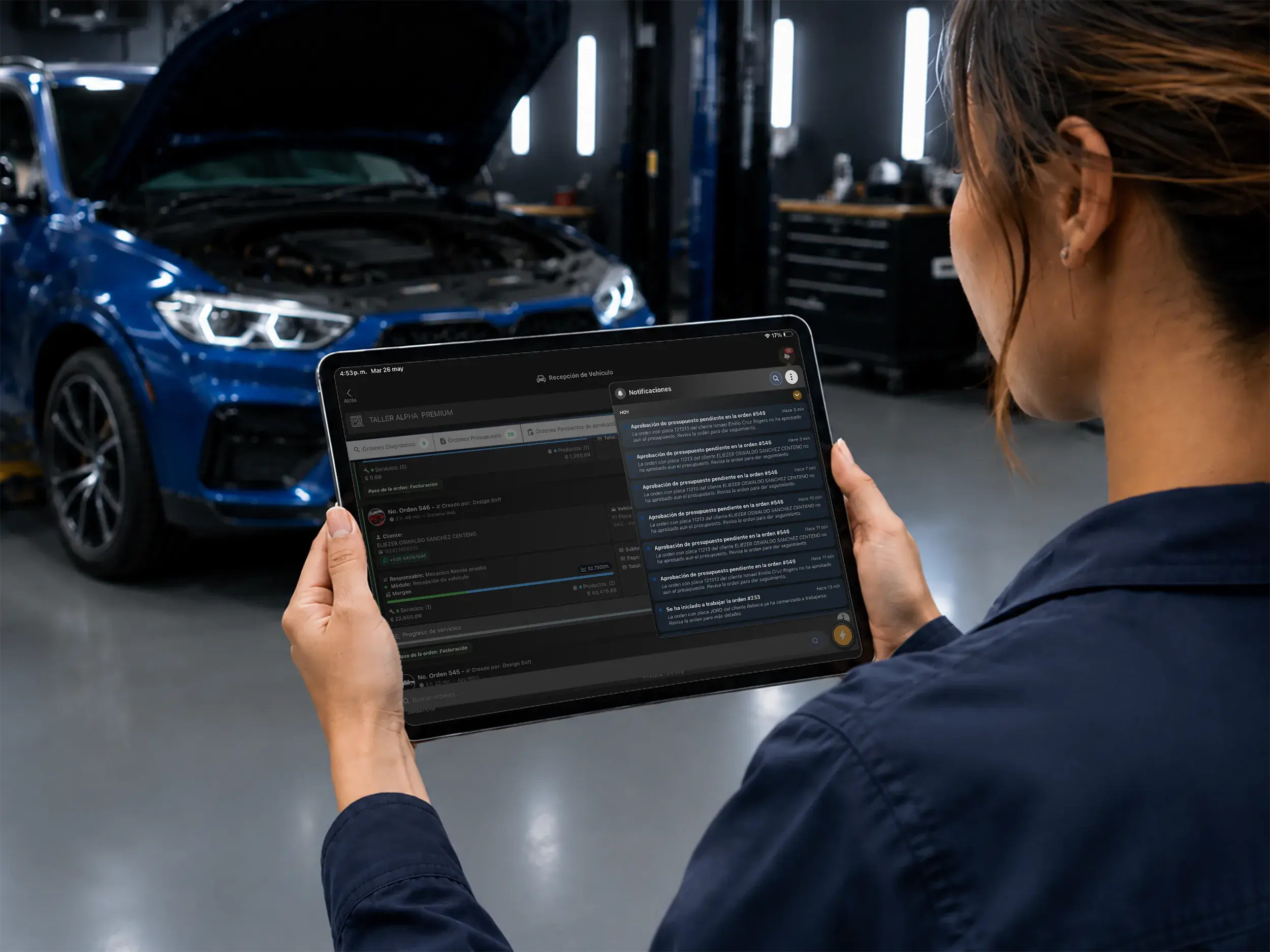
Clear communication
Receive updates in real time
Keep your team and customers informed with repair status updates delivered through the Taller Alpha app.
Customize Your Repair Workflow
- Step 1: Open settings
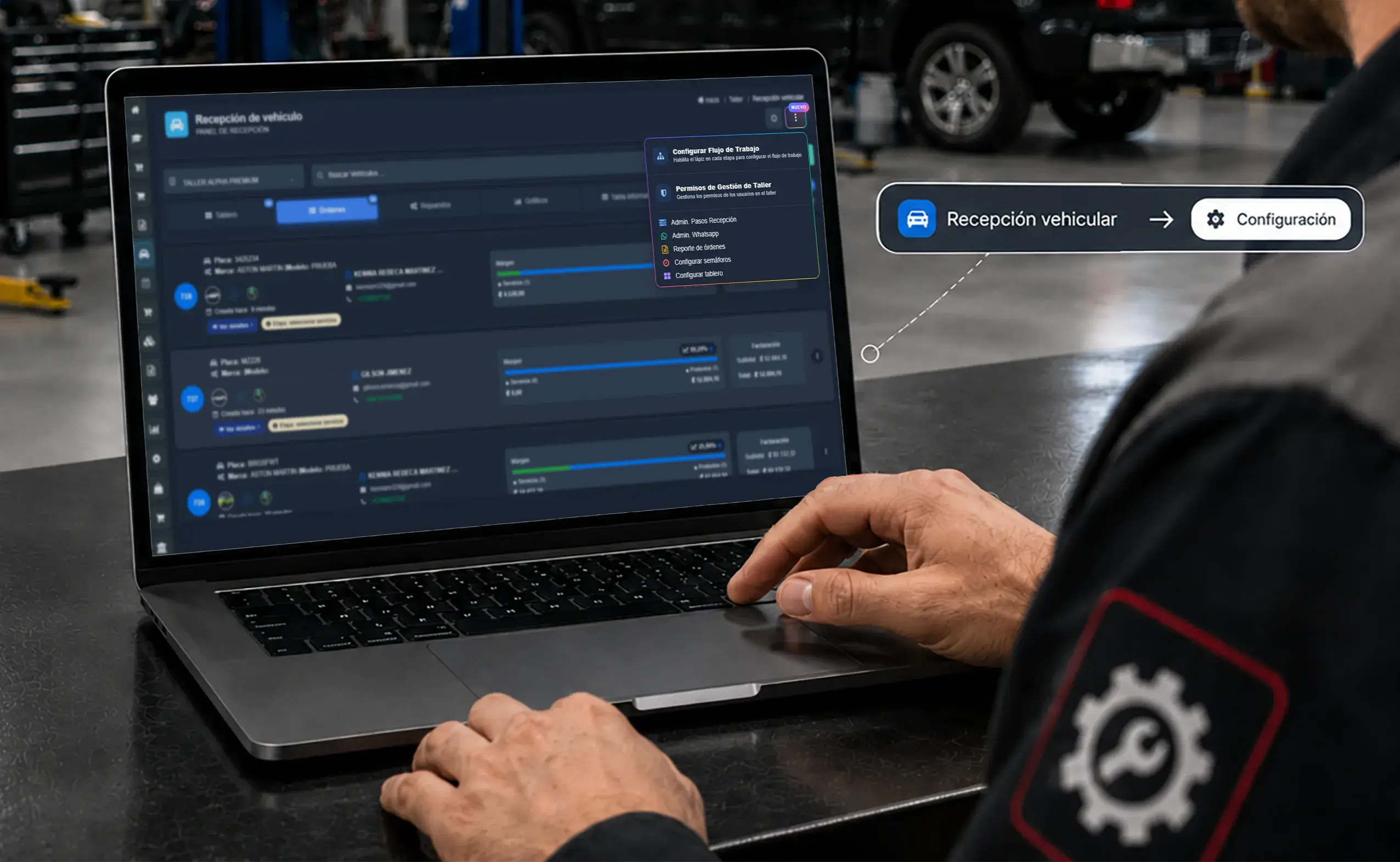
System settings
Explore your configuration options
Open workflow settings to enable editing by stage, or manage shop permissions to define access and roles.
- Step 2: Advanced mode
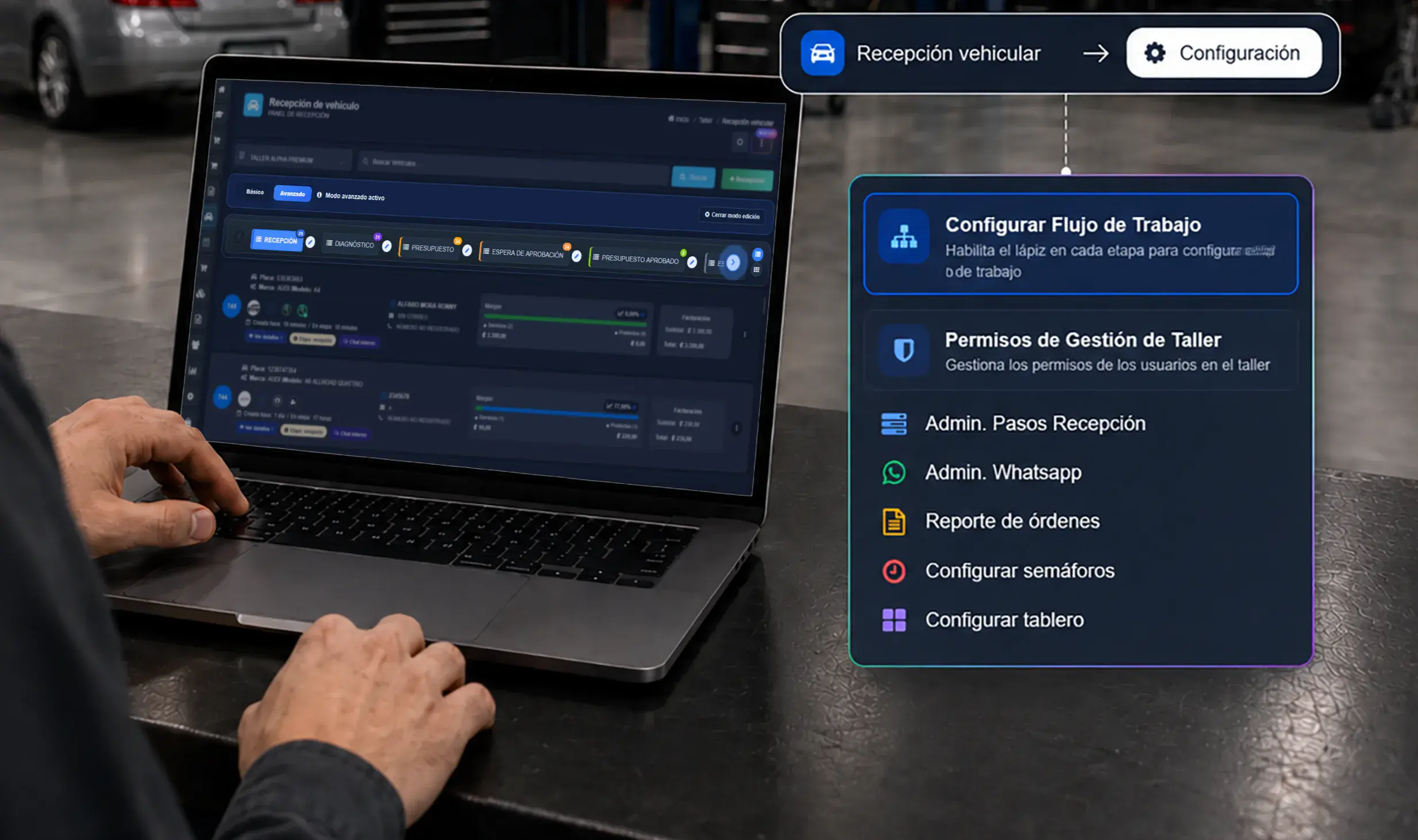
Repair workflow
Customize every stage
Edit each step on the board and adapt check-in, diagnosis, estimates, and approvals to the way your shop actually works.
- Step 3: Role permissions
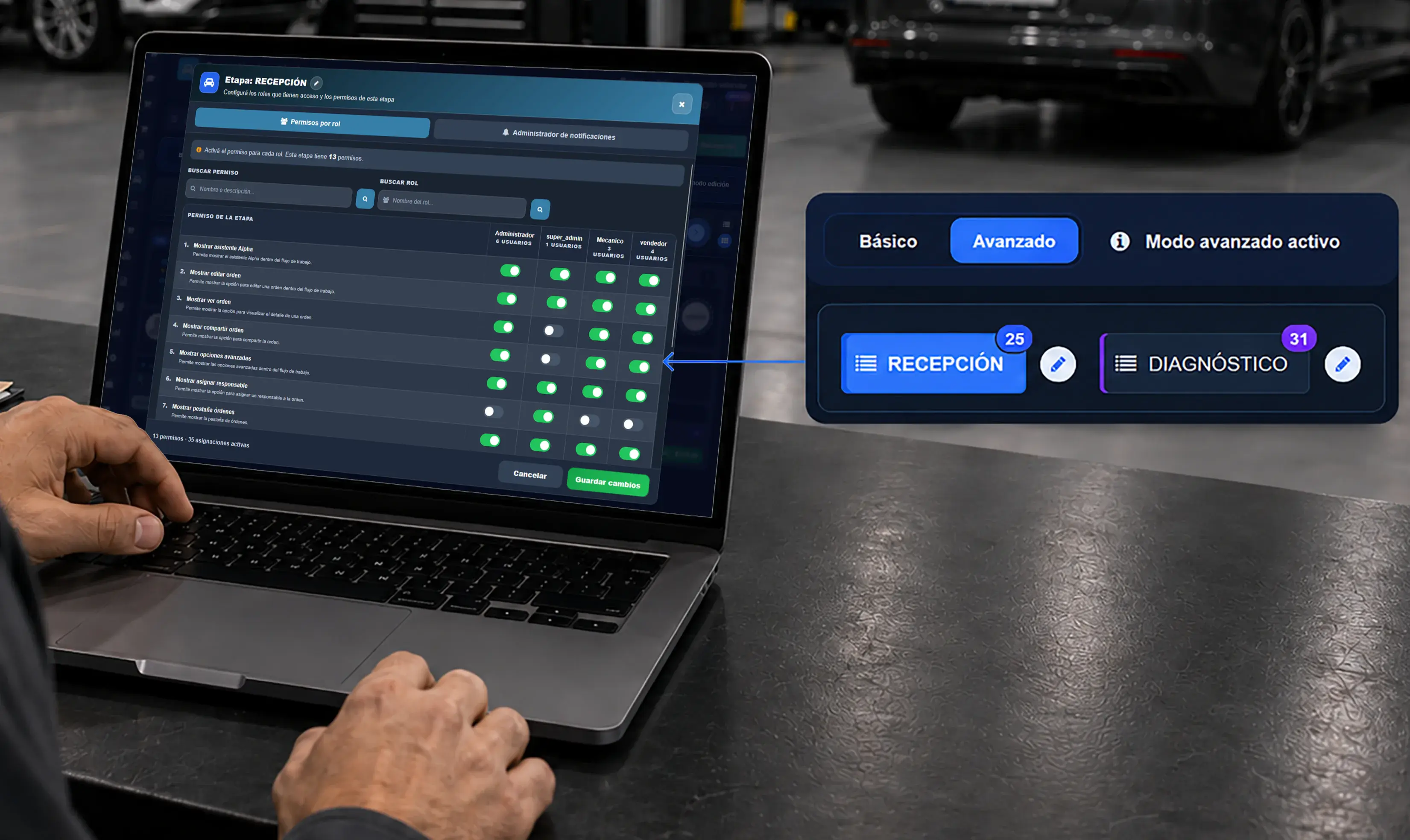
Access control
Set permissions by stage
Choose exactly who can act at each stage and assign the right permissions to managers, technicians, and service advisors.
- Step 4: Automated alerts
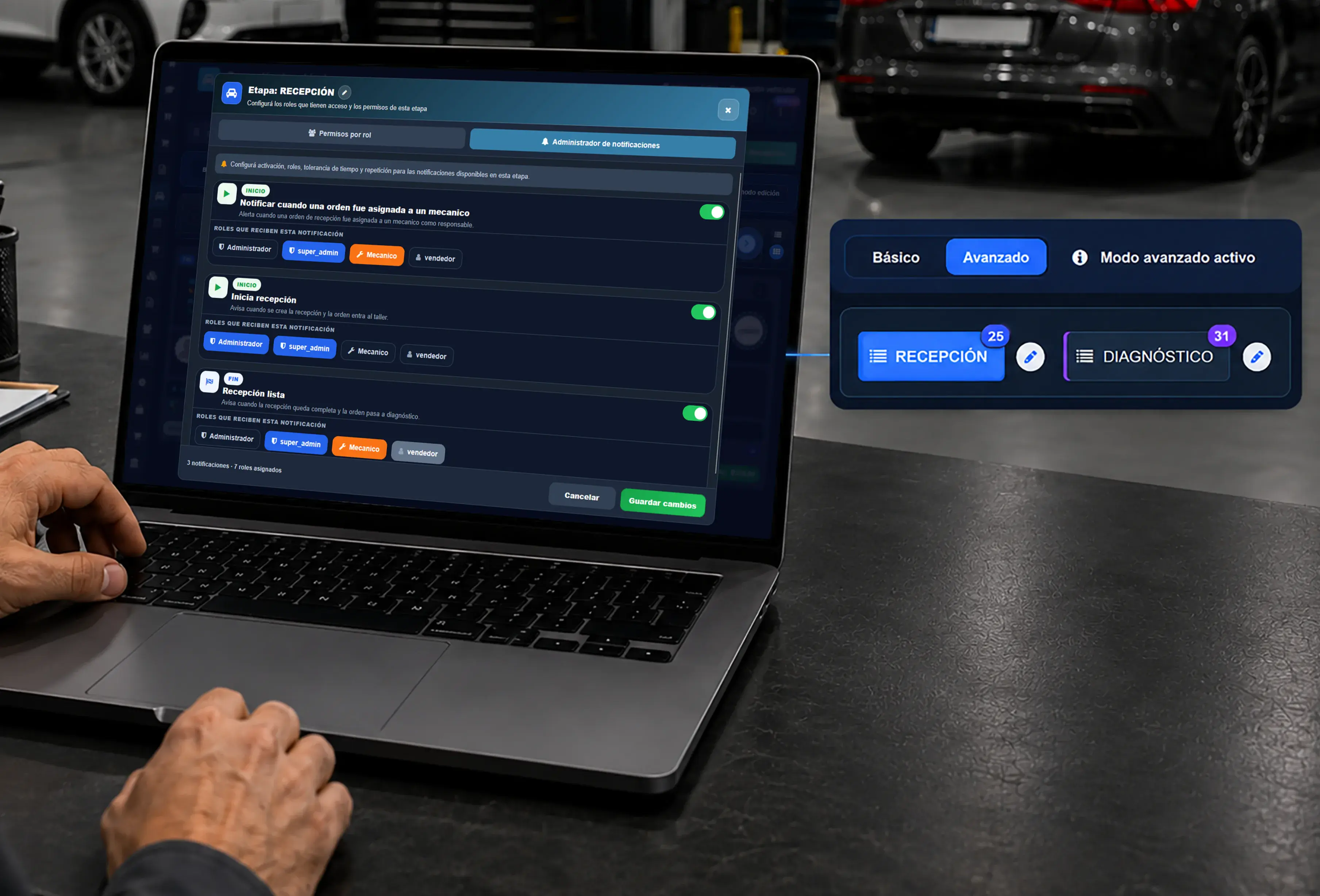
Notification center
Manage notifications
Configure alerts for the start or completion of a stage, define timing tolerances, and choose which roles receive each notice.
- Step 5: Shop management
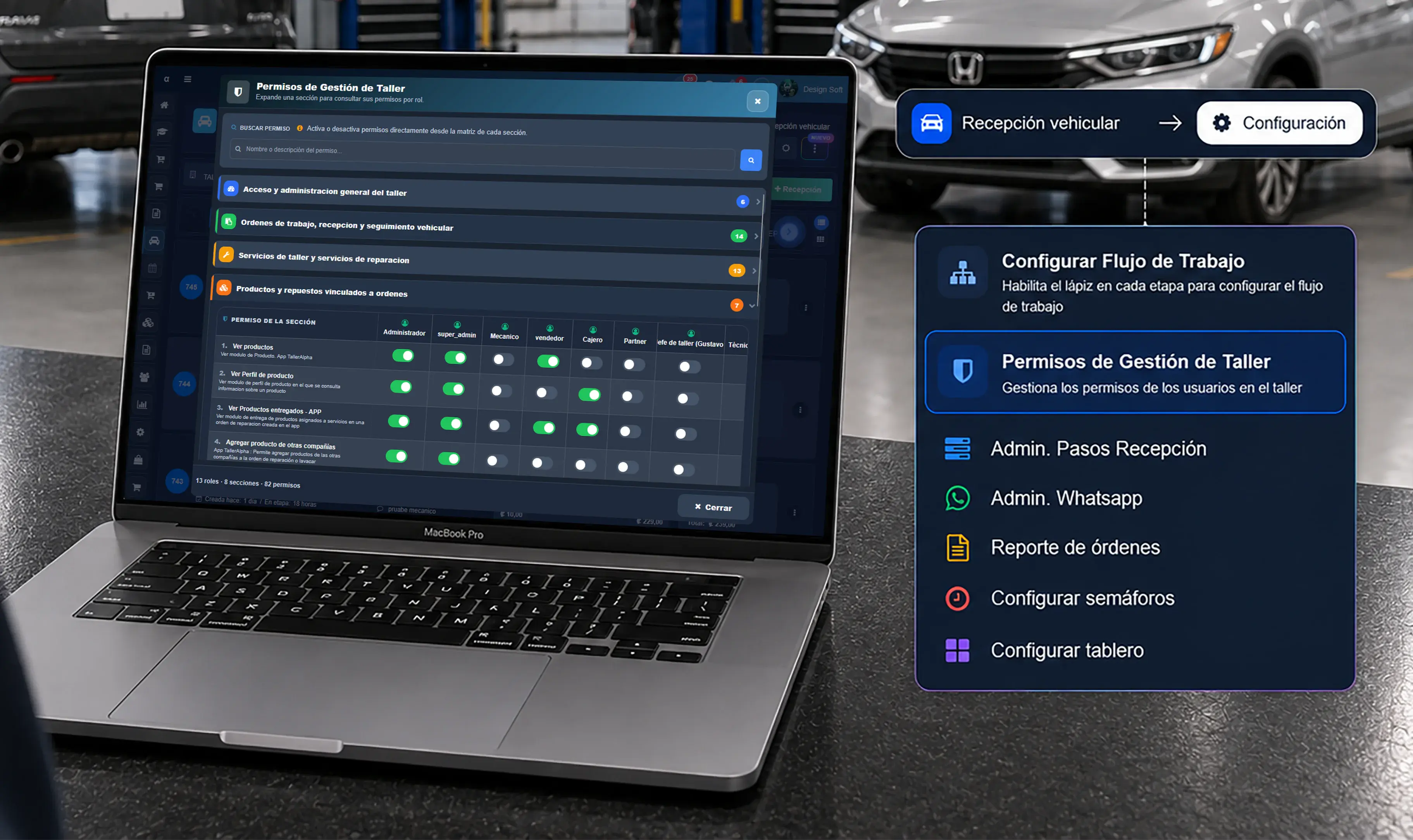
Organization-wide control
Control shop management permissions
Manage who can view or edit key areas such as administration, repair orders, check-in, and inventory.
- Step 6: In-app notifications
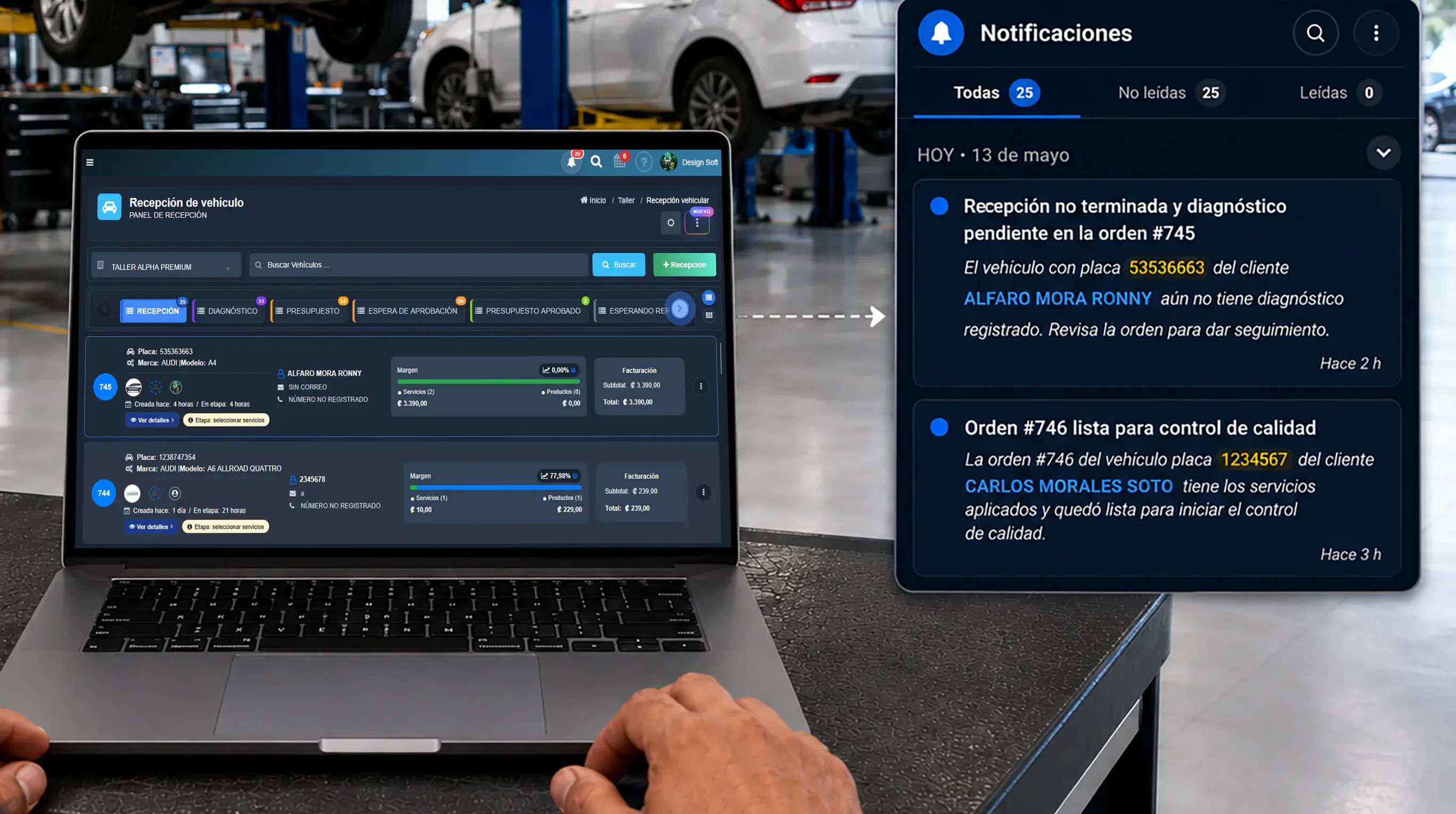
In action
Receive alerts in real time
Once configured, your team receives alerts whenever a vehicle changes status or a task is assigned.
Point of Sale & Software
- Payments and sales
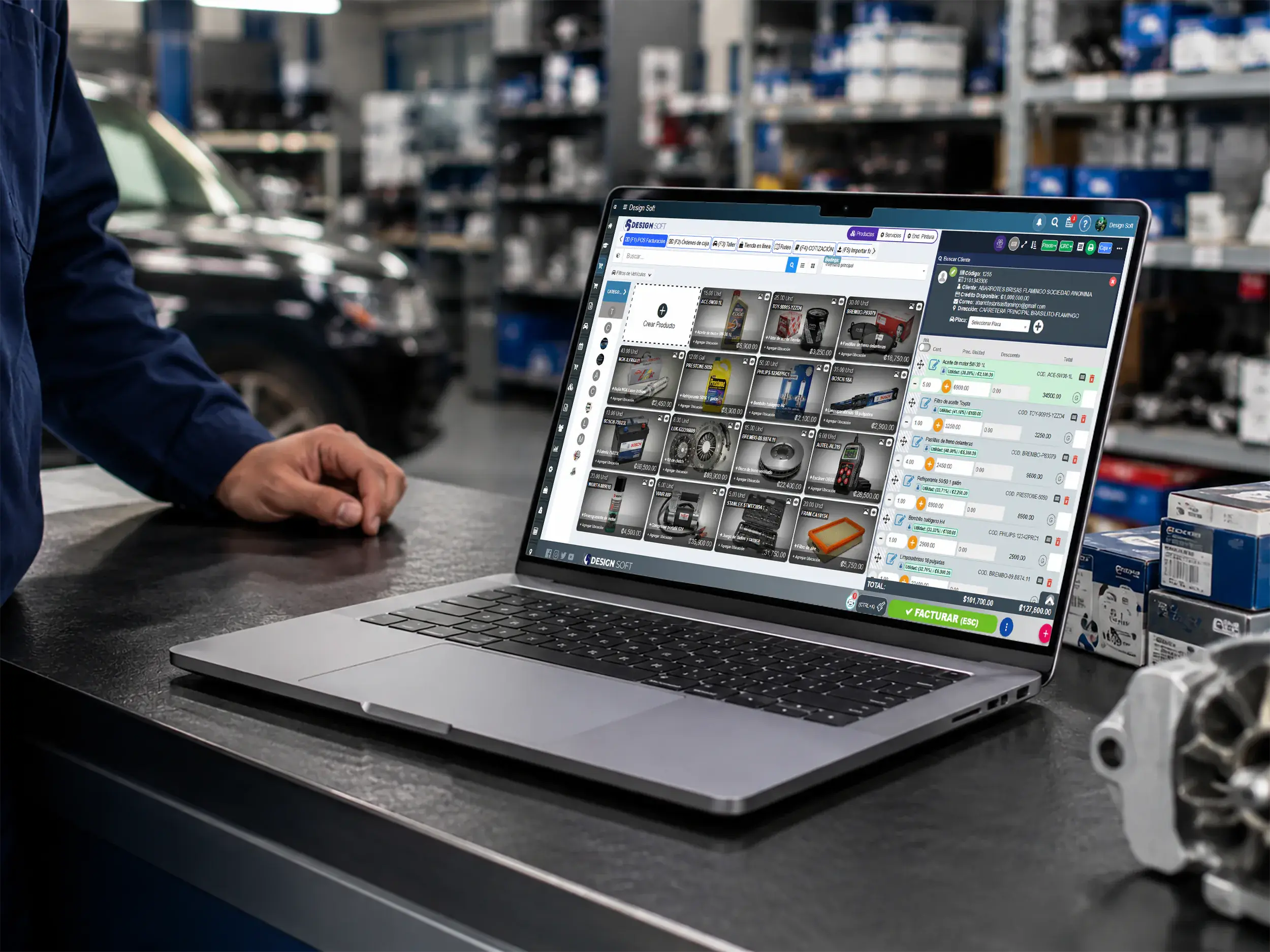
Point of sale for reporting
Turn sales into clearer data
Record payments, parts and services at the register to feed better reports on sales, average ticket and daily close.
- Register and counter
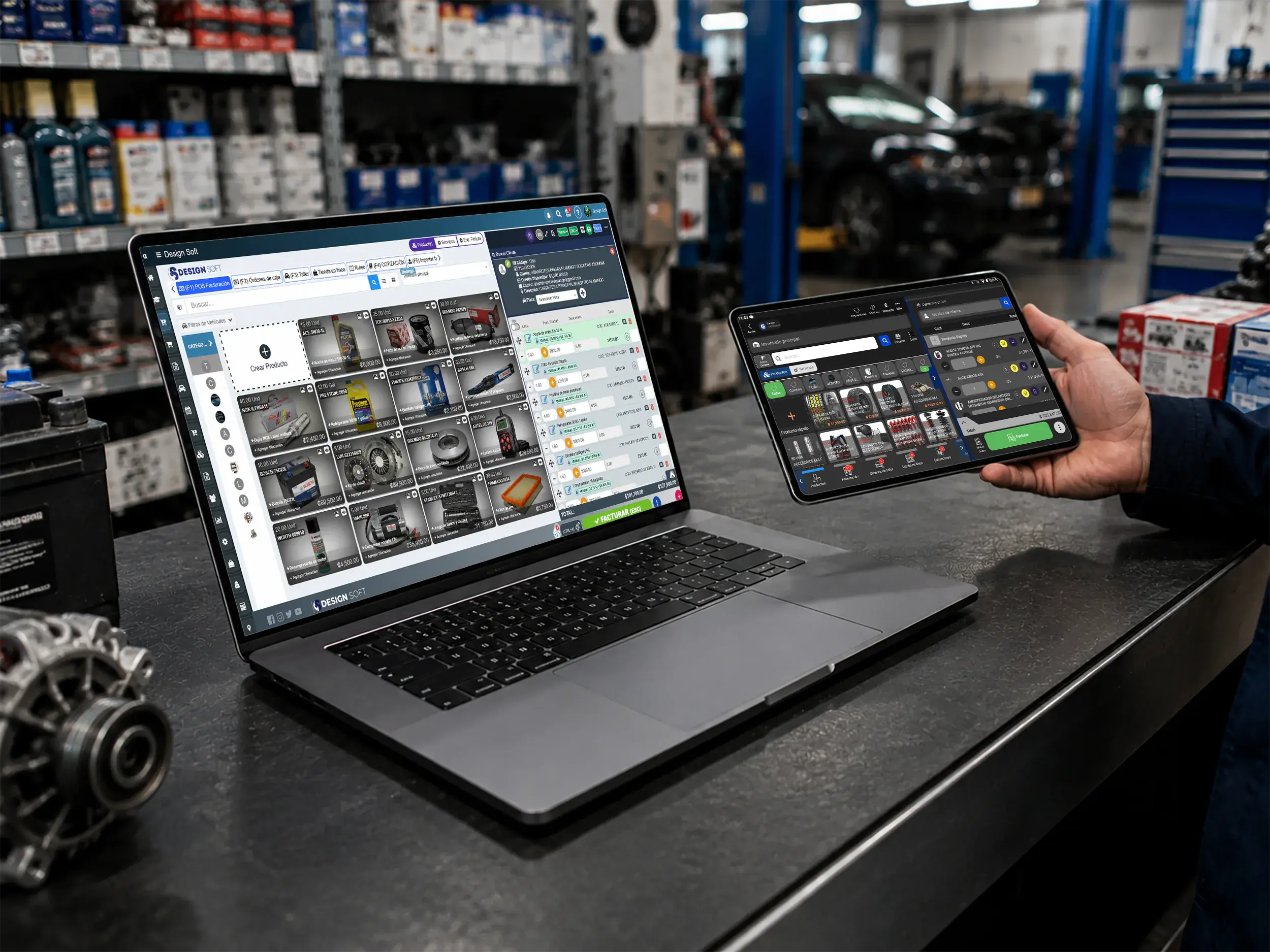
Commercial read
Measure how the counter performs
Use the register from a desktop or tablet and get a better read on what gets billed, how it sells and where the revenue comes from.
- Web and mobile
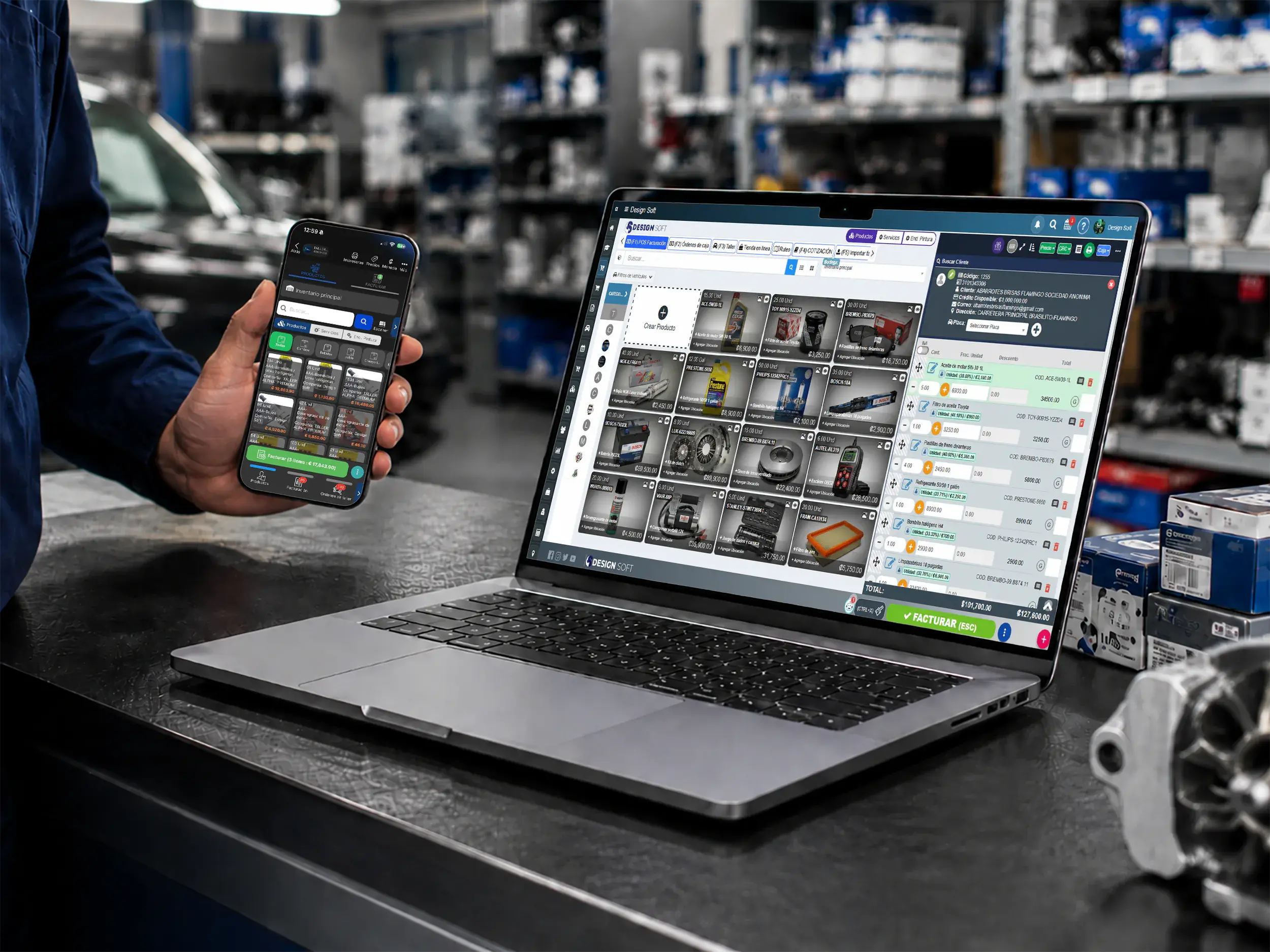
Cobro flexible
Follow sales and deposits from any device
Keep payments, deposits and reports connected so you can read the shop's commercial behavior from web or mobile.
Invoicing & Documents
Tie invoices, expenses and tax calculations to your shop reports for a clearer read on the business.
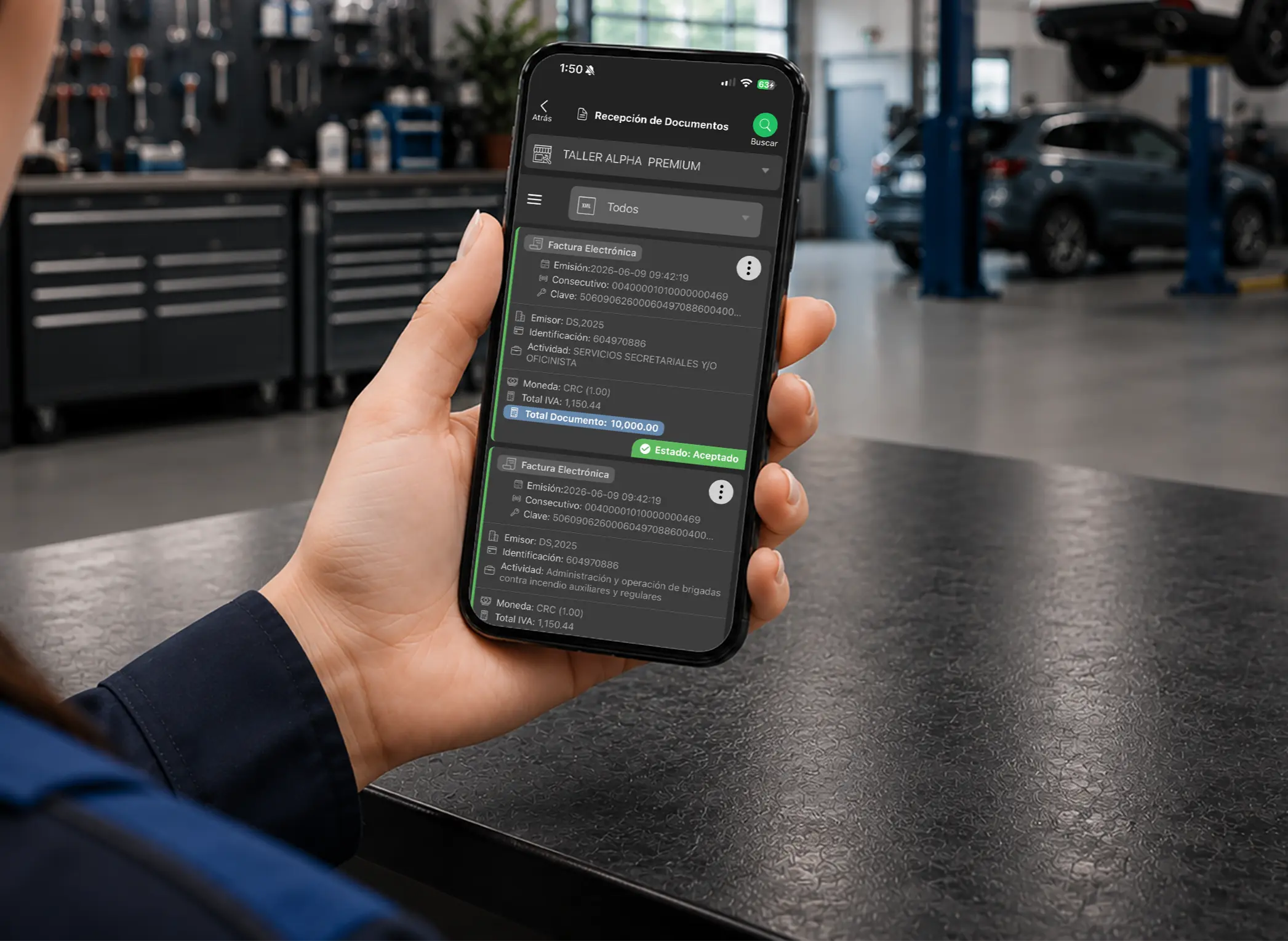
- Documents
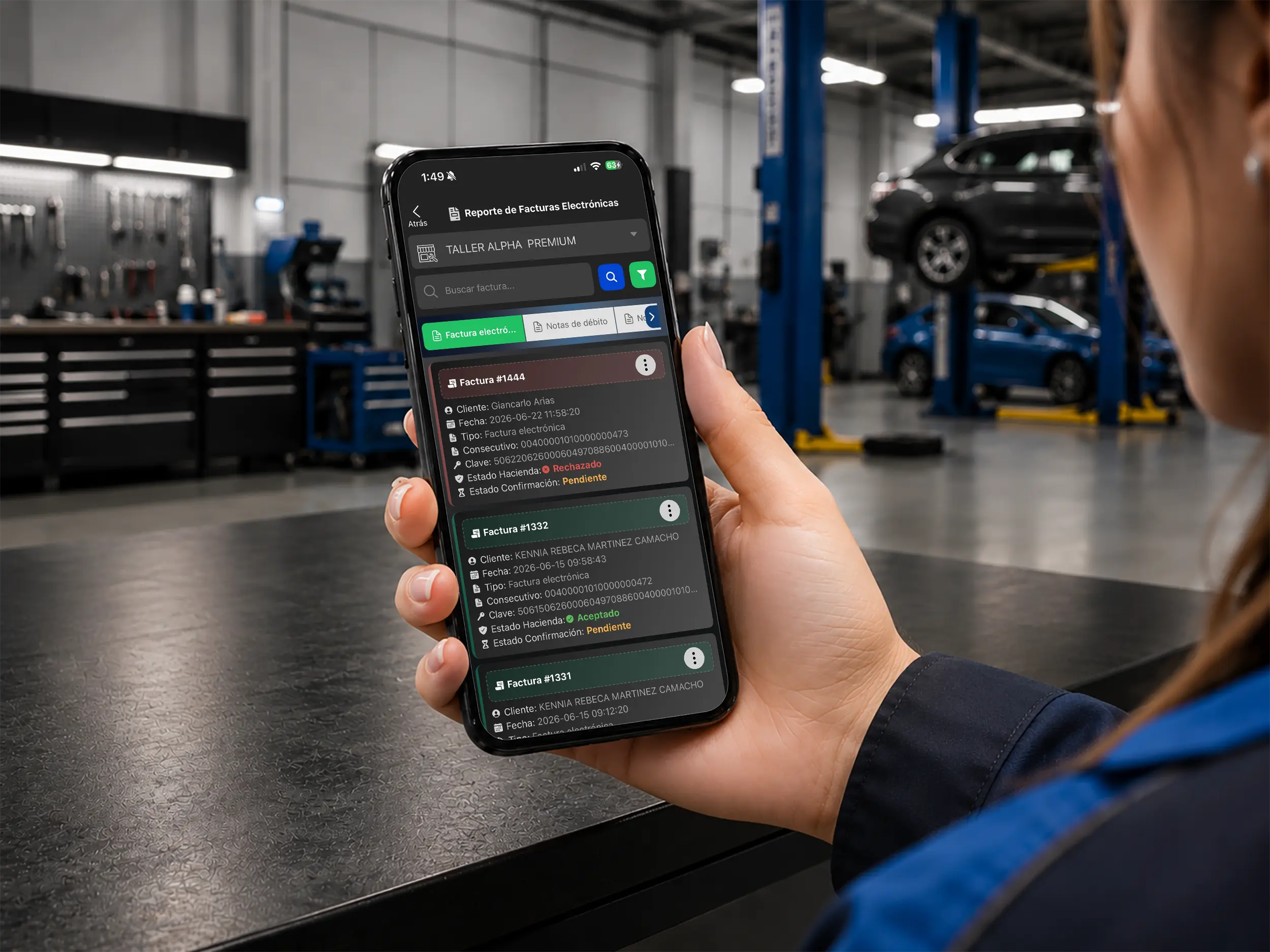
Invoicing and reporting
Control documents without losing the trail
Monitor invoices, credit notes and document statuses to back up your close-outs and catch problems early.
- Expense intake
Purchasing and administration
Analyze purchases with more context
Connect supplier documents to your shop analysis to understand expenses, purchasing and financial behavior.
- Fast resend
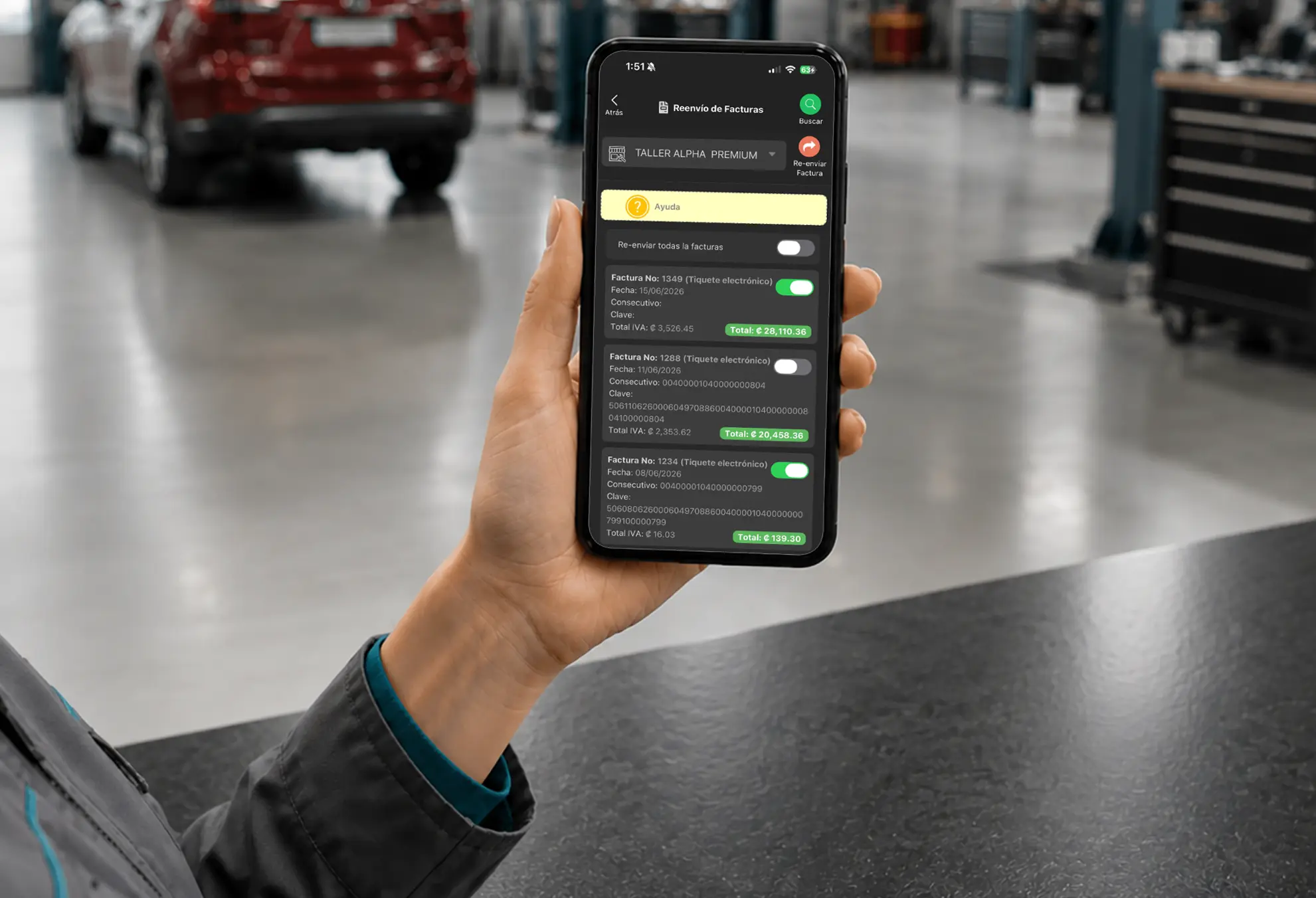
Customer service
Pull up any document in seconds
Find and resend invoices quickly so customers get an answer fast and your records stay tight.
- VAT proration

Tax calculation
Close your periods with more precision
Automate tax calculations for more reliable reports and less manual admin work. Available where the tax model applies.
Inventory & Software
Turn movements, products, write-offs and stock into clearer reports so you understand how inventory really behaves.
- Web catalog
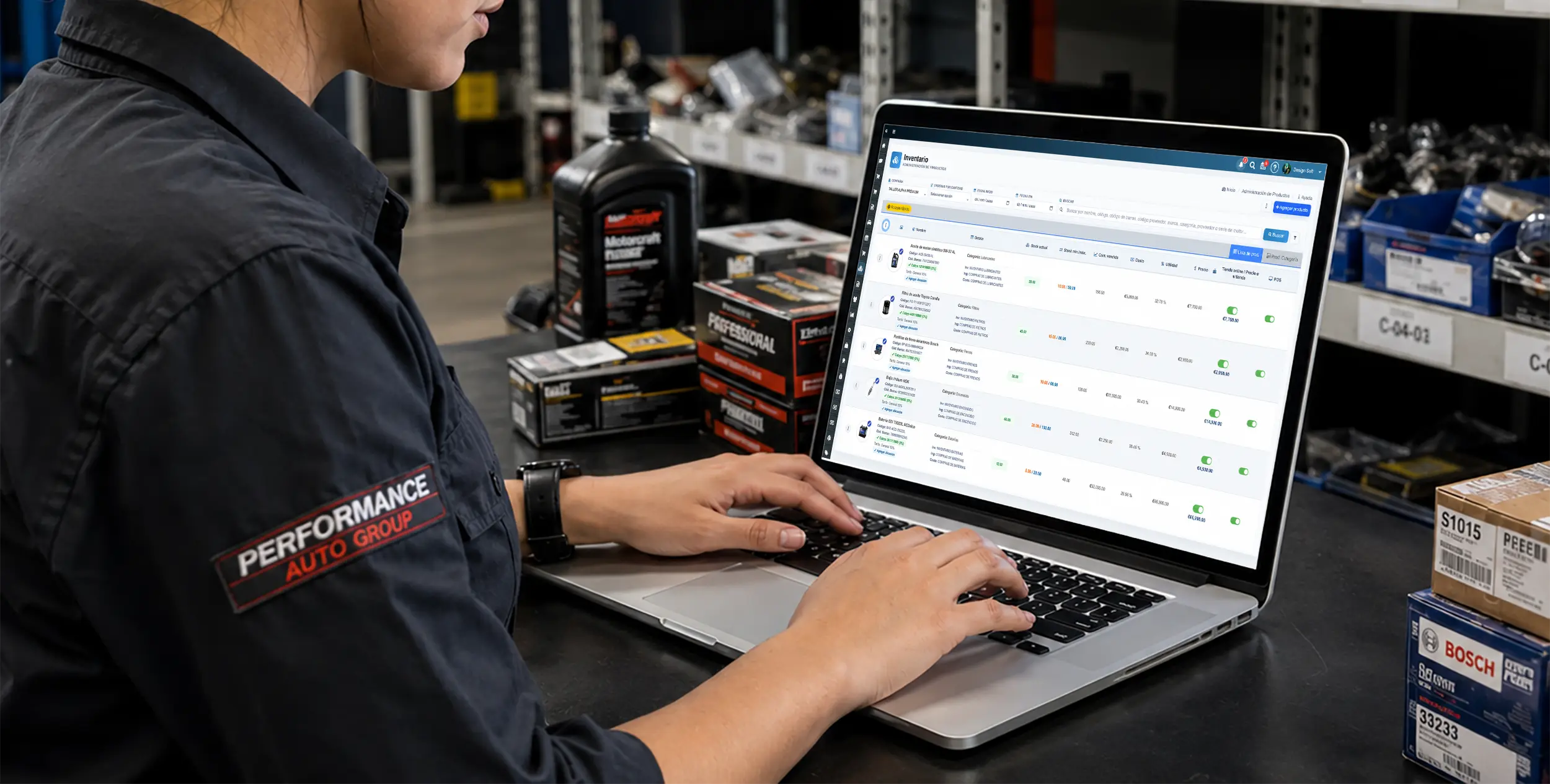
Reading your inventory
Understand your stock with clarity
Check stock, categories and product movement to feed reports that actually say something about availability and turns.
- Fast entry
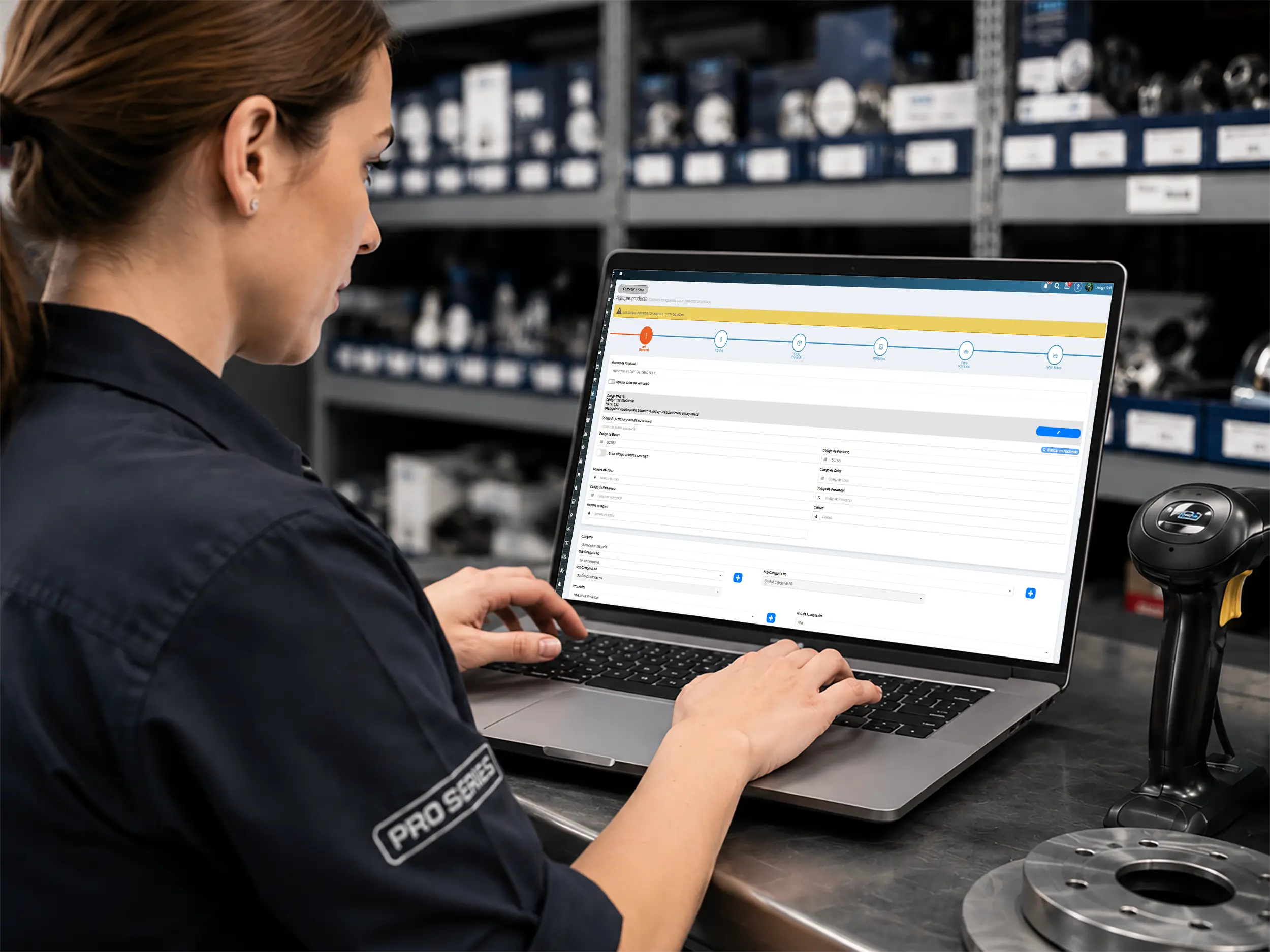
Clean data
Better reports start at the source
Keep pricing, locations and products well structured so your inventory reports can be trusted.
- Write-off control
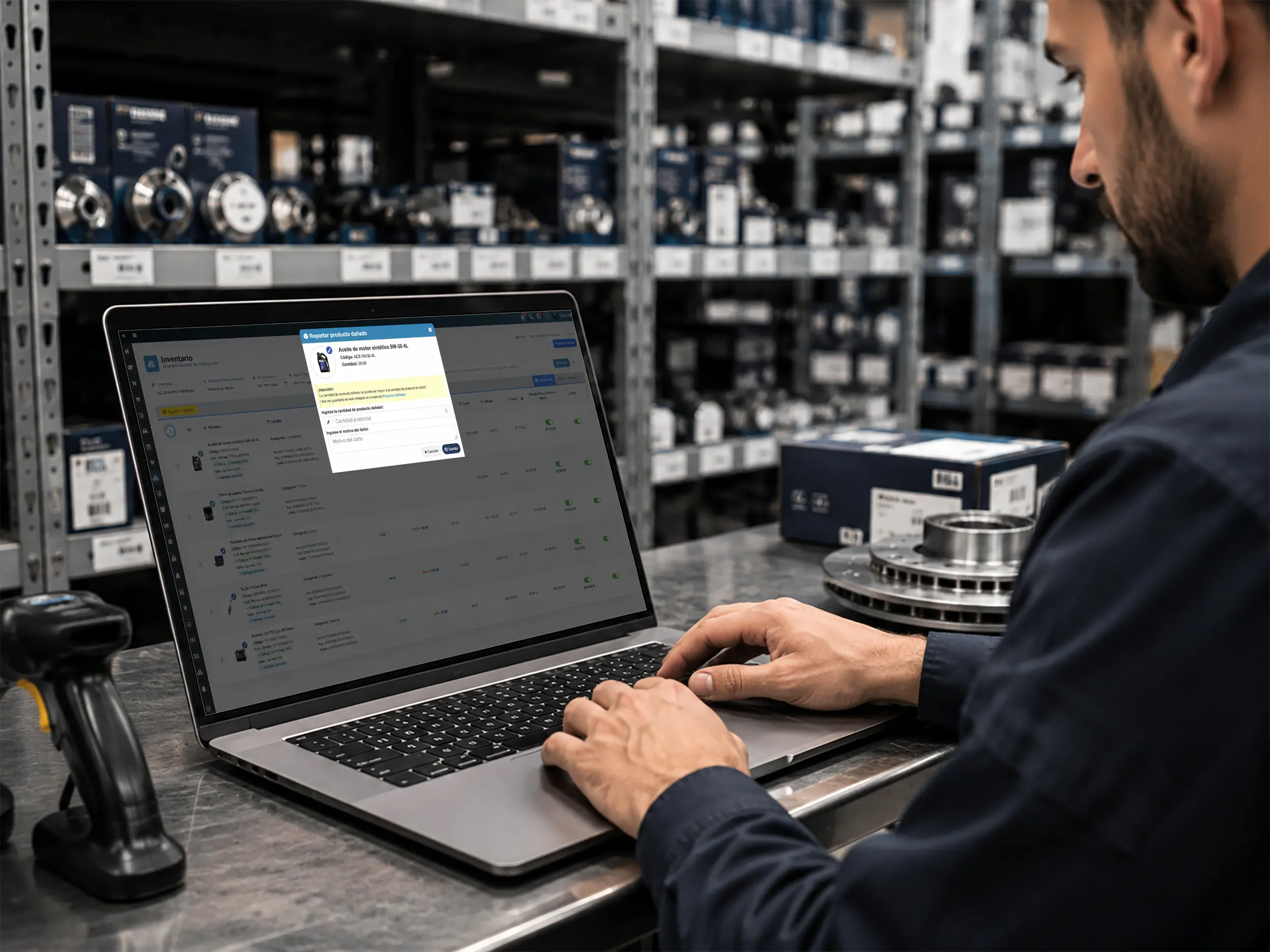
Losses and adjustments
Catch shrinkage and damage
Log incidents and take them off the count so you can analyze losses, discrepancies and how inventory really behaves.
- Bulk import
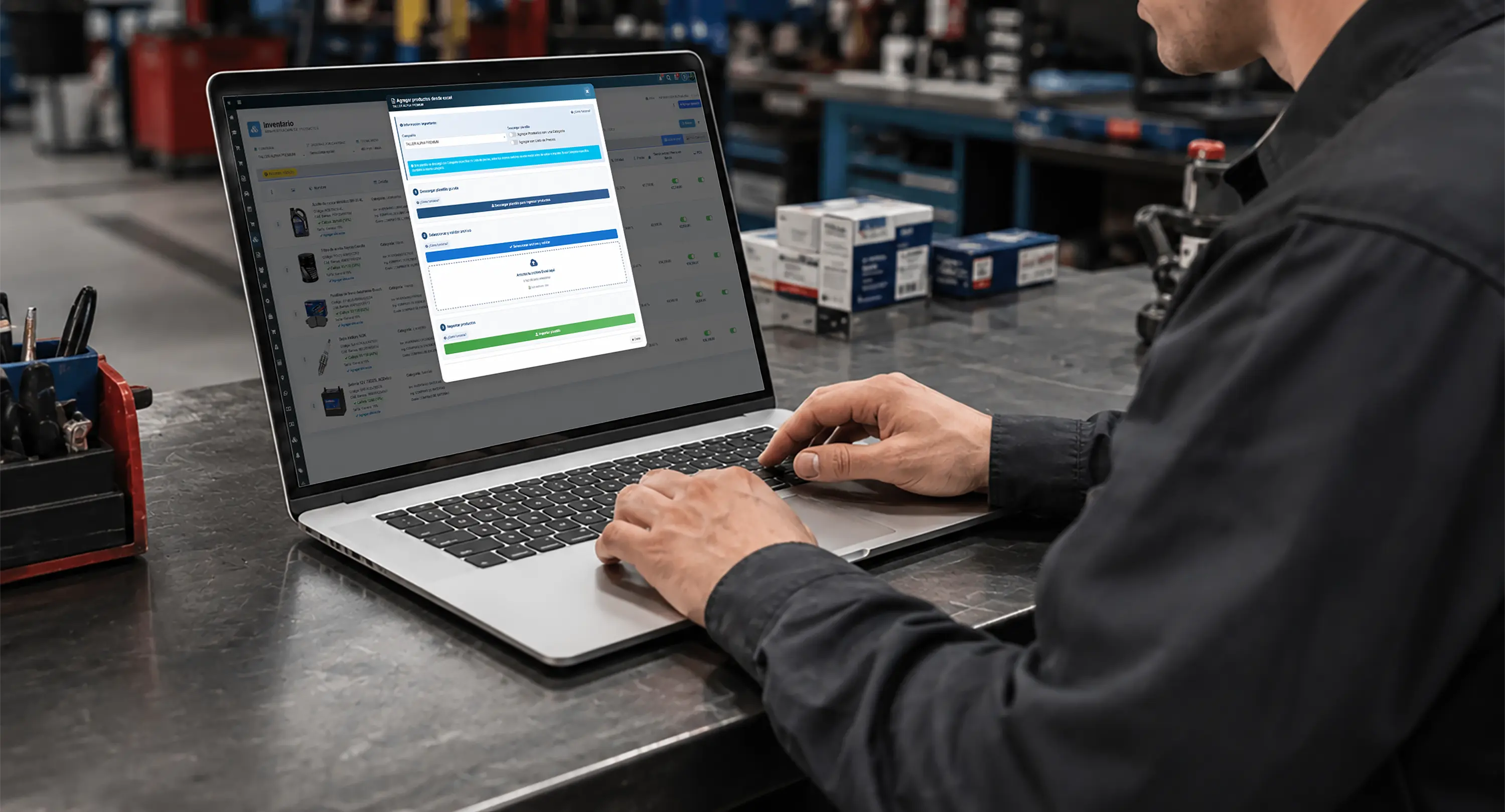
Data migration
Load data better, report better
Import stock and pricing in bulk to move faster and consolidate information your reports can use.
Download the Reporting App
Get the Taller Alpha app on the App Store or Google Play, or use a browser to check reports, payments, inventory and shop operations from any device.
-
App Store

Reporting on iPhone
Check your numbers from the App Store
Use the Taller Alpha app on iPhone to review reports, payments, repair orders and key shop data from anywhere.
Available for iPhone and iPad

-
Google Play
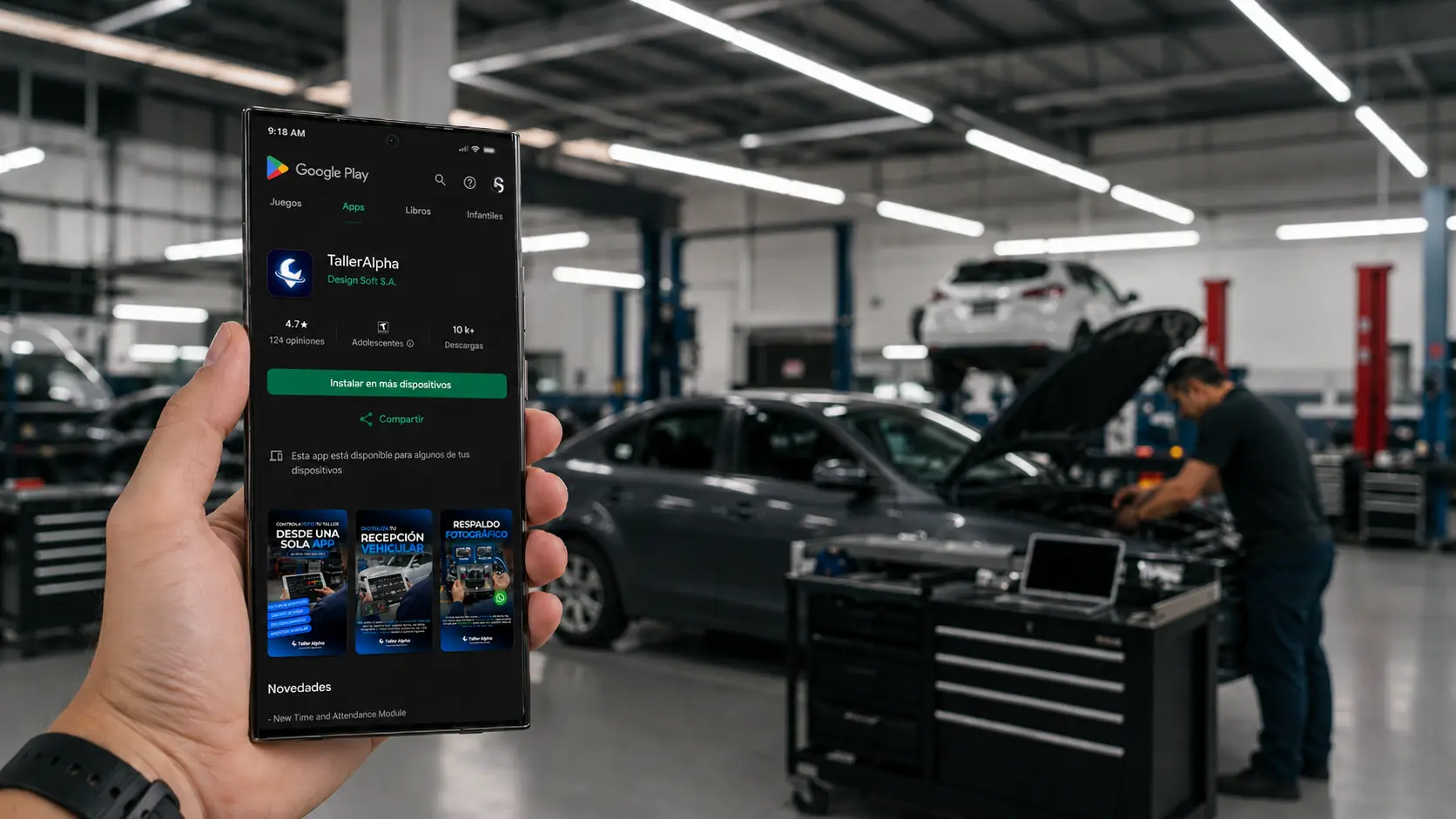
Reporting on Android
Follow your shop from Android
Reach reports, indicators and shop lookups from Android to keep visibility without being tied to one station.
Available for Android phones

- Web access
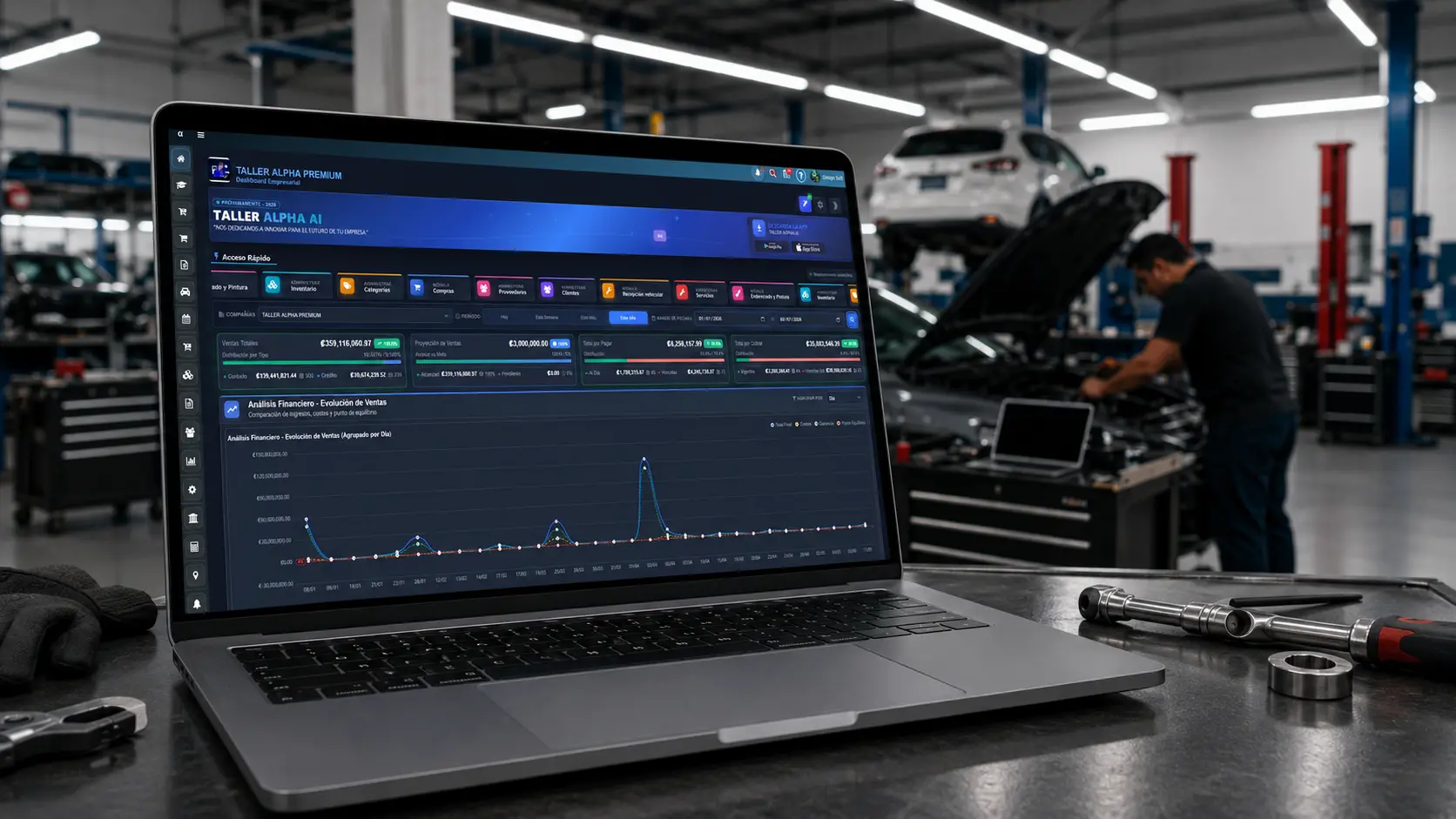
Reporting in the browser
Work from the web too
Sign in from a browser to review reports, sales, inventory and shop performance with a smooth desktop experience.
Compatible with Chrome, Edge, Firefox, and Safari.
We recommend Firefox for a more stable experience.