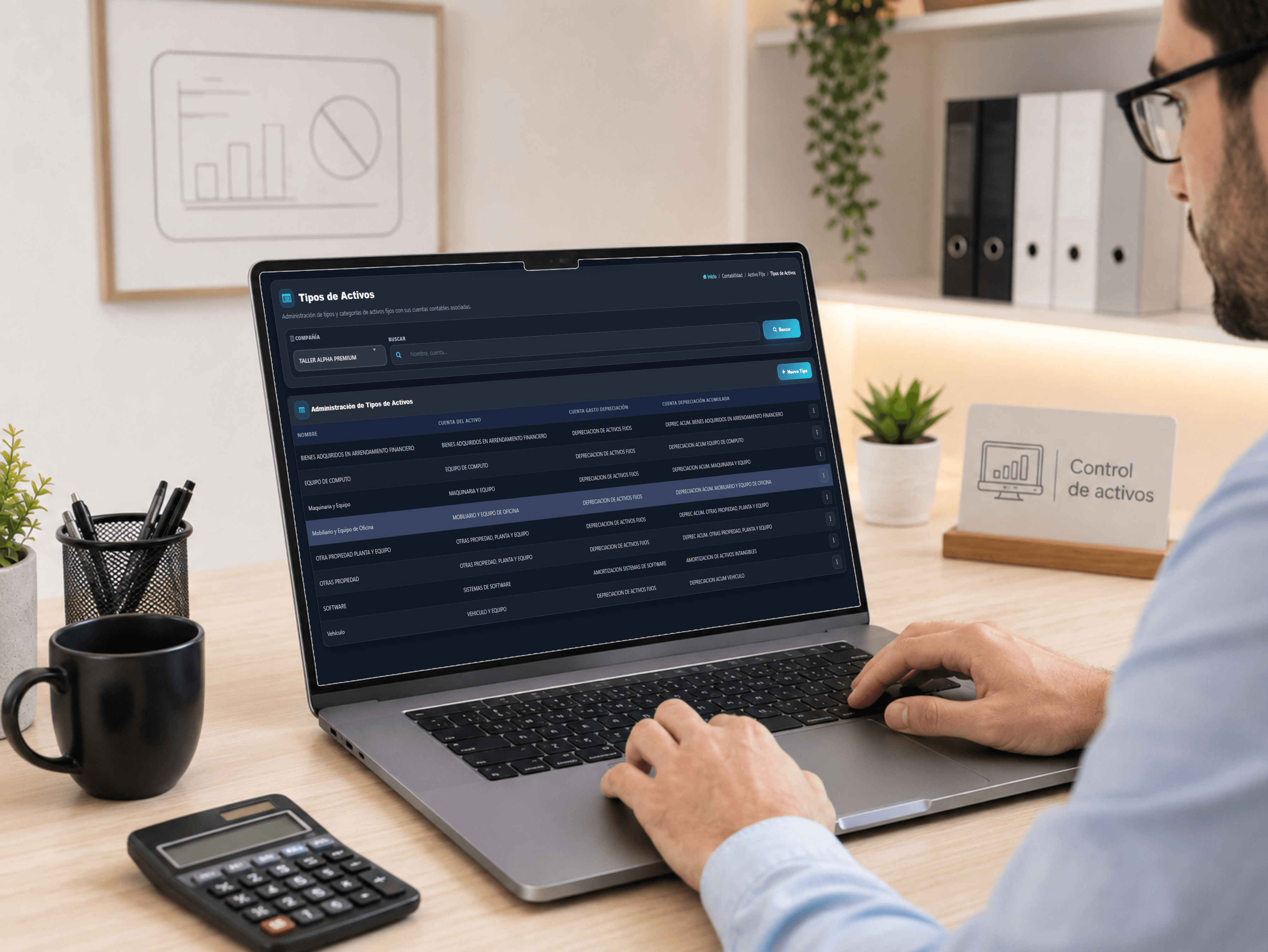
Asset categories
Define each category
Manage the name and the accounts tied to the asset, depreciation expense and accumulated depreciation.
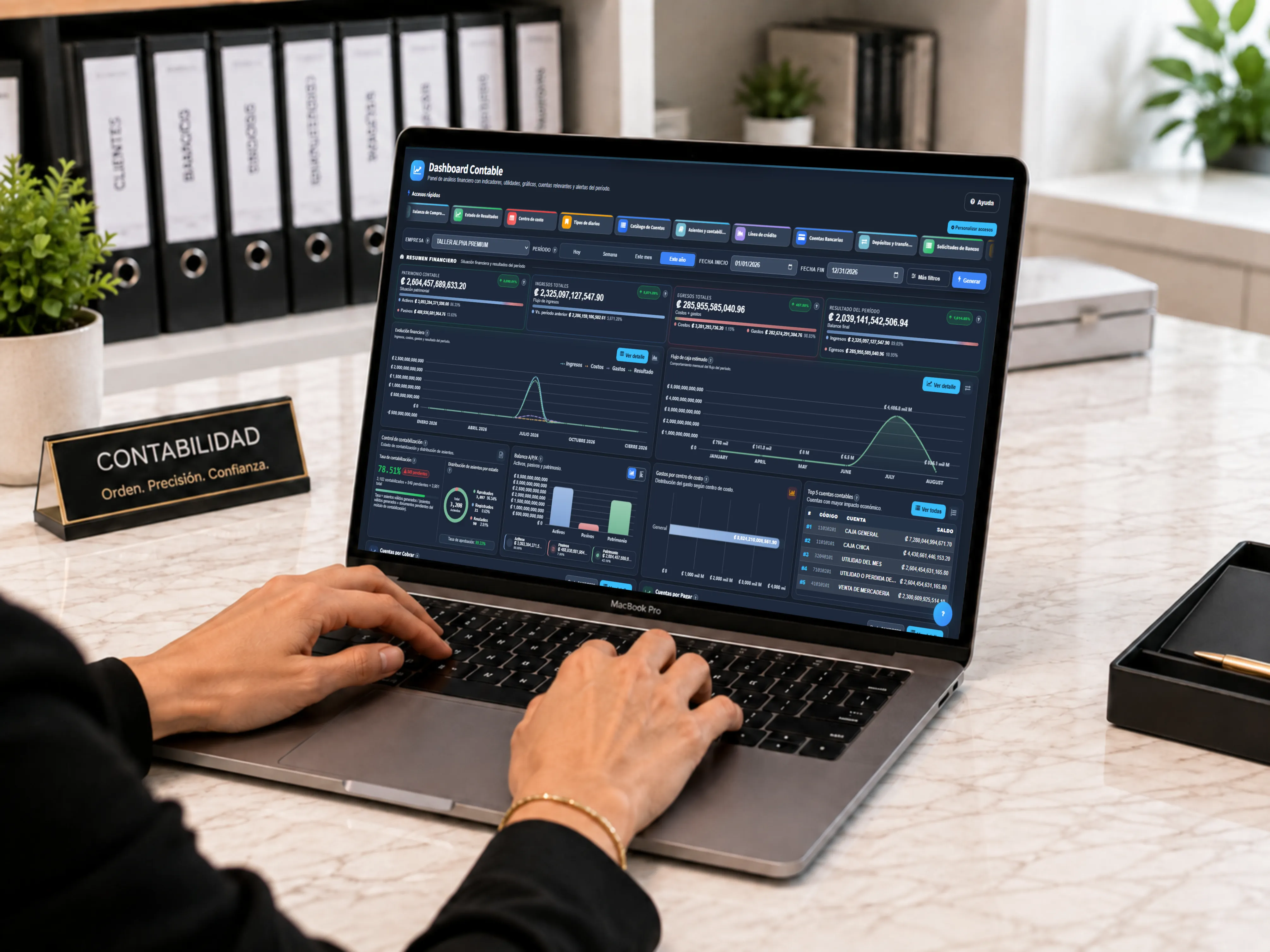
Control revenue, expenses, receivables and the financial health of the shop from one platform.
When revenue, expenses, collections and activity all live in separate places, it is hard to read the health of the business or decide with confidence.
Review the financial picture from one place.
Review revenue, expenses and receivables without losing how they relate.
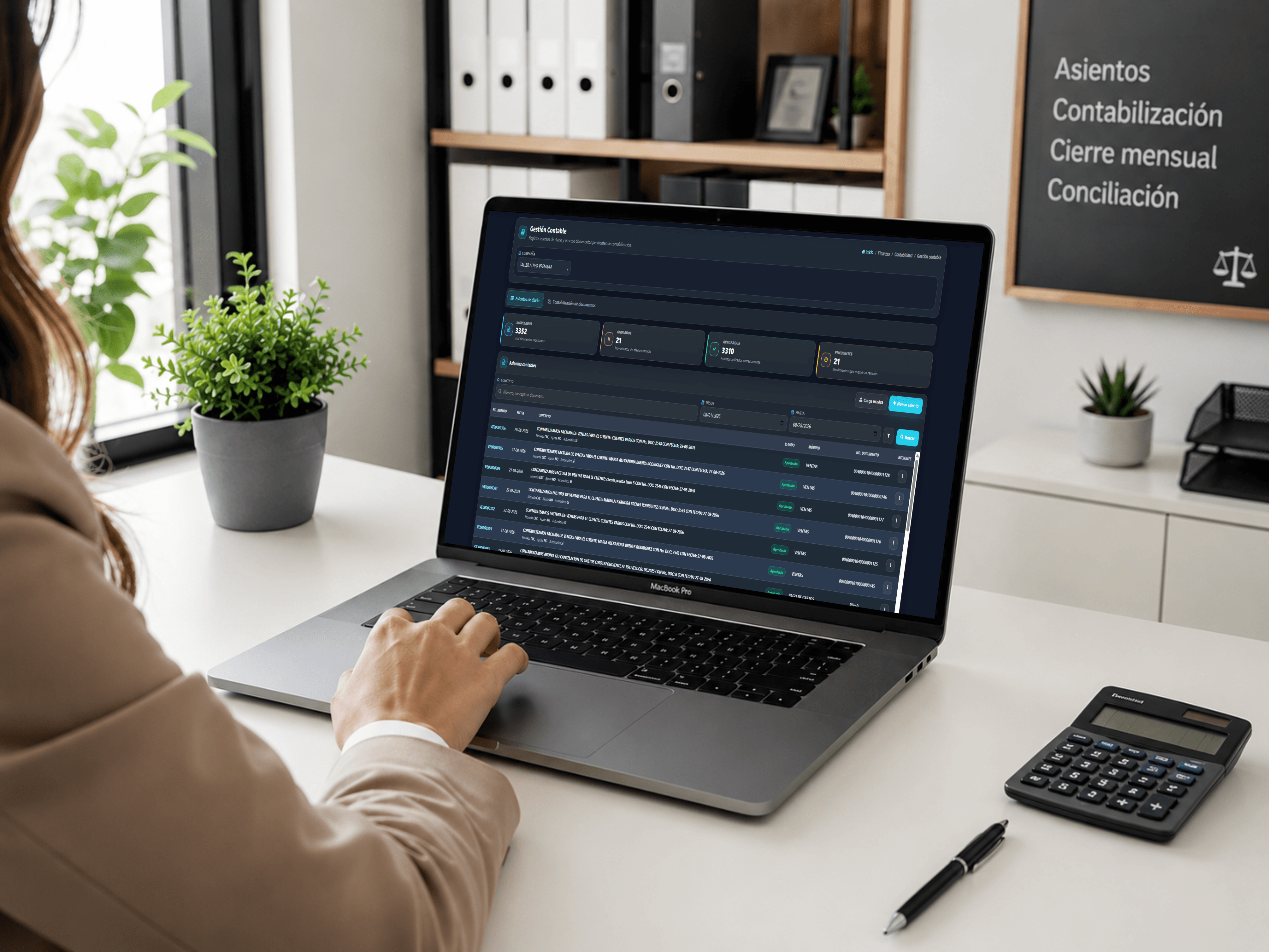
Review the shop's ledger and clear pending documents without separating a transaction from its context.
Journal entries
Review entries that are posted, approved, pending or voided, with number, date, description, status, module and related document.
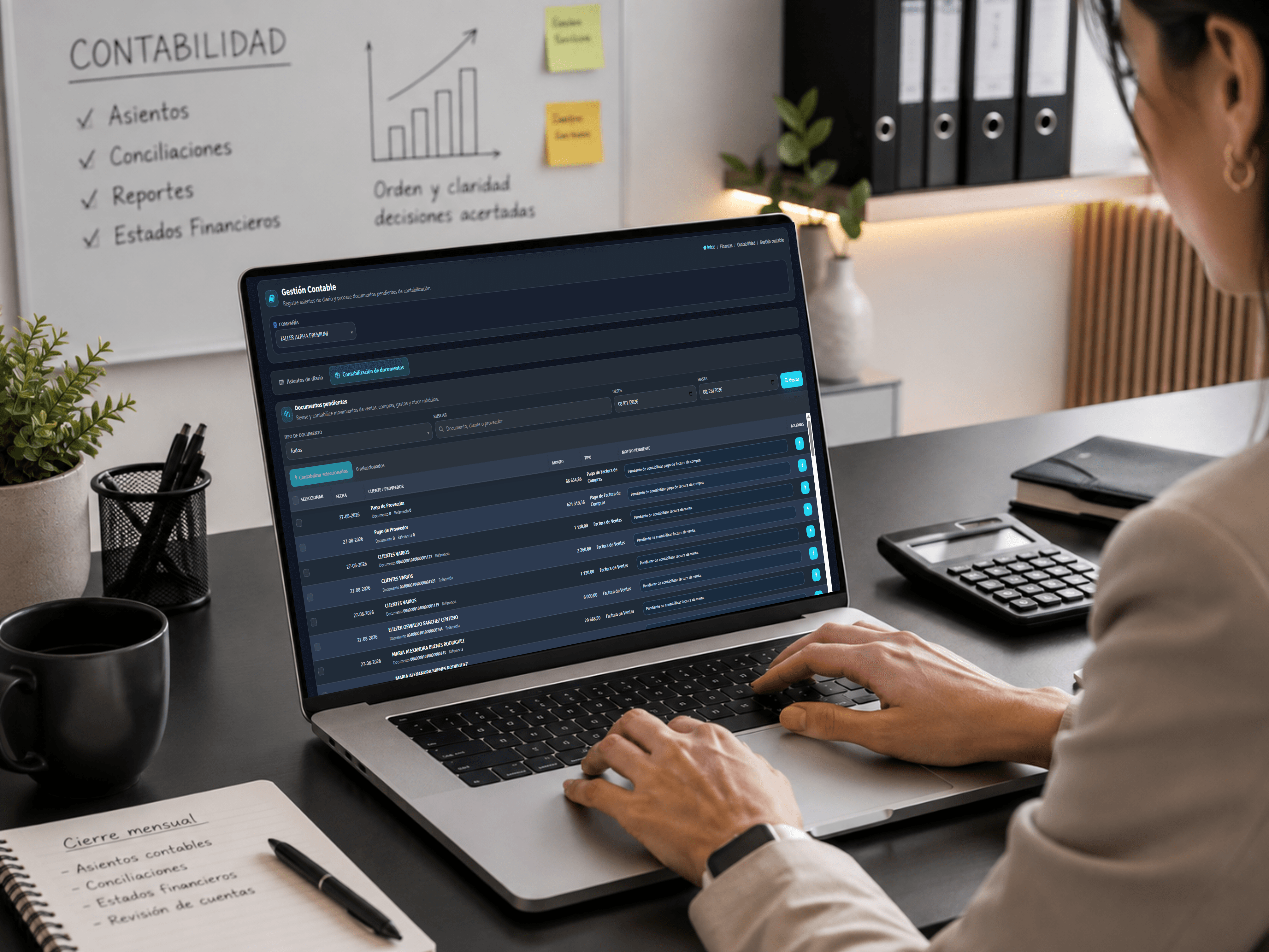
Contabilización de documentos
Review and post transactions from sales, purchasing, expenses and other modules by date, customer or supplier, amount, type and reason pending.
Organize asset categories and review value, depreciation and trend from one accounting view.
Asset categories
Manage the name and the accounts tied to the asset, depreciation expense and accumulated depreciation.
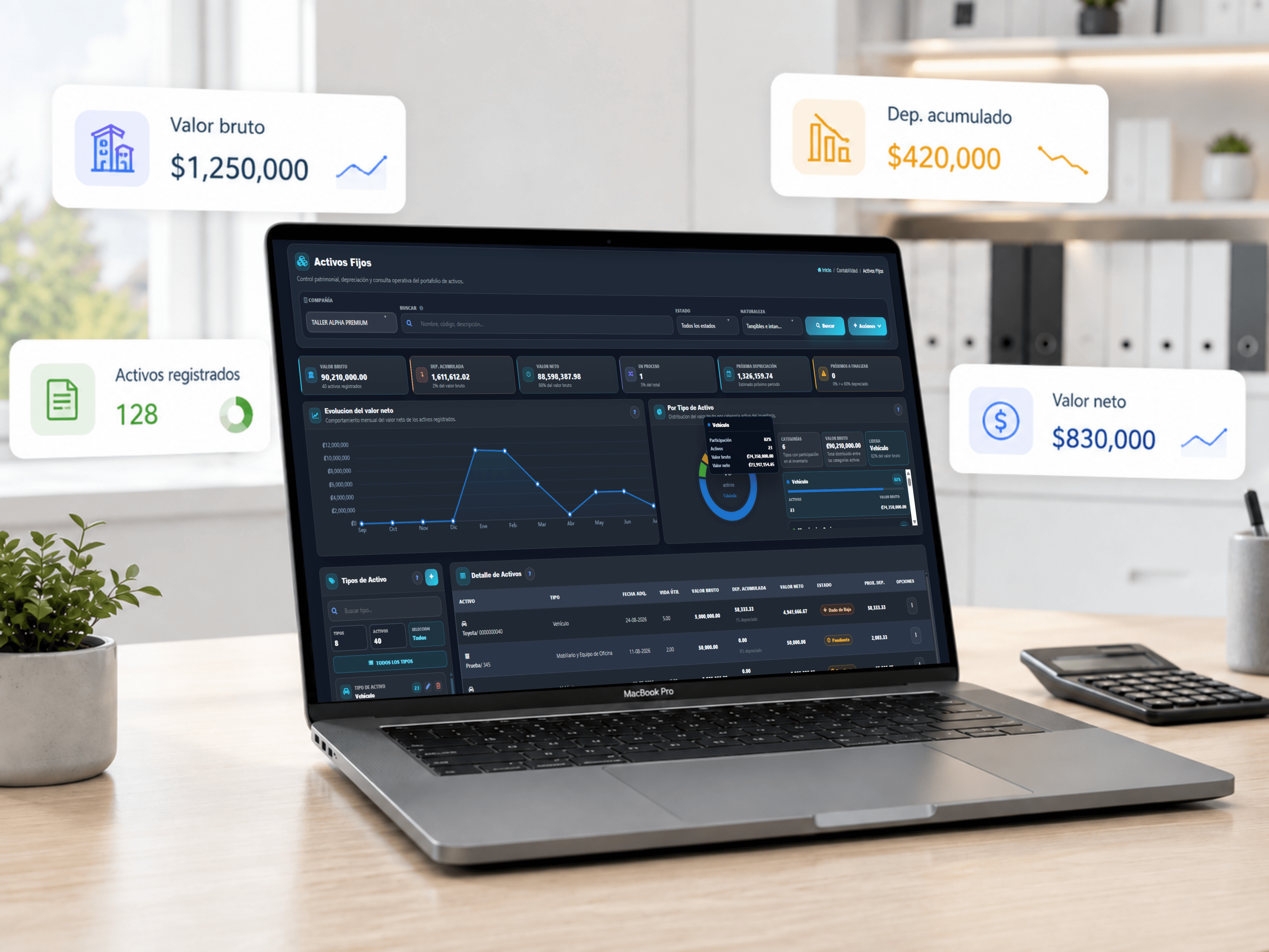
Fixed assets
Review gross value, accumulated depreciation, net value, upcoming activity and the detail behind each asset.
Each accounting report keeps the relevant figures in view so the shop's financial position is easier to read.
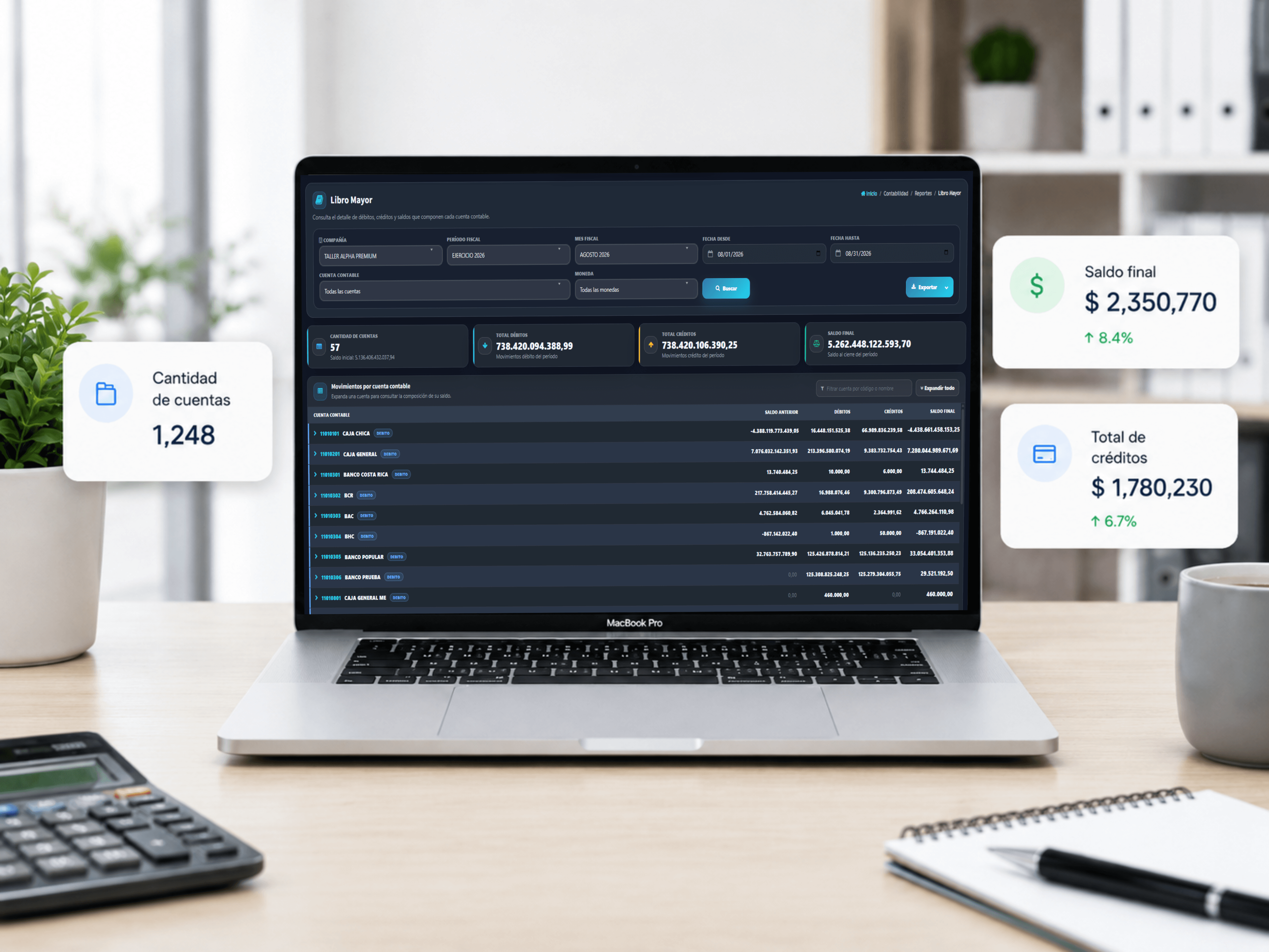
Accounts, debits, credits and ending balance, plus every transaction by account.
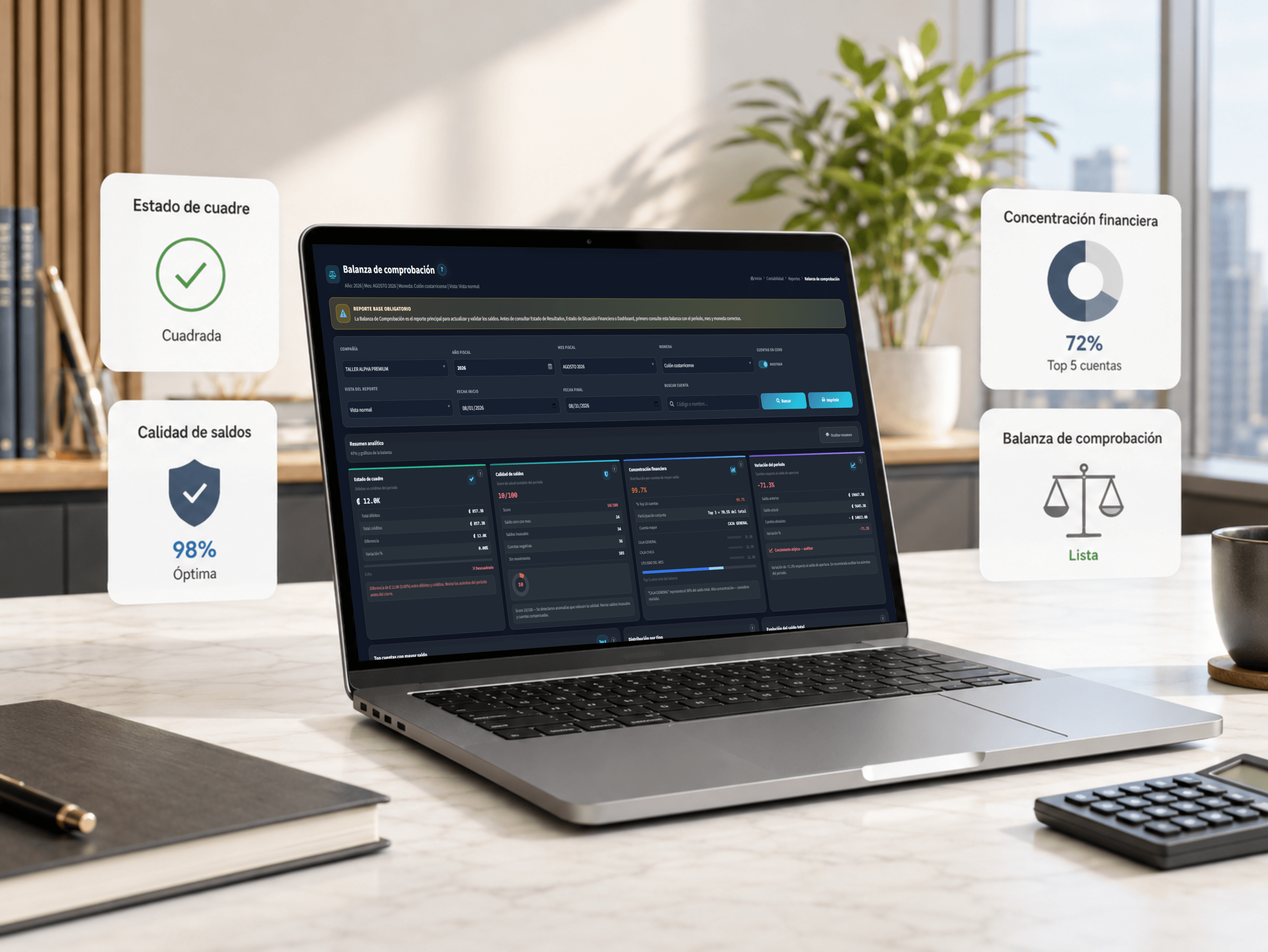
Whether it balances, the quality of the balances, period variance and the largest accounts.
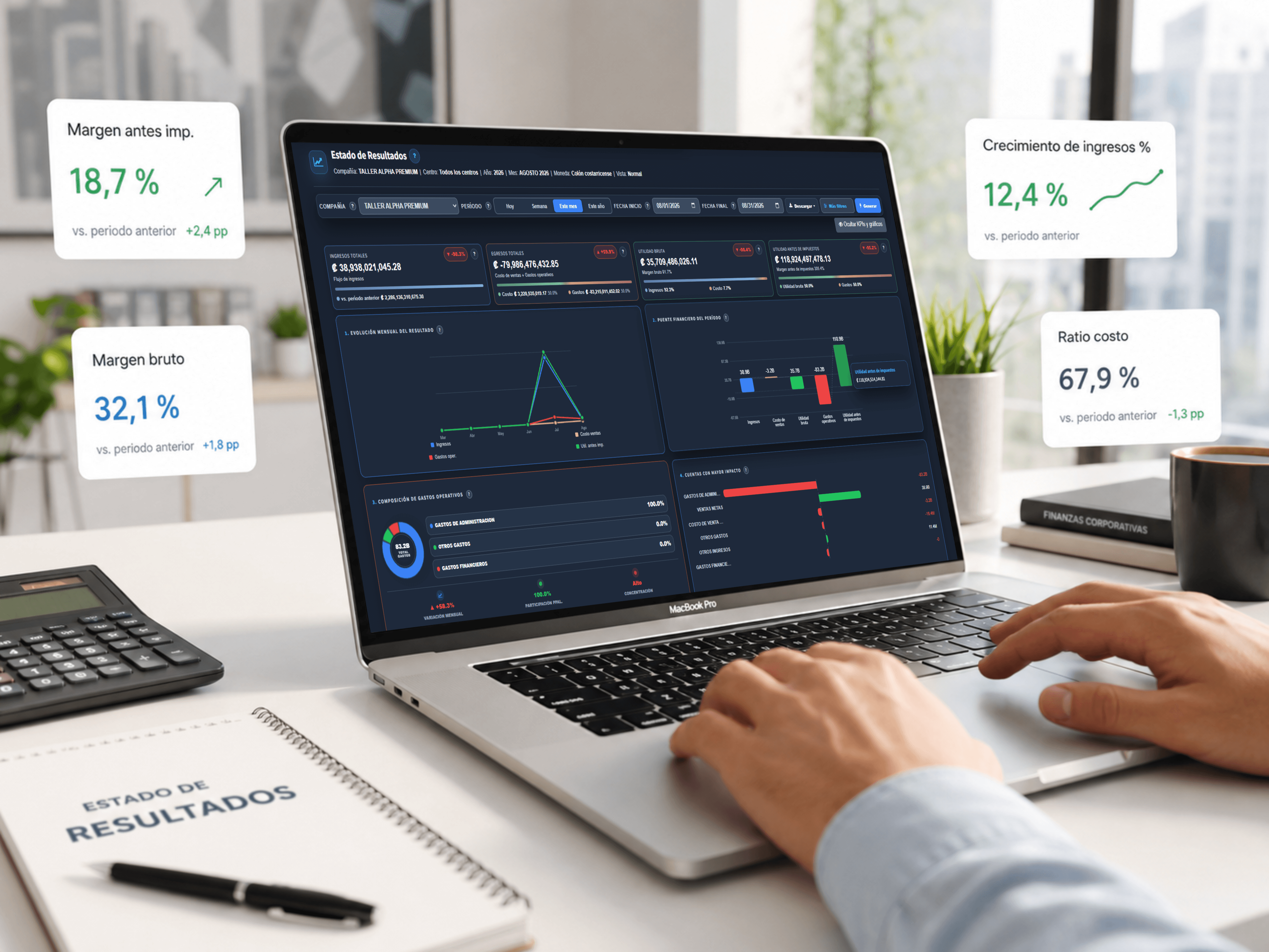
Revenue, expenses, profit, month-over-month trend and the makeup of operating costs.
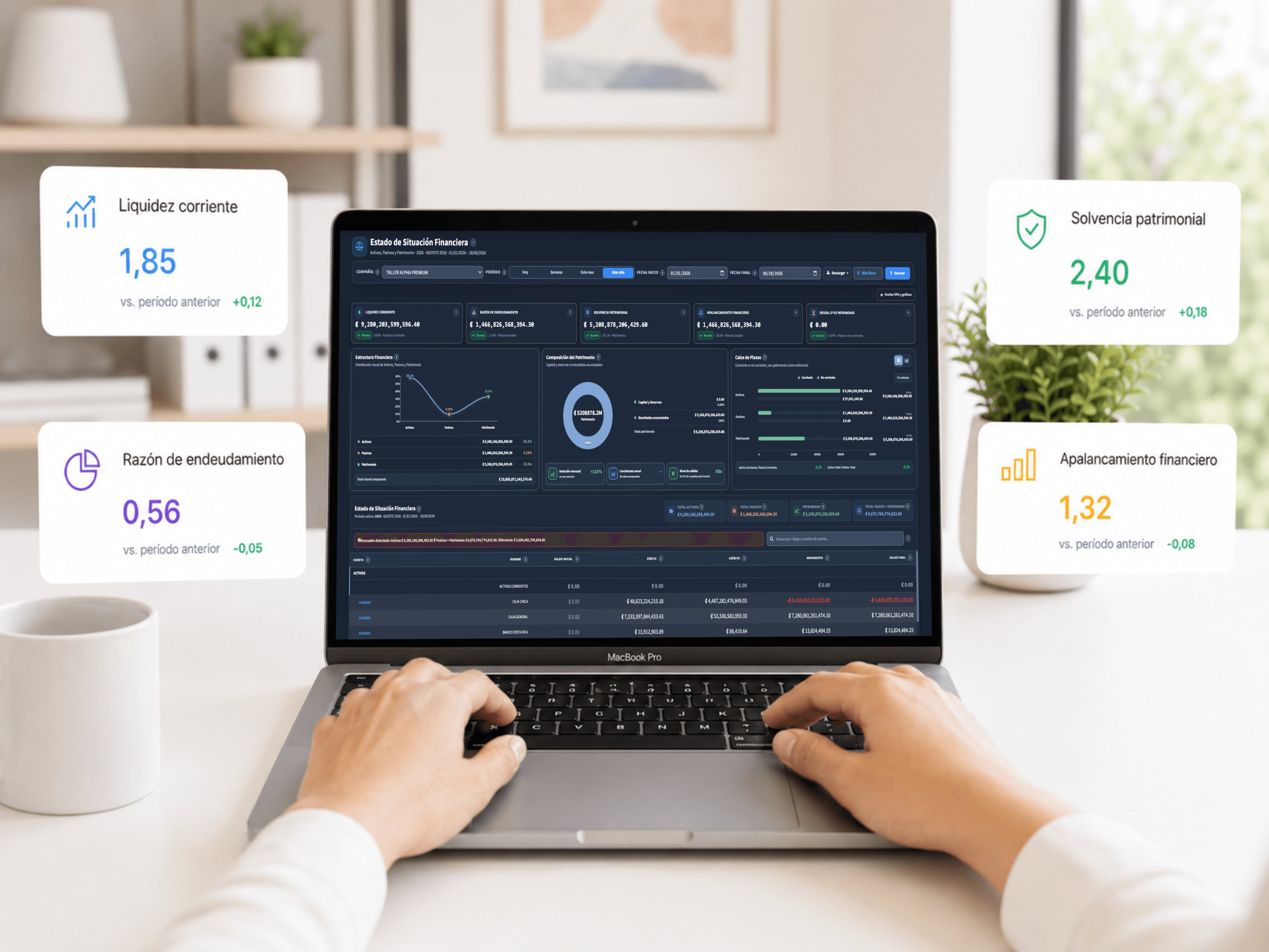
Liquidity, leverage, solvency and the balance between assets, liabilities and equity.
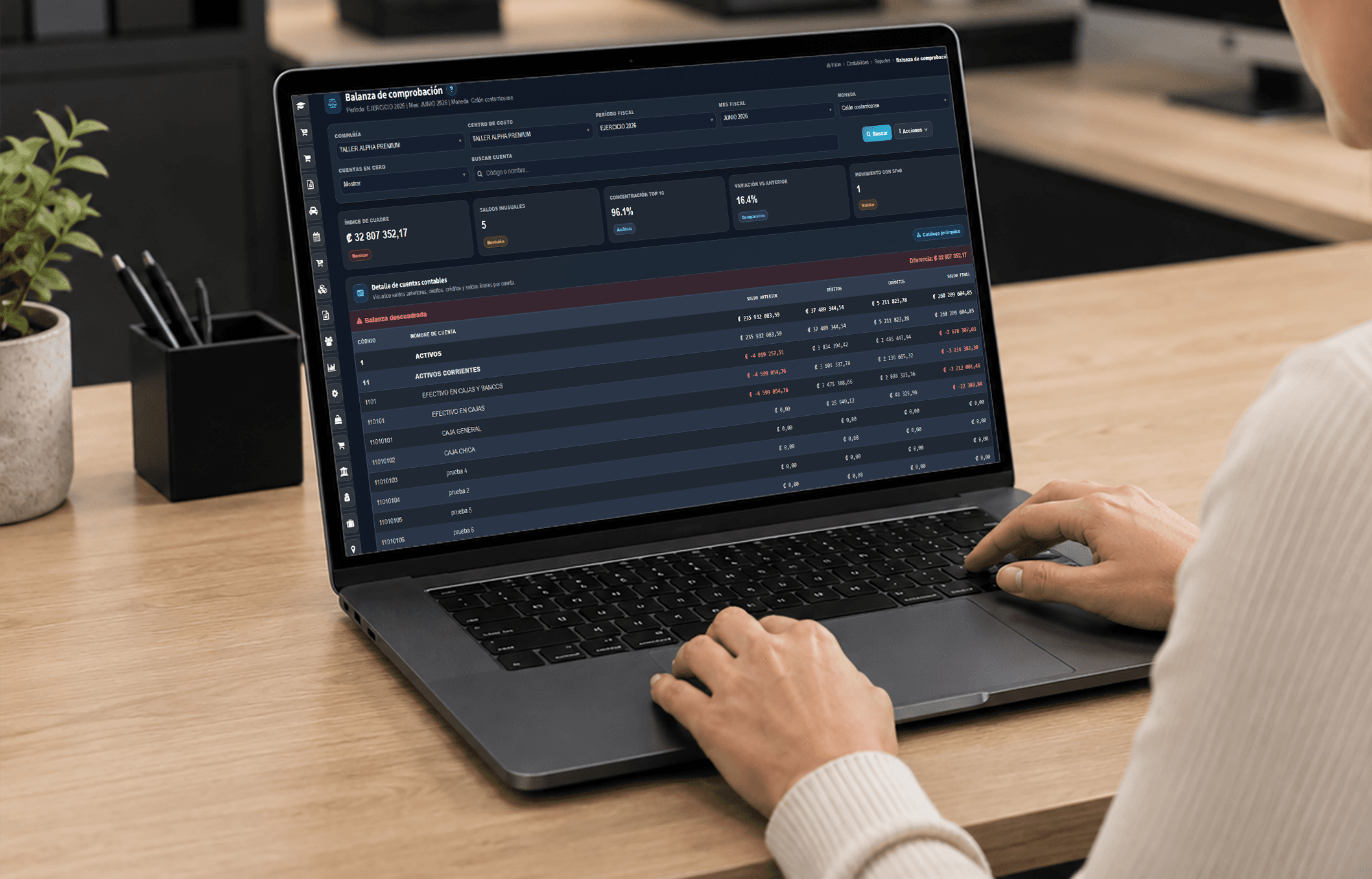
Financial statements
Review whether movements are balanced, identify differences, and export accounting reports.
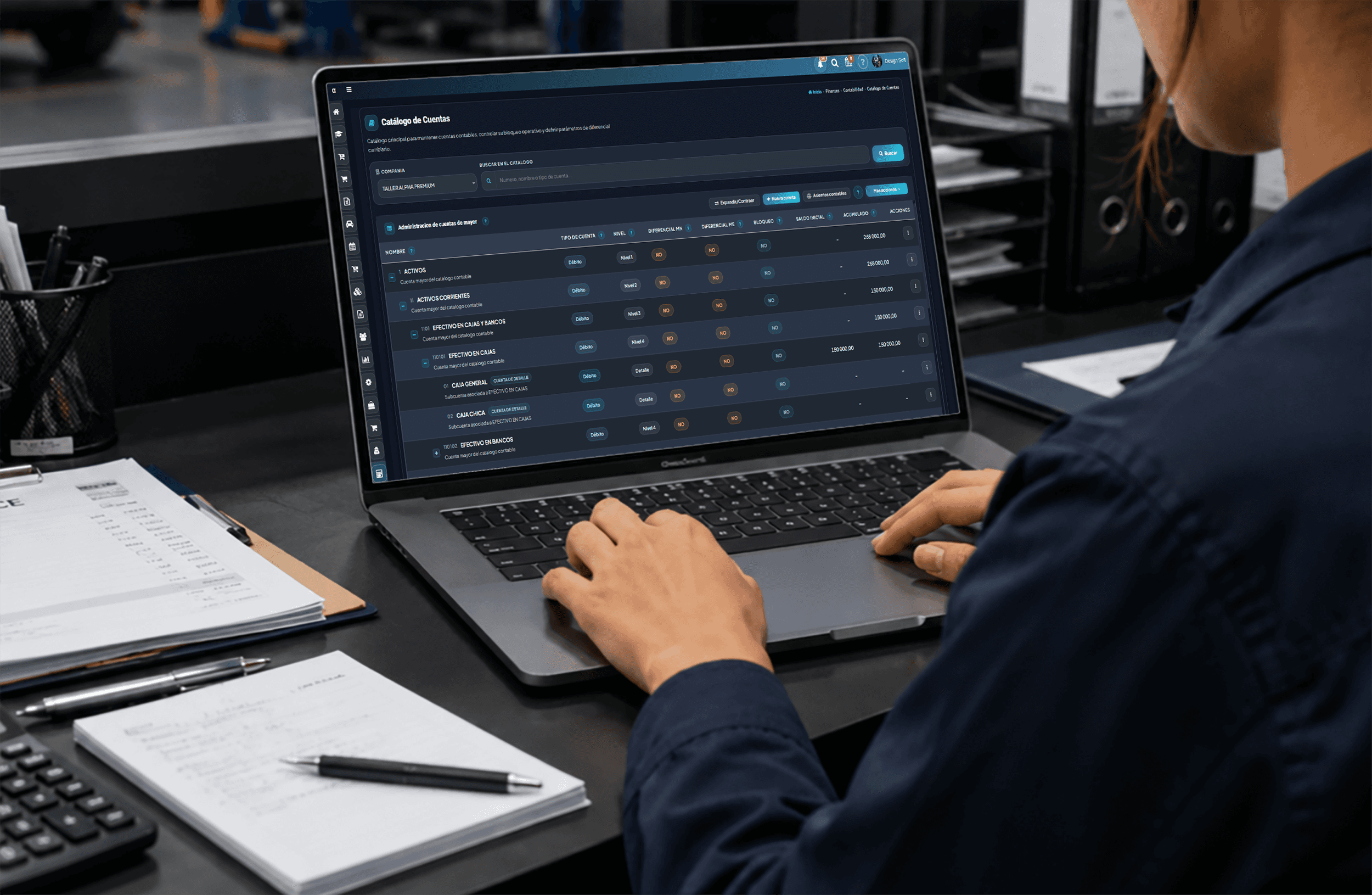
Account management
Maintain a clean structure for classifying movements and configuring accounting parameters.
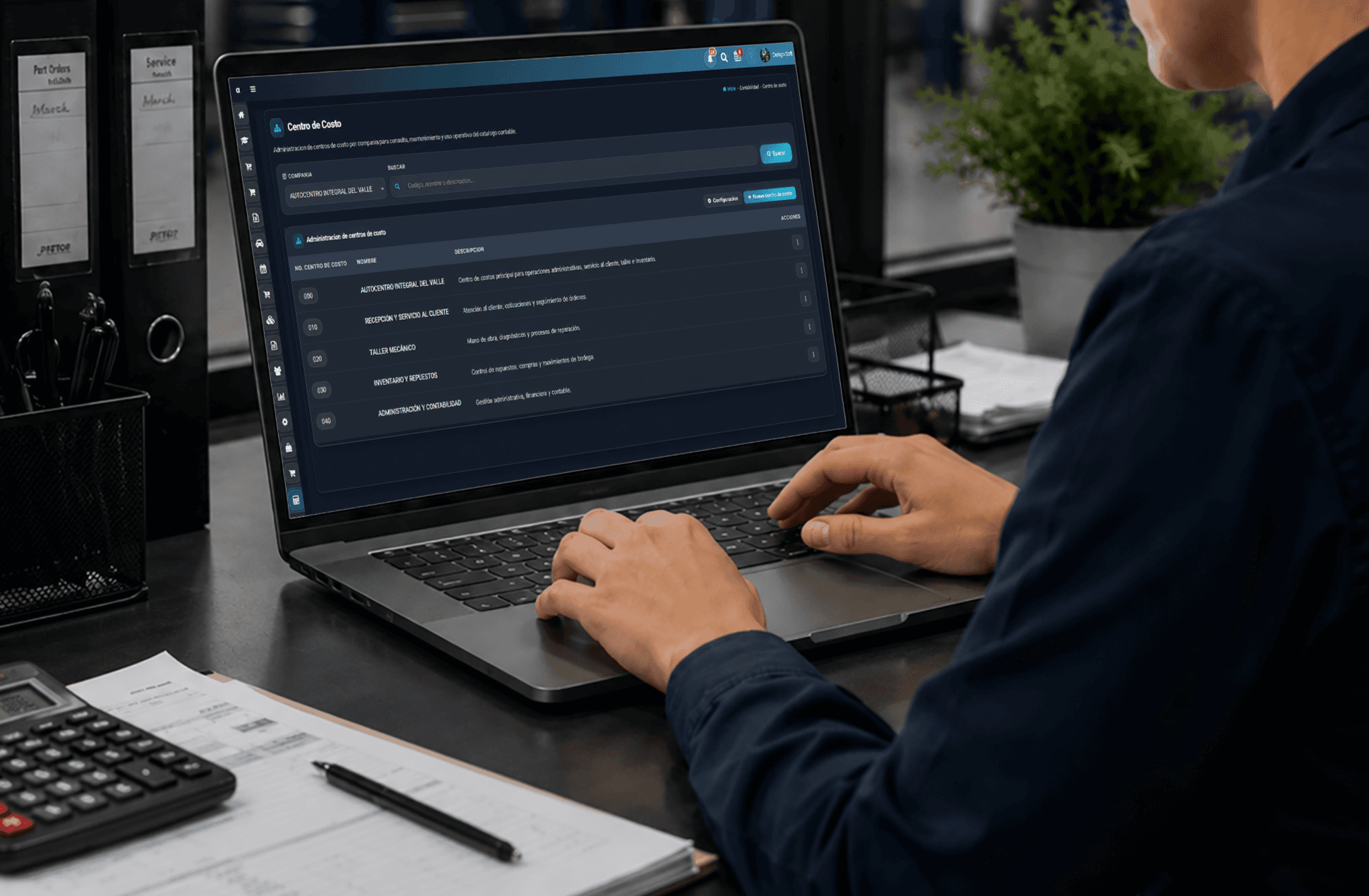
Operational control
Distribute costs across areas or business units to understand where resources are being used.
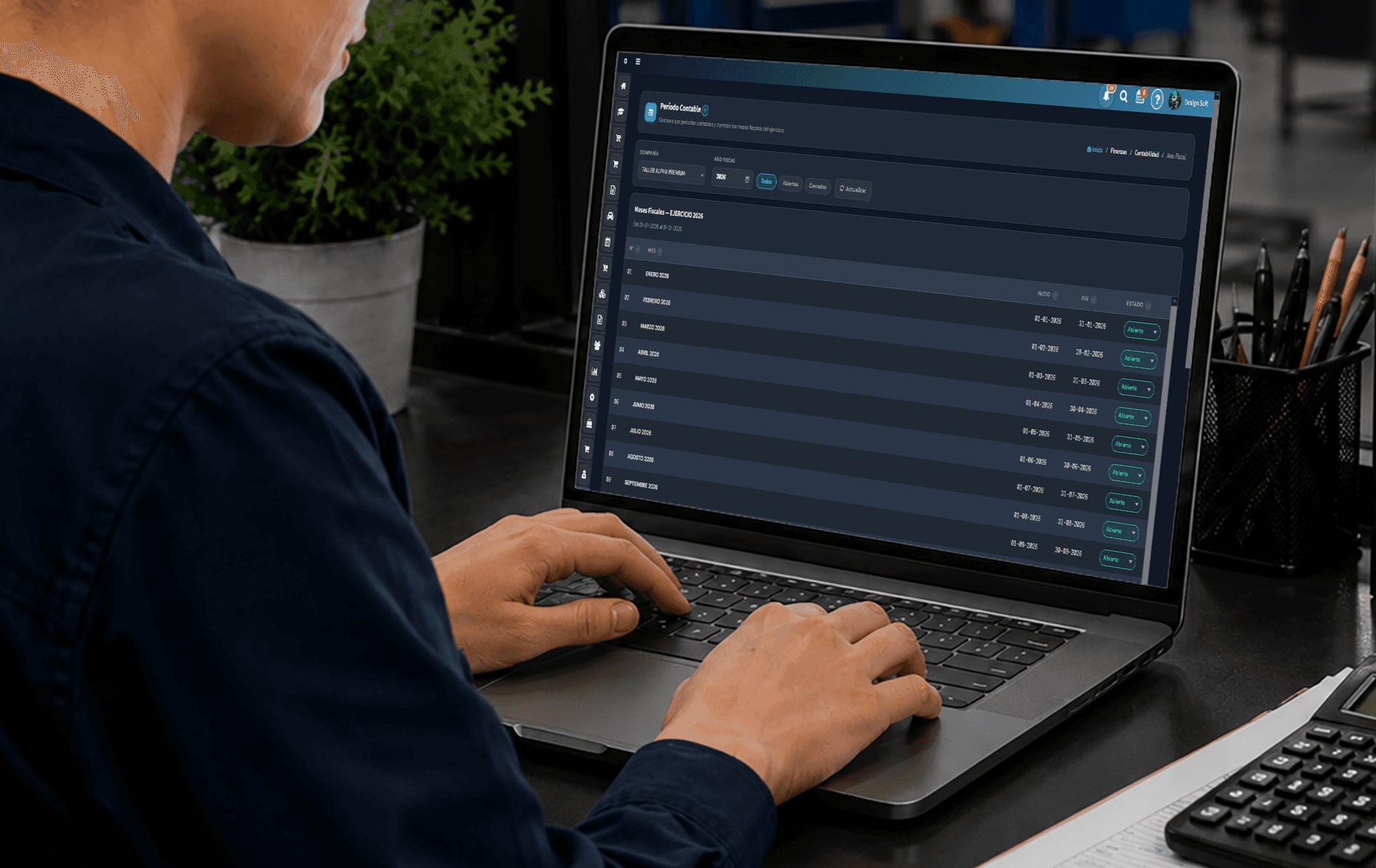
Period management
Control accounting years and months through a consistent period-close process.
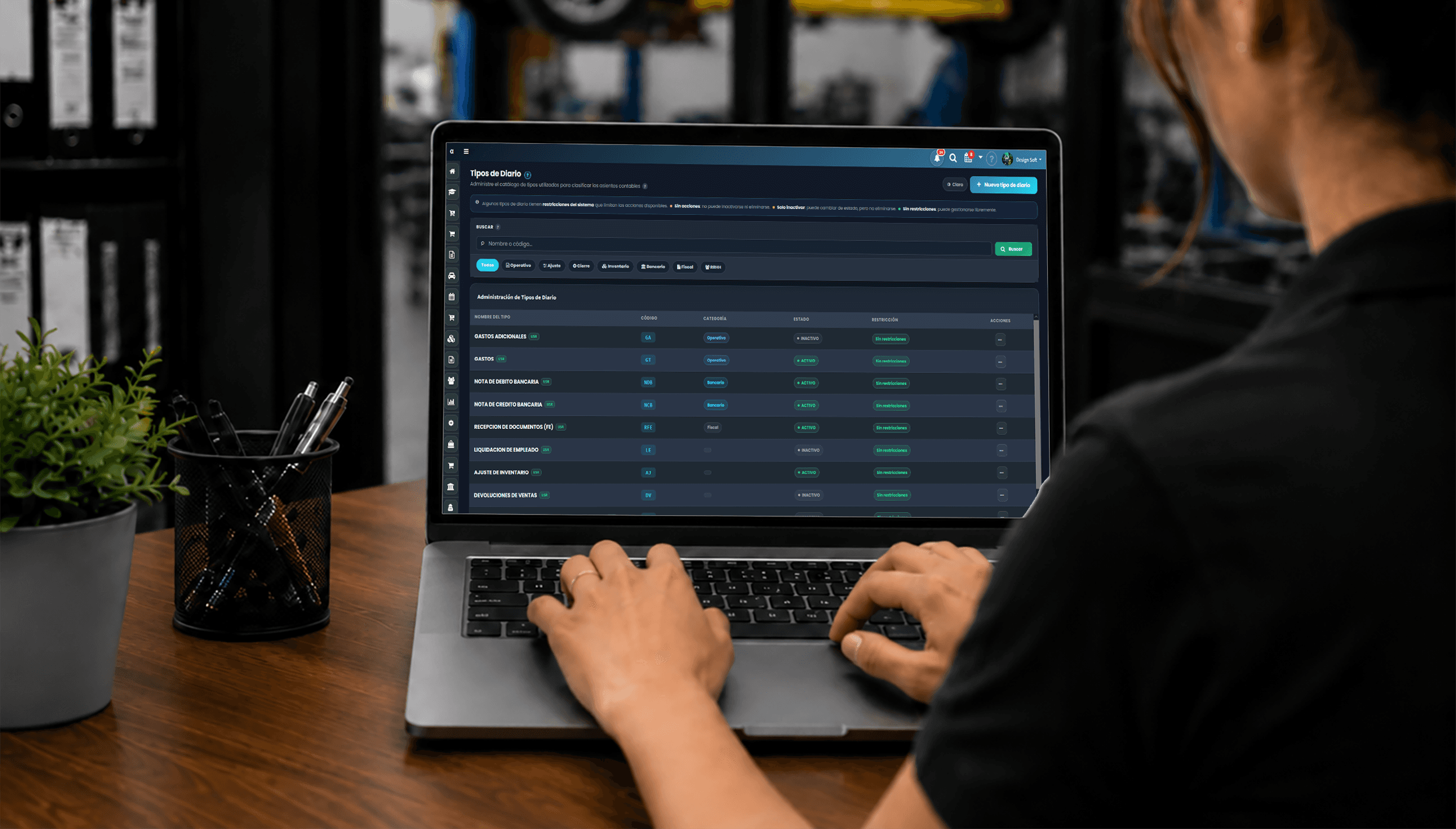
Accounting classification
Organize accounting entries so financial activity is easier to review and analyze.
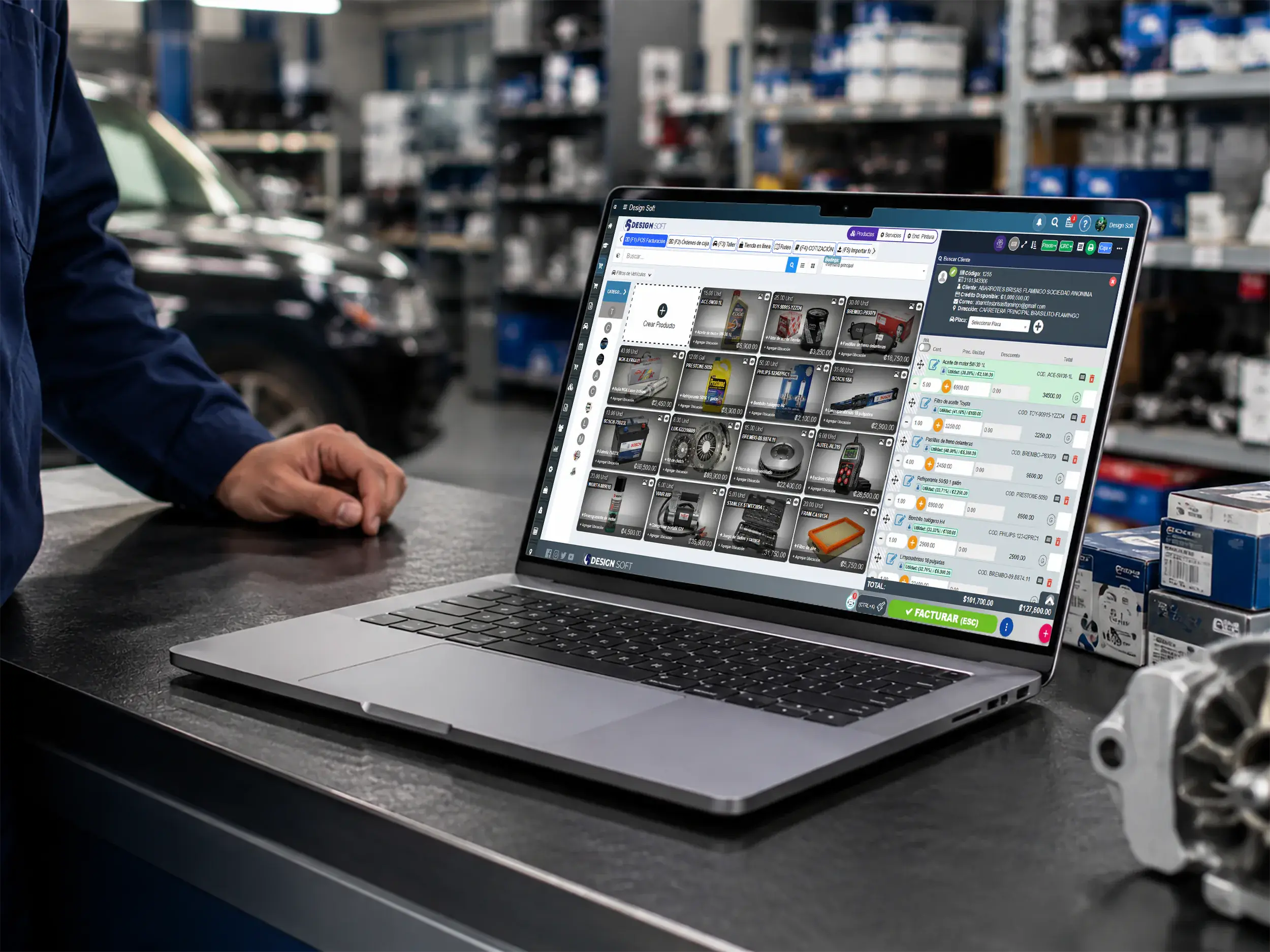
Payments for repair shops
Sell parts and services, collect payment, and issue receipts or invoices from one screen built for a busy service counter.
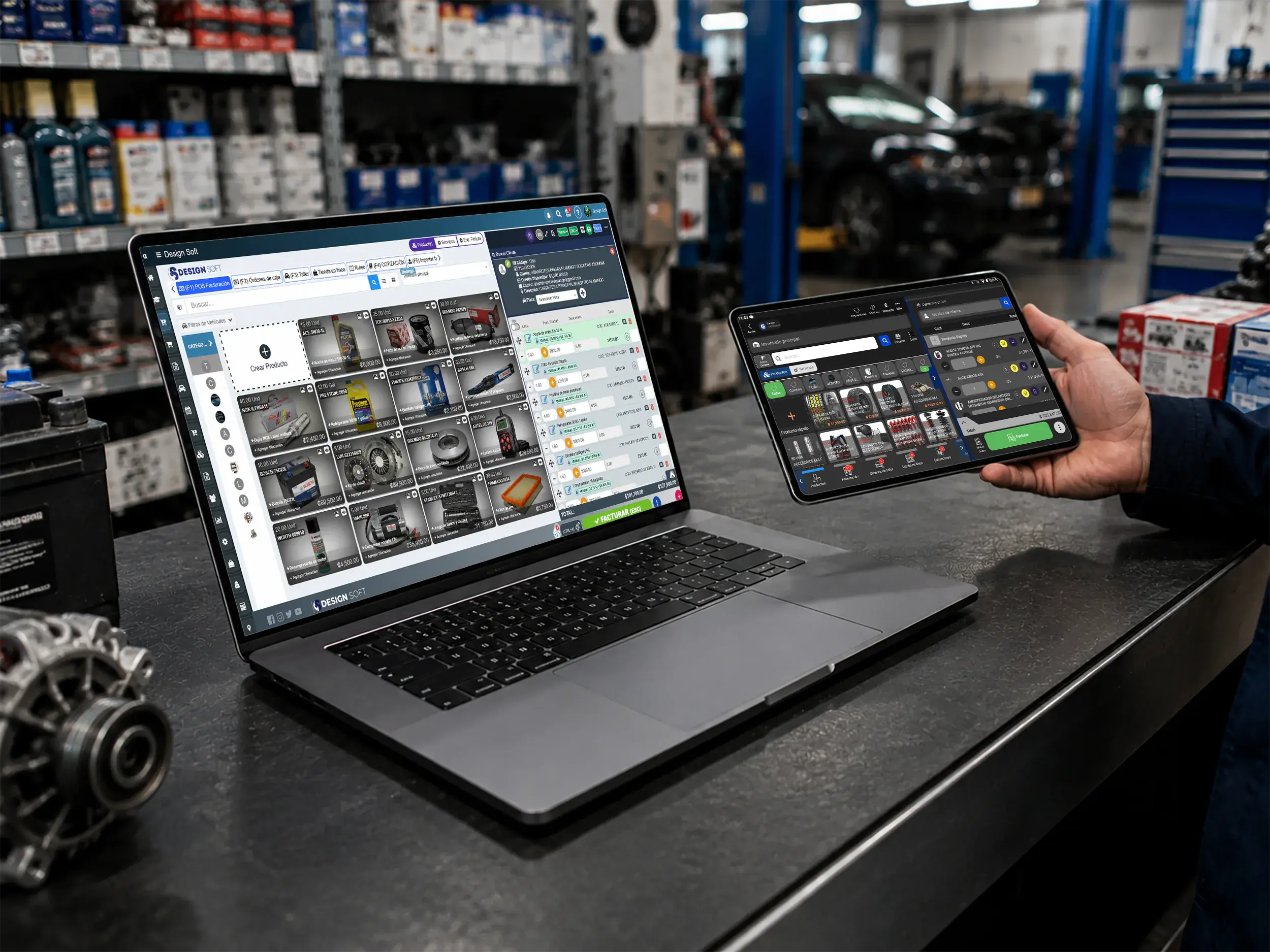
Operational flexibility
Serve customers at reception, the parts counter, or checkout while reviewing balances and payment methods.
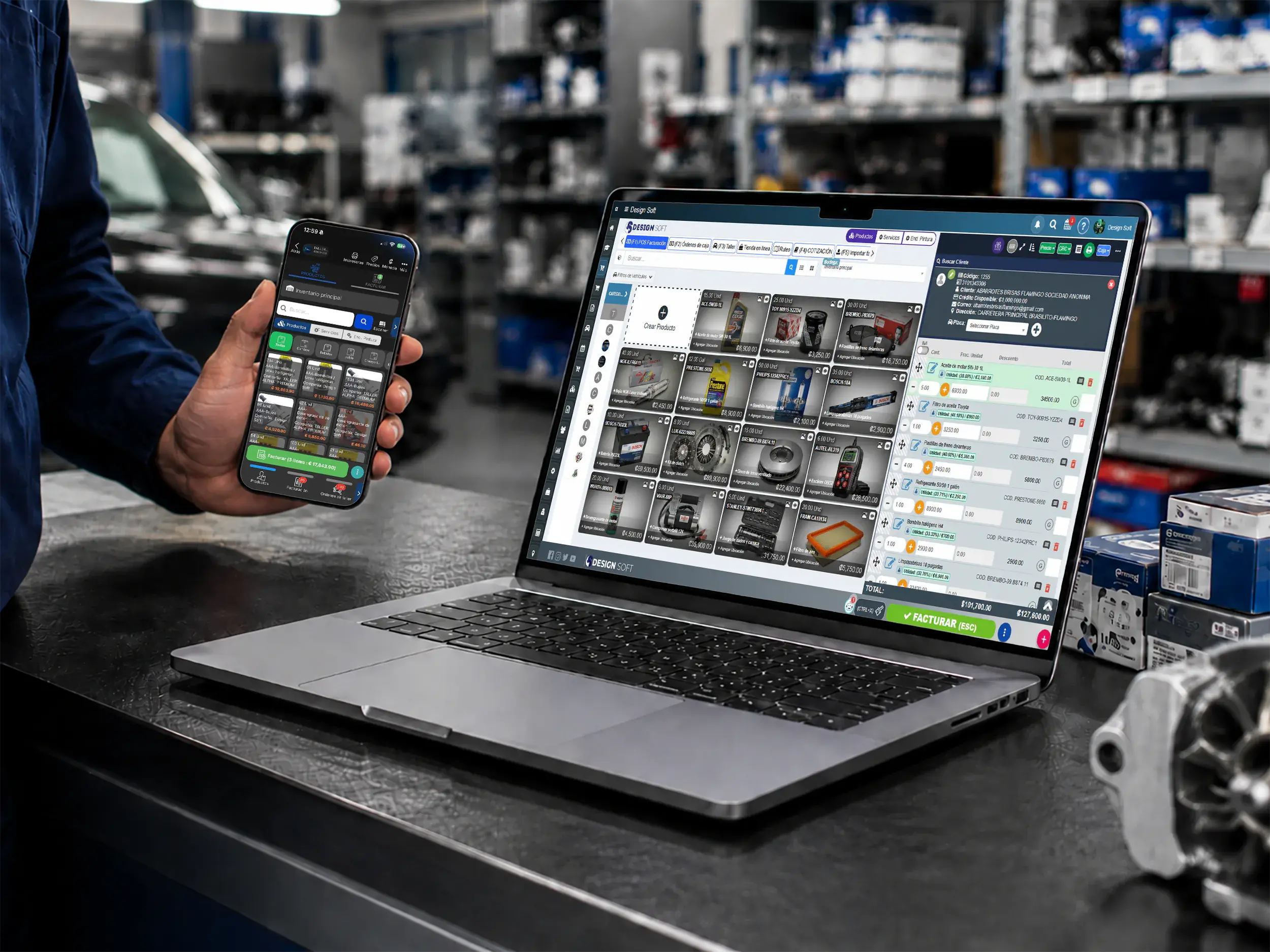
Payments from anywhere
Use the POS from the web or mobile app for parts, services, deposits, and quick sales.
Tie invoices, expenses and tax calculations to your shop reports for a clearer read on the business.
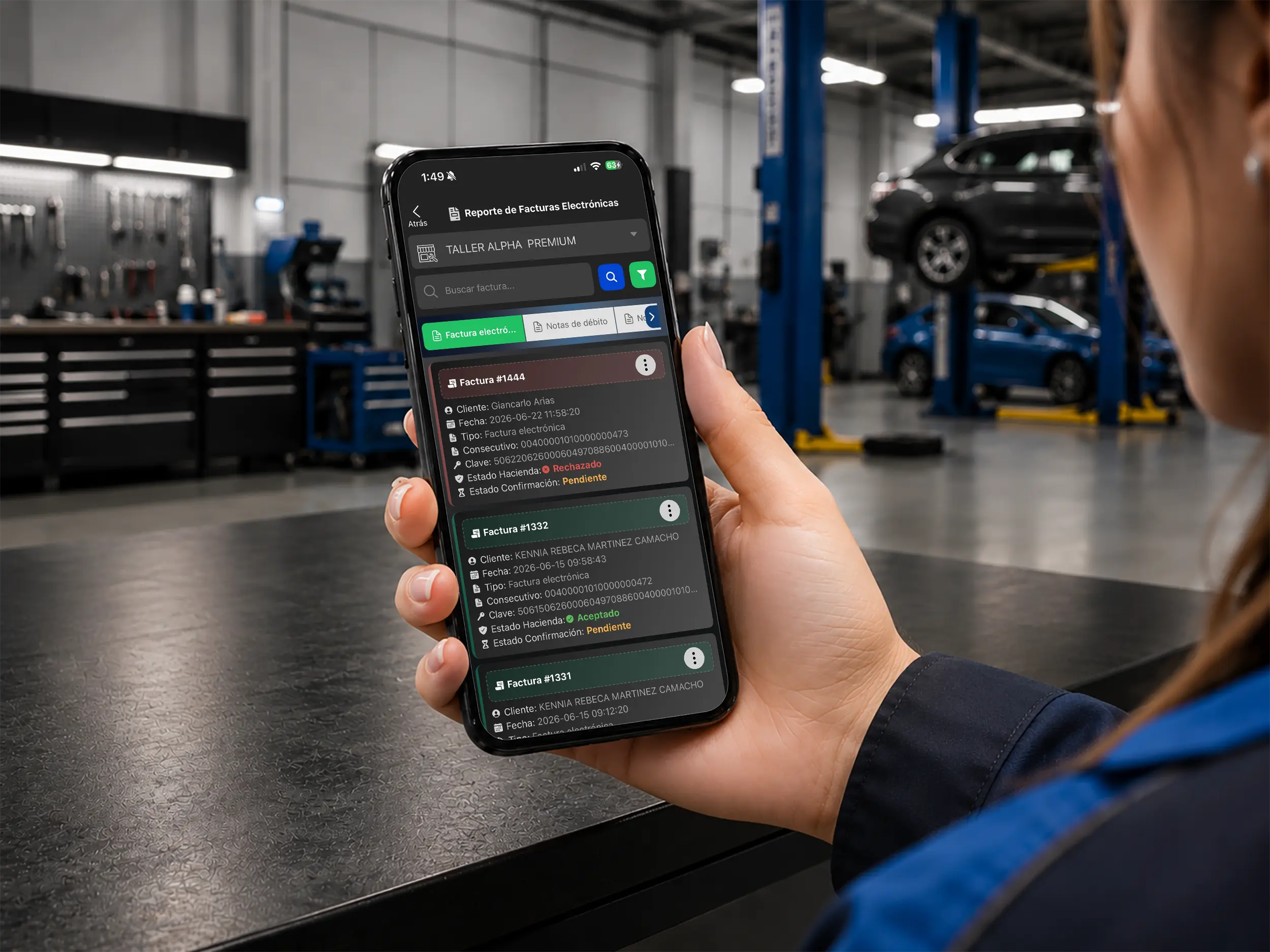
Invoicing and reporting
Monitor invoices, credit notes and document statuses to back up your close-outs and catch problems early.
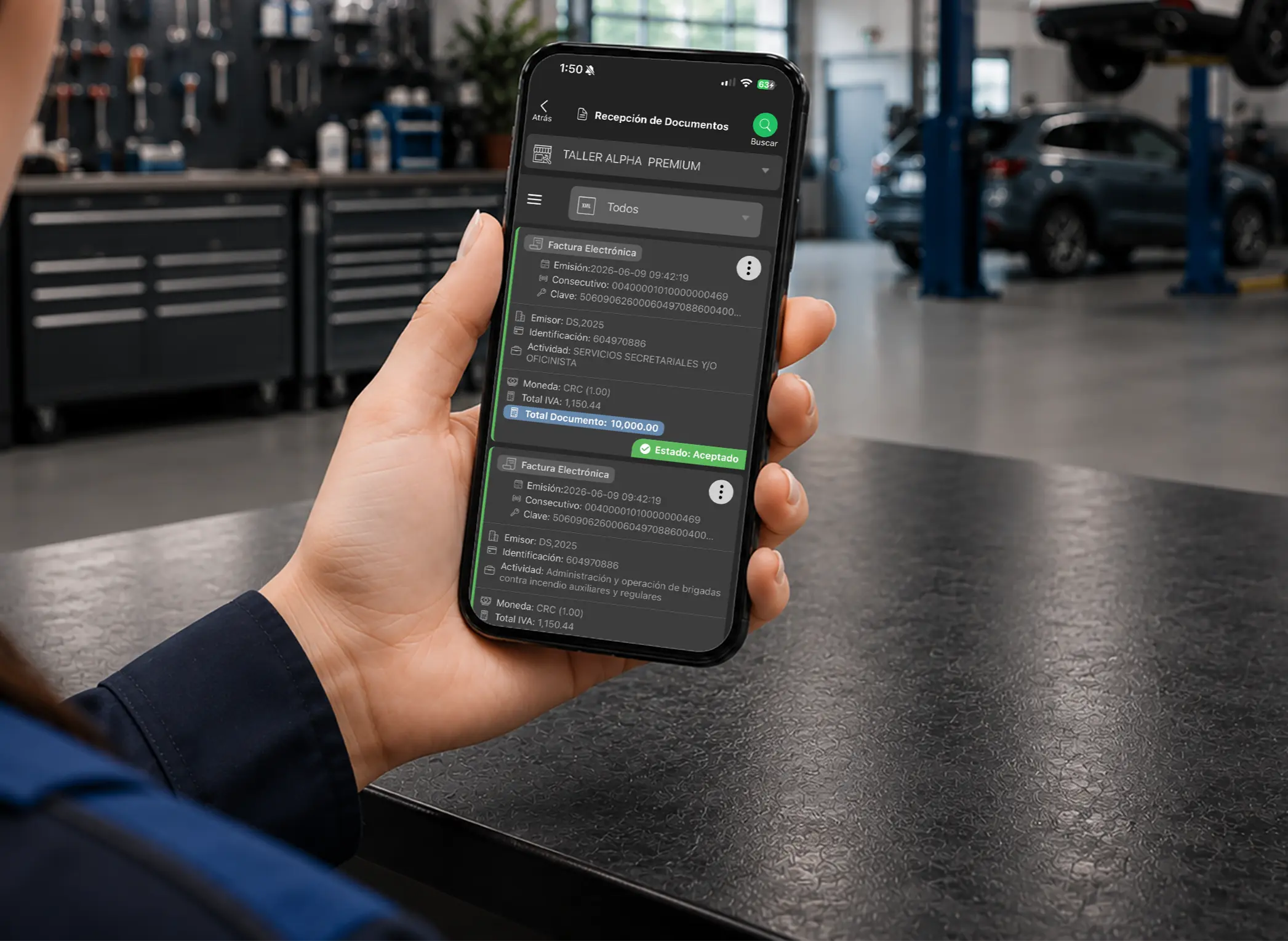
Purchasing and administration
Connect supplier documents to your shop analysis to understand expenses, purchasing and financial behavior.
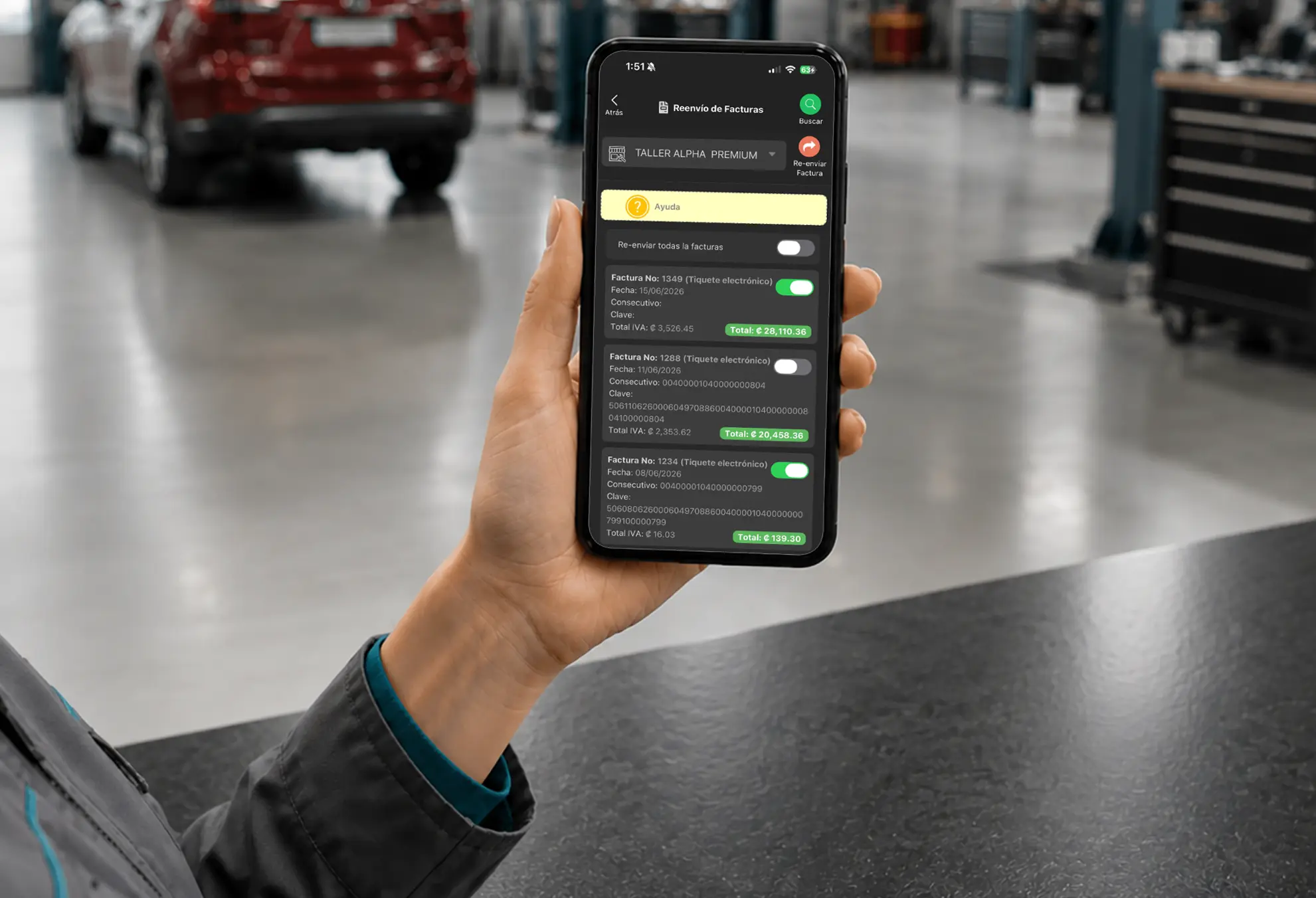
Customer service
Find and resend invoices quickly so customers get an answer fast and your records stay tight.
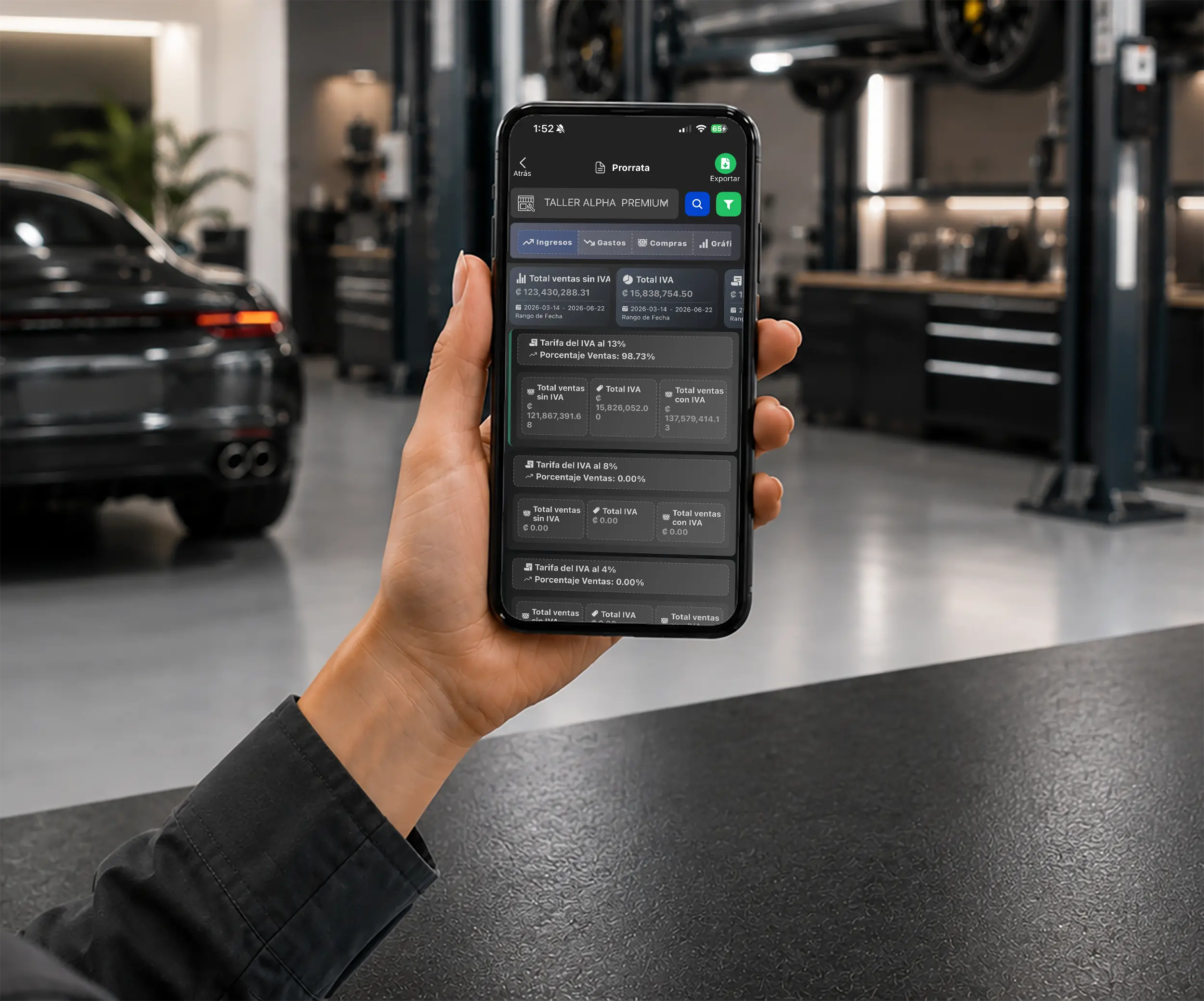
Tax calculation
Automate tax calculations for more reliable reports and less manual admin work. Available where the tax model applies.
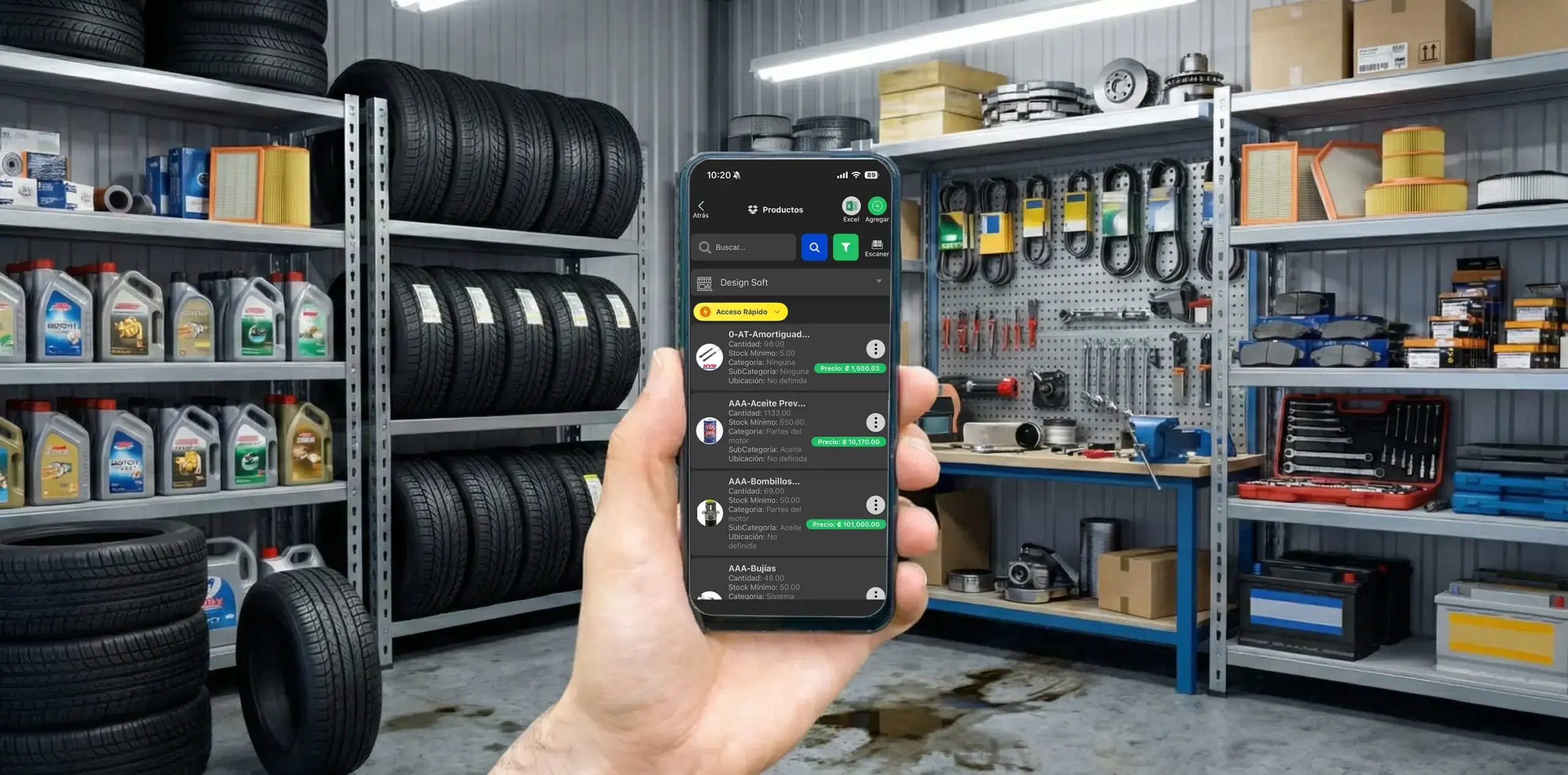
On-the-go access
Review important inventory information from the stockroom, service counter, or away from the business.
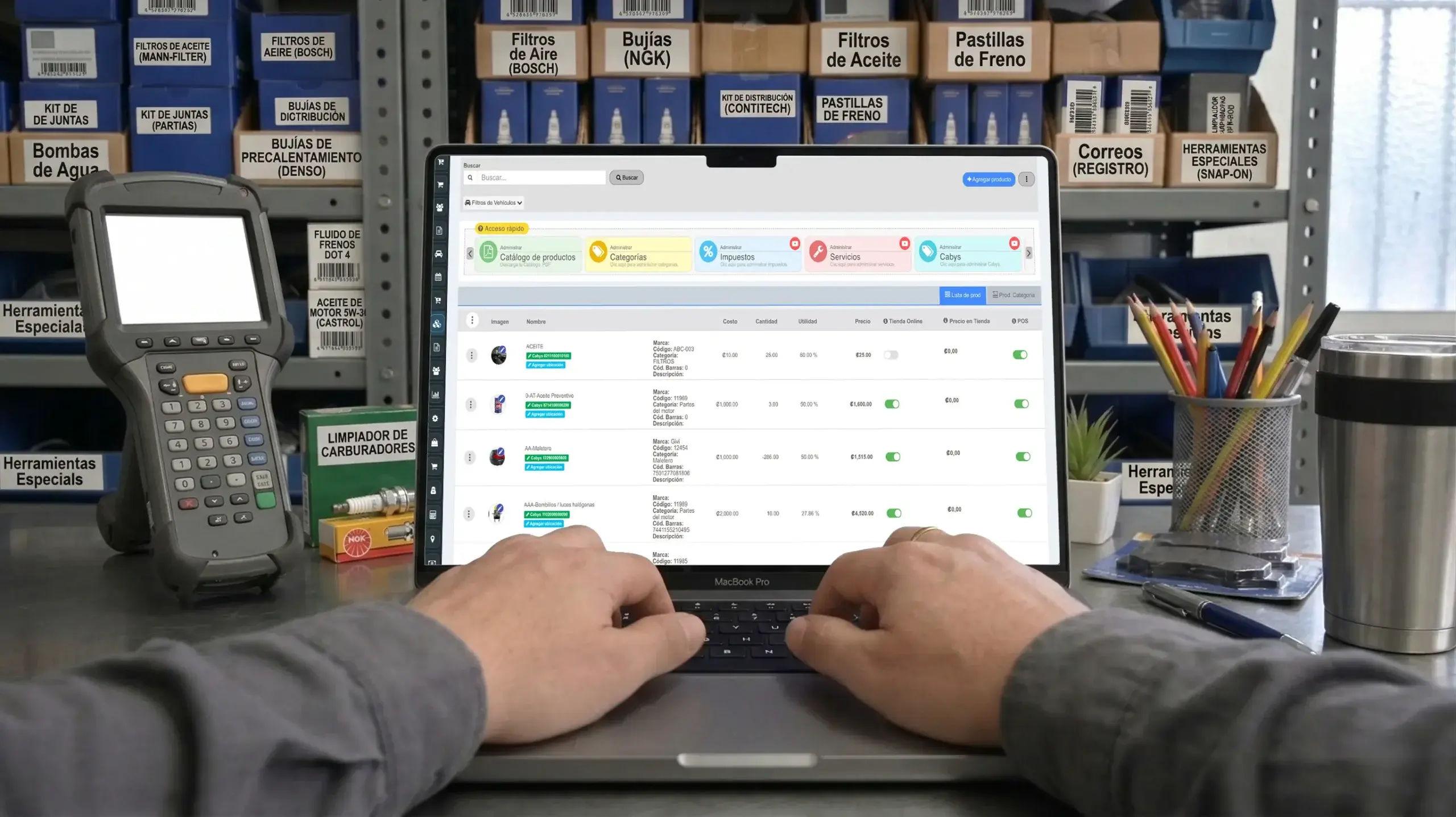
Repair shop inventory software
Review on-hand quantities, costs, movements, and parts availability from one place.
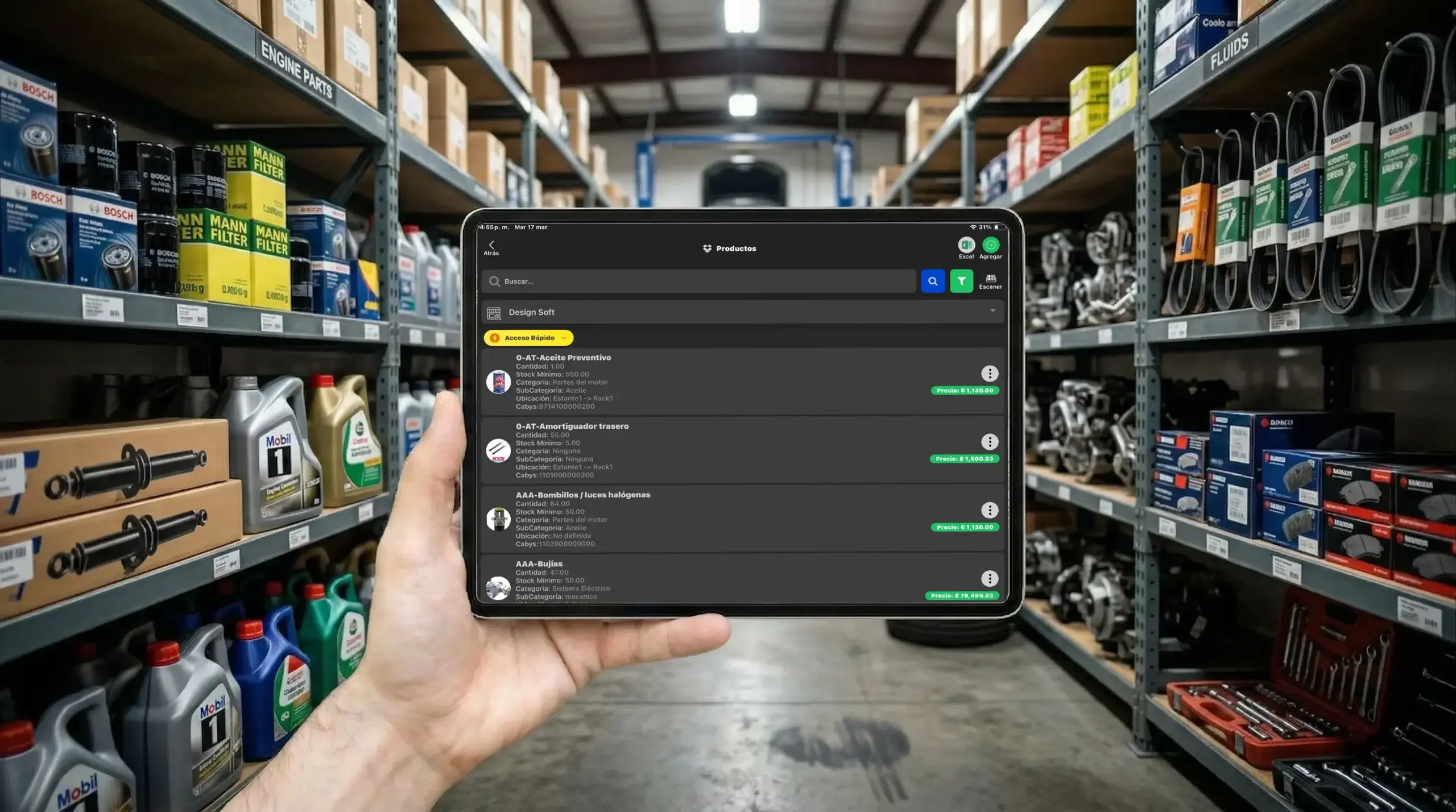
Operational control
Spot slow-moving, unavailable, or critically low products before they delay a repair or sale.
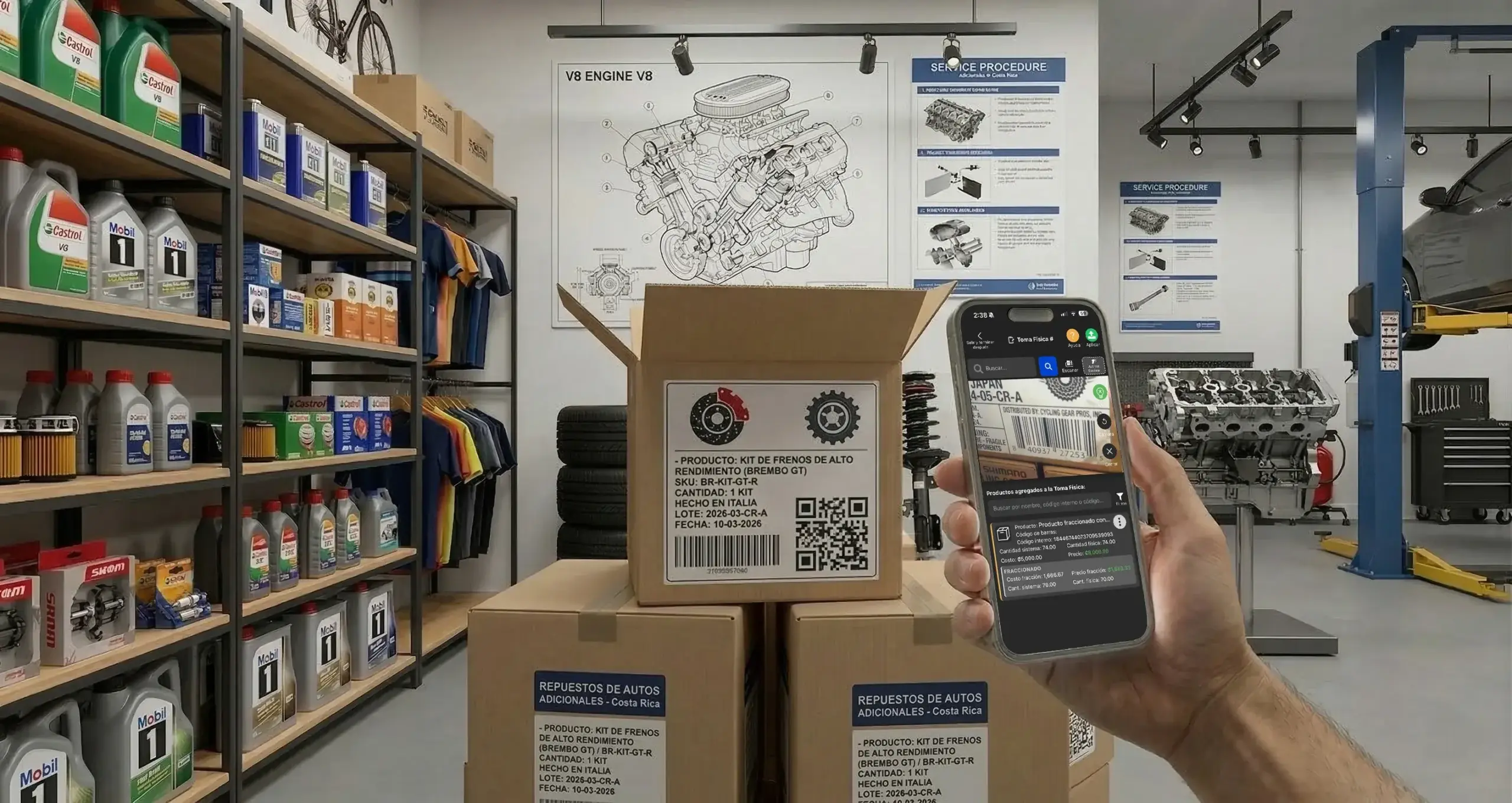
Counting and scanning
Run physical counts with barcode scanning to reduce manual errors and keep recorded stock aligned with the shelf.
Get Taller Alpha on the App Store or Google Play, or use it in a web browser to manage repair orders, customers, inventory, and daily operations from any device.

iPhone app
Use Taller Alpha on iPhone to review repair orders, customers, and shop processes wherever you work.
Available for iPhone and iPad

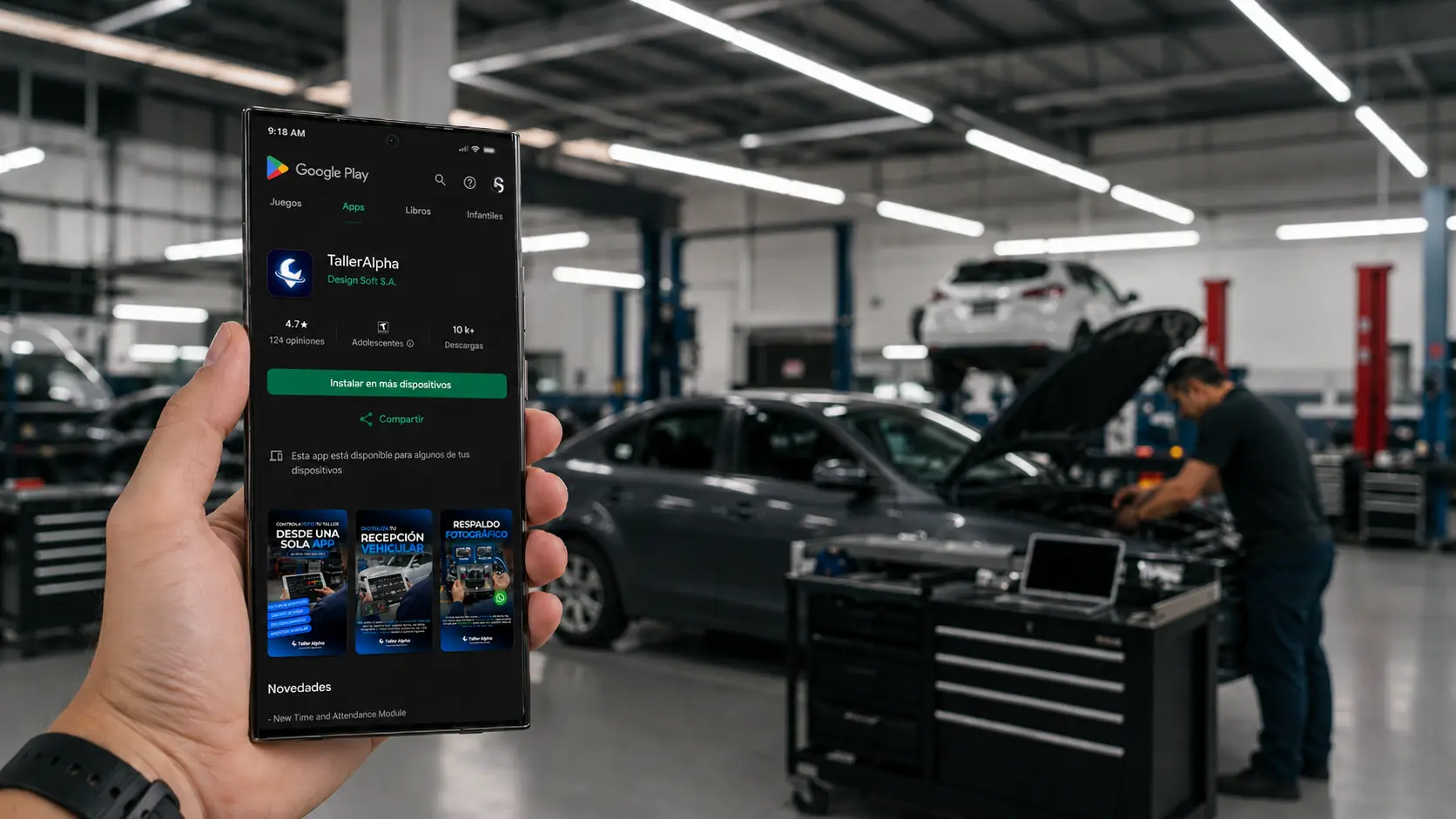
Android app
Use the Android app to follow shop activity and review important information on the go.
Available for Android phones

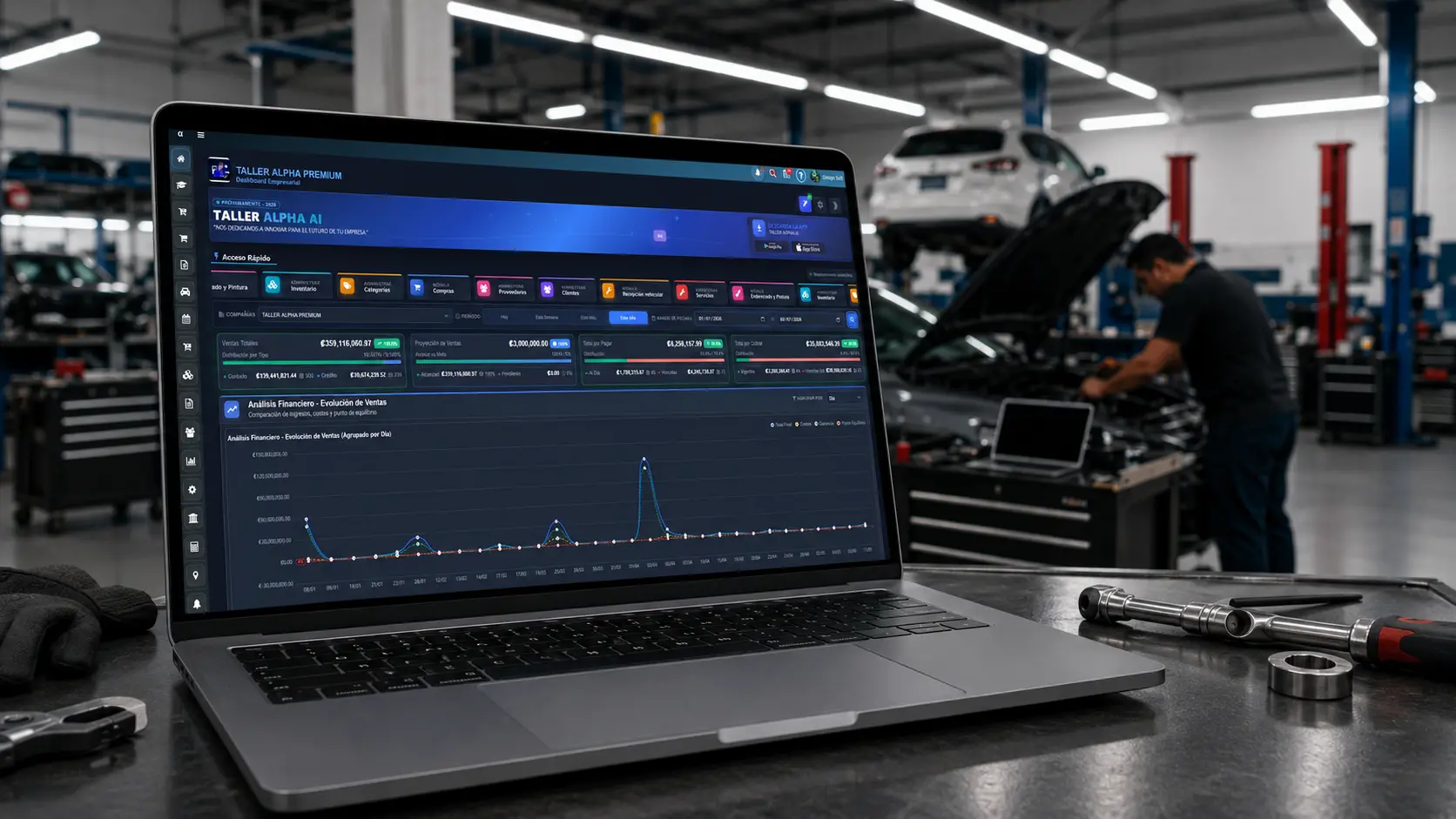
Browser compatible
Manage repair orders, inventory, customers, payments, and reports from a modern desktop browser.
Compatible with Chrome, Edge, Firefox, and Safari.
We recommend Firefox for a more stable experience.