Invoicing & Payments for Auto Repair Shops
Bill with less friction, issue valid invoices, and control payments, deposits and close-out from shop software that connects the bay, the counter and the office.
Document & Tax Control
Keep your shop's billing in order with invoice status tracking, supplier document intake, fast invoice resending and clearer tax calculations.
- Invoice report
Document control
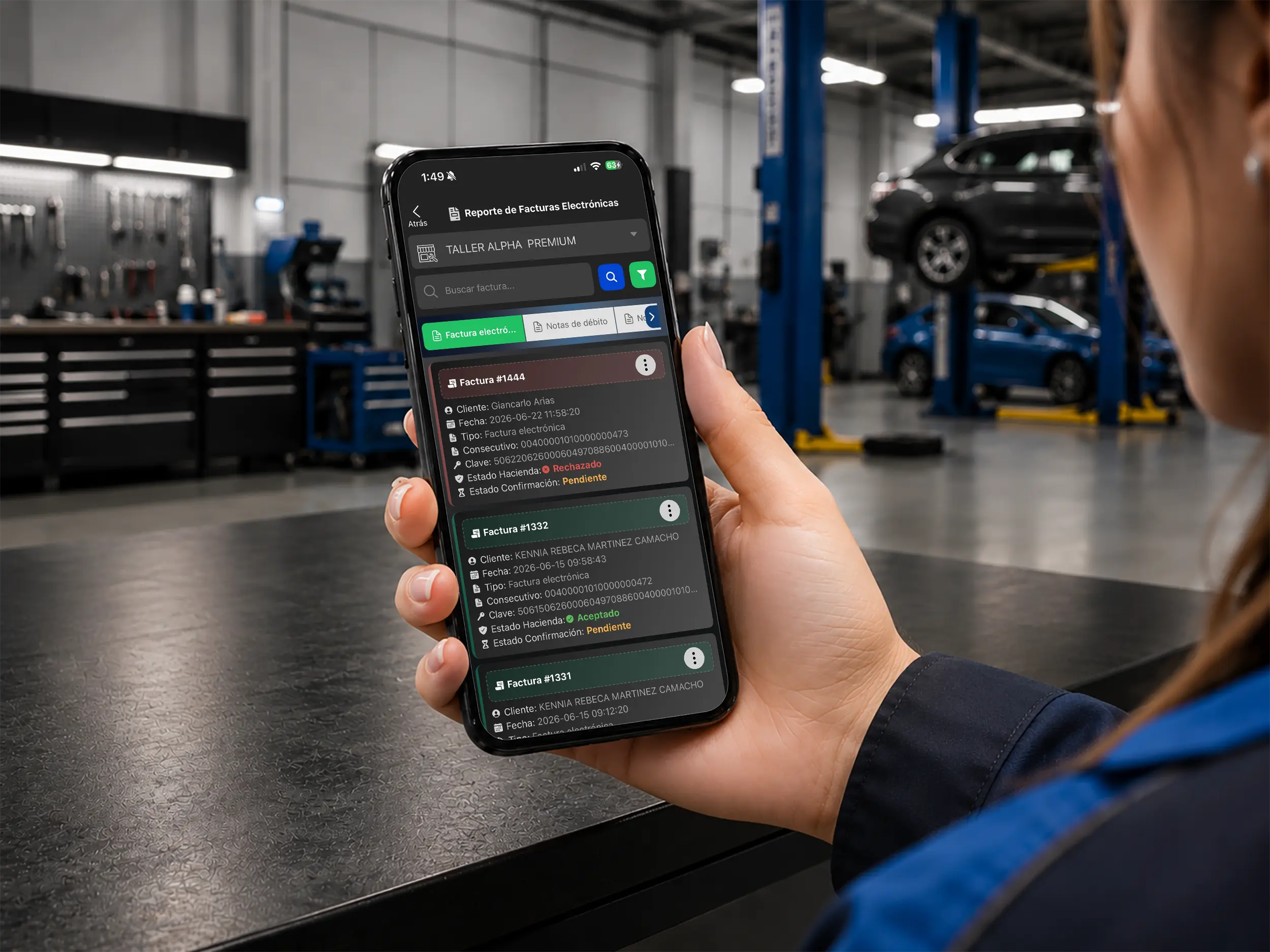
Track the status of every invoice
Monitor the status of invoices, credit notes and issued documents so you catch rejections, confirm what was sent, and download PDF or XML faster.
- Expense intake
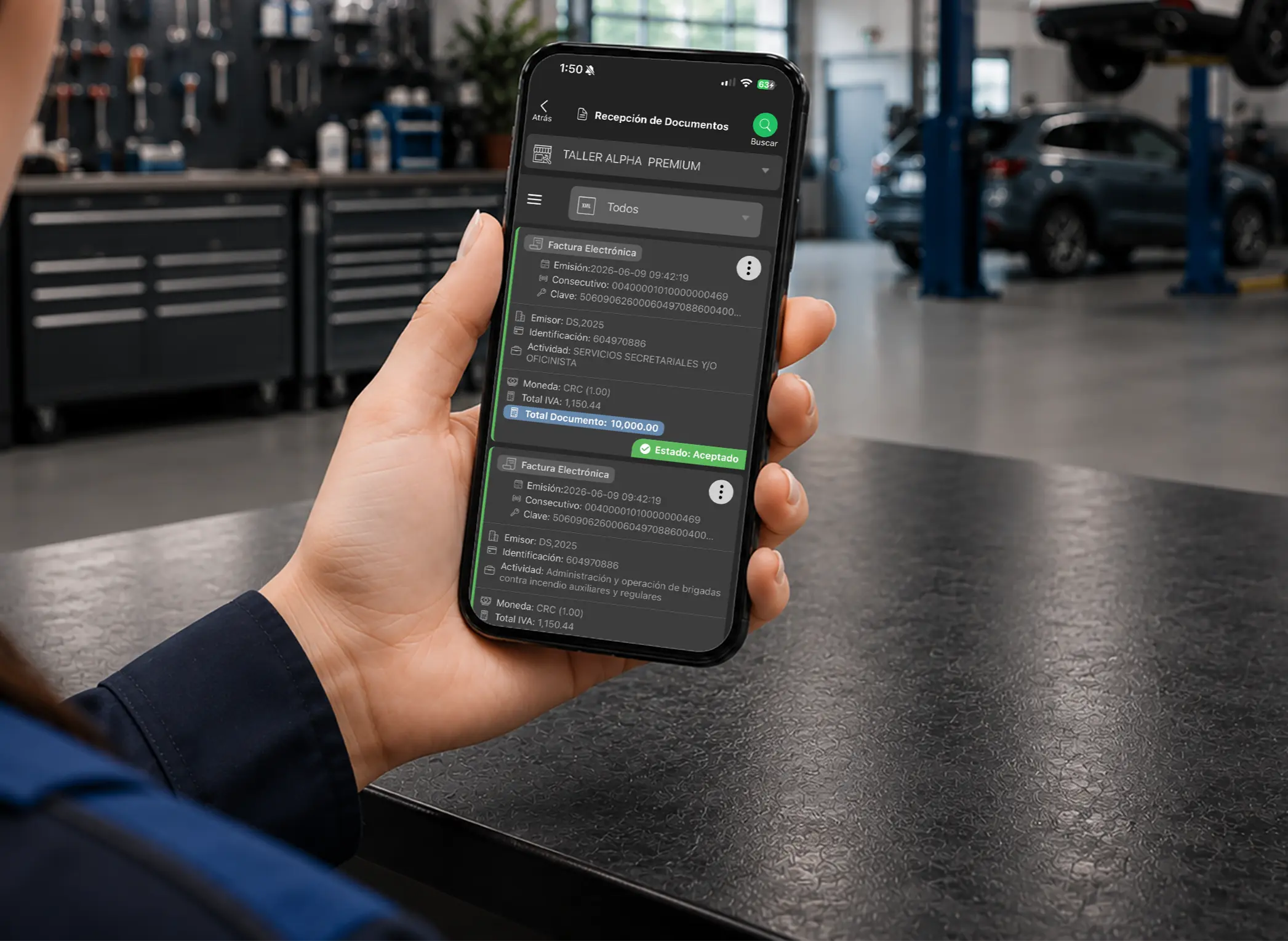
Purchasing administration
Receive and validate supplier documents
Control shop purchases and expenses by receiving and accepting supplier invoices, keeping your books and your tax records in better order.
- Resend invoices
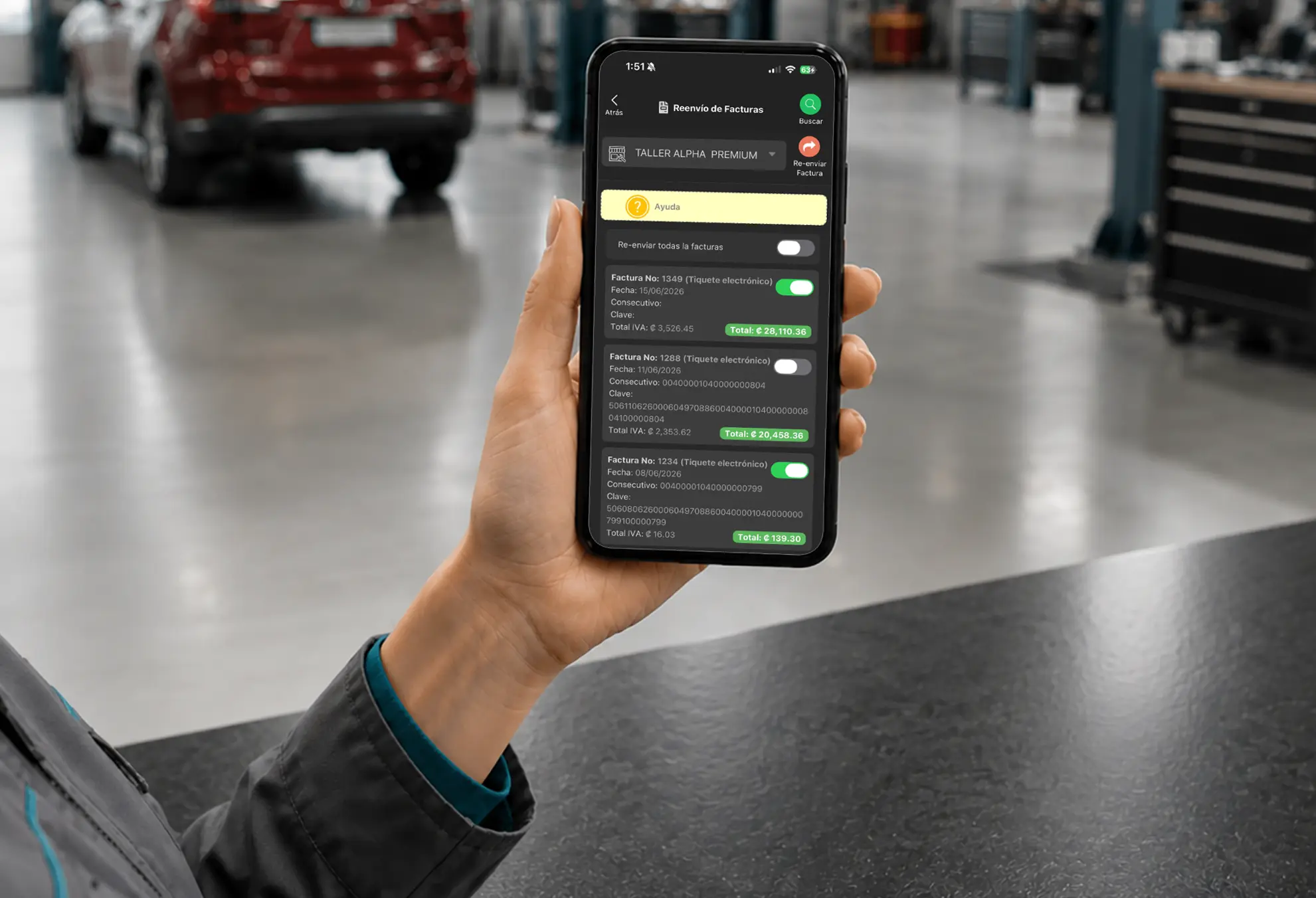
Customer service
Resend invoices with less friction
Find an invoice you already issued and resend it by email or message, so the customer gets an answer fast and you keep the paper trail.
- VAT proration
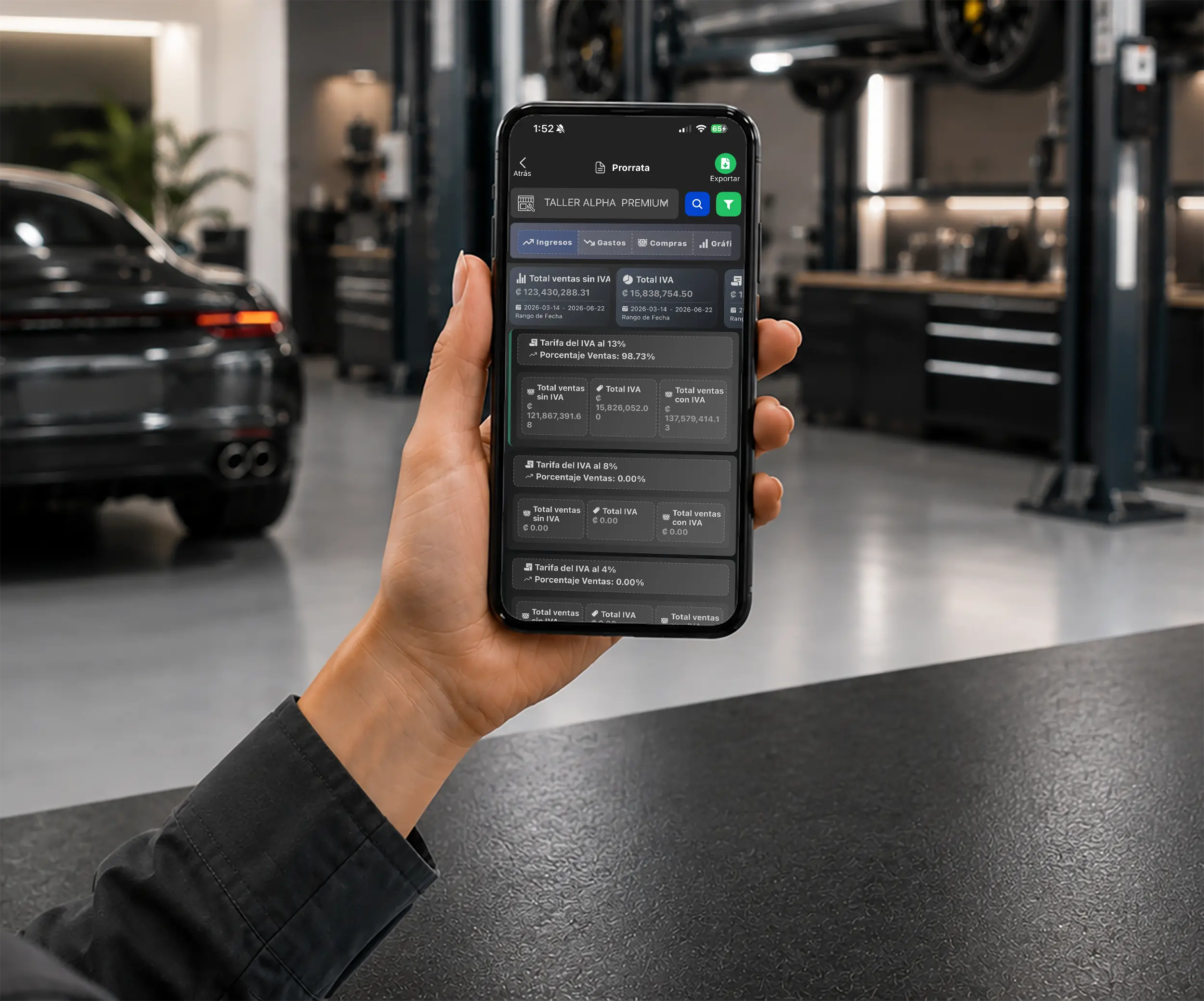
Accounting calculations
Automate VAT proration
In markets where VAT applies, proration is calculated automatically to keep your tax figures accurate, cut manual work and support your period close.
Point of Sale for Invoicing & Payments
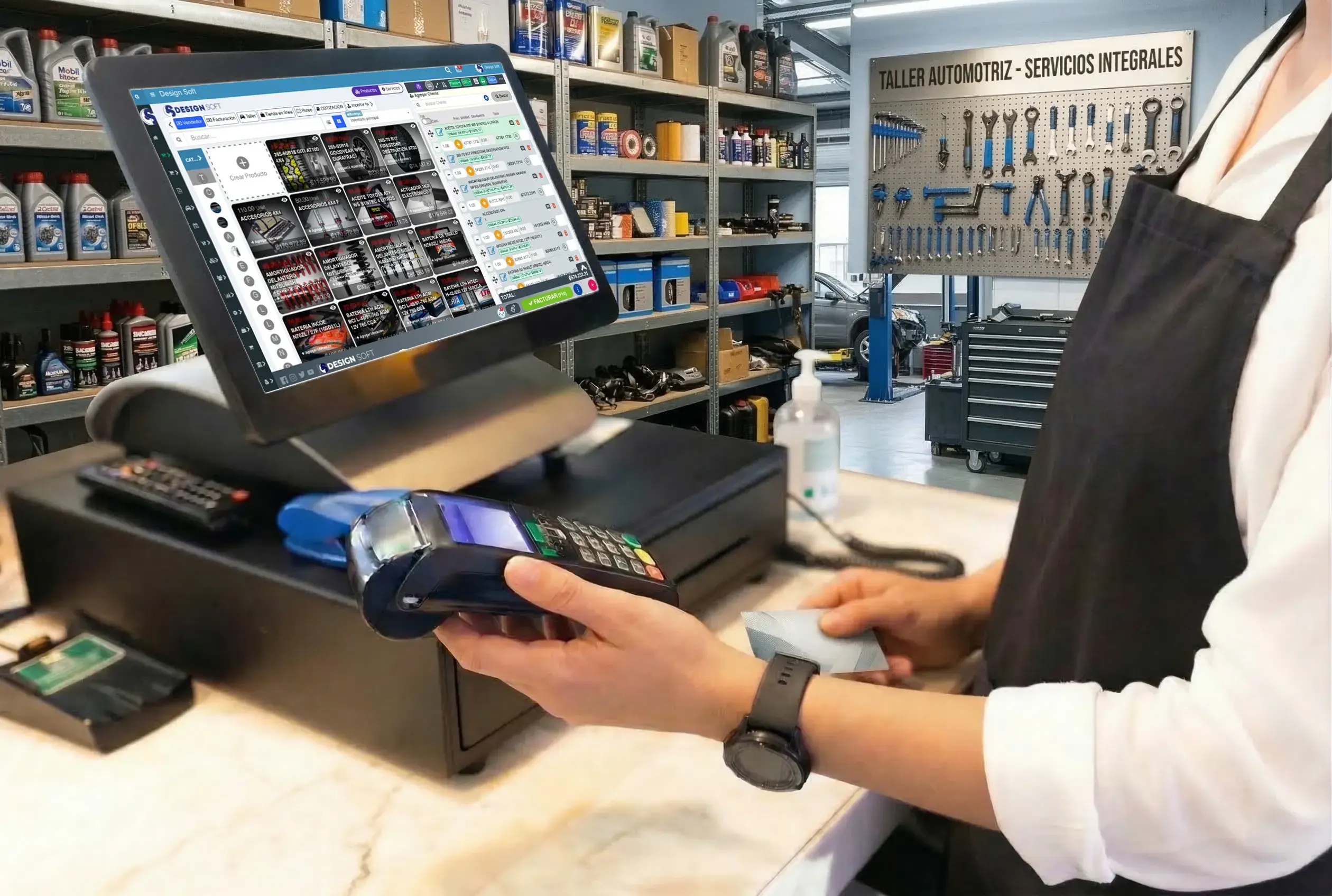
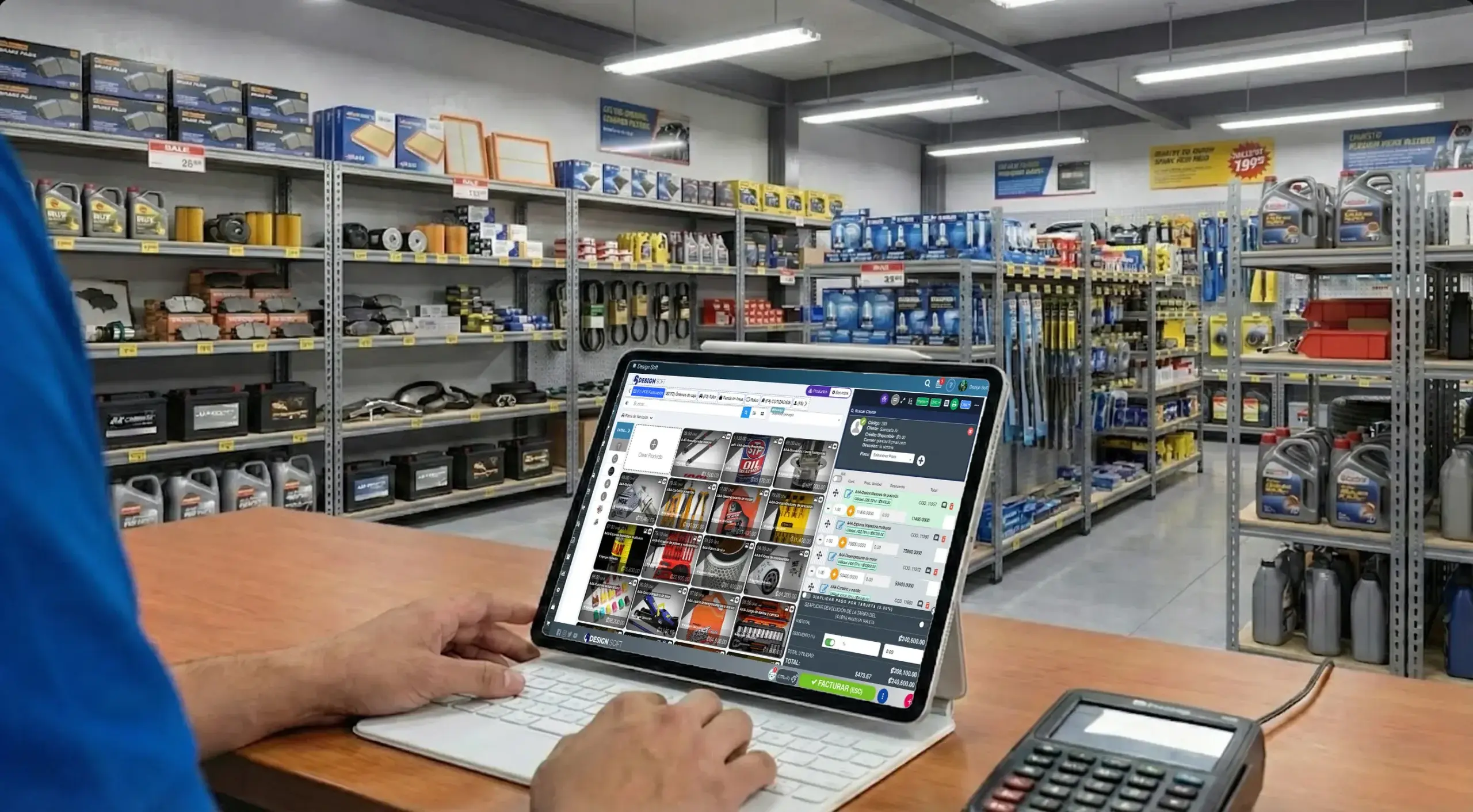
- Payment and invoicing
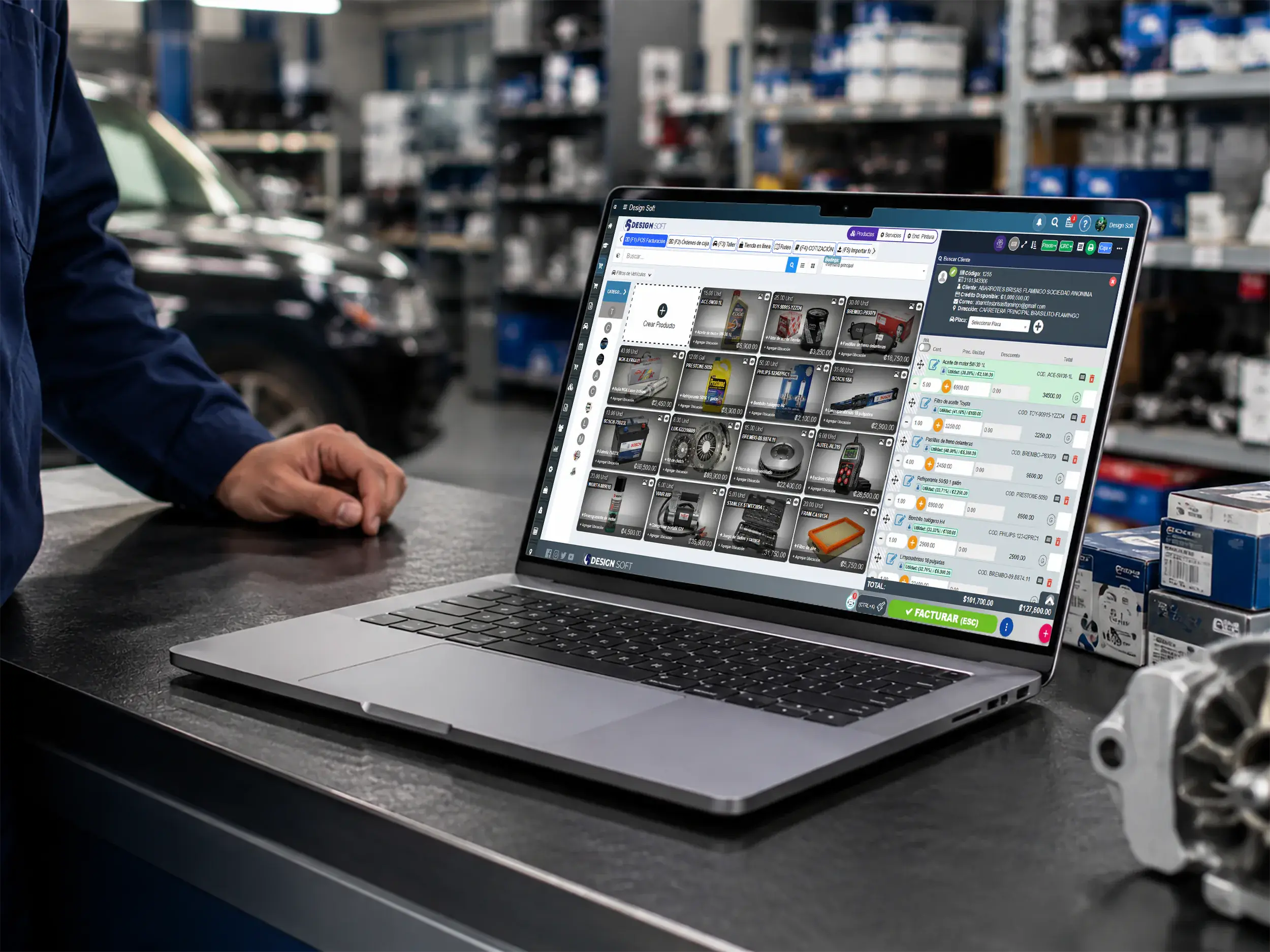
Point of sale for auto shops
Turn repair orders into faster payments
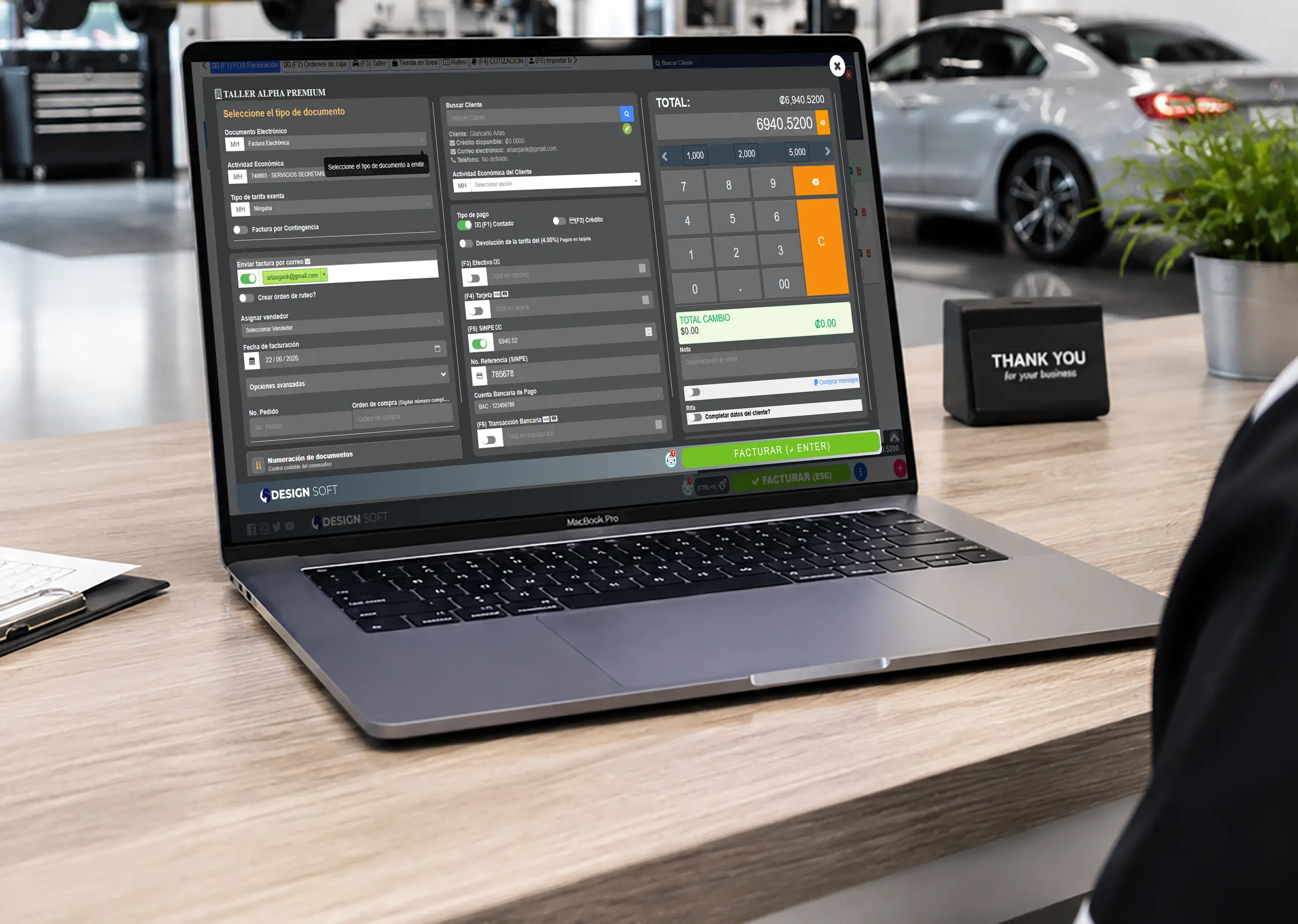
Go from repair order to final payment with a point of sale wired straight into invoicing for auto repair shops.
- Counter and checkout
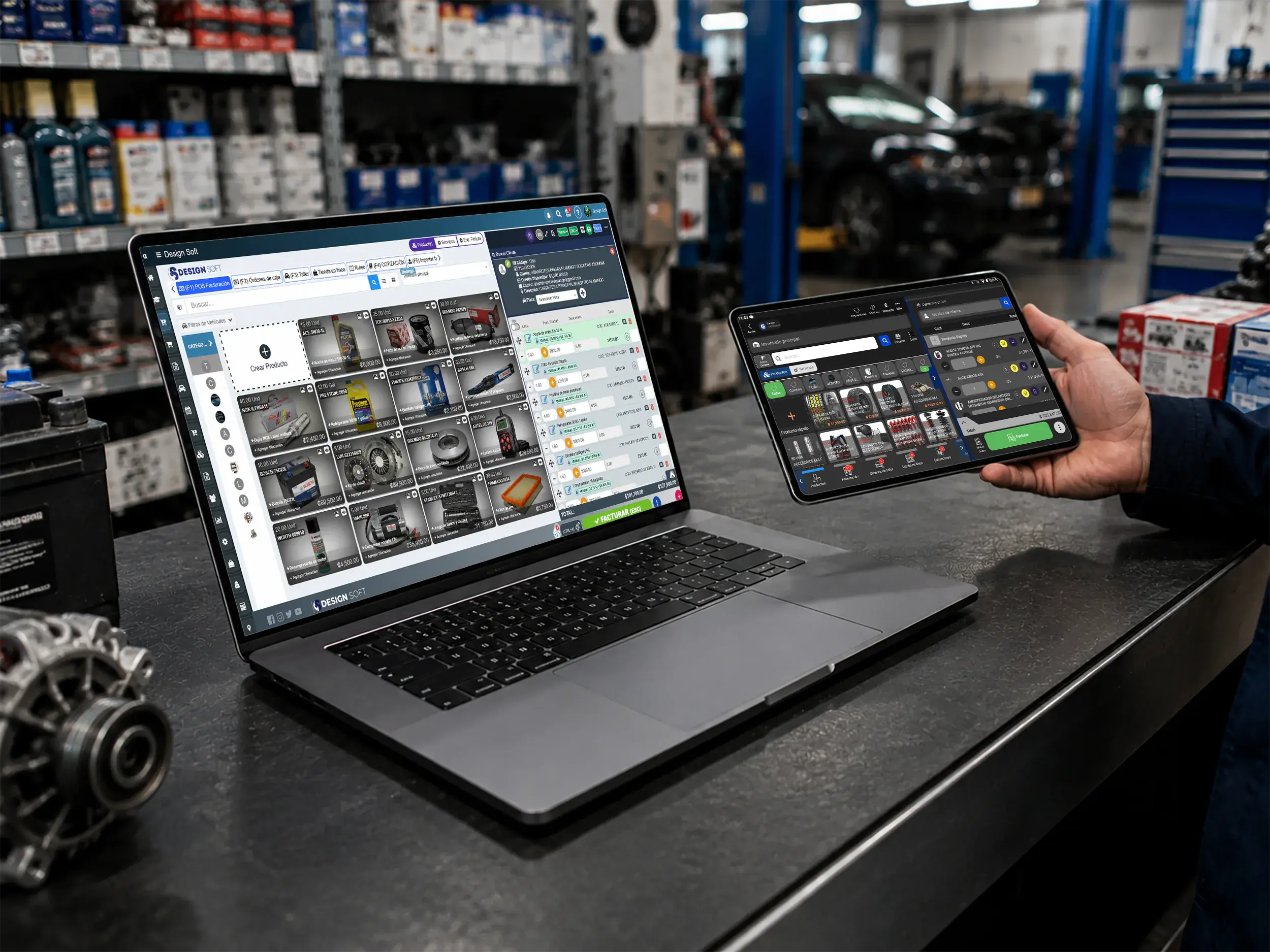
Smoother payments
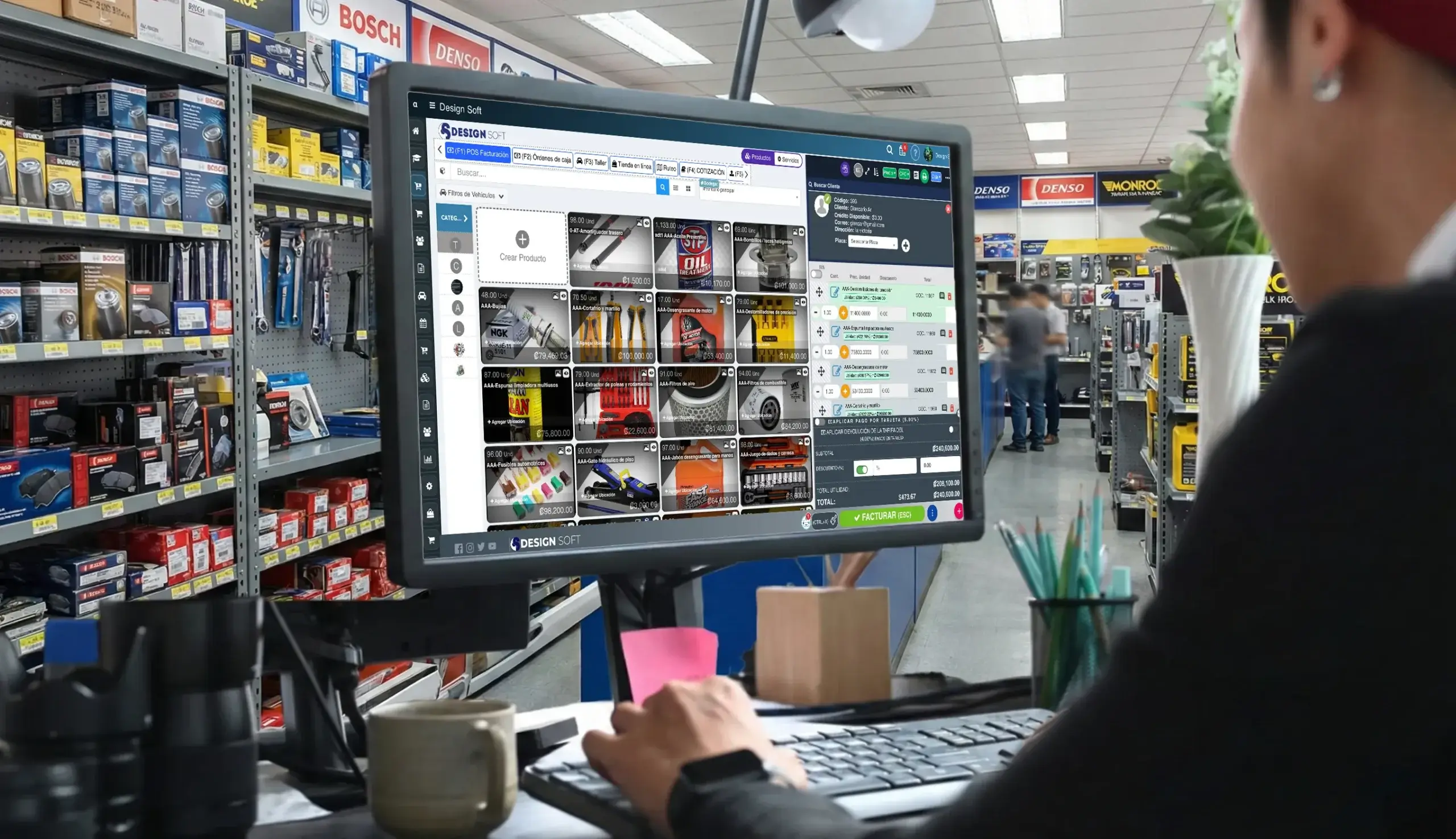
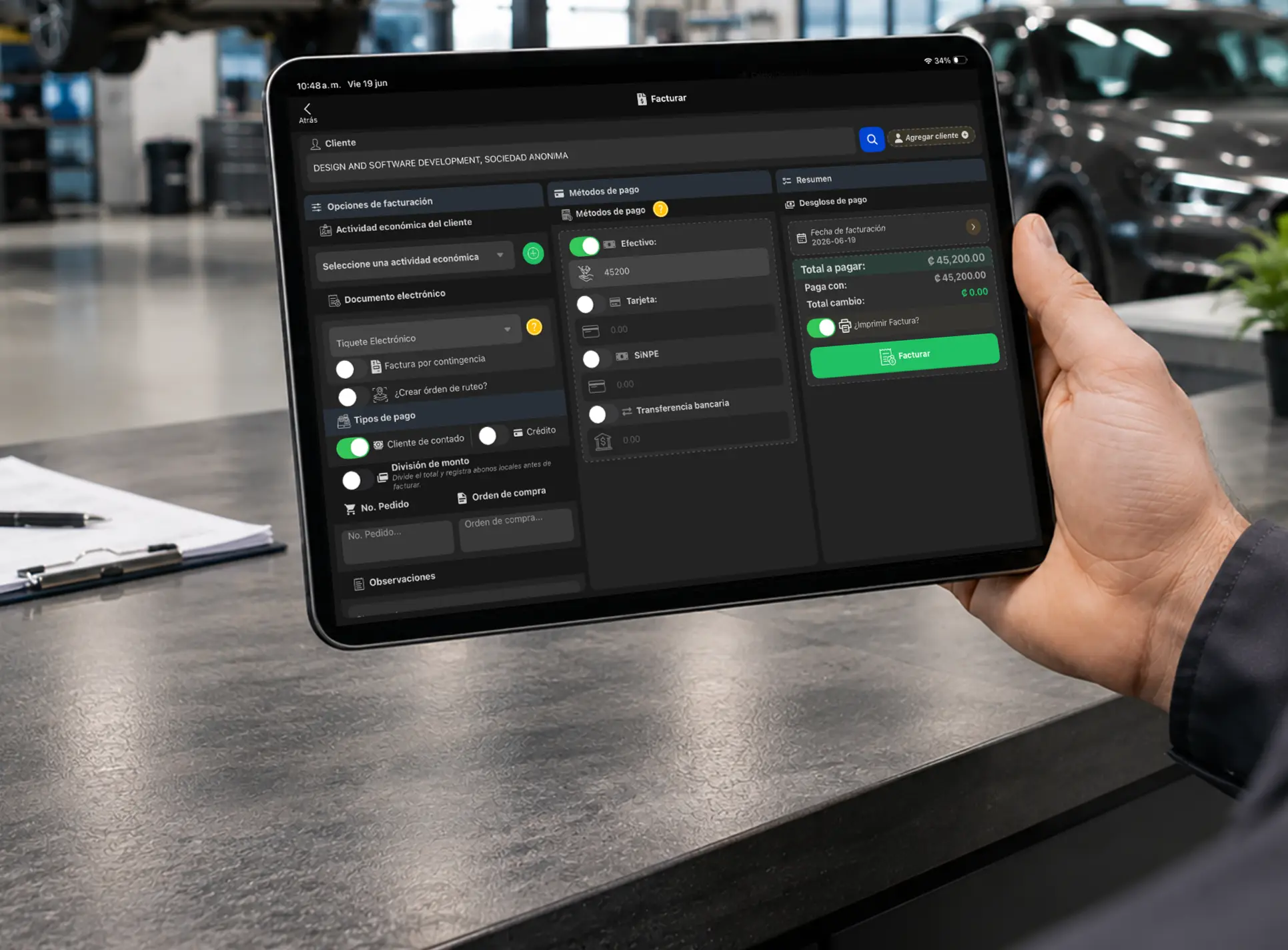
Take payment at the register, counter or check-in
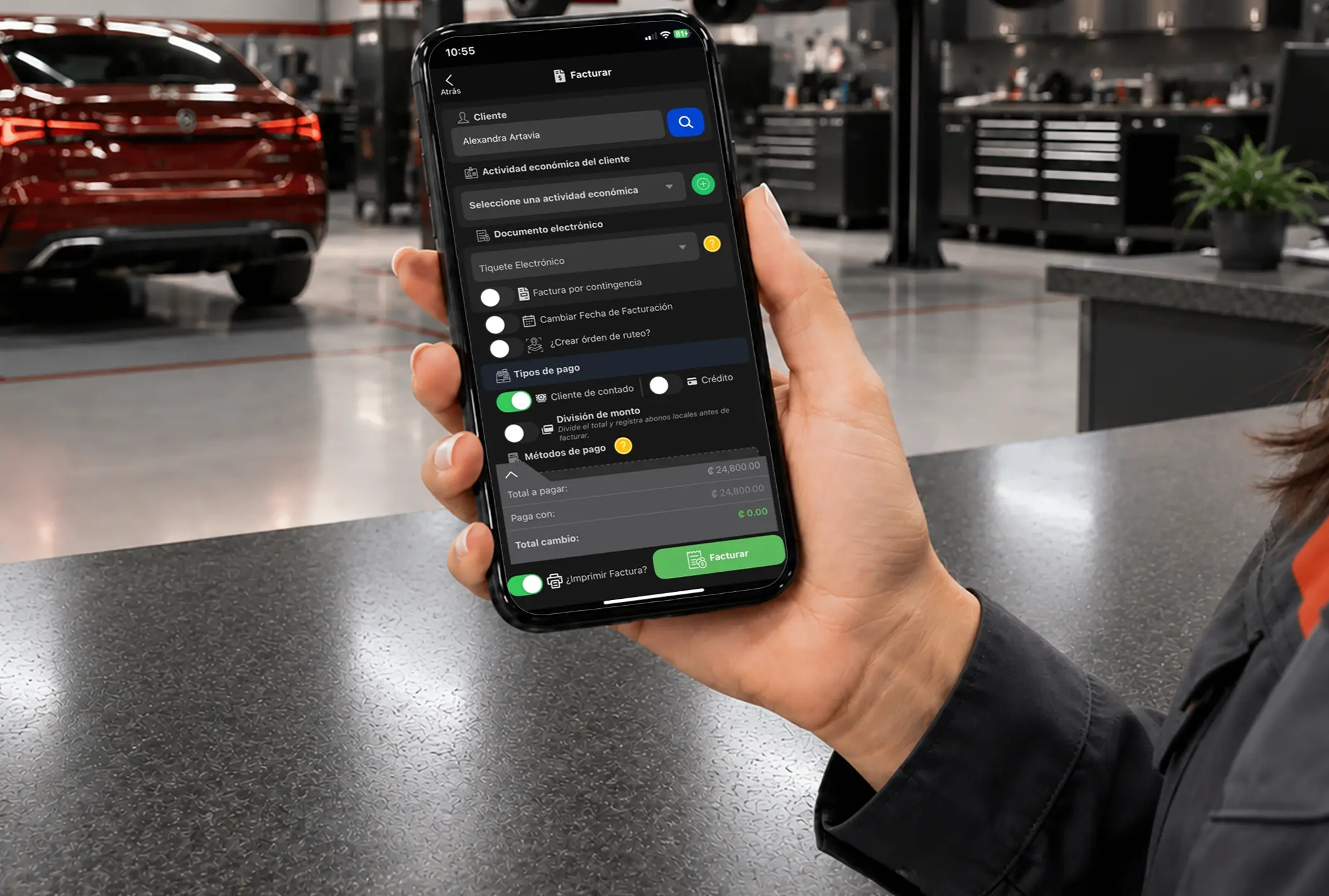
Use a desktop or tablet to invoice, apply payment methods and close sales with a clearer experience for your team and the customer.
- Web and mobile
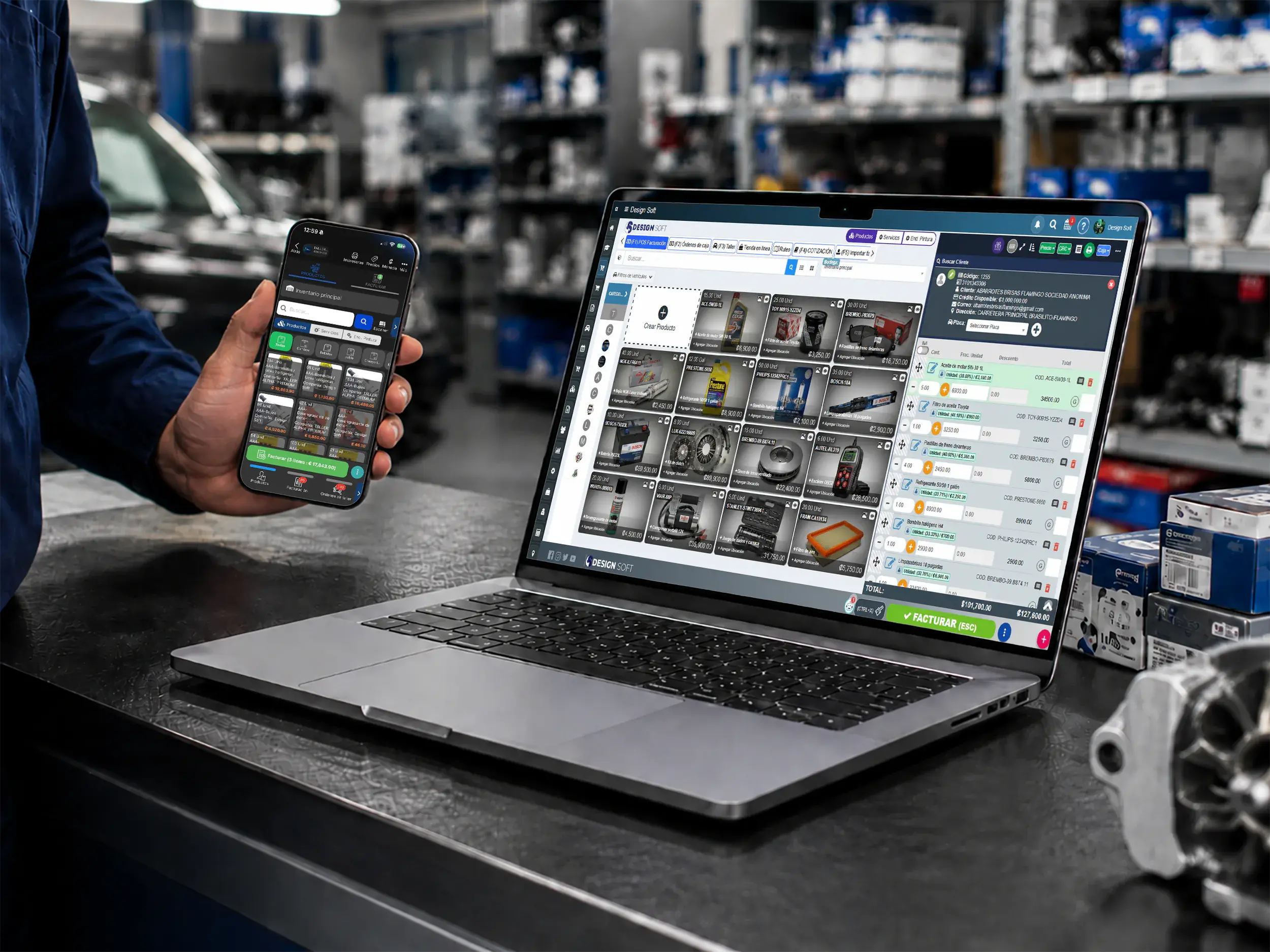
Cobro flexible
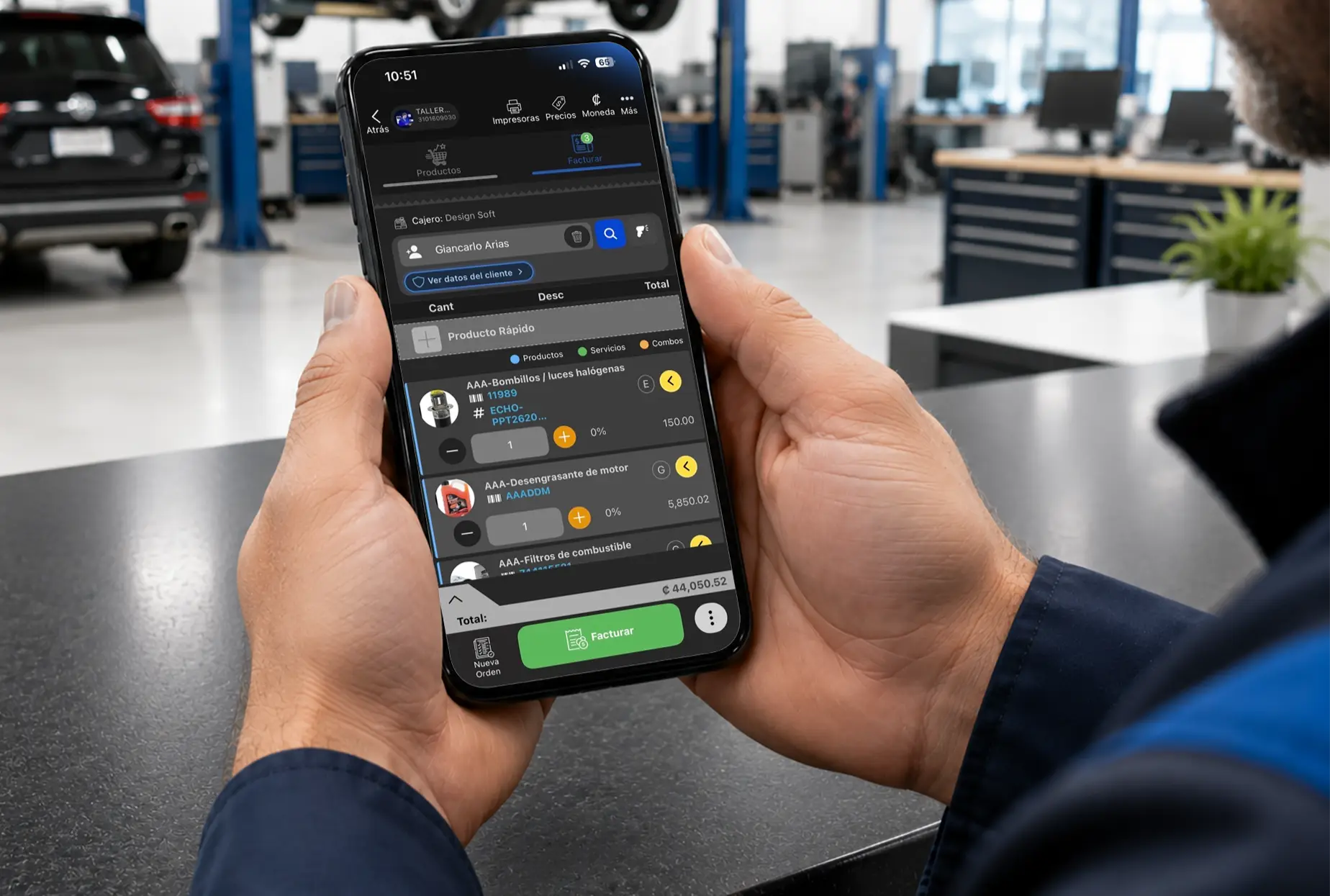
Record payments and deposits from any device
Bill services, parts and deposits from web or mobile to keep the bay, the counter and the office in sync.
Parts Inventory for Invoicing & Payments
- Mobile lookup
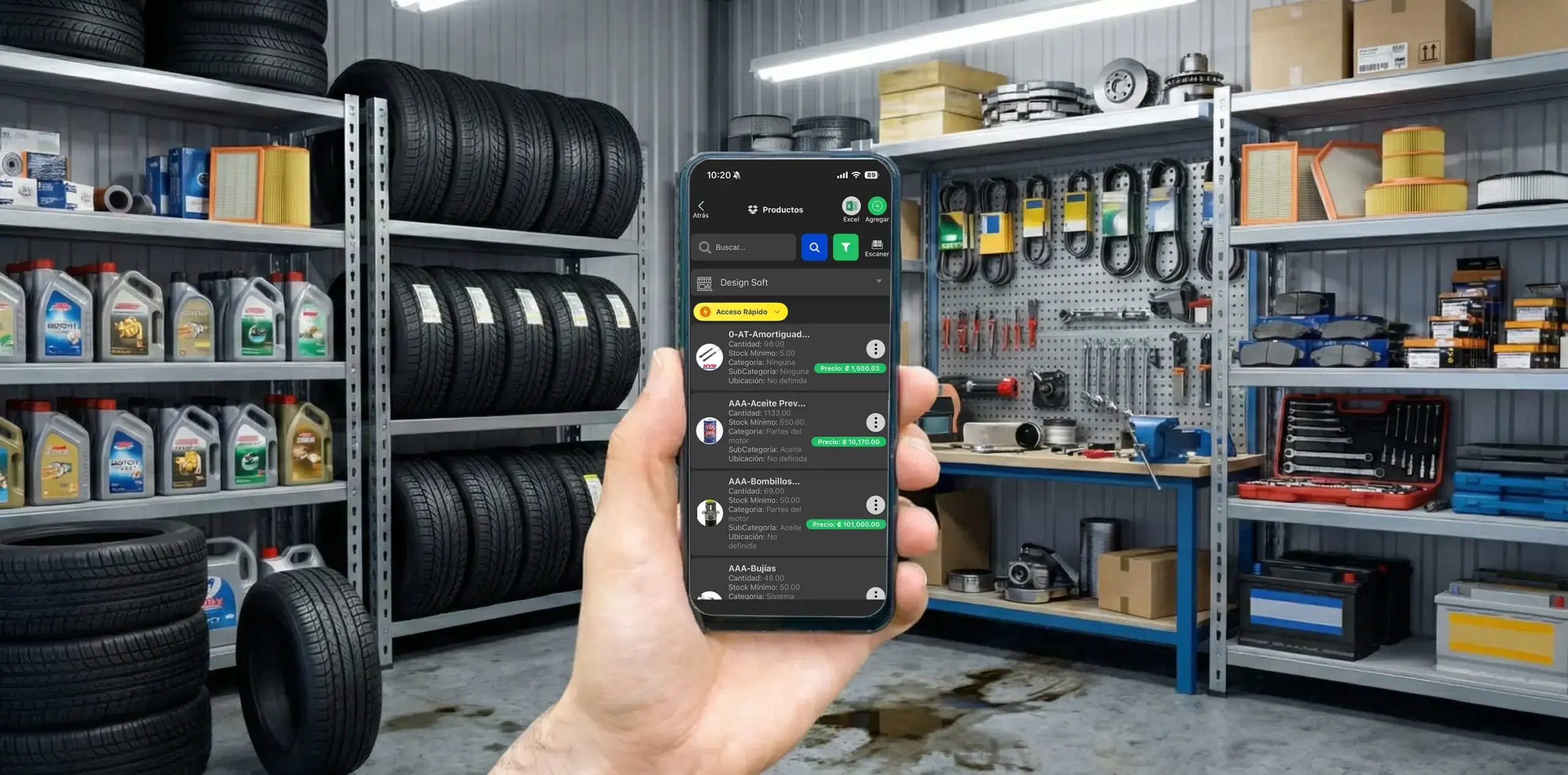
Inventory for invoicing
Check parts before you invoice
Check stock, products and key details from your phone so you can answer fast when the shop needs to sell, invoice or close a repair order.
- Parts control
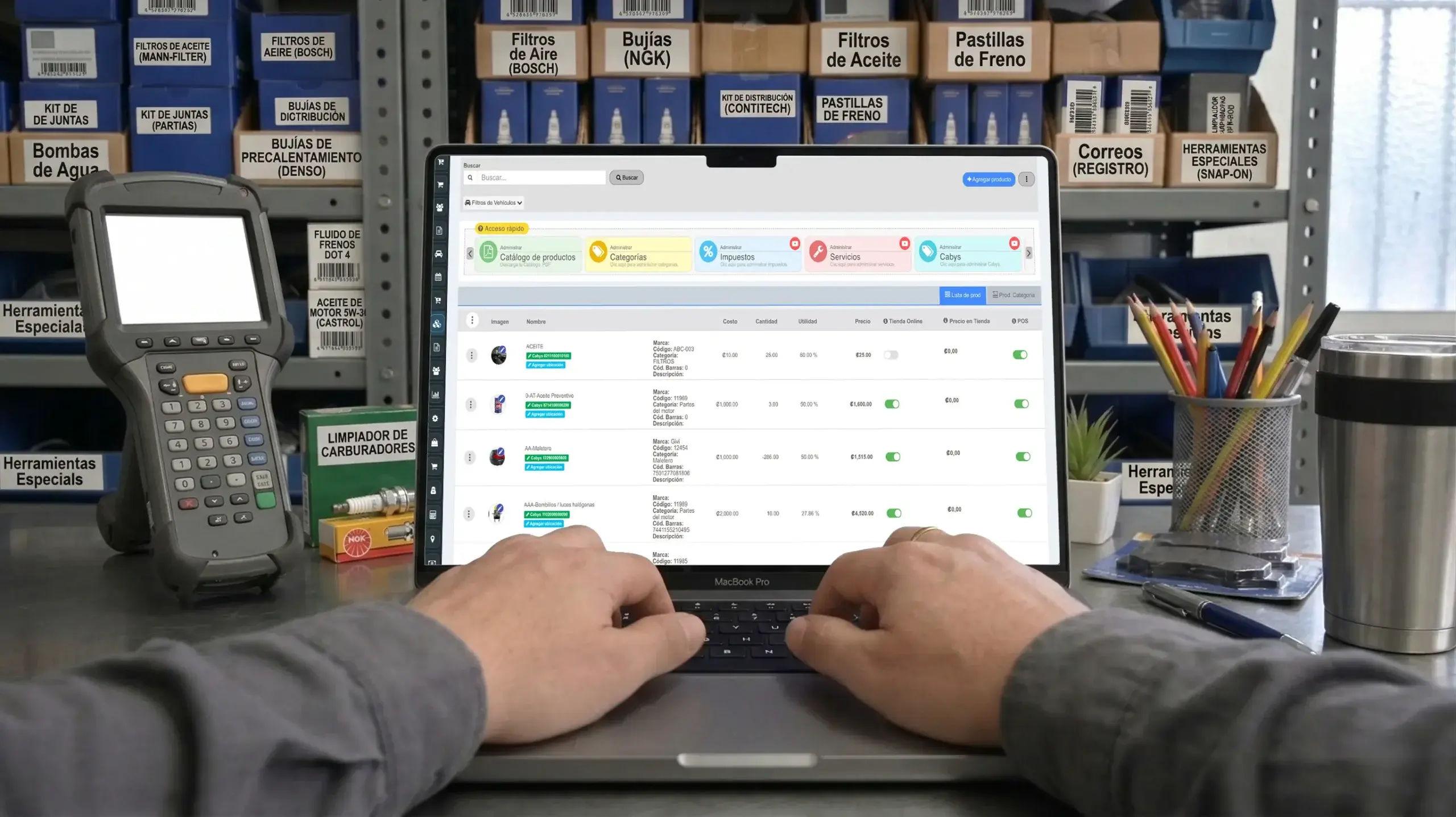
Inventory connected to the counter
Invoice with clearer stock
Connect inventory and invoicing so parts, services and materials get billed correctly and fewer mistakes reach the counter.
- Stock and alerts
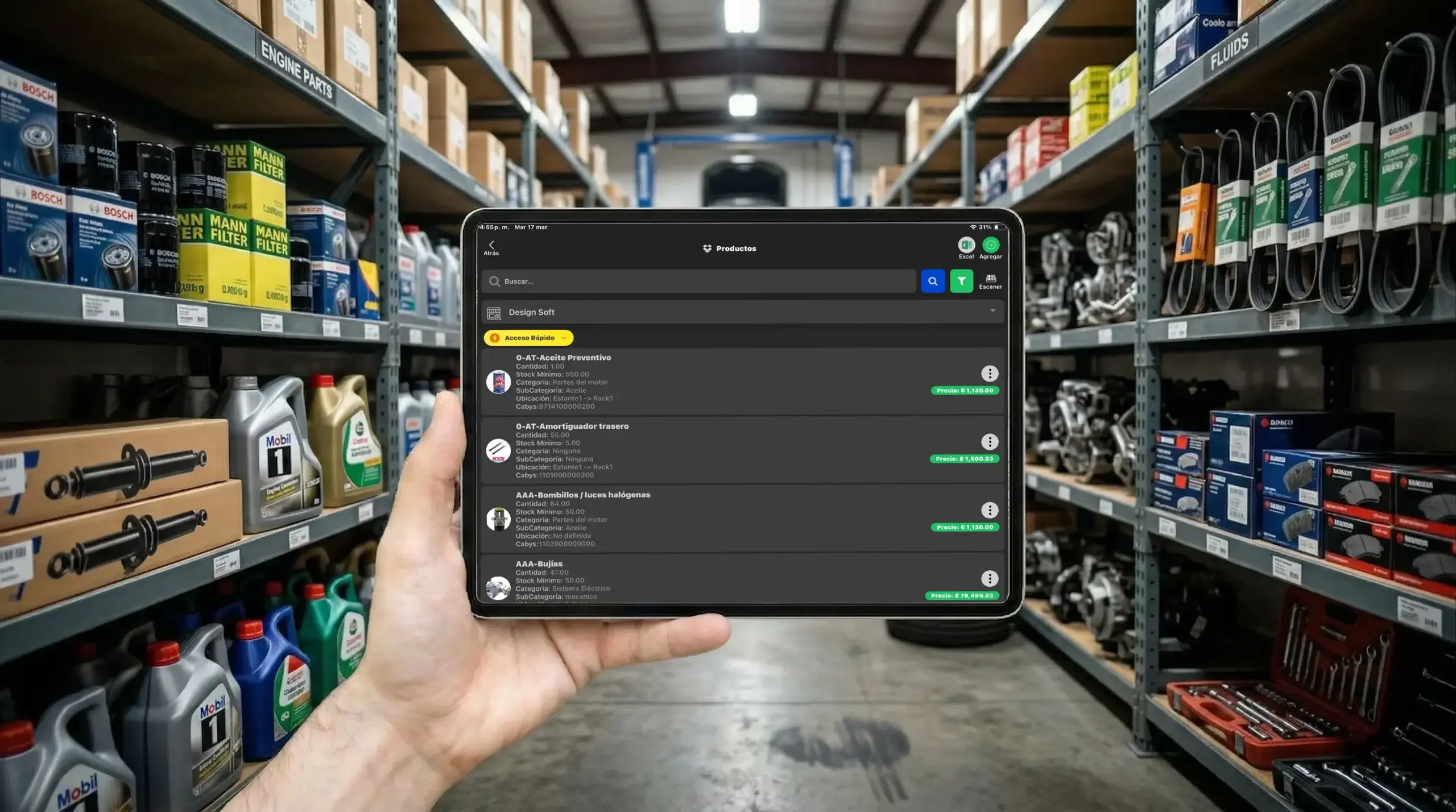
Operational continuity
Stop billing against stale stock counts
Catch shortages and critical stock before you invoice, so margin holds and nobody promises what is not on the shelf.
- Physical count
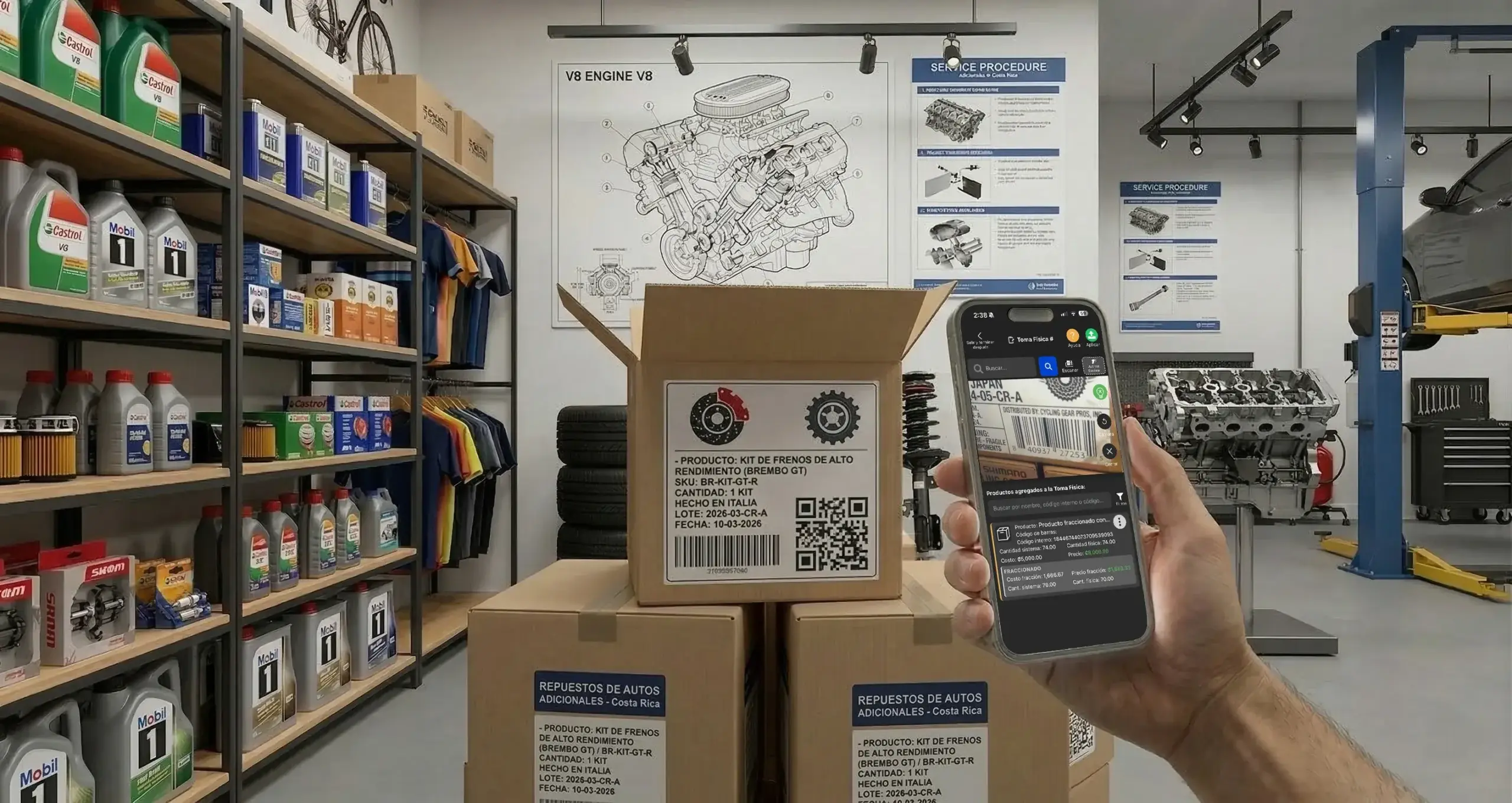
Counting and accuracy
Align inventory with what you actually bill
Run physical counts with barcode scanning to keep parts, costs and billing documents on a reliable footing.
Invoicing for Collision & Body Shops
- Invoicing
Cleaner billing
Invoice repairs with fewer errors
Turn collision and paint work into clearer bills for the customer or the insurer, with better administrative control and fewer manual steps.
- Deposits and balances
Cash control
Track deposits, balances and payment methods
Record deposits, partial payments and open balances on collision jobs to keep the drawer straight and delivery drama-free.
- Clear documents
Administrative backup
Hand over documents that look professional
Document materials, labor and paint work in a cleaner format that stands up when a customer or insurer asks questions.
Reporting for Invoicing & Payments
Measure sales, documents, operational performance and traceability to get a clearer picture of how money moves through the shop.
- Team performance
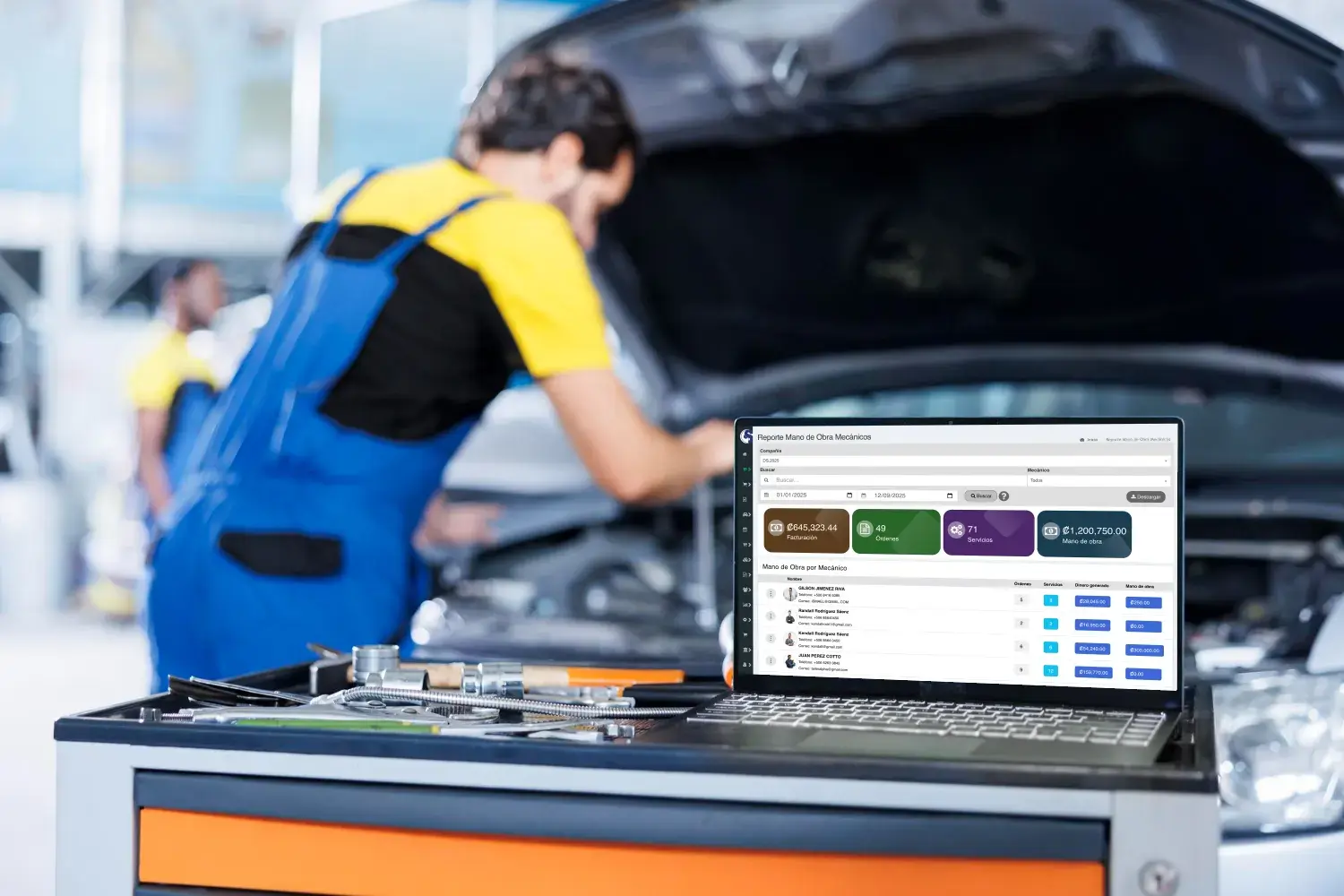
Invoicing reports
See which jobs actually make money
Analyze sales, collections, productivity and team performance to see how billing affects the shop's bottom line.
- Detailed analysis
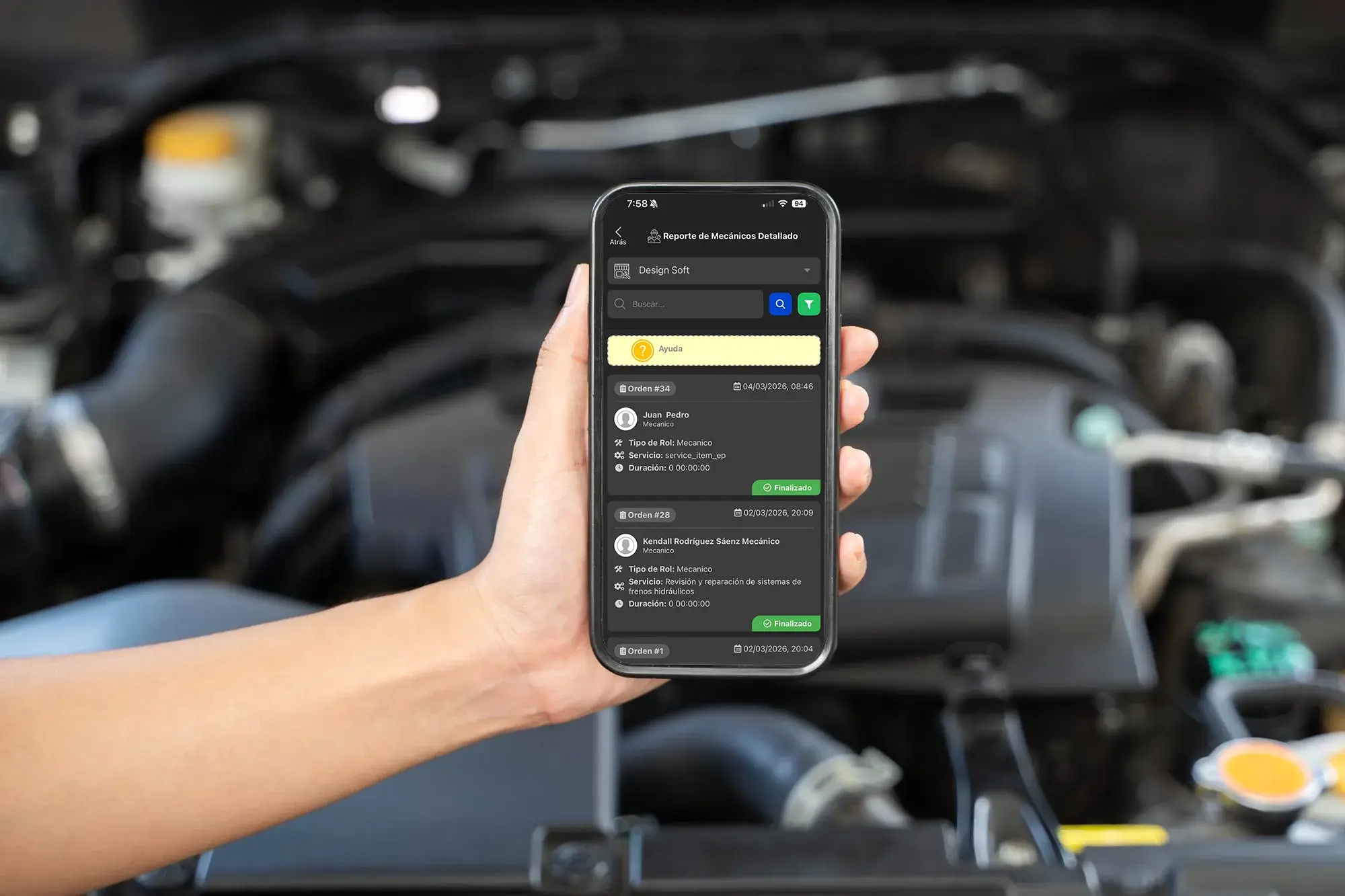
Administrative control
Analyze every repair order with a full trail
Review billed services, cycle time, tasks and who worked on them, all from one administrative view.
- PDF report
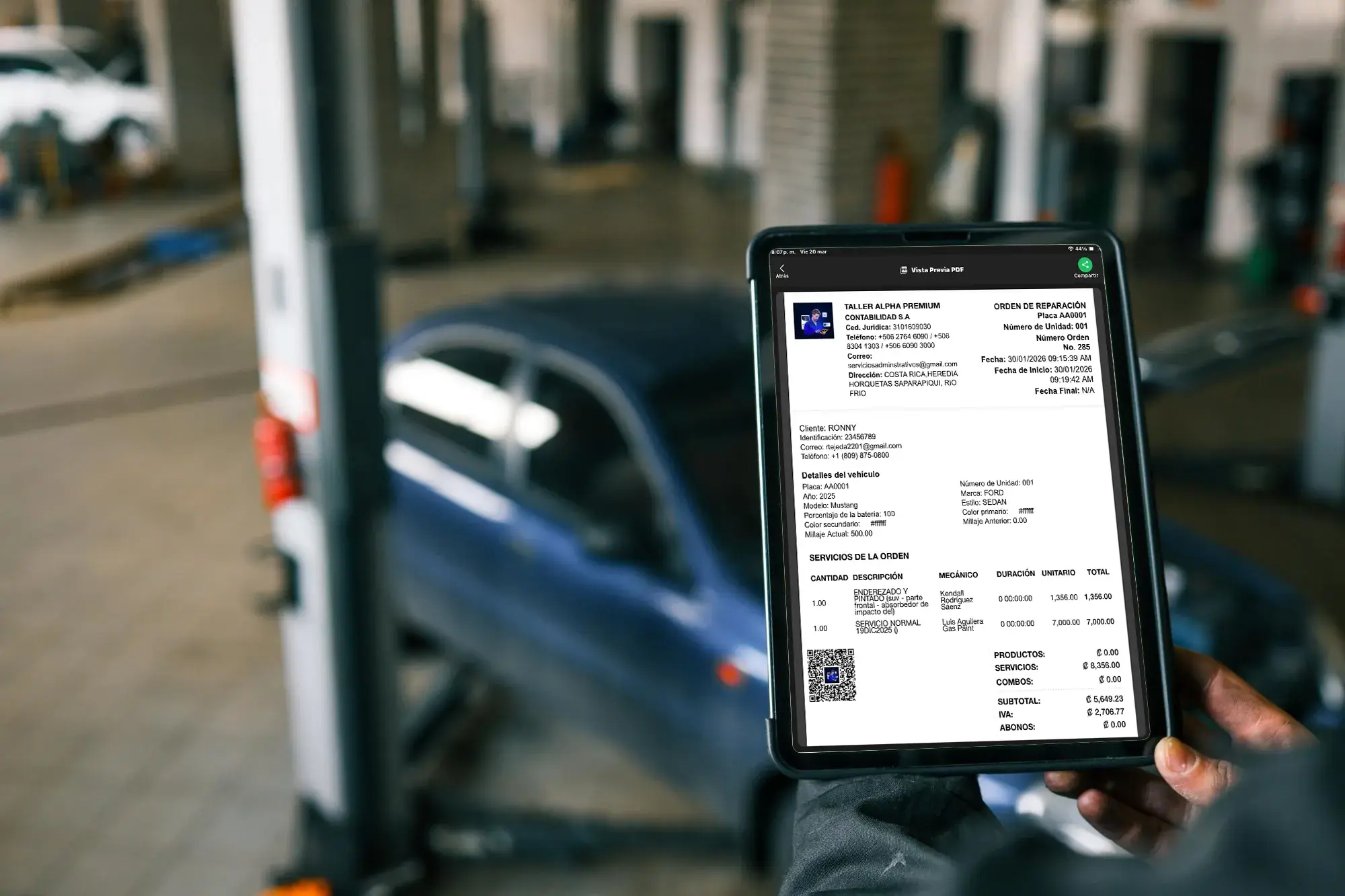
Backup for the customer
Hand over reports with real backup
Generate PDF reports with services, parts and related billing documents to build customer trust and stand behind every invoice.
Download the Invoicing App
Get the Taller Alpha app on the App Store or Google Play, or use a web browser to manage invoicing, payments, repair orders and inventory from any device.
-
App Store

Invoicing on iPhone
Take invoicing with you from the App Store
Use the Taller Alpha app on iPhone to review charges, repair orders, customers and key shop data from anywhere.
Available for iPhone and iPad

-
Google Play
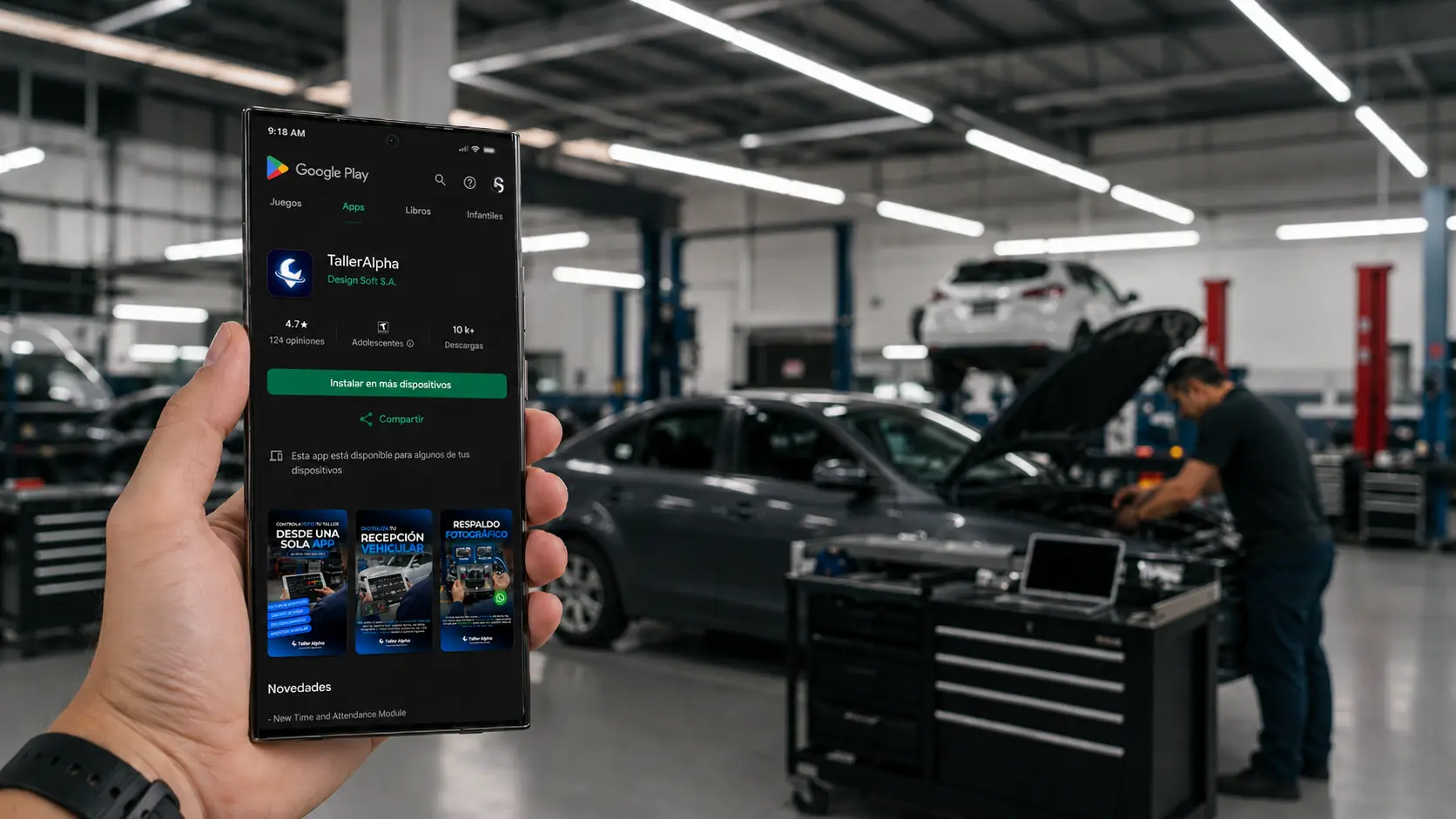
Invoicing on Android
Manage payments from Android
Reach invoicing, customer lookups and daily shop operations from Android without being tied to one workstation.
Available for Android phones

- Web access
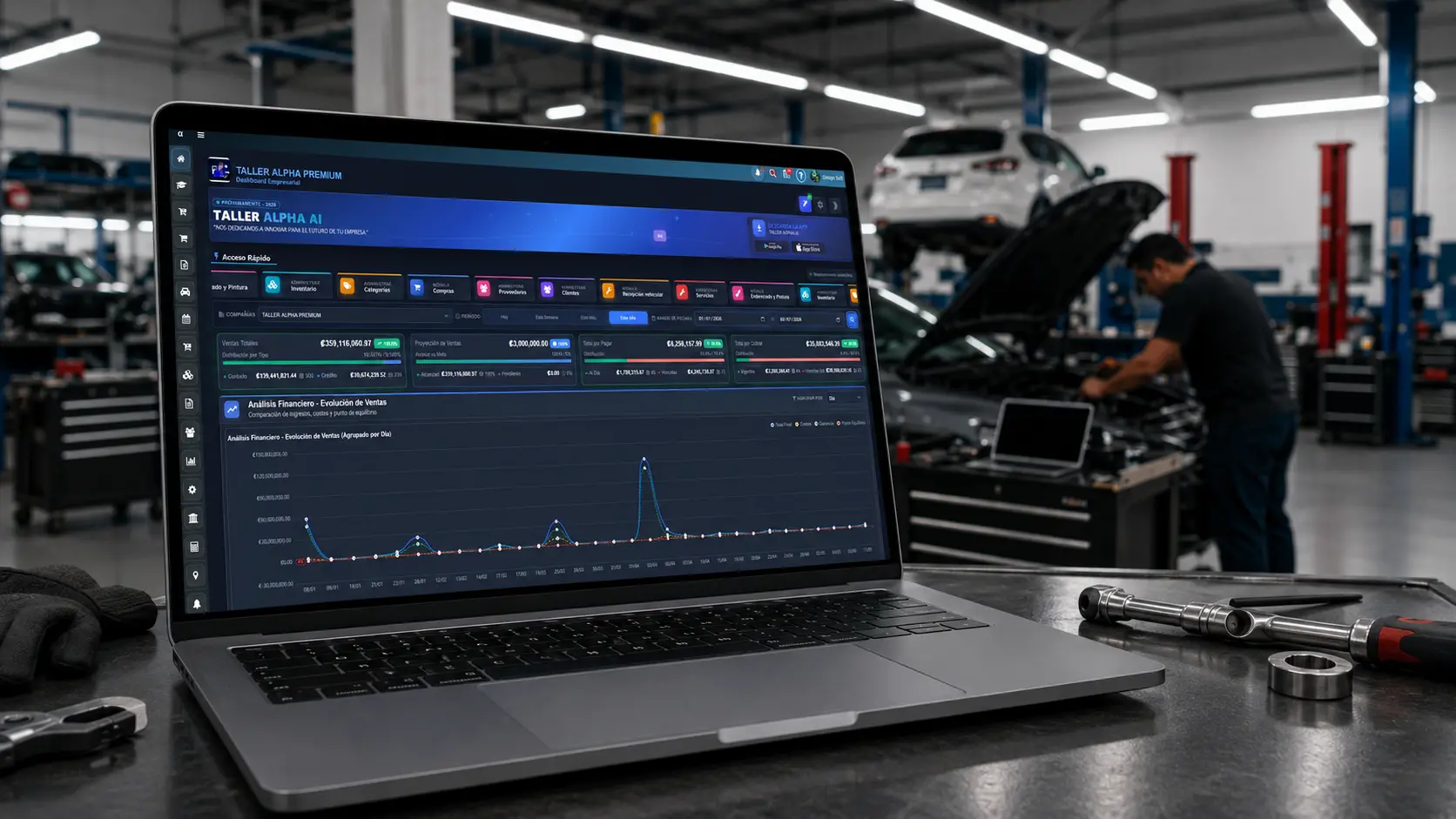
Invoicing in the browser
Work from the web too
Sign in from a browser to manage invoicing, repair orders, inventory, payments and reports with a smooth desktop experience.
Compatible with Chrome, Edge, Firefox, and Safari.
We recommend Firefox for a more stable experience.
Shops billing with less friction
Businesses already running on Taller Alpha
Taller Alpha helps auto repair shops bring invoicing, payments, inventory, repair orders and reporting together on one professional platform.