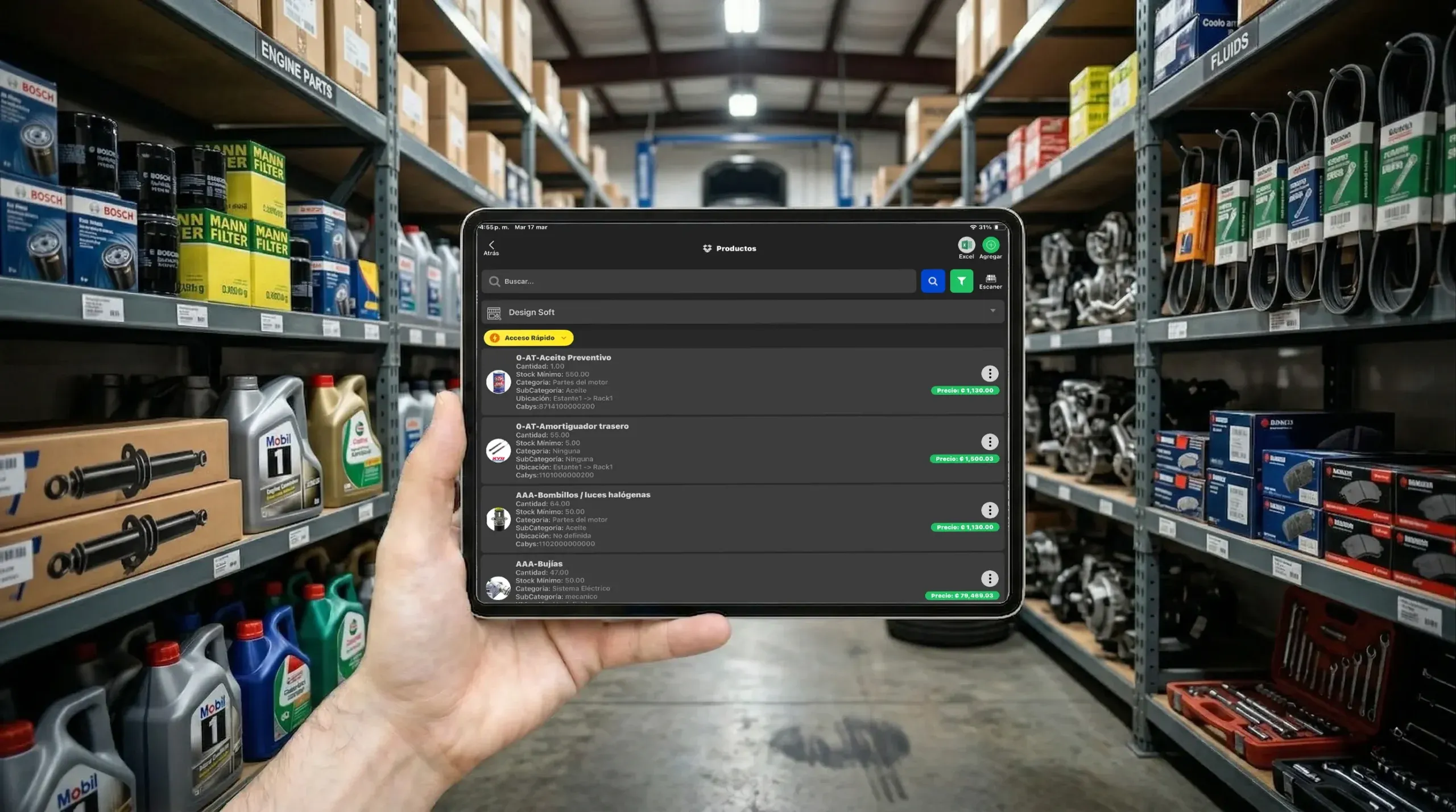
Parts Inventory Software for Auto Repair Shops
Stop losing parts and running short, with stock alerts and control tied to purchasing, repair orders and invoicing.
Parts Inventory Software Inventory Software
Organize parts, products, write-offs and bulk uploads with inventory software that connects stock to purchasing, repair orders and invoicing.
- Web catalog
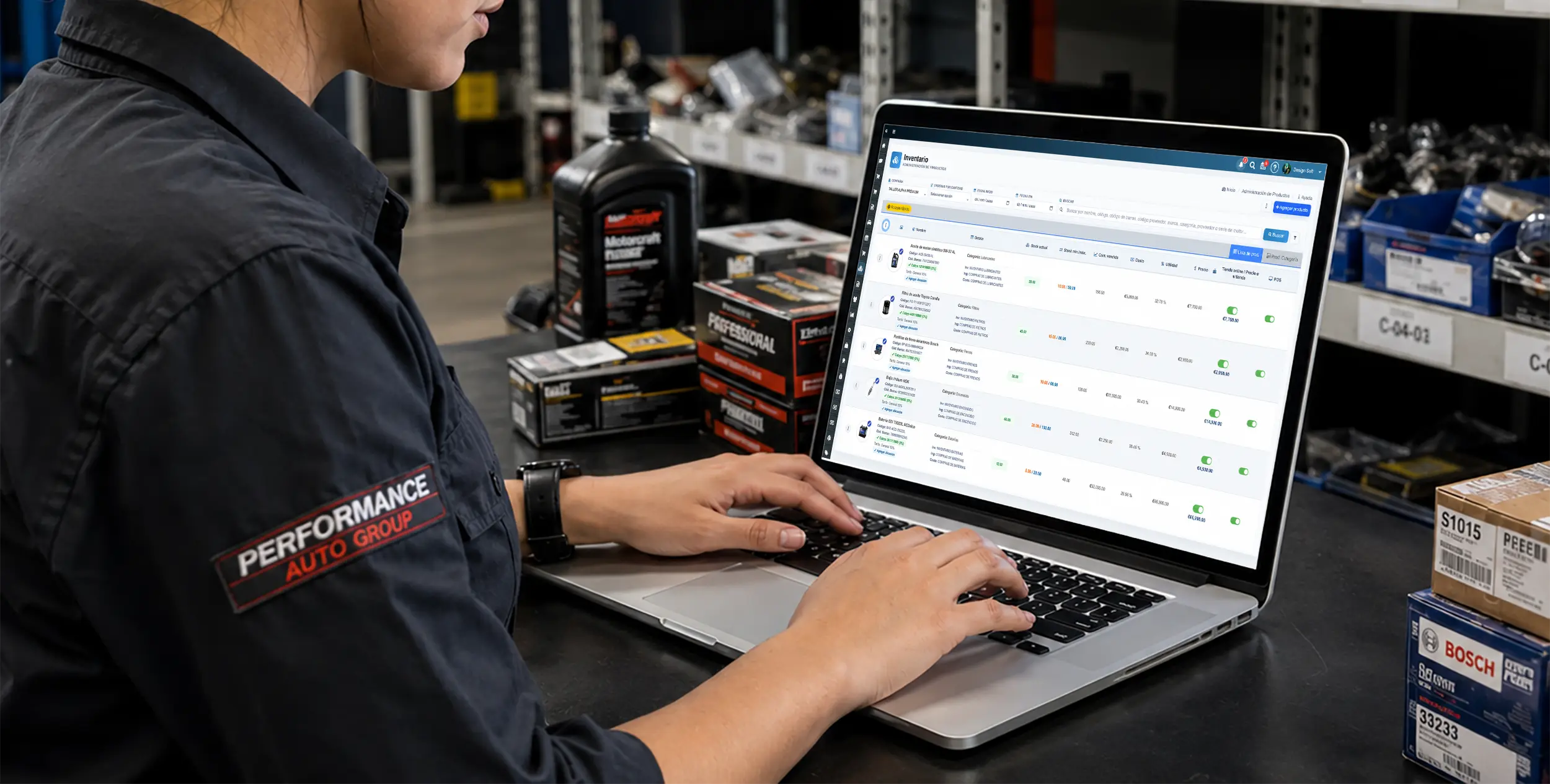
Inventory management
Your parts catalog
See your full product catalog, filter by category and keep a clear read on on-hand quantities in real time.
- Fast entry
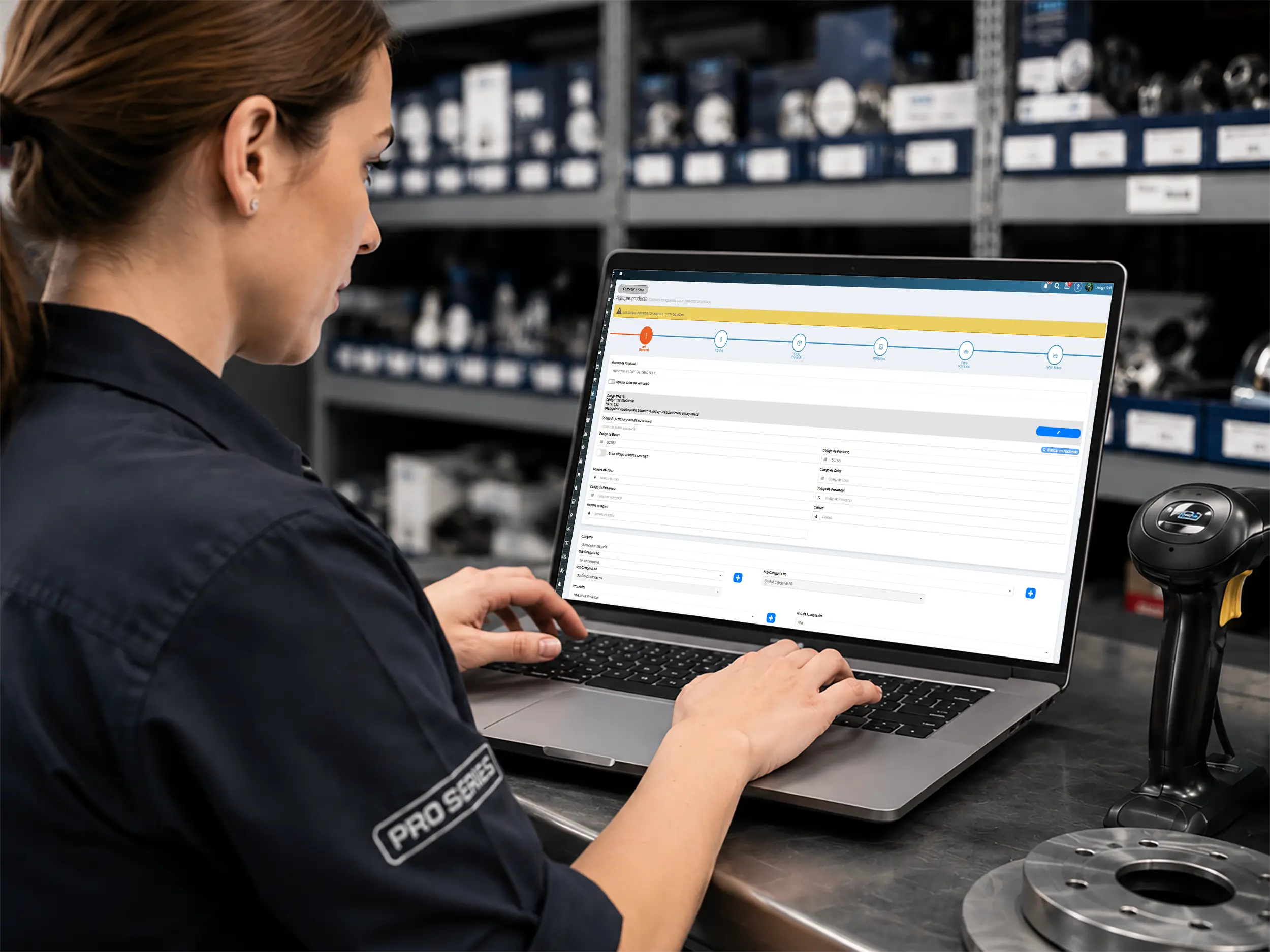
Product creation
Add or edit products
Add new parts, set pricing, bin locations and barcodes so your inventory stays current with less friction.
- Write-off control

Damaged products
Report shrinkage and damage
Log defective or damaged parts with a reason so they come off the shelf count and your numbers stay honest.
- Bulk import
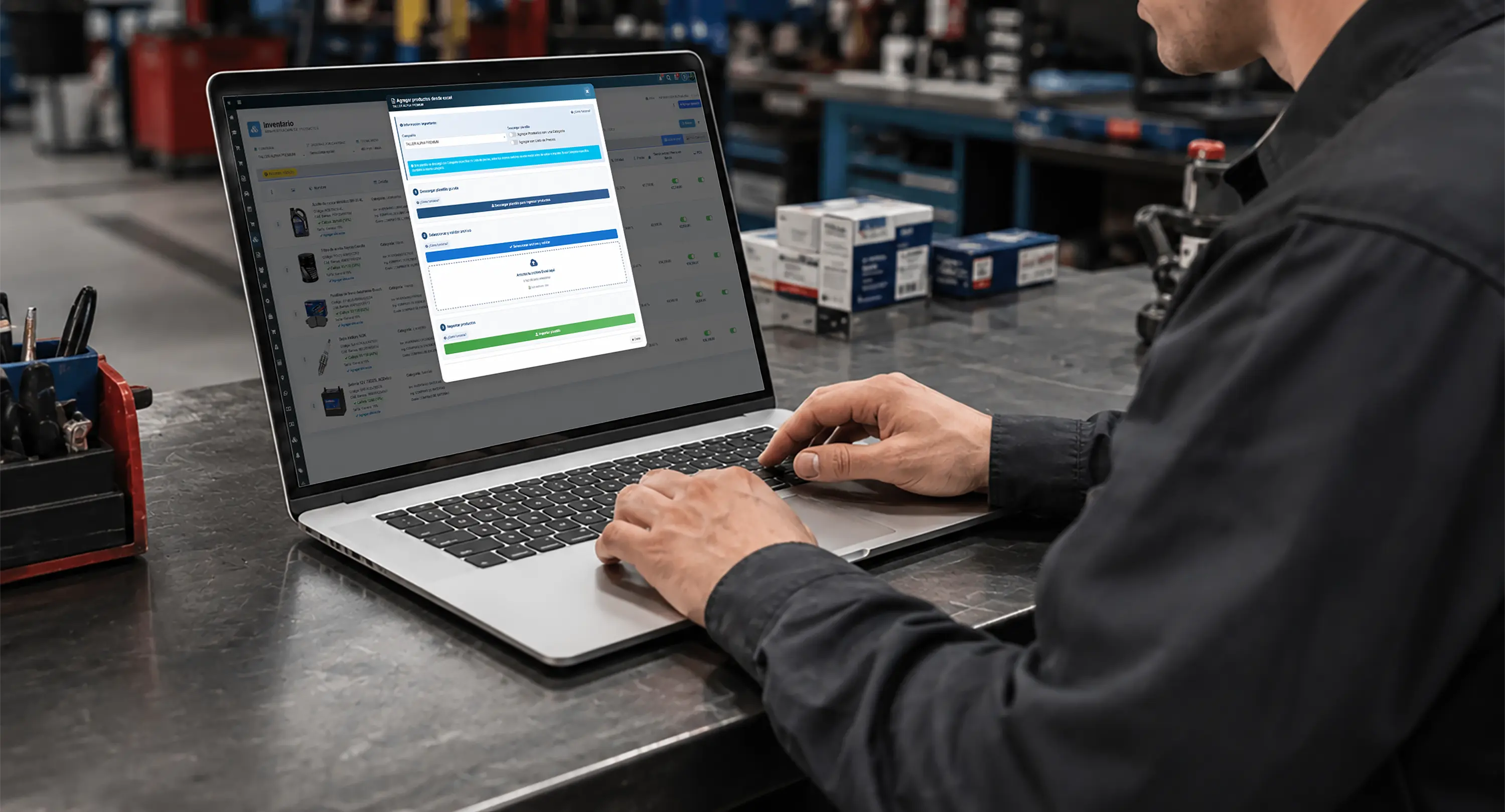
Data migration
Upload your inventory from a spreadsheet
Import products, quantities and prices in bulk from a spreadsheet template to save time and get up and running faster.
Product Profile
Bring purchases, sales, returns, fitment and movements into one profile so every part is easy to manage.
- Stock ledger

Movement history
Exact control with a stock ledger
Review every receipt and issue on a part to audit quantities, who moved it, when and why — all from one profile.
- Purchases
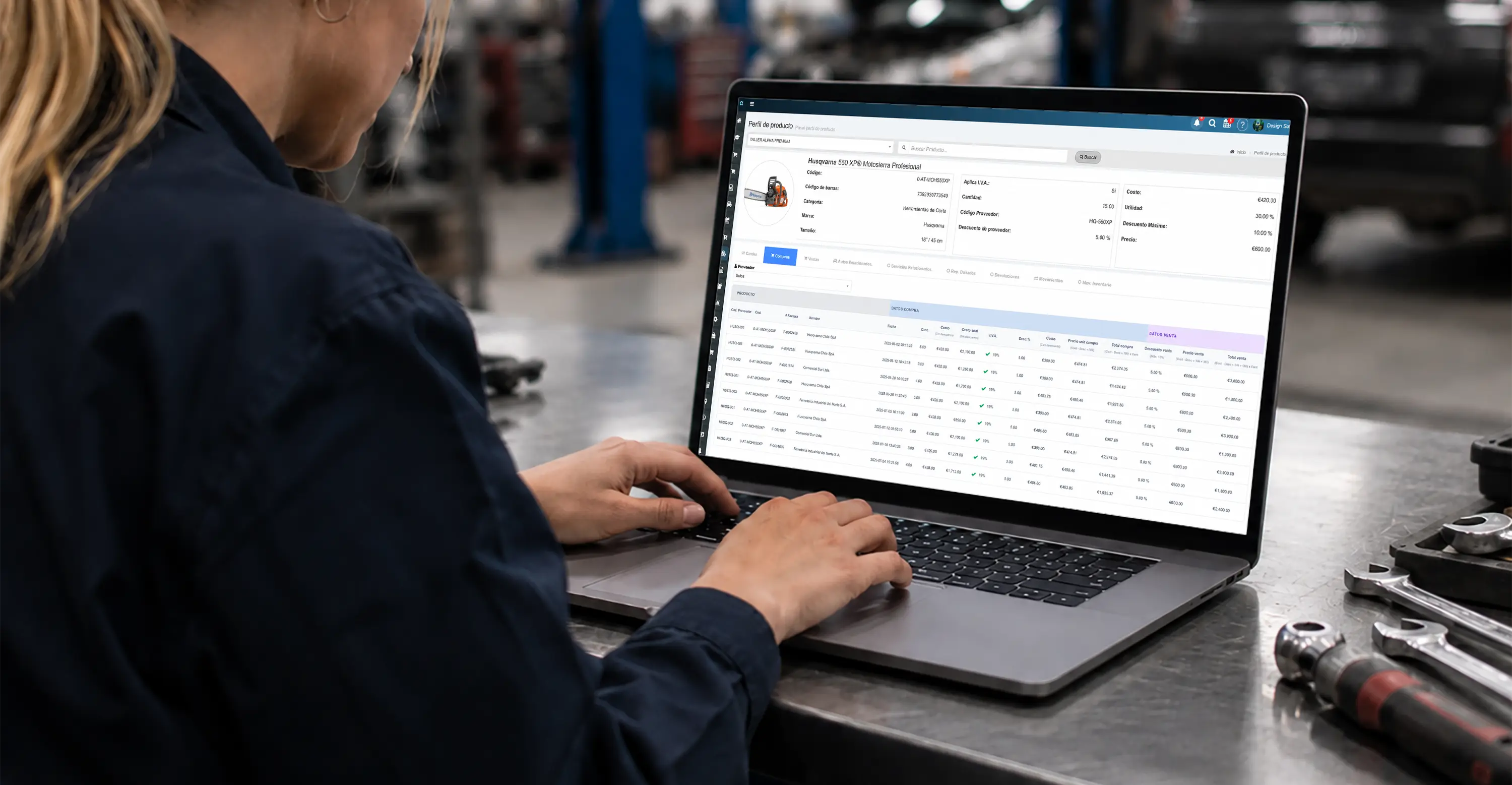
Cost analysis
Review purchases with more context
See supplier, invoice, cost, discounts and tax to understand how your buy price on each part is moving.
- Sales
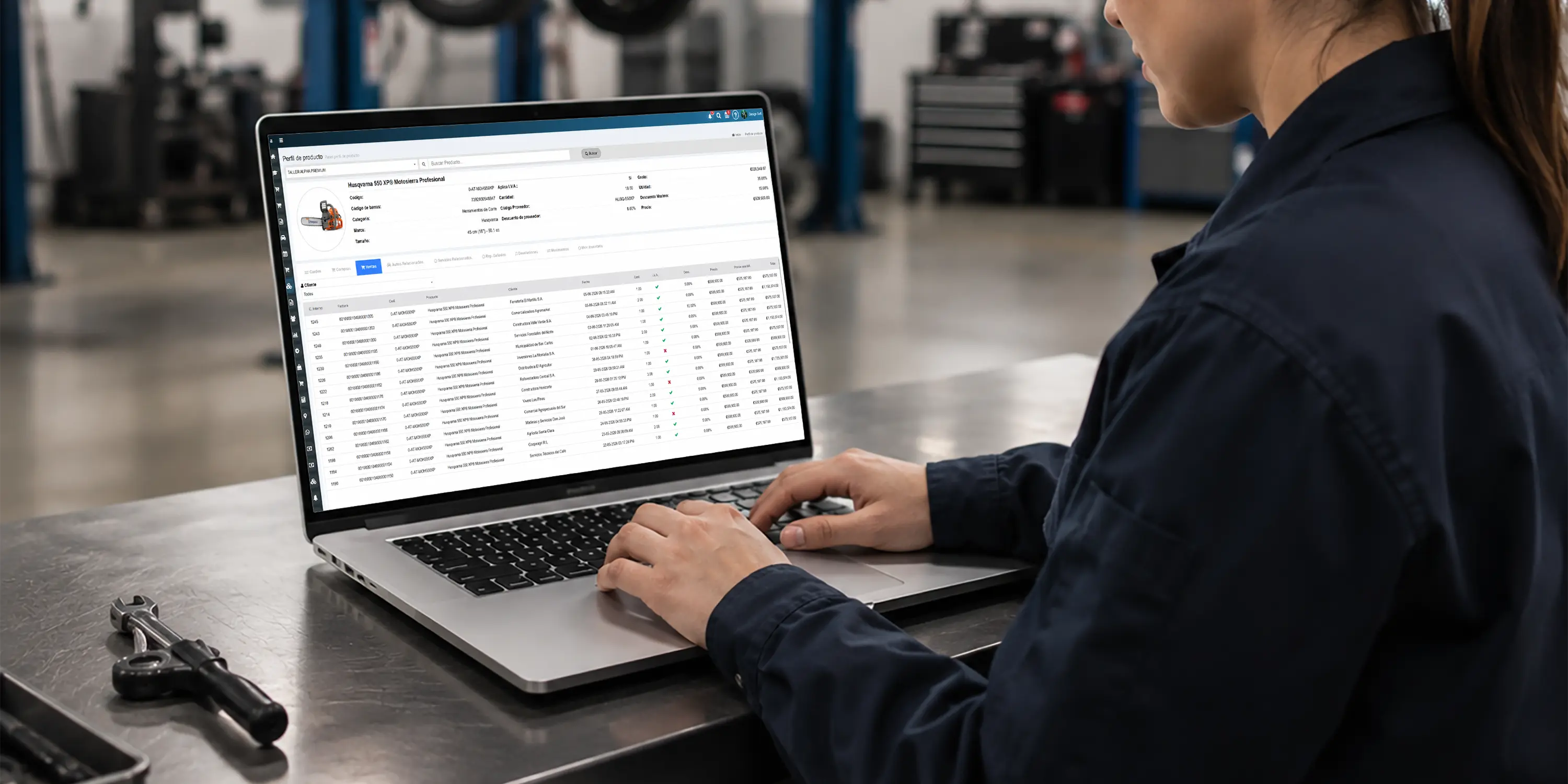
Sales analysis
Measure issues and sales by product
Track invoices, customers, quantities, discounts and amounts billed to see which parts actually move.
- Fitment
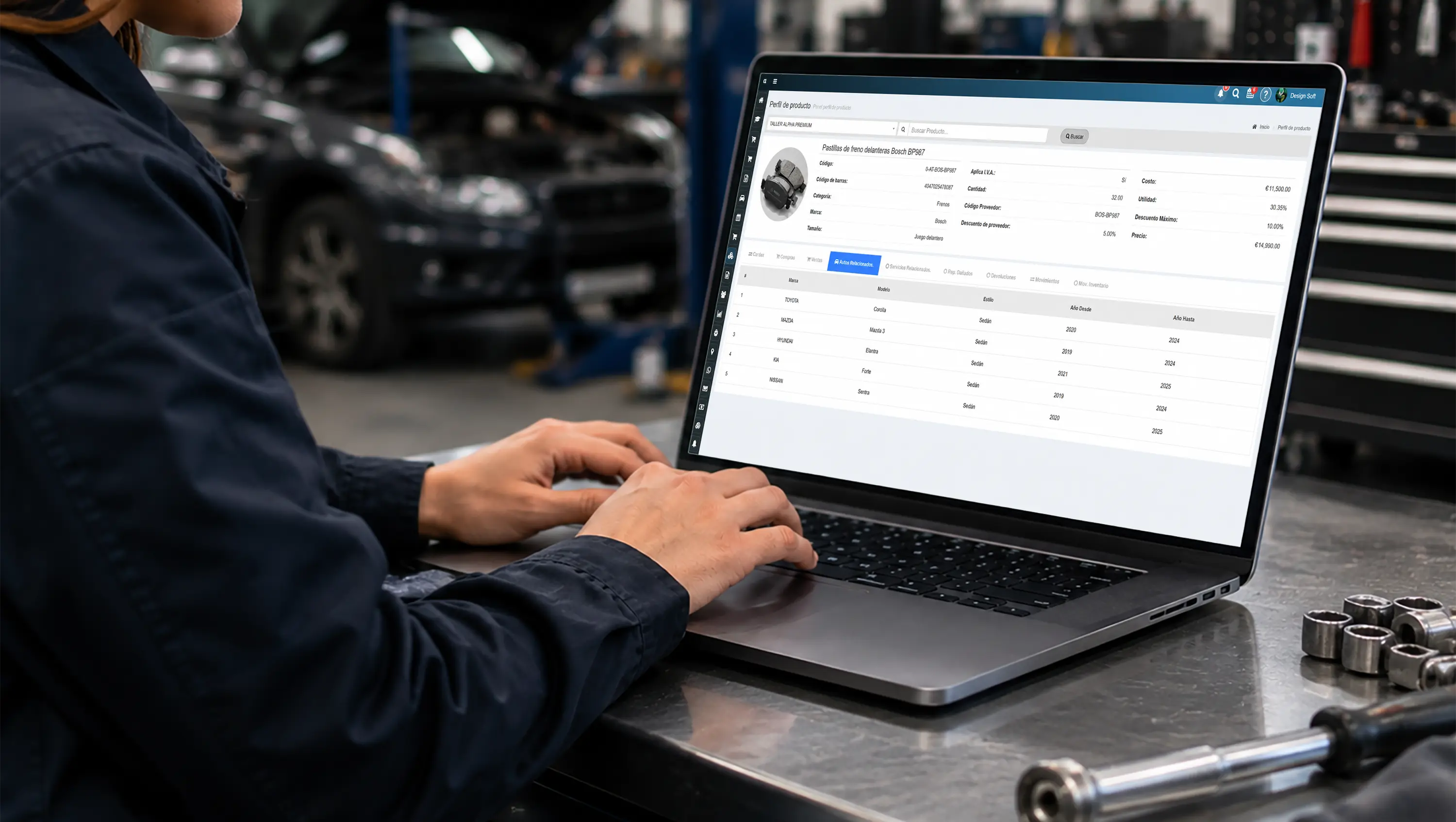
Related vehicles
Tie parts to the vehicles they fit
Check make, model, trim and year range to cut counter errors, returns and wrong-part picks.
- Services

Operational linking
Connect parts to actual services
Link a product to the services and sub-services it belongs to, so the bay and the parts room stay in step.
- Write-offs
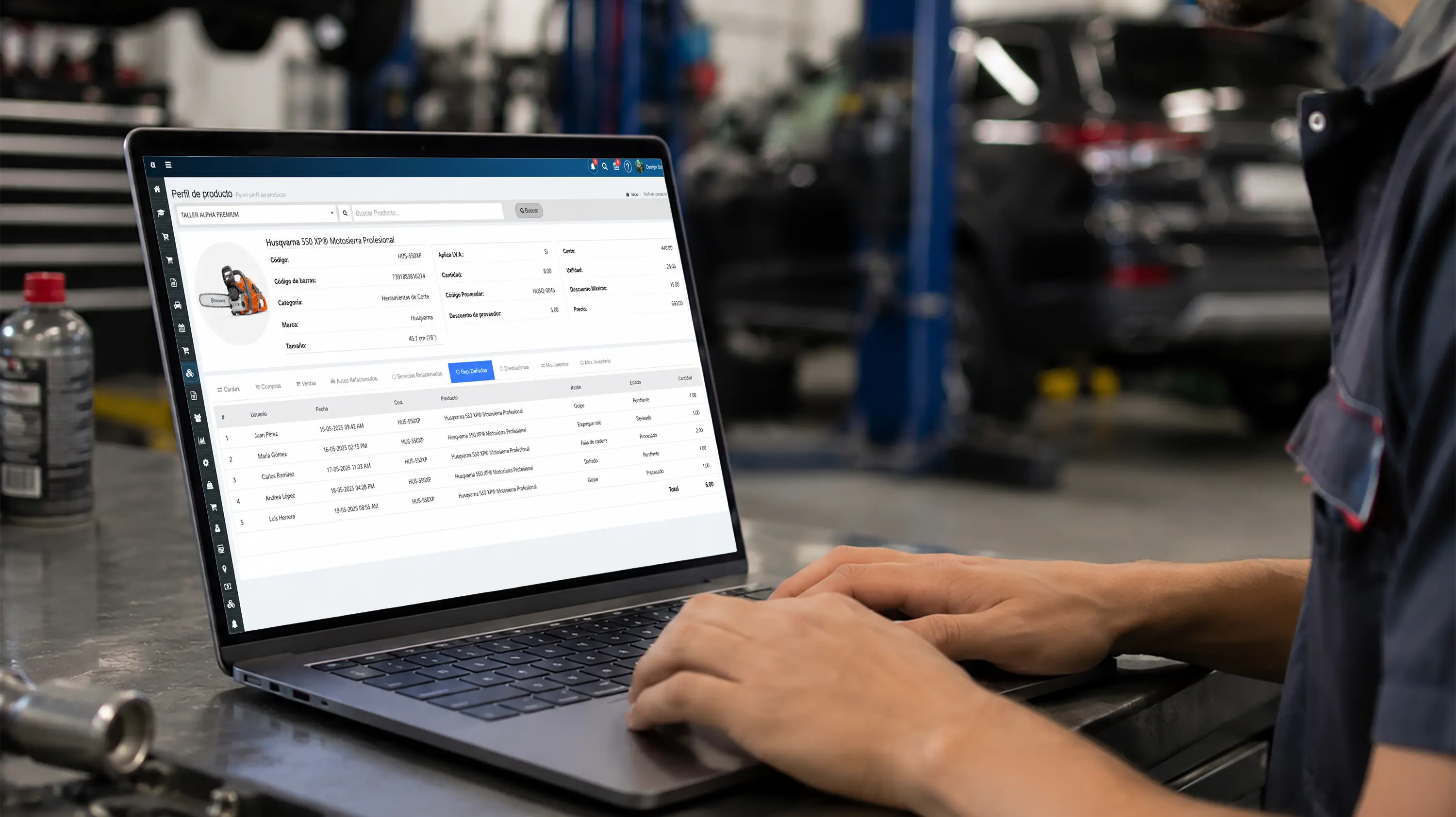
Damage control
Document damage and write-offs
Record quantity, reason, date and status on every incident so your available stock number stays clean.
- Returns
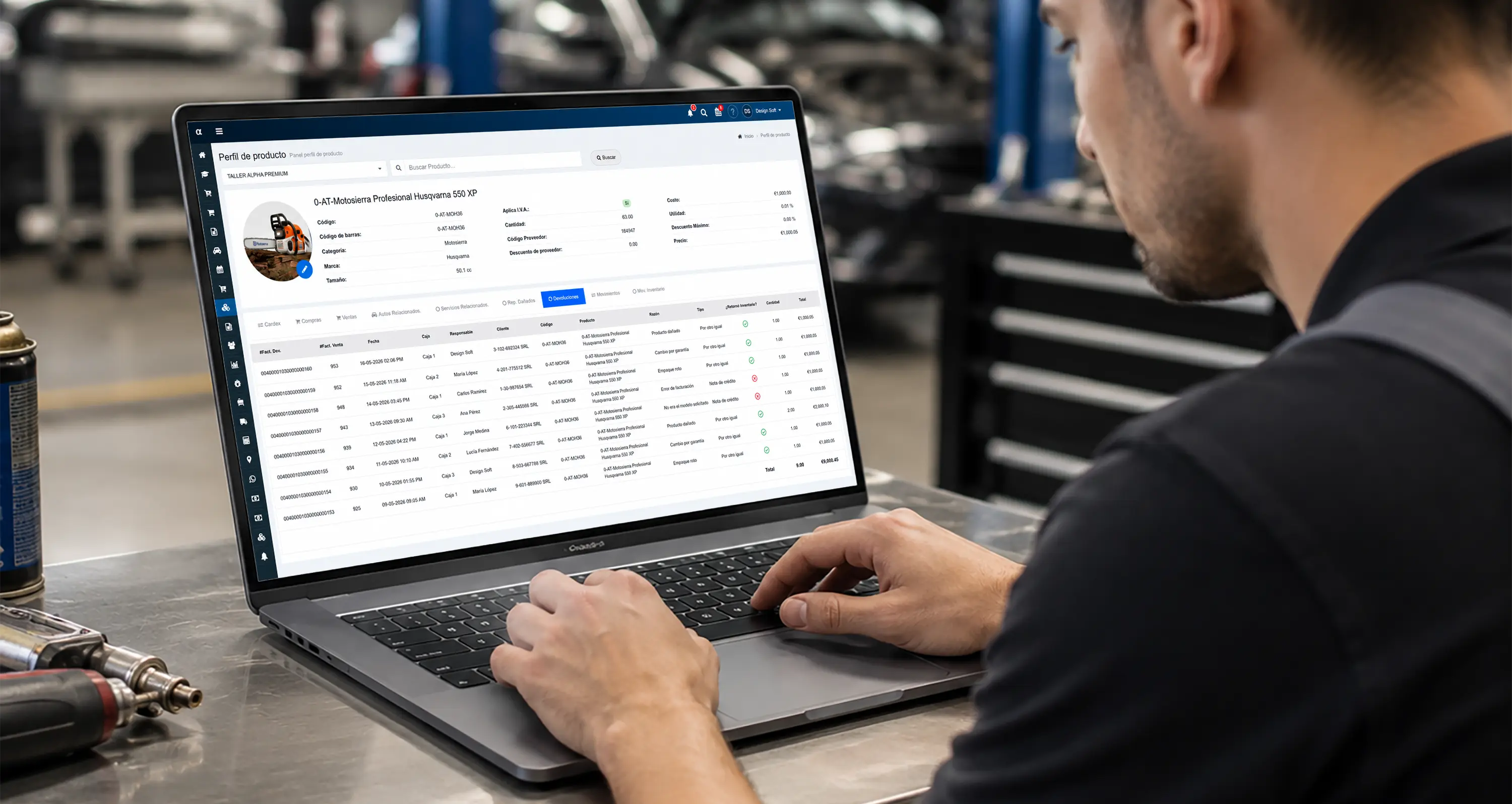
Return management
Handle returns without losing the trail
Review invoices, who handled it, the reason and the restock so every part return is accounted for.
- Change log

Price auditing
Follow changes to cost and price
Track adjustments to quantities, cost, price, discounts and tax, with the date and who made them.
- Inventory Software
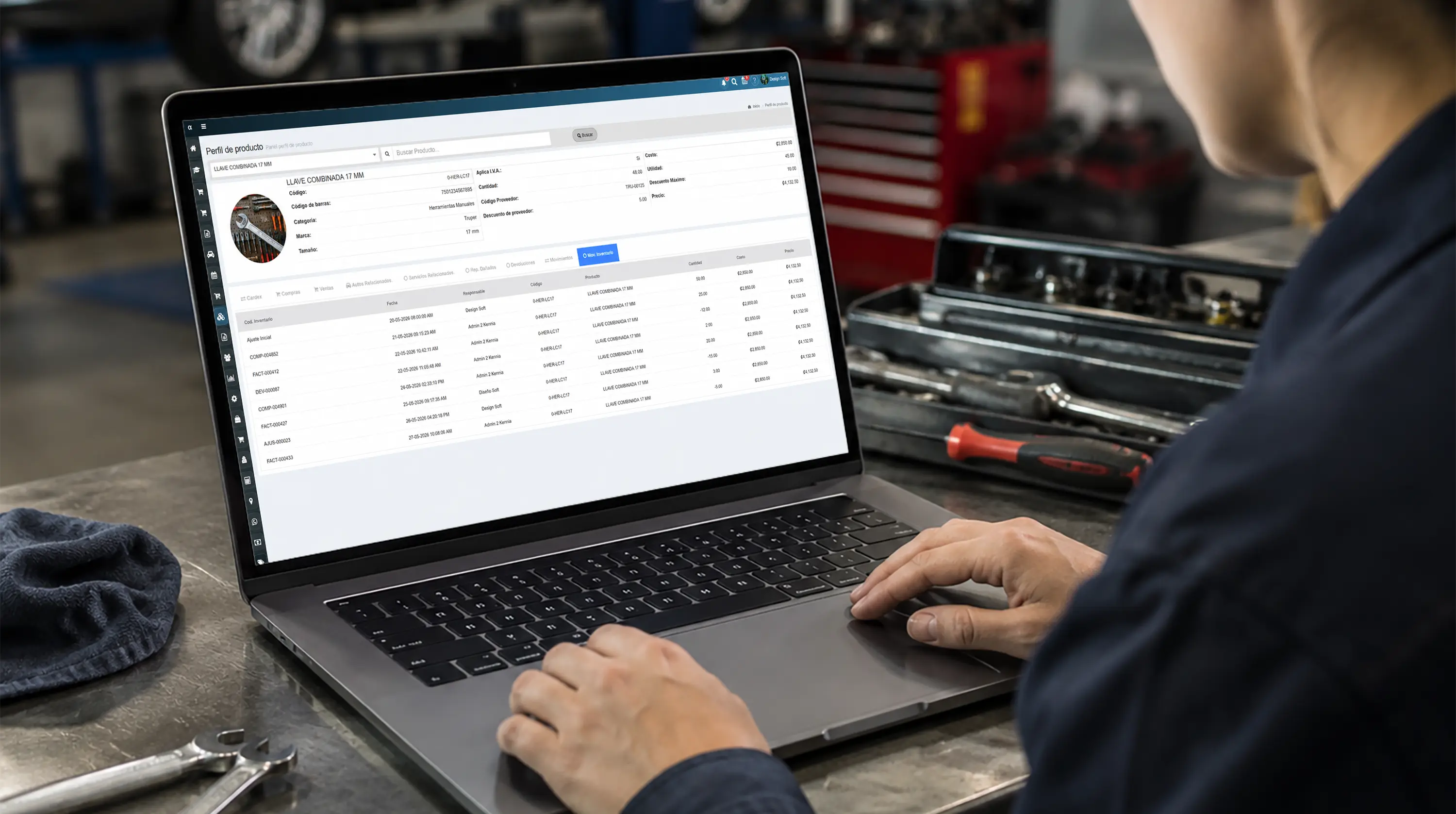
Logistics control
See every inventory movement
Review warehouse activity with part number, dates, quantities, cost and price to understand how each part moves.
Product Administration
Set up categories, suppliers, taxes, pricing and bin locations from inventory software built to keep a shop organized.
- Categories

Inventory classification
Organize your catalog with categories
Create and manage categories to organize inventory, speed up searches and keep a catalog the whole team can navigate.
- Suppliers
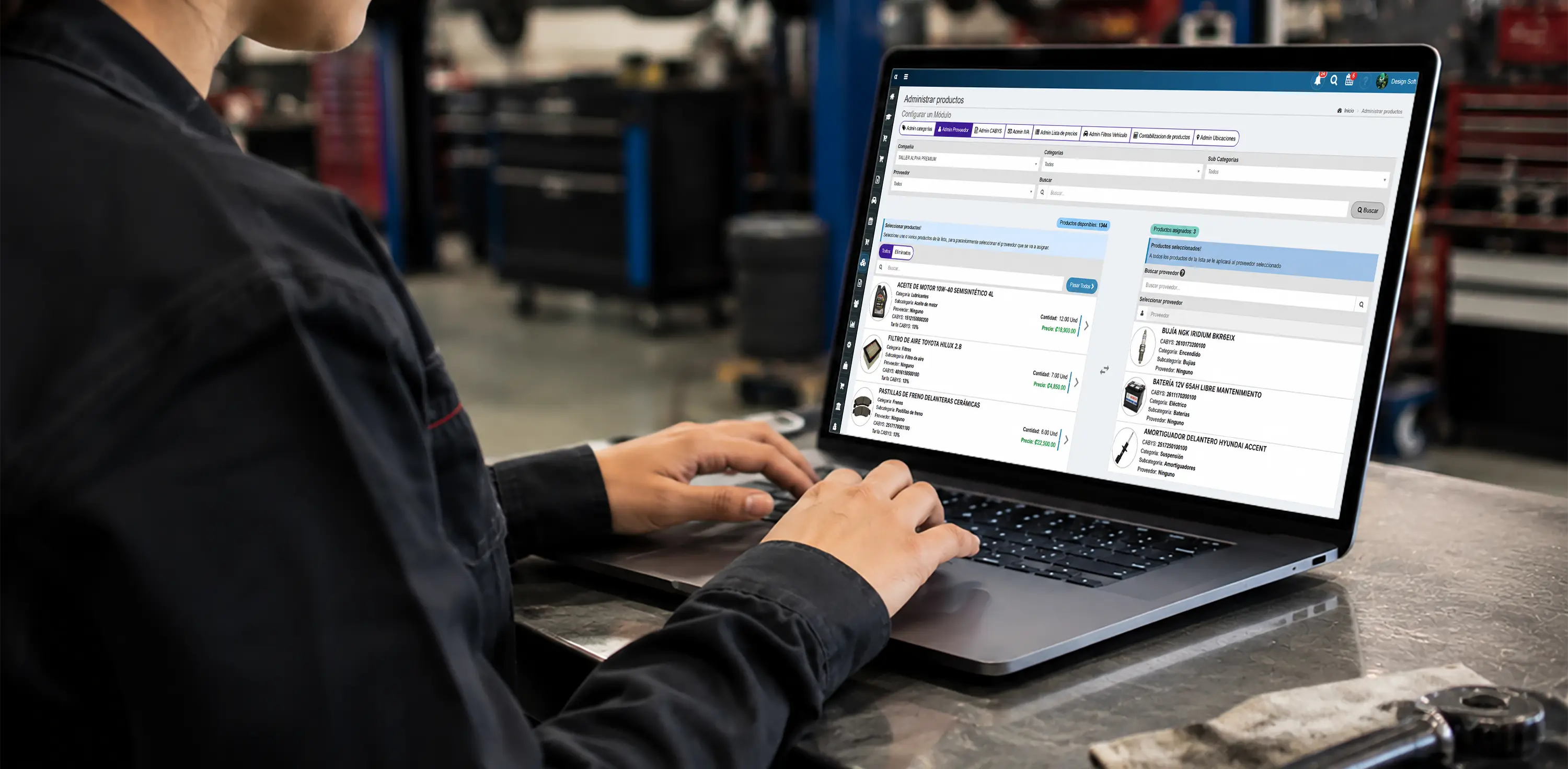
Purchasing management
Centralize your suppliers
Keep supplier information current to speed up ordering, parts follow-up and restocking.
- CABYS

Tax compliance
Assign tax classification codes
Map each product to the right tax classification code to avoid administrative errors and keep your records clean. Code sets vary by market.
- IVA

Tax configuration
Manage your tax rates
Configure tax on products and services so inventory and sales stay accurate on the administrative side.
- Pricing

Commercial strategy
Manage price lists
Set pricing by customer type, product category or commercial strategy so you sell consistently.
- Filters

Vehicle lookup
Find the right part faster
Set up make, model and year filters to find compatible parts faster and cut mistakes at the counter.
- Accounting

Financial control
Link products to accounting
Map the catalog to accounting accounts so revenue, cost and inventory movements land where they belong.
- Bin locations
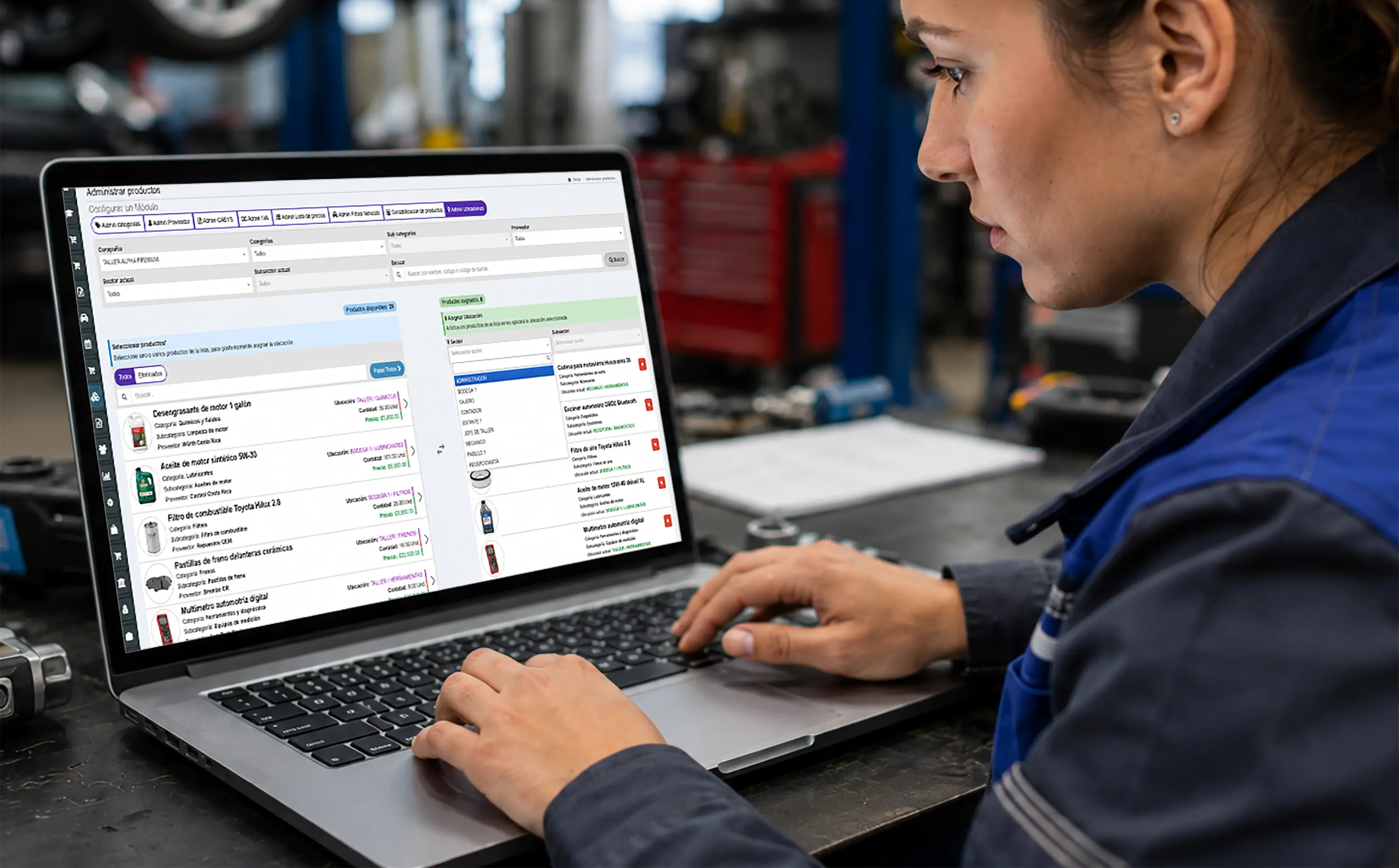
Physical inventory
Control shelves and bin locations
Define aisles, shelves and storerooms so anyone can find a part without a scavenger hunt.
Point of Sale for Inventory Software
- Sale and issue
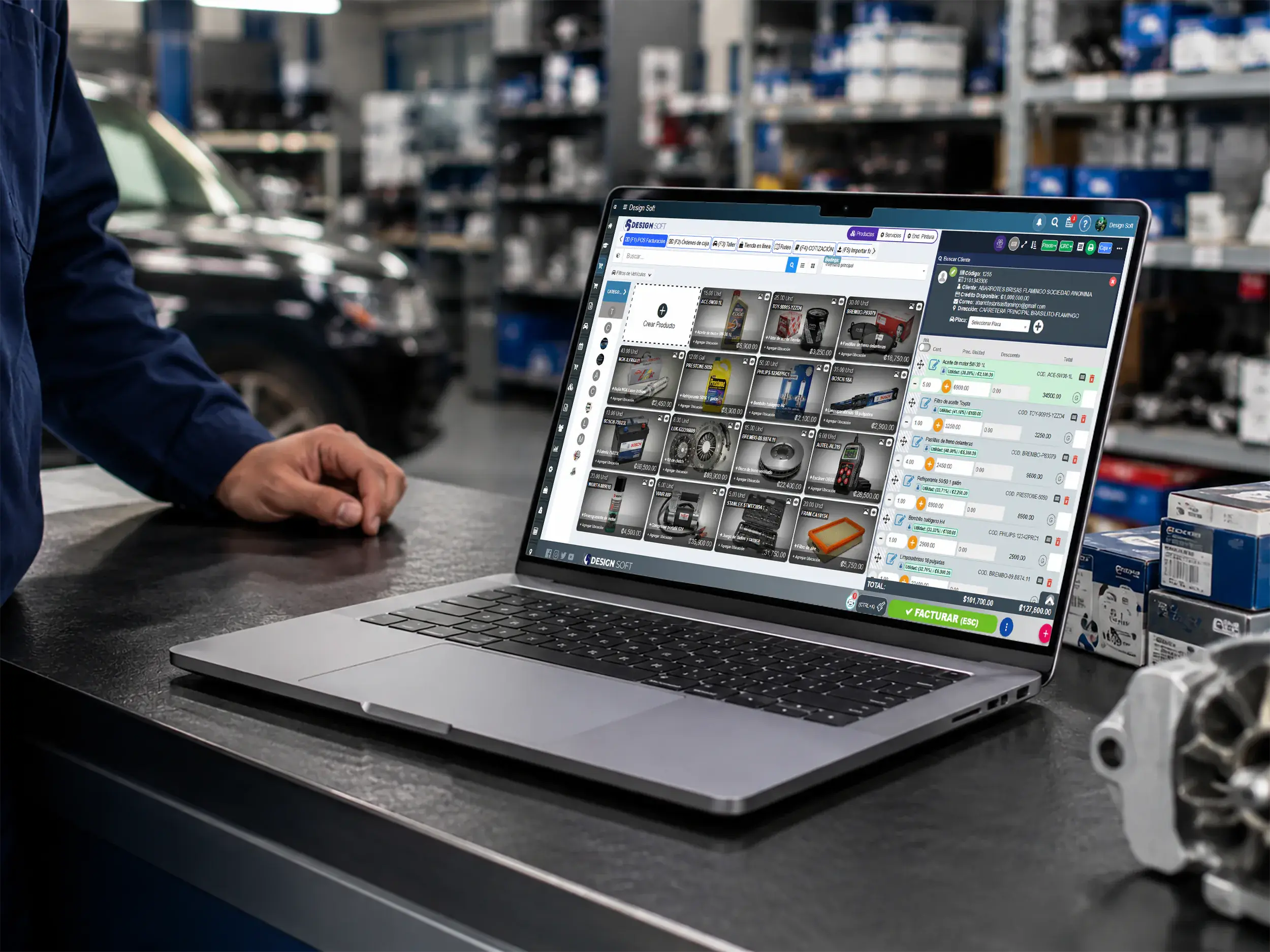
Point of sale for inventory
Turn parts into faster sales
Bill parts and services from a register wired into inventory so stock comes off the shelf count cleanly.
- Counter and register
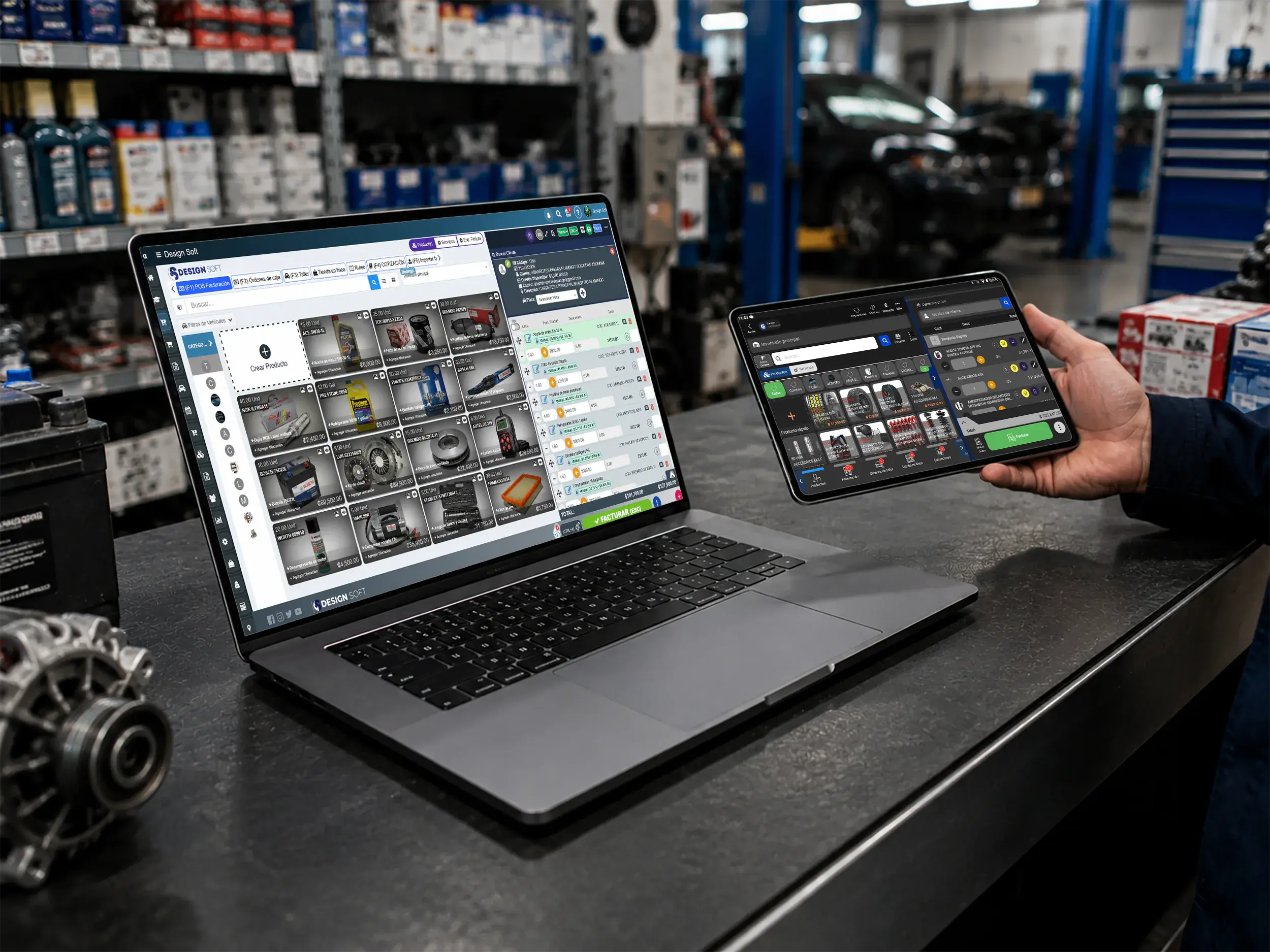
Smoother checkout
Sell from the register, the counter or check-in
Use a desktop or tablet to bill parts, apply payment methods and keep stock movement in sync.
- Web and mobile
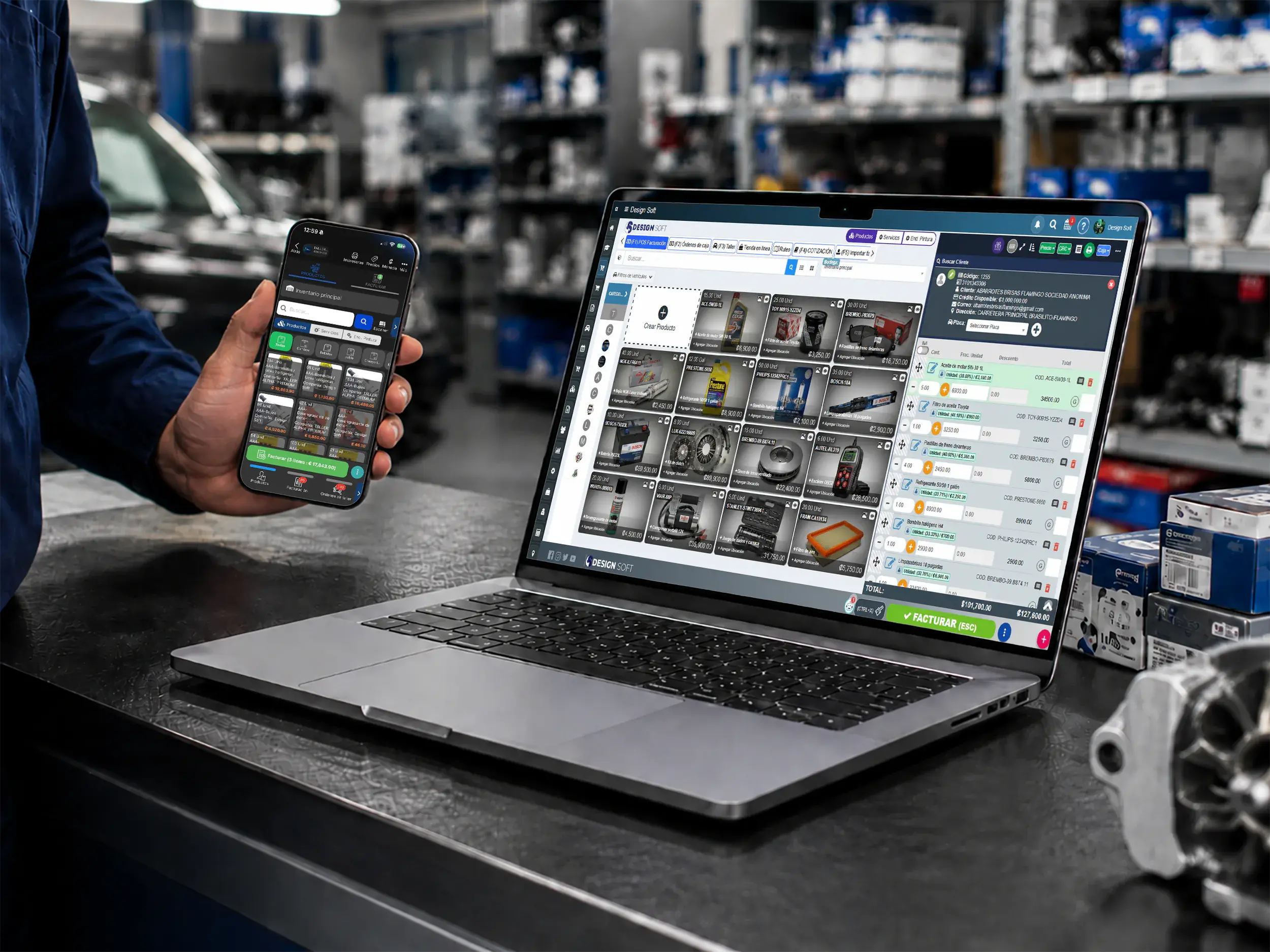
Flexible checkout
Record payments and issues from any device
Keep the counter, the parts room and the office connected with checkout on web and mobile.
Inventory Inventory Software
Measure turns, on-hand stock, write-offs and warehouse movements so inventory decisions rest on real numbers.
- Turns

Inventory analysis
Find the parts that actually move
Analyze turns, issues and inventory behavior to see which products carry the shop and which tie up cash.
- Operational detail

Administrative control
Review stock with a full trail
Pull movements, purchases, write-offs and issues from clearer reports so operational calls get easier.
- PDF report

Professional backup
Generate stock and control reports
Produce reports and backups in a professional format to document stock, movements and inventory follow-up.
Download the Inventory App
Get the Taller Alpha app on the App Store or Google Play, or use a browser to check inventory, products, sales and reports from any device.
-
App Store

Inventory on iPhone
Check inventory from the App Store
Use the Taller Alpha app on iPhone to check stock, parts, customers and key shop data from anywhere.
Available for iPhone and iPad

-
Google Play

Inventory on Android
Control stock from Android
Reach stock levels, product lookups and daily shop operations from Android without being tied to one station.
Available for Android phones

- Web access
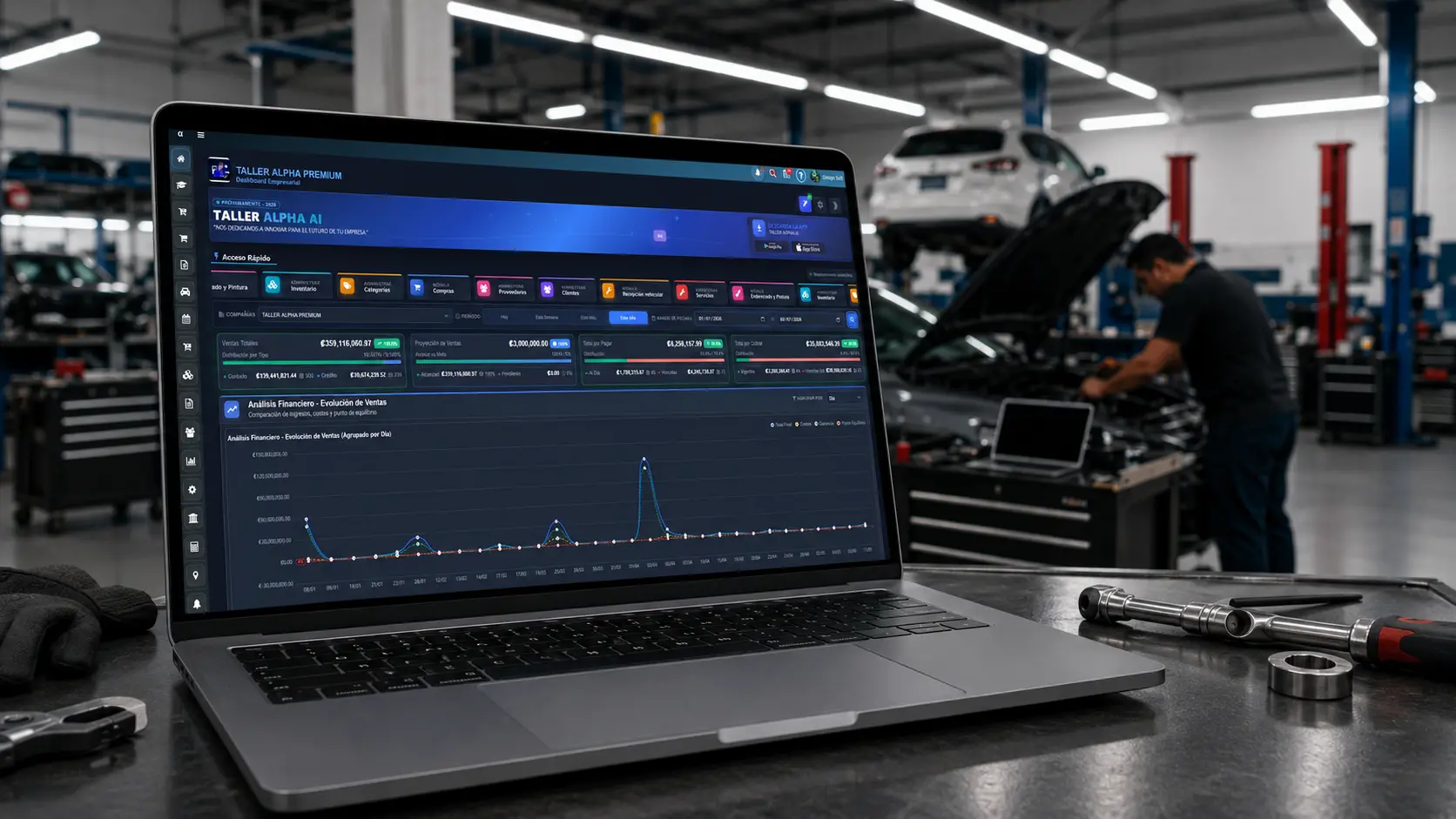
Inventory in the browser
Work from the web too
Sign in from a browser to manage inventory, products, sales and reports with a smooth desktop experience.
Compatible with Chrome, Edge, Firefox, and Safari.
We recommend Firefox for a more stable experience.