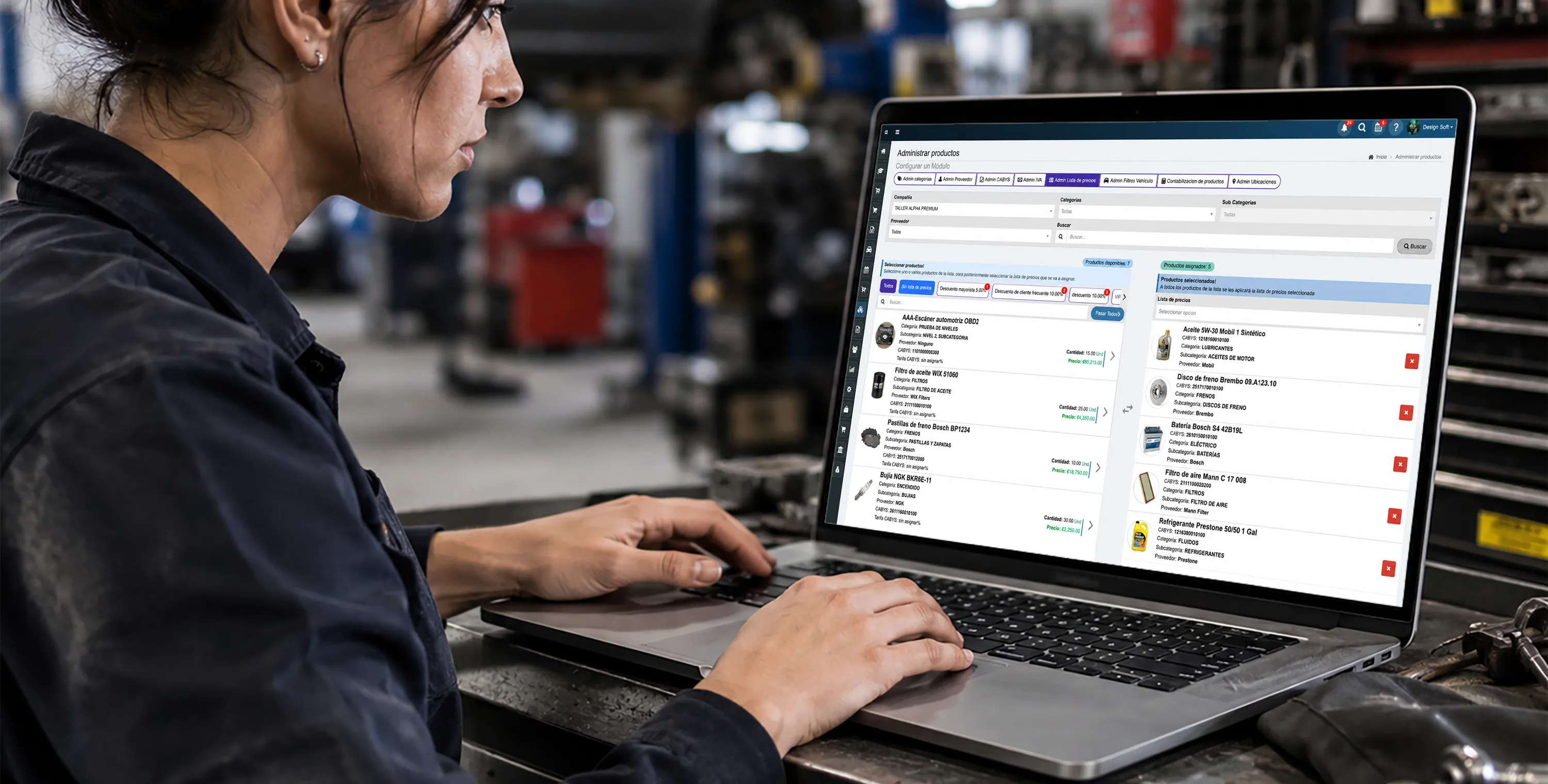
Setting the labor rate for an auto repair shop is not about copying the shop down the street or tacking a number onto the end of a repair. To charge with confidence you need to understand what it costs to keep the doors open, how long each service takes, what portion belongs to parts, and what margin the business needs to stay sustainable.
This guide does not propose a universal rate or region-specific pricing. Your numbers depend on wages, expenses, applicable taxes, specialization, market and capacity. The goal here is to give you a simple method so you stop quoting blind.
Cost vs. price
Cost is what the shop has to absorb to deliver a service. It can include team time, rent, utilities, tools, admin, supplies and other operating expenses. Price is what you present to the customer to cover that cost and leave the margin the business needs.
Confusing the two leads to two common problems: charging less than the job actually costs, or setting prices you cannot explain or revisit later. Separating them makes decisions much clearer.
Calculate a reference cost per hour
A first approximation is to divide operating expenses for a period by the billable hours you can realistically sell. Billable hours are not the same as paid hours: check-in, purchasing, cleanup, admin, waiting and comebacks all consume time but do not always get billed as labor.
Reference hourly cost = period operating expenses ÷ estimated billable hours for the period
Worked example
Say that after totaling a month of expenses, the shop identifies $2,400 in operating costs it wants to recover through services. If it estimates it can sell 120 billable hours that month:
$2,400 ÷ 120 = $20 per hour
That result is not the customer-facing price; it is a base for analyzing the work. From there you factor in your target margin, the type of service, the expertise required and the risk in the repair.
If the shop wants to work toward a 30 % reference margin, one way to calculate price before taxes or local conditions is:
Reference price = cost ÷ (1 − target margin)
In the example: $20 ÷ (1 − 0.30) = $28.57. This is a made-up example to illustrate the formula, not a rate recommendation.
Watch the gap between your door rate and your effective labor rate. The rate on the wall is what you post; your effective labor rate is what you actually collect per billed hour after discounts, uncharged diagnostic time and hours that never landed on a ticket. If those two numbers drift far apart, the problem is usually capture, not pricing.
Which operating expenses to include
Not every shop has the same structure. Review the expenses that genuinely sustain the operation and avoid spreading a cost around without checking where it comes from.
| Cost group | Examples worth reviewing |
|---|---|
| People | Technician time, service writing, admin and training where applicable. |
| Facility | Rent, power, water, connectivity, cleaning and security. |
| Tools and equipment | Maintenance, wear, calibration or replacement. |
| Operations | General shop supplies, administrative work and internal processes. |
| Non-billable work | Uncharged diagnostics, comebacks, waiting and coordination. |
The point is not to load every expense onto a single repair. It is to have a realistic view of what it costs to operate, so your price list is not disconnected from the shop.
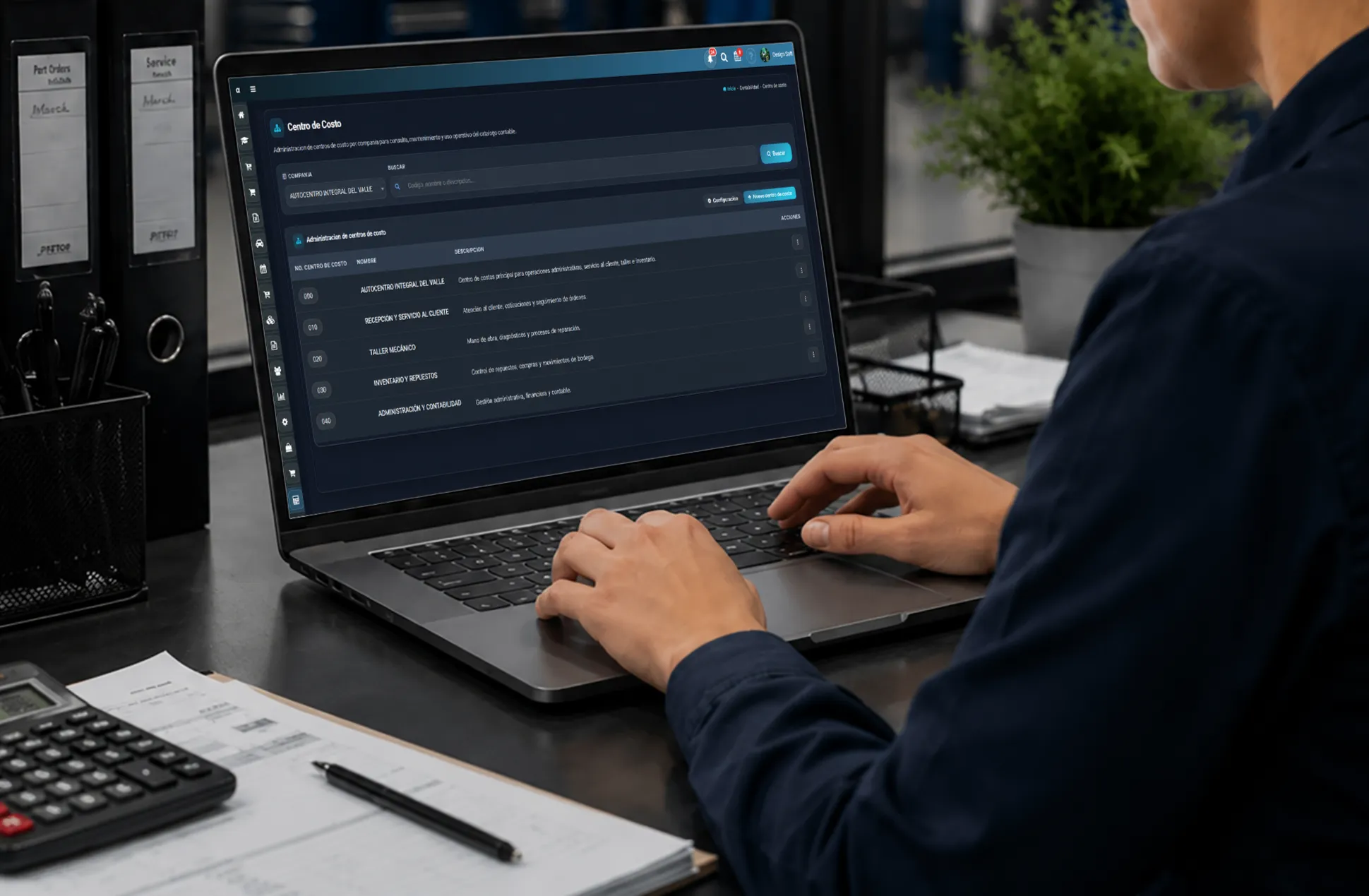
Factor in time, specialization and scope
Two jobs with the same name can take very different effort. A repeatable maintenance service may have a known book time; a diagnostic with vague symptoms may need extra inspection. Before setting a number, define the scope you are estimating.
Useful questions before pricing labor:
- how much productive time does this service usually take?
- what experience or specialization does it require?
- what tools or equipment are involved?
- is there a diagnostic that should be quoted separately?
- which surprises are reasonable, and which need separate authorization?
Documenting these criteria keeps different people on your team from quoting the same job in wildly different ways.
A note on labor guides. Many US shops price flat-rate jobs from a published labor guide’s book time rather than from a stopwatch. That is a reasonable starting point, but book time assumes ideal conditions. If your shop consistently runs over on a given job — rusted fasteners, older vehicles, tight bays — your own historical times are the better input.
Keep parts and materials separate from labor
Labor represents the technical work; parts and materials are a different part of the proposal. Shown separately, the customer can see what they are paying for, and you can adjust one side without losing sight of the other.
When you build a base price list, define which services include minor materials and which require parts quoted separately. If diagnosis turns up an additional part, explain it before proceeding and update the proposal with the correct scope.

When to use flat rate and when to bill by time
Flat rate works when the service is repeatable, the scope is clear, and the shop has enough experience to estimate duration. Scheduled maintenance, for example, can run off a base price list you review regularly.
Billing by time or by diagnostic is usually the safer call when there are many variables: hard-to-pin faults, hidden damage, or repairs where scope is only known after inspection. In those cases, be explicit about what you are evaluating, what you can estimate, and what will need additional approval.
You are not picking one method forever. The same shop can use both, depending on the service and the information available.
Build and review a base price list
A price list does not need to cover every repair imaginable. Start with your most frequent services and document, for each one, the scope, the reference time, what gets billed as labor and what gets quoted separately.
A simple process:
- Group repeatable services by job type.
- Record the reference time and the resources they usually need.
- Separate labor, parts and materials where it applies.
- Define when a variation requires diagnosis or extra authorization.
- Review prices when costs, operations or the market shift.
The value of this list is that it is reviewable. A price that worked months ago may not cover what the shop looks like today.
Common mistakes when setting shop prices
- Pricing only off the competition. Useful as a market reference, but no substitute for knowing your own costs.
- Treating every paid hour as sellable. Not all of your team’s time gets billed directly.
- Forgetting indirect expenses. Tools, facility and coordination are part of the operation too.
- Blending parts into labor with no detail. It makes changes hard to explain and margin hard to review.
- Not defining scope. A diagnostic or a variable repair should not promise the same certainty as a repeatable service.
- Keeping the same list indefinitely. Costs, times and services all change.
From setting the price to presenting a clear estimate
Once you have a reference price, the next step is presenting it clearly: what service will be performed, what it includes, which parts or materials are accounted for, and which conditions need approval. Read how to write a clear auto repair estimate to organize that proposal before work starts.
You will also want to watch whether your pricing is holding up in practice — the auto repair shop KPIs guide covers effective labor rate and average repair order.
Taller Alpha keeps services, products, prices, parts, repair orders and estimates organized inside the shop workflow. It does not replace your judgment on cost calculation or decide your margin for you; it helps you record and review the information your team works with daily. See Taller Alpha’s auto repair shop software.
Price with information, not improvisation
The best price is not a universal figure. It is one that matches your real costs, the time required, the scope of the work, and how you want to sustain your operation. Review that information often and use it to quote more consistently.
If you want to see how Taller Alpha organizes services, products, prices, repair orders and estimates in one workflow, you can request a demo.