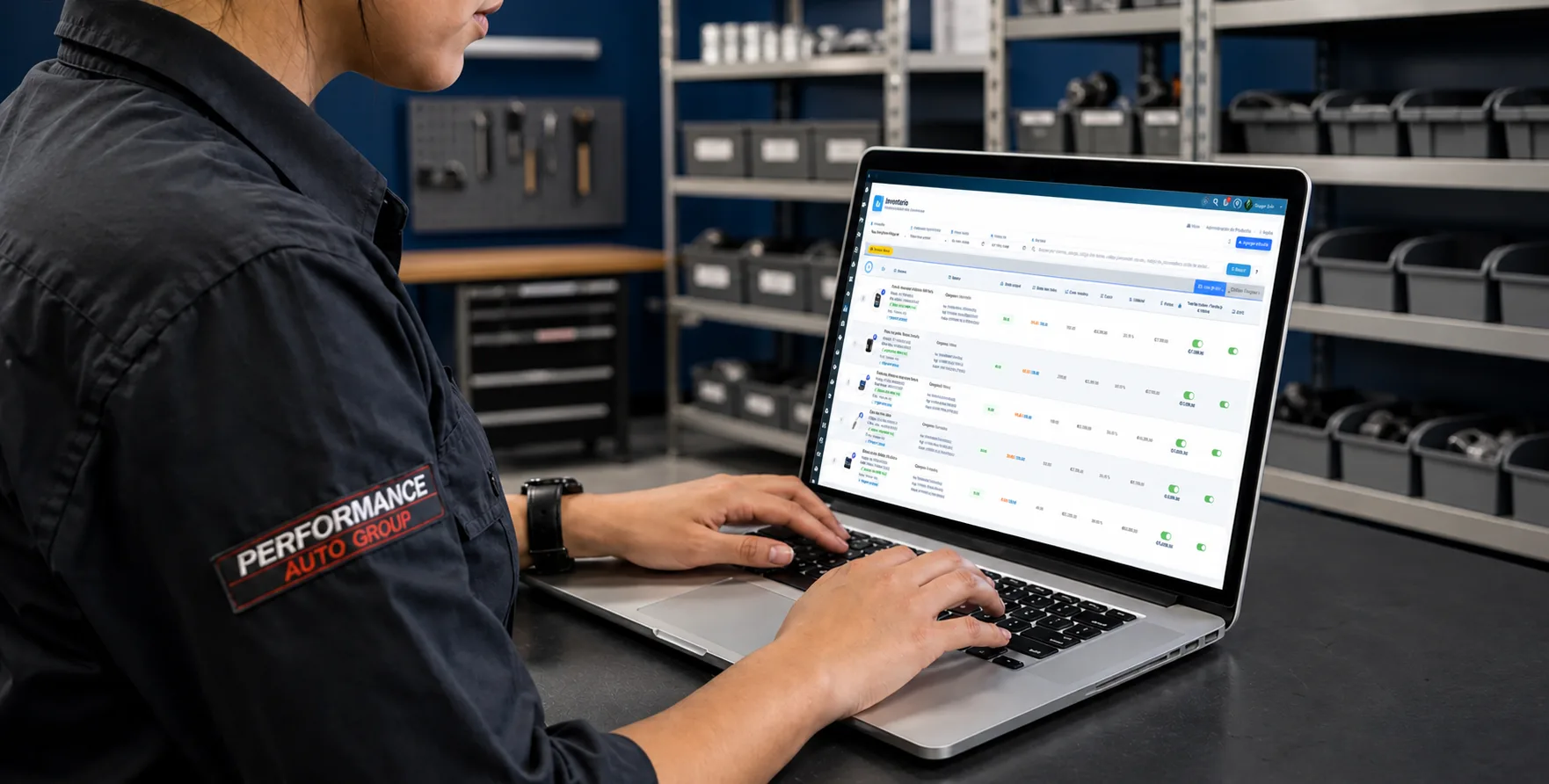
Managing parts inventory well tells you what you have on the shelf, what went onto each repair, what you need to reorder, and how much cash is sitting in stock.
When control depends on paper, spreadsheets or someone’s memory, the gaps show up fast: parts that disappear, duplicate purchases, products the record says you have but the shelf does not, and parts installed that never made it onto the invoice. That last one is pure margin walking out the door.
Inventory should not be a standalone process. Connect it to purchasing, repair orders, vehicles and sales so every movement has a reason and an owner.
What belongs in a shop’s parts inventory
Inventory can include parts, oil, lubricants, filters, batteries, shop supplies, accessories and anything else the shop uses or sells. Each product needs enough information to identify it and track its quantity:
- Part name and number or reference.
- Category, supplier and physical location.
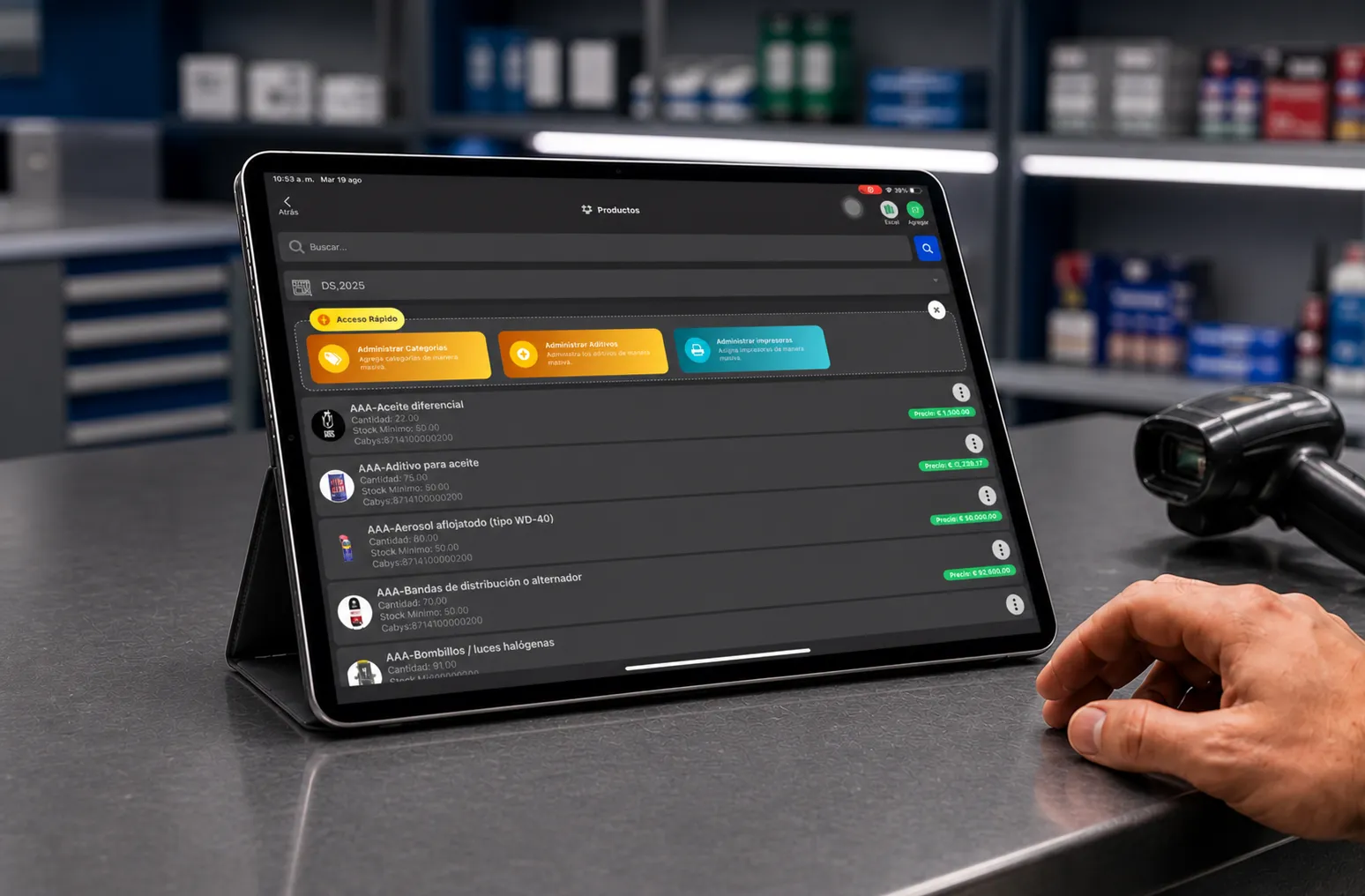
- Cost, sale price and quantity on hand.
- Minimum stock level for reordering.
With that in place you can confirm whether a part is available before starting a job or placing an order. A parts inventory system keeps that information available to the whole team instead of living on one person’s list.
How to organize parts
Do not dump every product into one flat list. Classify by how the shop works: oil and lubricants, filters, brakes, suspension, engine, electrical, batteries, accessories and shop supplies are common categories.
The right classification depends on your service mix. Also define a physical location: knowing three units exist is not enough — the team has to be able to find them.
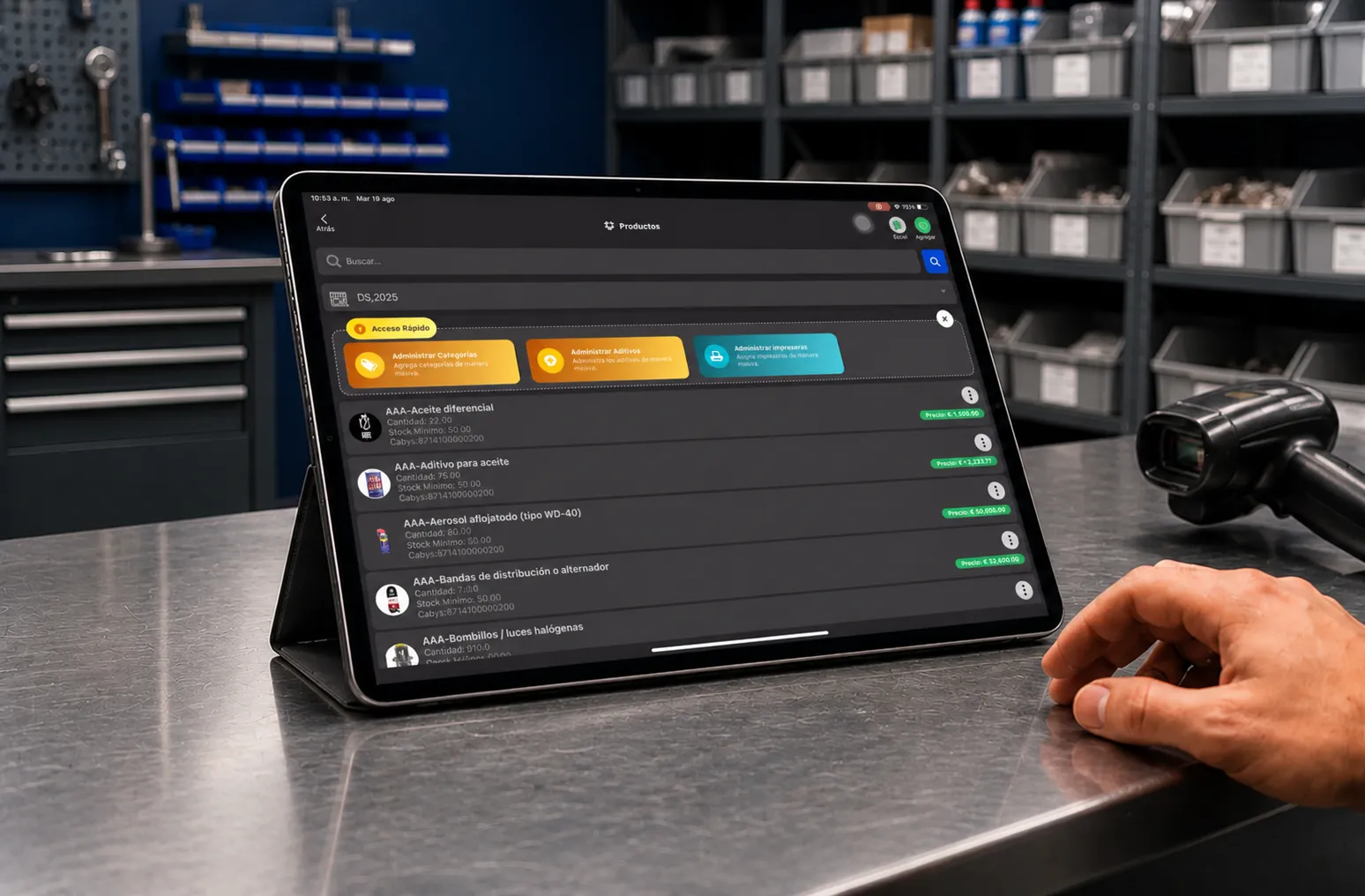
How to control parts movements
To control parts you have to record every movement. A purchase increases on-hand; a part used on a repair decreases it; a return, damage or adjustment has to be documented too.
If a movement happens physically but never gets recorded, inventory stops representing reality. Use three filters without recording them and the system keeps showing a number that is simply wrong.
Record receipts and issues
Every movement should answer at minimum:
- Which product moved and how many.
- When it happened and why.
- Who made the movement.
- Which repair it went on, where it applies.
This history lets you review when a part left, why, and who recorded it. The goal is a usable explanation for every discrepancy.
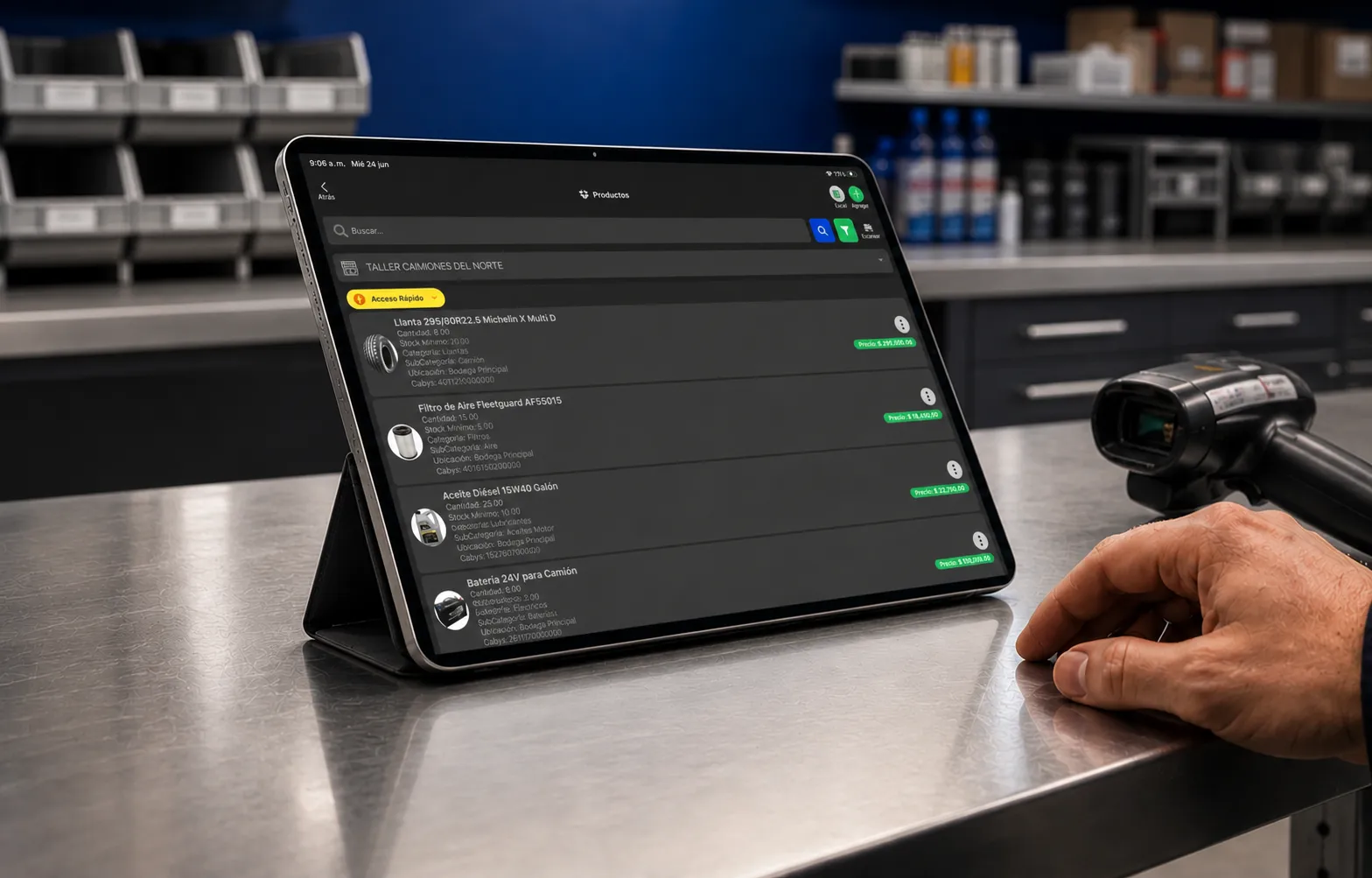
Tie parts to repair orders
This is the most important habit on the list. Parts used during a repair have to be linked to their repair order. If a vehicle comes in for maintenance and uses an oil filter, an air filter, five quarts of oil and brake pads, those products should not show up as a generic issue from stock.
Linking them to the RO tells you what was installed, what it cost, what was billed to the customer, and what to deduct from inventory. It also means the vehicle’s history keeps the repairs and parts used on every visit. See the guide on how to write a repair order for what else should travel with that process.
This is also your best defense against uncharged parts. When issuing a part requires an RO number, a part cannot quietly leave the shelf without landing on a ticket.
Set reorder points on the parts that matter
Not every part needs the same quantity on hand. Filters, oil and fast-moving shop supplies should have a minimum stock level. Waiting until you hit zero can stop a job that was ready to move.
Set minimums based on how often you use the part, your supplier’s lead time, and the space you have. That lets you restock ahead of time without over-buying products that sit for months.
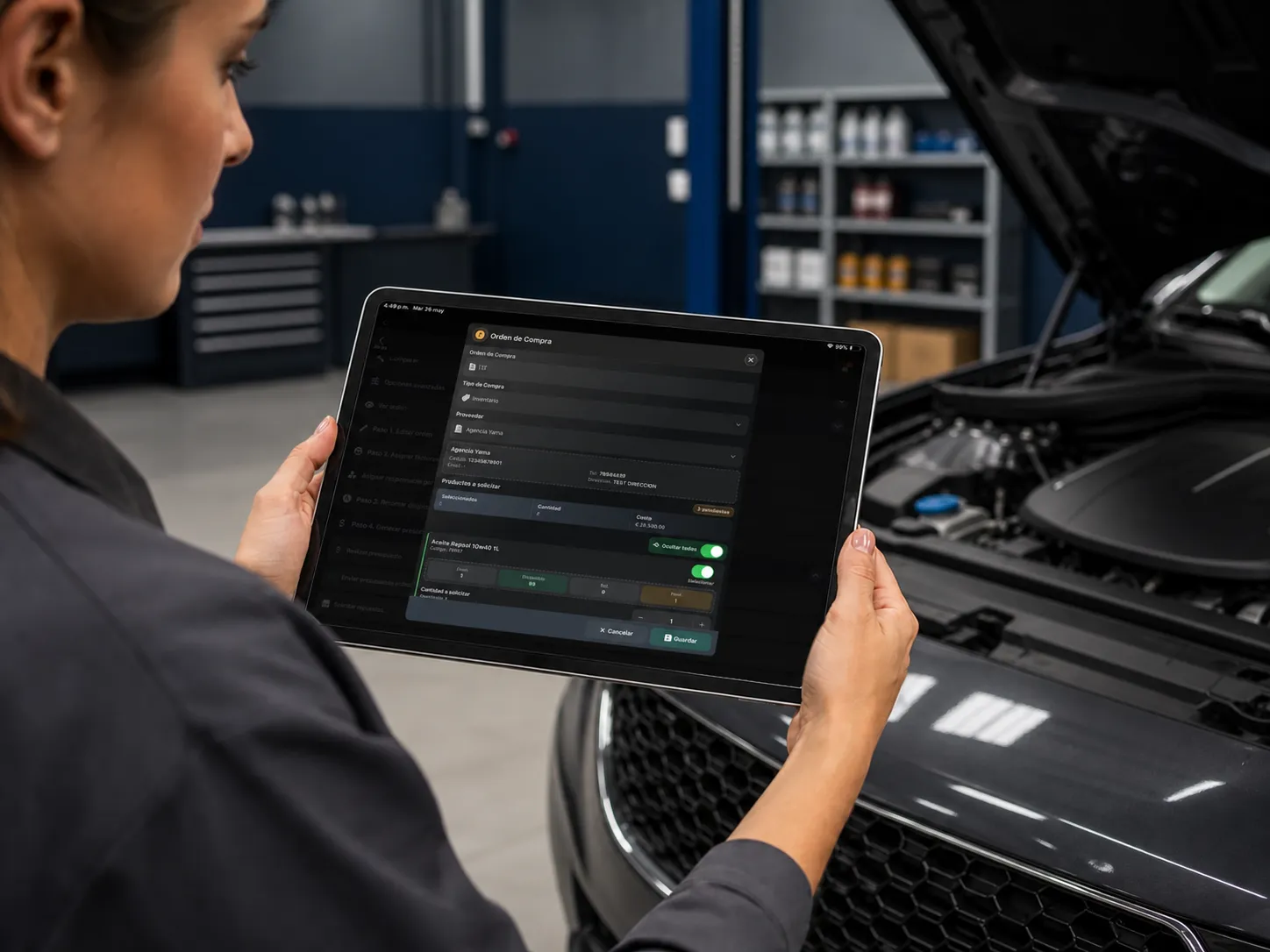
Stop buying parts you already own
Disorganized inventory causes unnecessary purchases: someone looks for a part, cannot find it, orders another, and later discovers it was stored somewhere else. Before ordering, check availability, location, last cost and supplier. What matters is having the right products when you need them.
Run physical counts on a schedule
Even with software, physical counts are how you compare the record against what is actually on the shelf. Split inventory by category and count higher-value or faster-moving products more often — a rolling cycle count is easier to sustain than one big annual shutdown.
Track cost and margin on parts
Inventory should also tell you what parts cost, what you charge, and how much cash is tied up. If a supplier raises a cost and your price does not move, your margin changed without anyone deciding it did. Tying cost to the repair order lets you review the real profitability of each job.
If you use a parts matrix to set retail pricing, this is where you check whether it is still holding — costs move faster than most matrices get reviewed.
Know which parts actually move
Knowing which filters, lubricants and supplies turn fastest lets you cut stockouts, adjust minimums, and stop tying up cash in parts that barely sell. Inventory turns is the number worth watching here: cash sitting on a shelf is cash not working.
How to prevent parts shrinkage
Shrinkage is not always theft. It also comes from unrecorded movements, damaged products, wrong purchases, and parts installed that were never billed to the customer.
To reduce it: record receipts and issues, identify who made them, tie products to repair orders, count on a schedule, and document damage or returns. The more traceable the process, the easier it is to find where a discrepancy started.
Is a spreadsheet enough?
A spreadsheet can work in a small shop with few products and one person making movements. As you grow, you get competing files, wrong quantities and forgotten issues. Auto repair shop software puts inventory, repair orders and billing in the same flow.
What parts inventory software does
The advantage is not just replacing a spreadsheet. It is connecting the operation: purchase the part → receive into inventory → repair order → part used → issued from inventory → billed to the customer → vehicle history.
That makes it much simpler to know which product was used, where, and what movement created it. It also cuts down on reconstructing information at the end of the day.
When it is time for dedicated software
There is no magic product or car count. There are clear signals: you do not know what you have, physical counts do not match, you buy parts that were already on the shelf, several people make movements, or parts used do not always end up billed.
When those problems repeat, dedicated software helps centralize the information and cut manual steps. Start by recording your most frequent movements properly, then extend control to the rest of the inventory.
How Taller Alpha handles it
Taller Alpha connects inventory to repair orders, vehicles, customers, services and billing. Parts can stay linked to each repair, preserving traceability from the moment they enter inventory to the moment they are used.
Instead of managing products in isolation, the shop can review the information inside its daily operation and understand which part was used, on which vehicle, and how it affected the cost of the job.
Parts availability is also one of the most common reasons a repair order stalls — see the auto repair shop KPIs guide for how that shows up in cycle time.
Frequently asked questions about shop parts inventory
How do you manage parts inventory in an auto repair shop?
Record the products, organize them into categories, and control receipts and issues. Tie parts used to repair orders and run physical counts on a schedule.
How do you keep control of parts?
Every movement has to be recorded. When a part goes onto a repair, link it to the corresponding repair order so it is deducted correctly and you know where it went.
How should parts be organized?
You can split them by category, part number, brand, supplier or product type. It also helps to assign physical locations so anyone can find a part quickly.
How do you prevent parts losses?
Record movements, identify owners, count periodically, and tie issues to repair orders so discrepancies surface while they can still be traced.
Which products should a shop keep in stock?
It depends on your service mix. Look at which parts and supplies turn fastest and keep enough of the ones you use often.
Spreadsheet or software?
A spreadsheet can work for small operations. As products, repair orders and the number of people making movements grow, dedicated software makes it far easier to keep one accurate record.
Is there software specifically for tracking shop parts?
Yes. Shop management systems manage inventory and connect products to repair orders, purchasing, sales and vehicles. Taller Alpha builds that control into the daily operation.