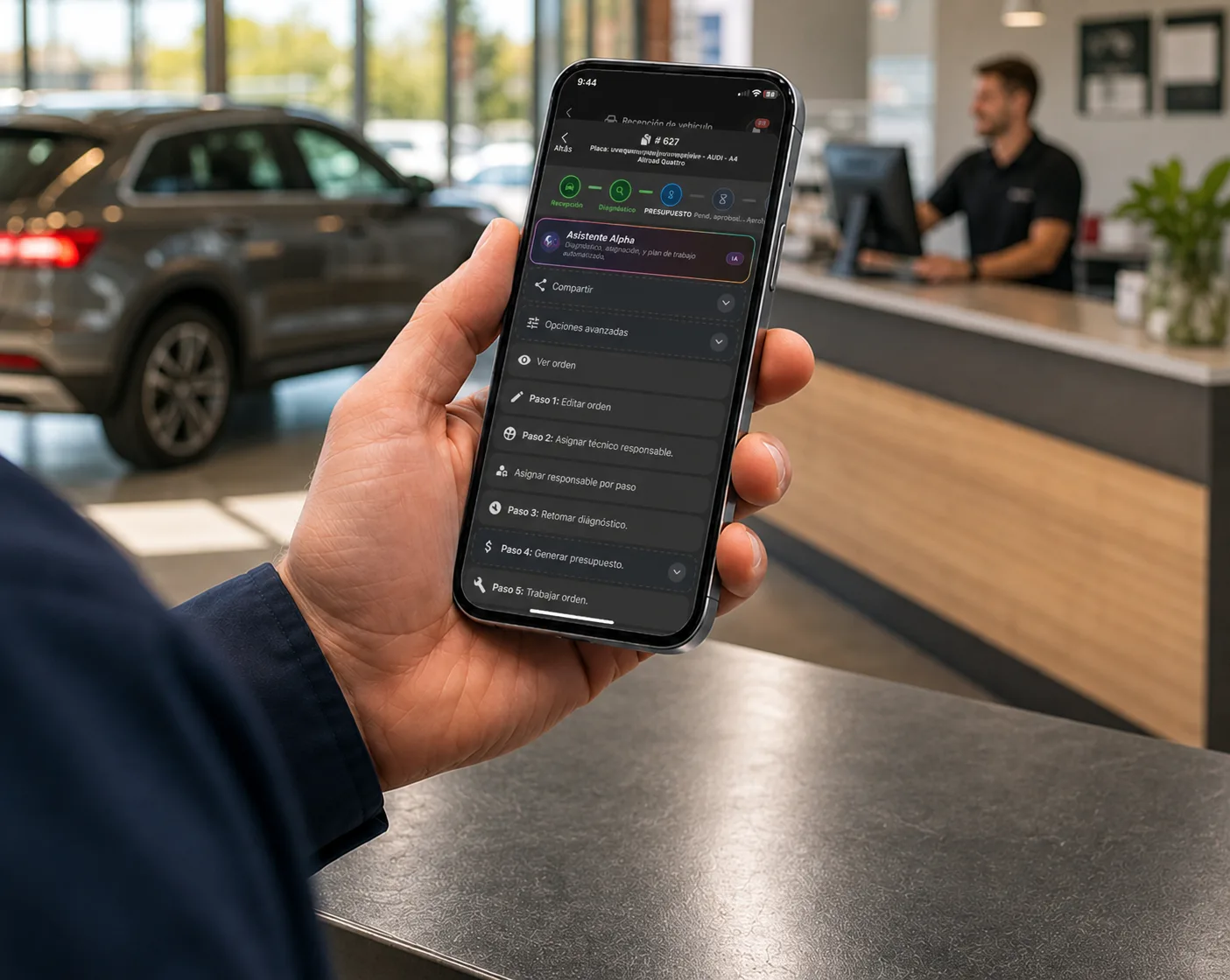
Choosing shop software is not only about comparing feature lists. It also matters where your team actually works: a computer at the front counter, the manager’s phone, a tablet next to the vehicle, or several devices across the day.
Desktop software, a cloud platform and a mobile app solve different needs. Before deciding, separate the technology model from the functions your shop needs: repair orders, customers, parts, payments, tracking and administrative information.
What desktop shop software is
Desktop software is installed directly on a computer. The program and its daily use stay tied to that machine, or to however the shop has configured its network.
It can suit a business that works mostly from one desk with a stable process. Before choosing it, though, check who handles updates, maintenance, backups and access from other devices. Those terms vary by vendor.
Can work well when: one person concentrates the administration and work happens in a fixed location.
Can hold you back when: the front counter, technicians and the office all need information at different points in the shop or on different machines.
What a cloud-based system is
A cloud system runs in a browser. Instead of installing the program on each computer, the team signs in from machines authorized by the shop and the vendor.
This can make it easier to work from the counter, the office, or an extra computer. It also reduces dependence on one machine to open the program — though you should always confirm connection requirements, permissions, backups and uptime with each vendor.
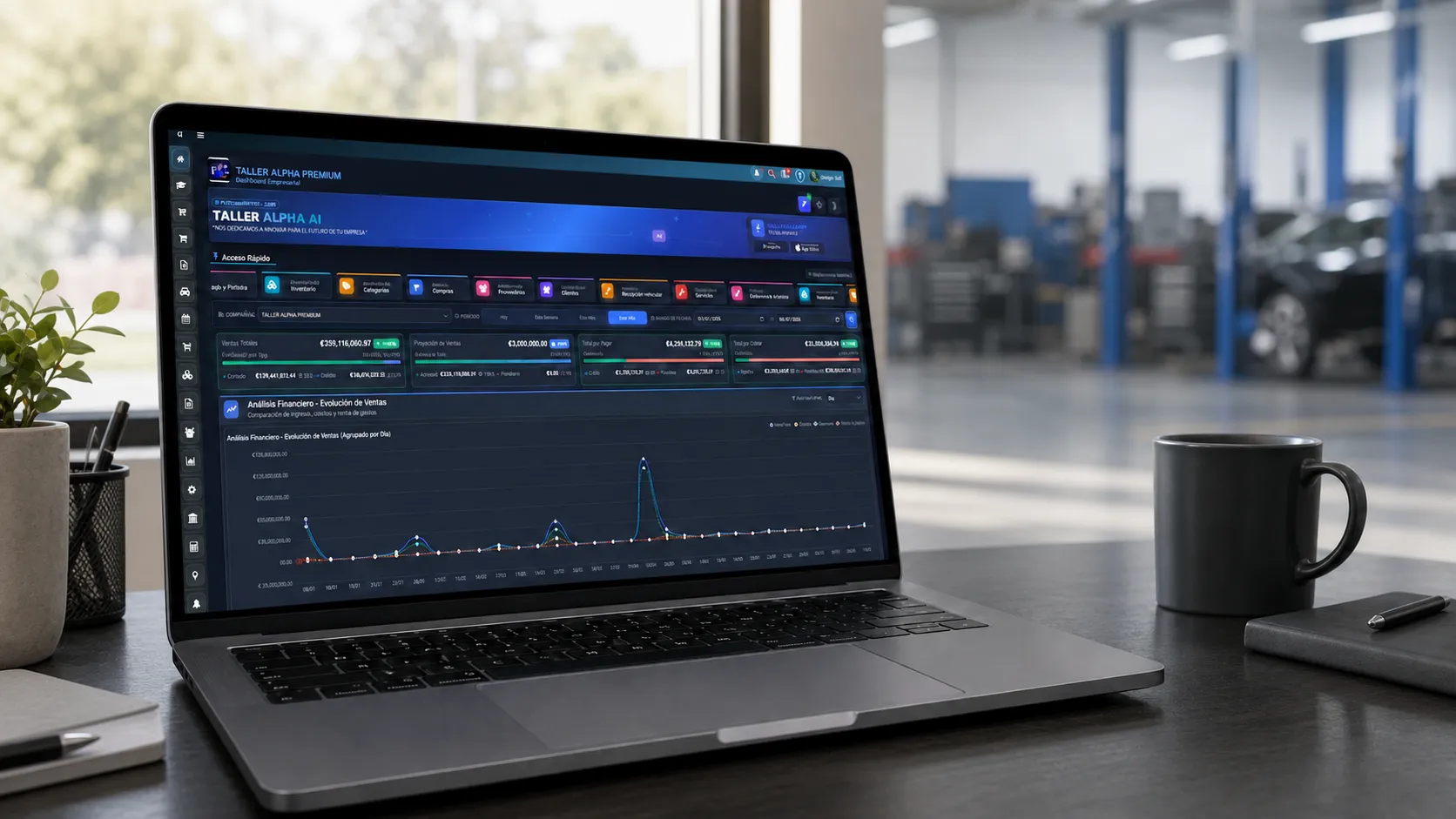
Can work well when: the shop needs to manage repair orders, customers, inventory, payments and reports from a full desktop view.
Can hold you back when: the team needs to capture or check data constantly away from a computer. A companion app helps there.
What a mobile app adds
An app lets you work from a phone or tablet. It is useful for checking information, reviewing progress, or completing tasks during check-in and out in the bays without walking back to the desk.
But an app is not always a complete system. Some apps complement a main platform; others cover a narrower set of processes. The relevant question is not just whether an app exists, but what the team can do from it and whether the information stays inside the same workflow.
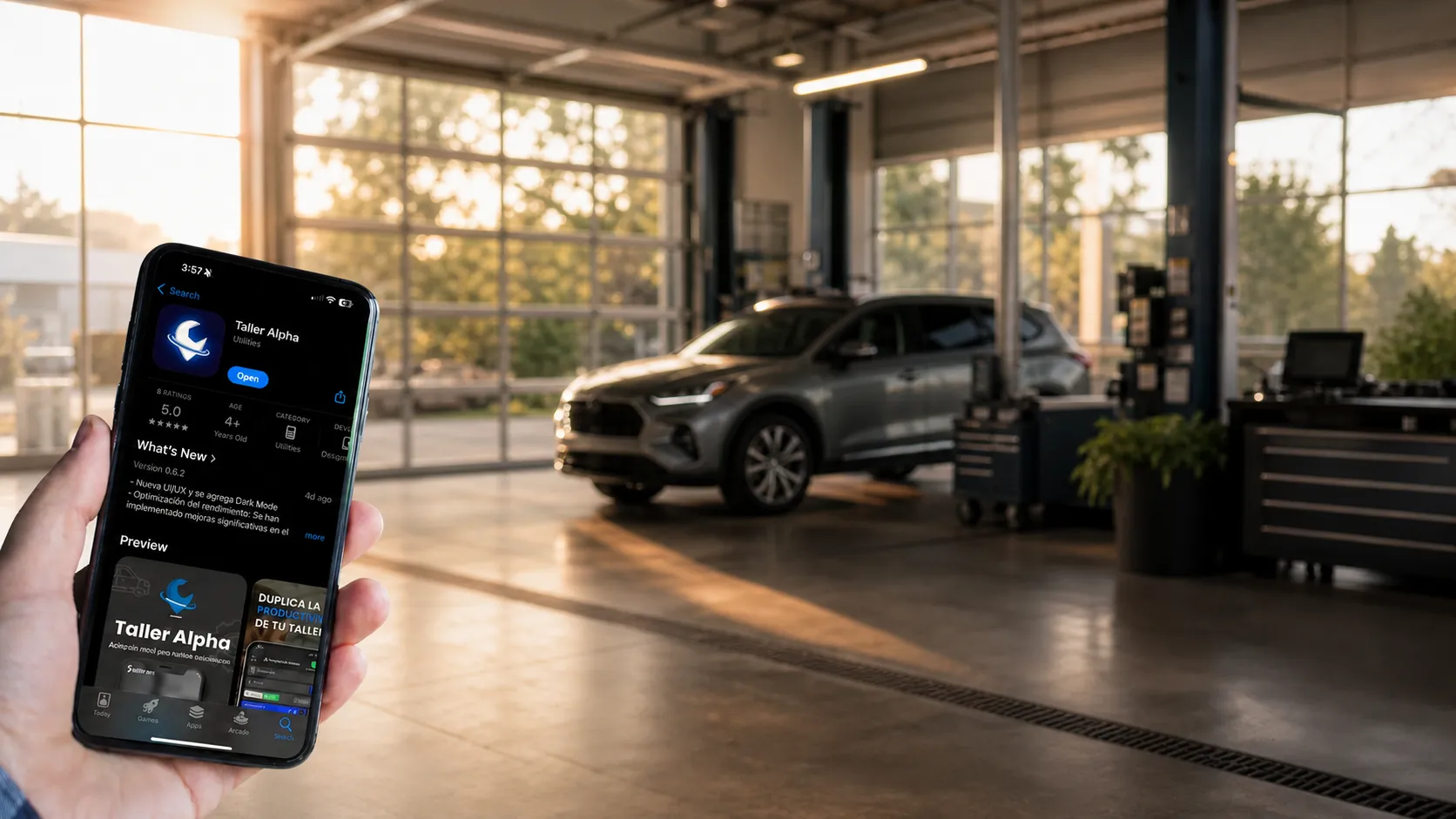
Can work well when: staff need mobility around the shop and frequent access to repair orders, customers or services.
Can hold you back when: you expect a phone to replace a full administrative view, detailed report review, or business configuration.
Desktop, cloud, app and combined: the differences
| Characteristic | Desktop software | Cloud system | Mobile app | Web + mobile apps |
|---|---|---|---|---|
| Installation | Installed on a computer. | Used in a browser. | Installed on phone or tablet. | Combines web access and apps. |
| Access from multiple devices | Depends on configuration. | Usable from authorized machines. | Centered on the mobile device. | Pick the device by task. |
| Mobility | Lower; usually desk-bound. | Useful from different computers. | High inside the operation. | Combines desk and mobility. |
| Dependence on one computer | Generally higher. | Lower than a single installed machine. | No computer needed for the app. | Web supports admin; app supports mobile tasks. |
| Updates and maintenance | Usually require managing the installed program. | Handled by the vendor. | Depend on the app and the device. | Reviewed separately per access point. |
| Working with several users | Depends on licenses, network and setup. | Depends on available users and permissions. | Depends on app users and functions. | Can split work between web and mobile. |
| Use on phone or tablet | Not usually the focus. | Varies by browser and design. | Its native environment. | Includes apps for these devices. |
| Scalability | Depends on the install and available infrastructure. | Depends on vendor, users and configuration. | Depends on the app’s scope. | Depends on how web and mobile access are configured. |
The table does not replace a demo or each vendor’s terms. It helps you ask better questions before buying: which tasks happen on which device, who needs access, and how the context of a repair order is preserved.
You will also see the term cloud-based shop management used loosely. Not every vendor means the same thing by it, so confirm what it covers before assuming anything about access, backups or administration.
Which option fits which shop
A small shop with one person at the counter may value the simplicity of working from a single computer. A shop with several technicians, vehicles in process, and work split across the counter, the parts room and the office usually needs the information to travel with the team.
The point is not to pick the “most modern” model — it is to pick the one that stops the same data from being copied into notebooks, messages and separate programs. Before deciding, describe a real case: a vehicle arriving, the diagnosis, the parts, the authorization, the progress and the payment. Then check which device each step should happen on.
What to evaluate before choosing
These questions help compare alternatives without getting stuck on feature lists:
- Who needs to pull up a repair order during the day?
- Which tasks happen at the counter, next to the vehicle, or away from the desk?
- Where do you manage customers, inventory, payments and reports?
- Which users and permissions does the team need?
- Does the information on an order stay connected across the devices you use?
- What happens with updates, backups and support? Confirm this directly with each vendor.
Can you combine web and mobile apps?
Yes. A combined approach gives administration a comfortable web view while letting certain operational tasks happen from a phone or tablet. It does not mean every device has to do exactly the same thing: a large screen is better for reviewing administrative information, while a mobile device adds speed out in the bays.
What matters is that the shop defines each device’s role and that important data does not end up siloed by channel.
How this works in Taller Alpha
Taller Alpha is a web platform with apps for phones and tablets — not traditional desktop software, and not a standalone mobile app.
From the web platform, the shop manages the operation with repair orders, customers, inventory, payments and reports. The mobile apps let the team review repair orders, customers, progress and operational data from mobile devices, according to the functions shown on the site.
This approach helps when the counter, technicians and office are not always in front of the same machine. Still, the best way to judge the fit for a specific shop is to walk a real workflow during a demo. To see the full commercial solution, review Taller Alpha’s auto repair shop software.
If you are earlier in the evaluation, the guide on how to compare auto repair shop software covers the criteria beyond the device question.
Frequently asked questions
What is the difference between desktop and cloud shop software?
Desktop software is installed on a specific computer. A cloud system runs in a browser and can be opened from different authorized machines, depending on each vendor’s configuration.
Can an app replace a full shop system?
Not always. An app helps with mobility and shop-floor tasks, but confirm whether it also covers administration, repair orders, inventory, payments and reports, or whether it complements a main platform.
Can you run a shop from a tablet?
A tablet makes mobile tasks easier. Before choosing, confirm which functions are available to the team on that device and which require the web view.
What are the advantages of a cloud system?
It can reduce dependence on one installed machine and make browser access easier. Access, backup and support details should be confirmed with the vendor.
Computer, phone or tablet?
It depends on the task. A computer is usually best for administration; phones and tablets help when work happens away from the desk.
Can shop software combine web and mobile apps?
Yes. Taller Alpha pairs a web platform with apps for phones and tablets so the team uses the right device for each task.